Top10VPN is editorially independent. Buying a VPN through our links supports our work.
Surfshark vs NordVPN


The Short Answer
NordVPN is technically better than Surfshark. It’s faster on average, better at unblocking streaming services, and has marginally stronger security. It’s also a lot more expensive longer-term. While NordVPN wins overall, Surfshark isn’t too far behind and is absolutely worth considering if you’re on a budget.

Given their shared parent company, it’s not surprising that these two VPNs are so similar. NordVPN and Surfshark are both strong all-rounders: effective at securing your internet connection, unblocking streaming services, and bypassing web restrictions.
Frankly, the differences between them are fairly minimal.
Compounding this is the fact that both VPNs are backed by expensive marketing campaigns, resulting in them occupying the top two spots on many tech review sites.
Upon closer inspection, however, it becomes extremely clear that NordVPN is the superior VPN, particularly for international speeds and streaming access.
In some circumstances, Surfshark is still a great choice for its unique features, like its Android GPS spoofer, and its budget-friendly multi-year pricing plans.
Using my extensive knowledge of both VPN services, I’ve detailed the subtle yet important differences between the two below:
Surfshark vs NordVPN: The Key Takeaways
- NordVPN is faster. While Surfshark is fast, its slower than NordVPN over longer-distances.
- NordVPN has more server locations. You can get IP addresses from 37 more countries than Surfshark.
- NordVPN is easier to use. Its apps are less cluttered than Surfshark’s and connect faster.
- Surfshark has more extra features. This includes its GPS tool for Android and Multi IP.
- Surfshark costs far less. Aside from its monthly plan, its cheaper than NordVPN across all subscription lengths.
We’re fully independent and have been reviewing VPNs since 2016. Our ratings are based on our own testing results and are unaffected by financial incentives. Learn who we are and how we test VPNs.
Comparison Table
Use the table below to directly compare the two VPNs based on our testing categories:
Speed
Surfshark and NordVPN are both fast. They use a proprietary version of the WireGuard protocol and cause negligible speed loss on nearby and international connections. However, we recorded slightly faster ping and international download speeds using NordVPN.
| Surfshark | NordVPN | |
|---|---|---|
| Speed Rating | 9.1 | 9.7 |
| Short-distance DL Speed Loss | 4% | 4% |
| International DL Speed Loss | 17% | 14% |
| Short-distance UL Speed Loss | 8% | 6% |
| Short-distance Ping | 9ms | 8ms |
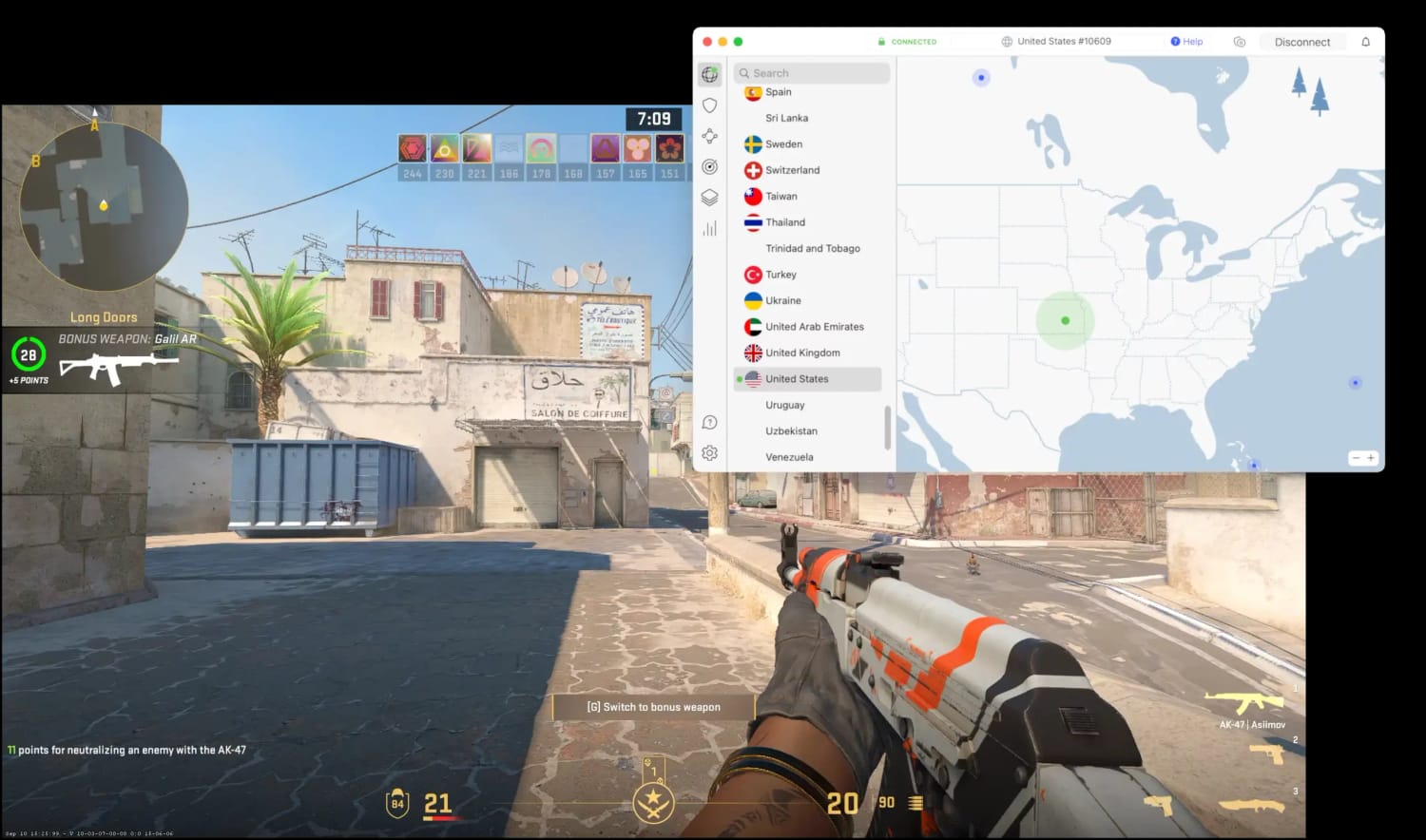
NordVPN is fast enough to use for online gaming.
NordVPN Outperforms Surfshark over Longer Distances
On connections near our physical location, both VPNs registered an impressive 4% speed loss.
However, NordVPN has the edge internationally — just. Its average international speed loss was 12% less than Surfshark. It’s not a big difference, but if you’re planning on connecting to far away servers often, it could add up over time.

As you might expect, this difference is greater over longer distances. Connecting from the US to Australia, we measured average download speeds of 16% with NordVPN and 21% with Surfshark, which are both impressively fast results.
Both VPNs also delivered ping speeds of under 100ms between the US East Coast and the US West Coast, Canada, Germany, and UK. With latency times like this, you can expect a smooth, responsive experience with either VPN.
Put simply: both VPNs are optimized for speed. They both use protocols based on WireGuard, which can be twice as fast as OpenVPN thanks to more efficient data transmission.
They’ve taken measures to avoid congested servers, too. Surfshark caps its server load at 40% to prevent slowdowns, while NordVPN automatically connects you to the least-congested server.
If speed is your priority, you won’t have any issues with either VPN.
Server Locations
While Surfshark’s server network certainly holds its own, NordVPN covers more countries. That said, Surfshark provides city-level server options in 11 countries — one more than NordVPN — so there’s ample choice from both VPNs.
| Surfshark | NordVPN | |
|---|---|---|
| Server Locations Rating | 9.5 | 9.9 |
| Countries | 100 | 137 |
| Countries with City-Level Choice | 11 | 10 |
| Servers | 4,500 | 9,000 |
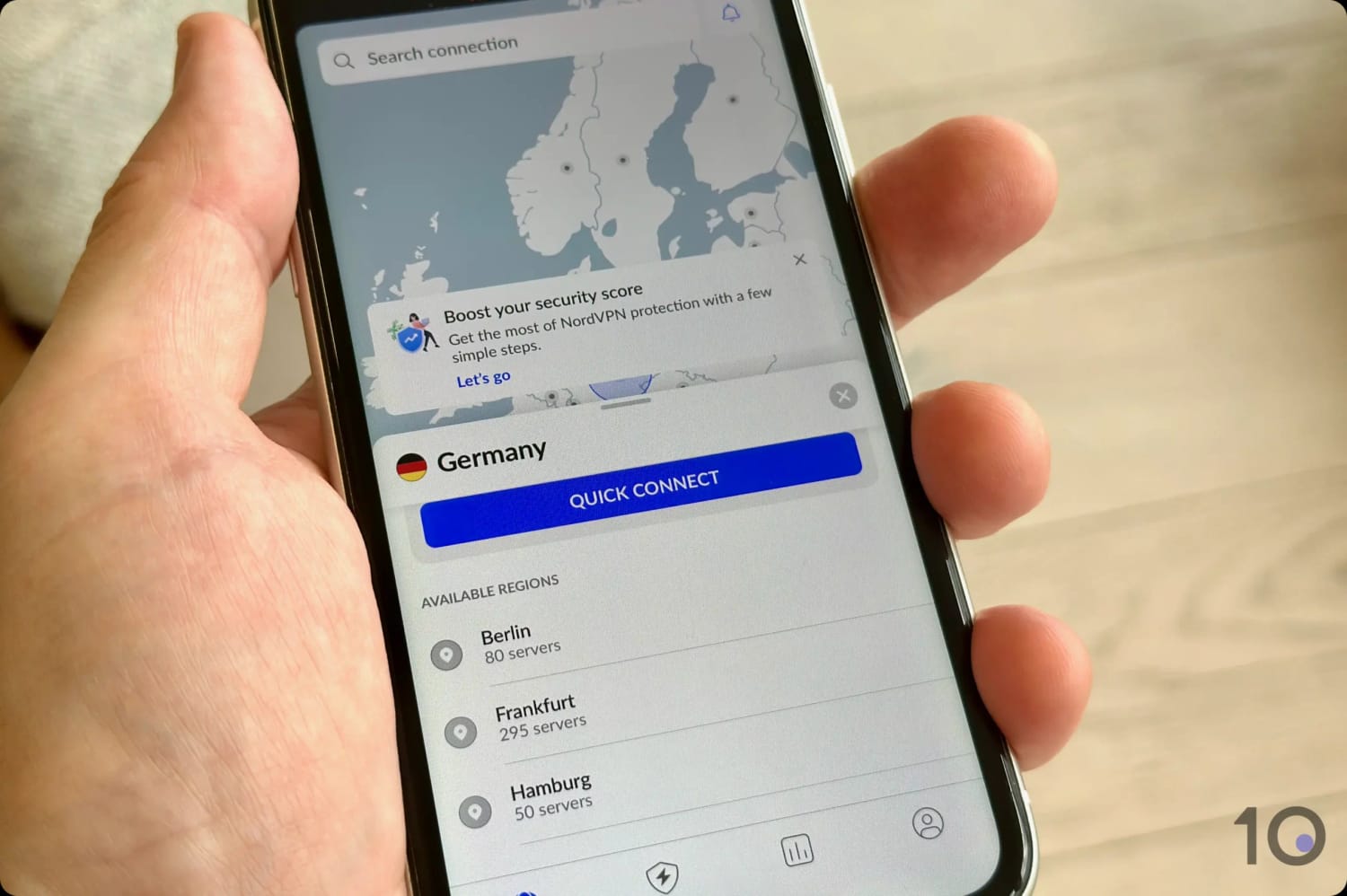
NordVPN provides city-level choice in 10 countries.
NordVPN has a larger server network than Surfshark, with 4500 more individual servers, and IP addresses available from 37 more countries.
Conversely, Surfshark has more city-level server choices than NordVPN, particularly useful for bypassing regional blackouts on content such as NFL or MLB games.
Both VPNs use virtual server locations to simulate IPs from countries without physical servers. Surfshark marks these virtual servers with a “v” in its apps, while NordVPN labels them as “Virtual,” helping you make more informed choices.
User Experience
While both VPNs provide a solid user experience, NordVPN’s refined interface and additional security features offer a slight edge for users seeking a more polished and secure VPN solution.
| Surfshark | NordVPN | |
|---|---|---|
| User Experience Rating | 8.9 | 9.3 |
| Clicks Required to Connect | 1 | 1 |
| Consistent App Design | Yes | No |
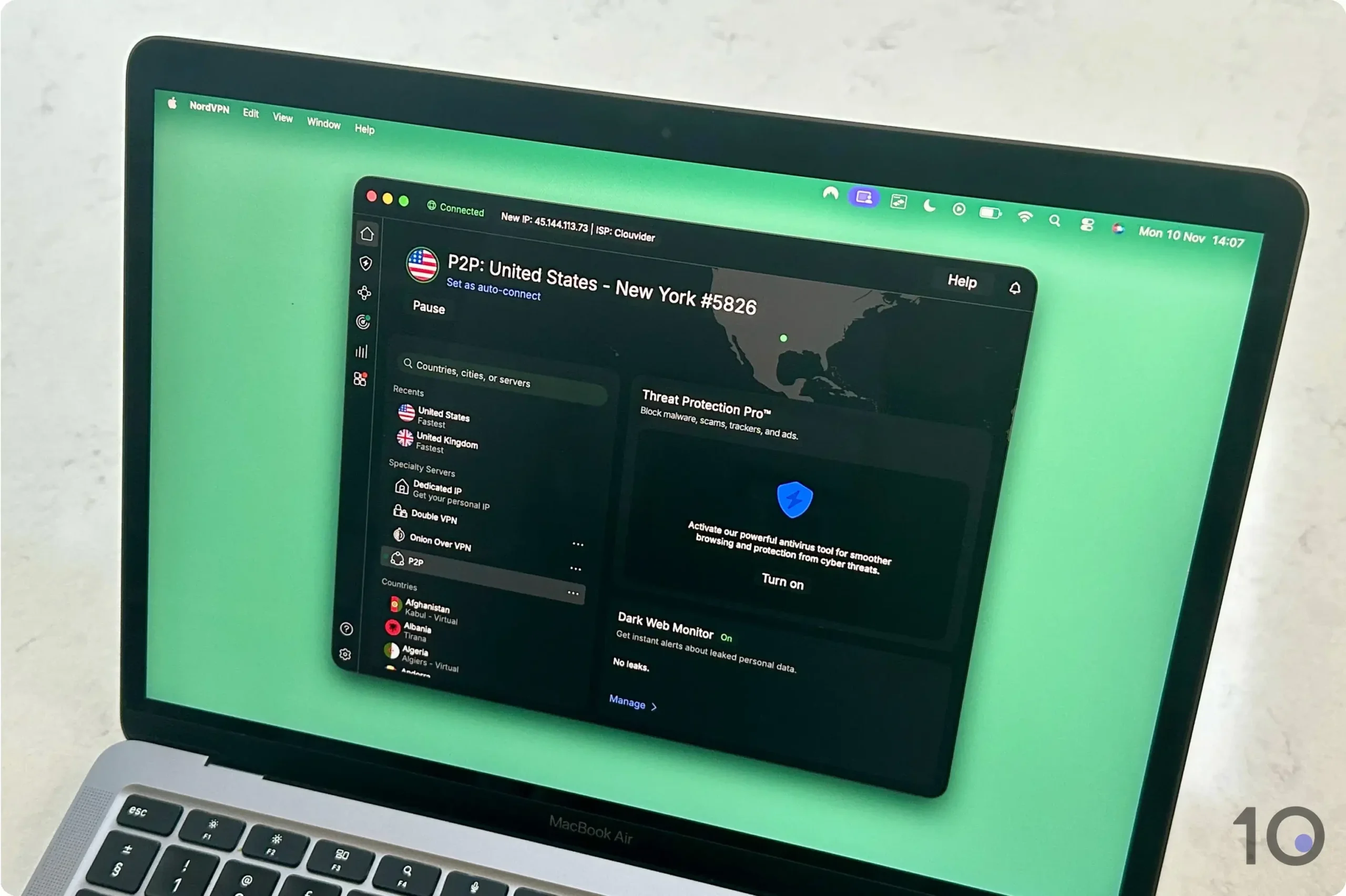
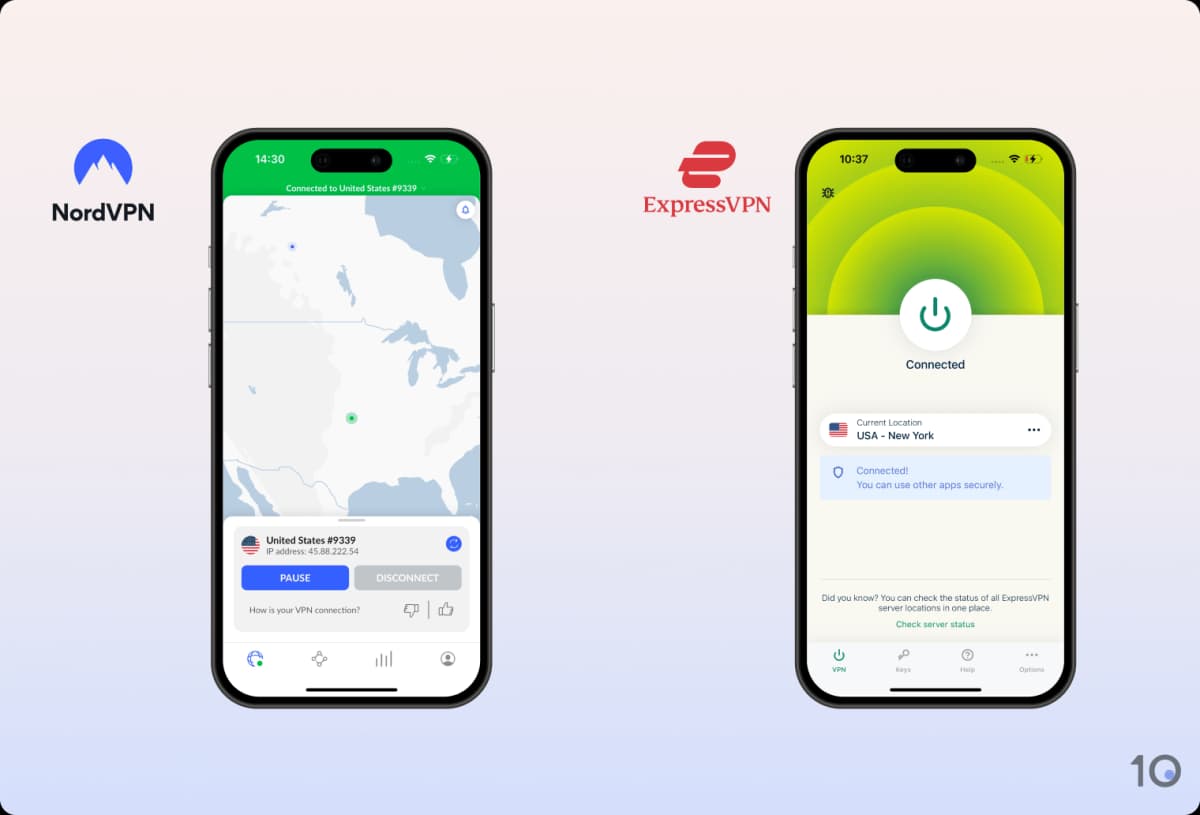
NordVPN is easier to use than Surfshark across all platforms.
NordVPN Is Easier to Use
Surfshark is fairly easy to use, but its apps can feel cluttered with button, widgets, and server lists. For instance, its PC app feature four different server lists, a side bar, and a status panel.
In comparison, while NordVPN may not have the most streamlined of interfaces, it’s far less ‘busy’ and easier to navigate.
In particular, I love that NordVPN doesn’t display a status panel when you connect to the VPN, and its fast connection times eliminates any unnecessary overhead.
However, NordVPN includes a feature that I can’t stand: a pause functionality. Instead of letting you disconnect with a single click — like every other VPN — NordVPN requires you to first pause, and then disconnect.
This is so unnecessary given there’s a rarely situation where you’d need to pause your connection.
Both VPNs Include Too Many Promos
While I like using both VPNs, I’ve noticed a common pain point: both include a substantial amount of in-app promotion.
The desktop apps are the worst offenders for NordVPN, where roughly half the interface is taken up by Threat Protection and Dark Web Monitor — even if you haven’t purchased them. Similarly, Surfshark’s Android app is dominated by Alternative ID.
For me, NordVPN’s layout looks neater and feels more sensibly integrated, but I’d prefer both VPNs to eliminate this practice.
Additional Features
Surfshark’s win in this category is twofold: it provides a wider array of extra features and includes most of them in its base subscription, whereas NordVPN often reserves similar tools for its higher-priced tiers.
| Surfshark | NordVPN | |
|---|---|---|
| Additional Features Rating | 8.3 | 7.6 |
| Split Tunneling | Yes | Yes |
| VPN Obfuscation | Yes | Yes |
| Multi-Hop Servers | Yes | Yes |
| Dedicated IP | Yes (additional fee) | Yes (additional fee) |
| Ad Blocker | Yes | Yes (additional fee) |
| Meshnet | No | Yes |
| Rotating IP | Yes | No |
| GPS Override | Yes | No |

Surfshark’s rotating IP feature is unlike any I’ve ever tested, thanks to Nexus.
Surfshark's Nexus Competes with Meshnet
In yet another area of overlap, both VPNs impressed me with their unique networking technologies: NordVPN’s Meshnet and Surfshark’s Nexus.
NordVPN’s Meshnet allows you to route traffic through your own devices (like a PC or smartphone) rather than a standard VPN server. This is a game-changer for secure file-sharing, LAN gaming, and accessing your home IP address to stream Netflix.
While most VPNs have no answer to Meshnet, Surfshark’s Nexus is a genuine contender. Every time you connect to the VPN your connection is routed through a network (nexus) of servers instead of just one.
This allows Surfshark to improve classic features — like rotating IP — and invent new ones like ‘Multi IP’, which assigns you different IP addresses during a single VPN session.
Having reviewed both, I felt Nexus was the easier of the two to use since it’s enabled by default, whereas Meshnet requires a bit more manual setup to bridge your devices.
NordVPN Paywalls More of Its Features
As highlighted above, both VPNs offer a similar selection of features. Where the two differ is that Surfshark includes most of its features in its cheapest pricing plan.
For instance, NordVPN’s ad and tracker blocker — Threat Protection Pro — and its password manager are both restricted to its Plus and Ultimate plans.
Surfshark includes all of the above in its base subscription, except for dedicated IP. This makes sense, however, since this type of IP address is tied to your account.
Value for Money
Surfshark is 29% cheaper than NordVPN on its most affordable monthly subscription plan. It’s excellent value for such a high-quality VPN, and you can use it for up to 67 days for free, too.
| Surfshark | NordVPN | |
|---|---|---|
| Price & Value Rating | 9.4 | 8.5 |
| Best Price | $2.49/mo over 27 months | $3.49/mo over 2 years |
| Credit Card | Yes | Yes |
| Cryptocurrency | Yes | Yes |
| Money-Back Guarantee | 2x 30 Days | 30 Days |
| Free Trial | 7 days (iOS & Android) | 7 days |
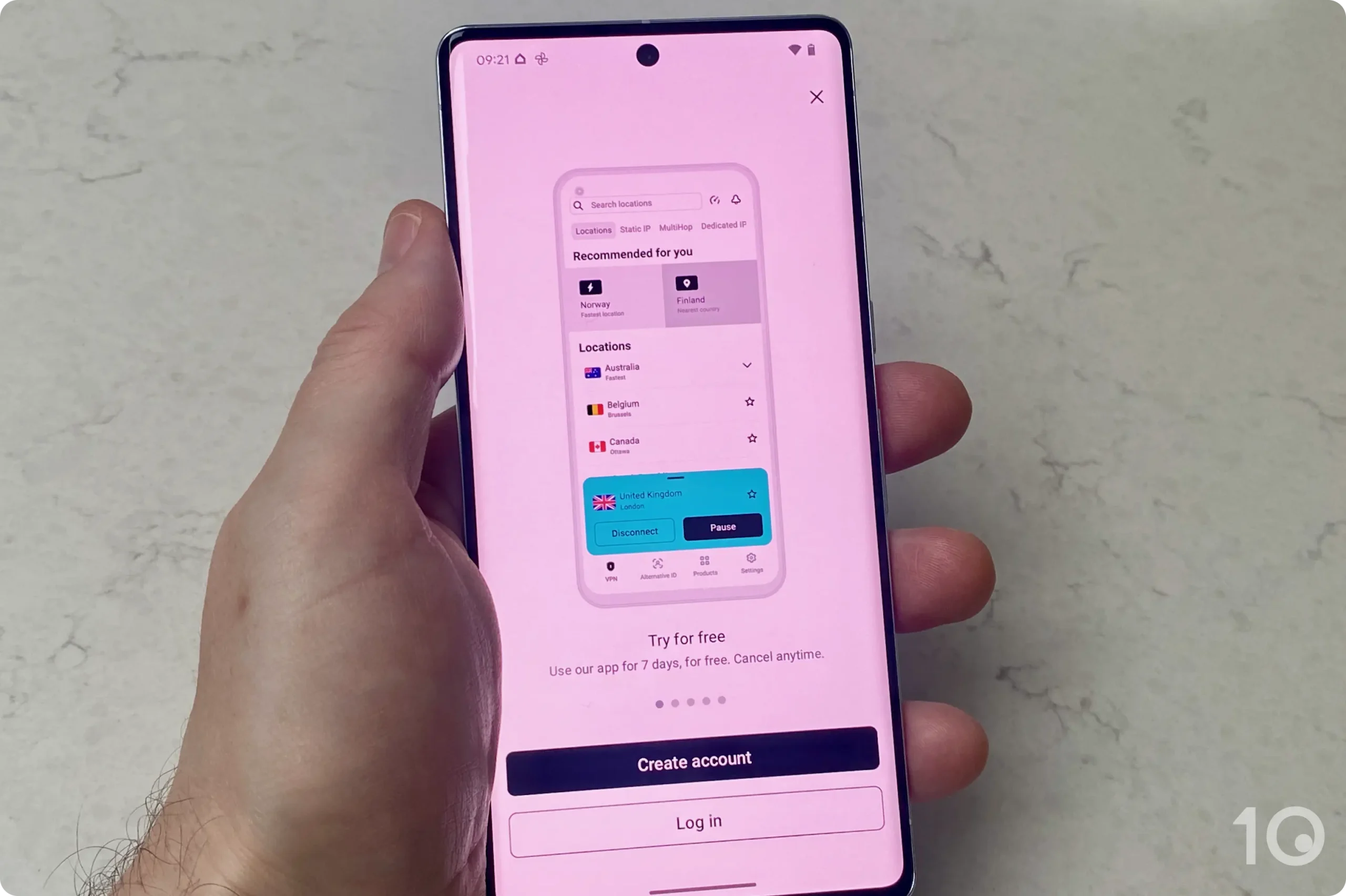
I activated Surfshark’s 7-day free trial on my Android.
NordVPN isn’t expensive by any means, but Surfshark is one of the cheapest VPNs you can get, with a minimum monthly price of $2.49 if you pay for 27 months in advance. NordVPN costs slightly more, at $3.49 per month for two years.
After the initial offer period, Surfshark renews at $59.76 per year, but NordVPN costs a much higher $99.48.
Surfshark also has several generous options when it comes to refunds and free trials. There is a seven-day free trial of Surfshark on mobile devices, and you can also claim two 30-day money-back guarantees (with six months between each refund).
NordVPN also offers a seven-day trial if you sign up via its website. You can then use that trial on any device, but you can’t sign up for the trial on iOS, unlike many other VPNs. There’s a 30-day money-back guarantee, too.