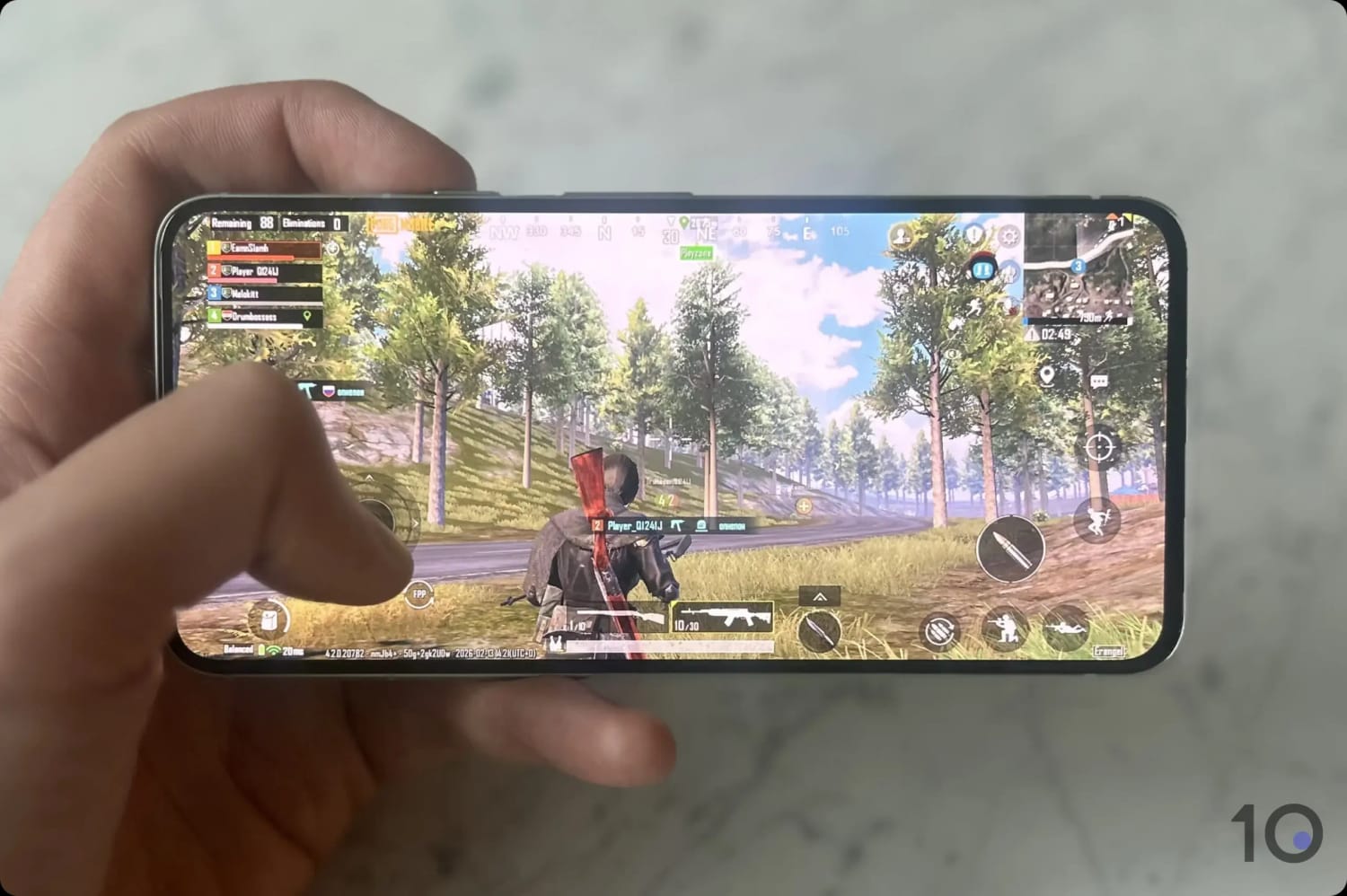
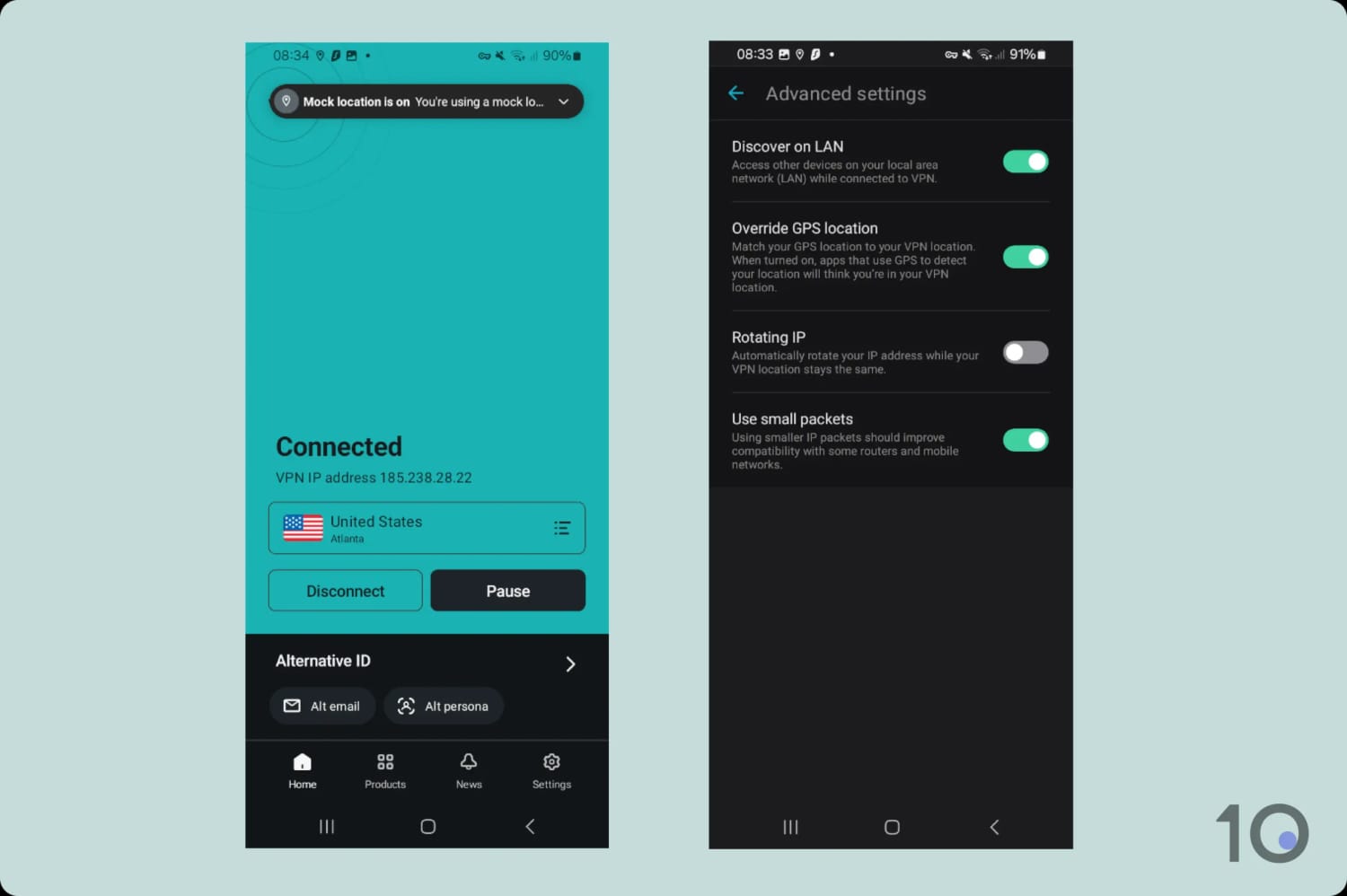
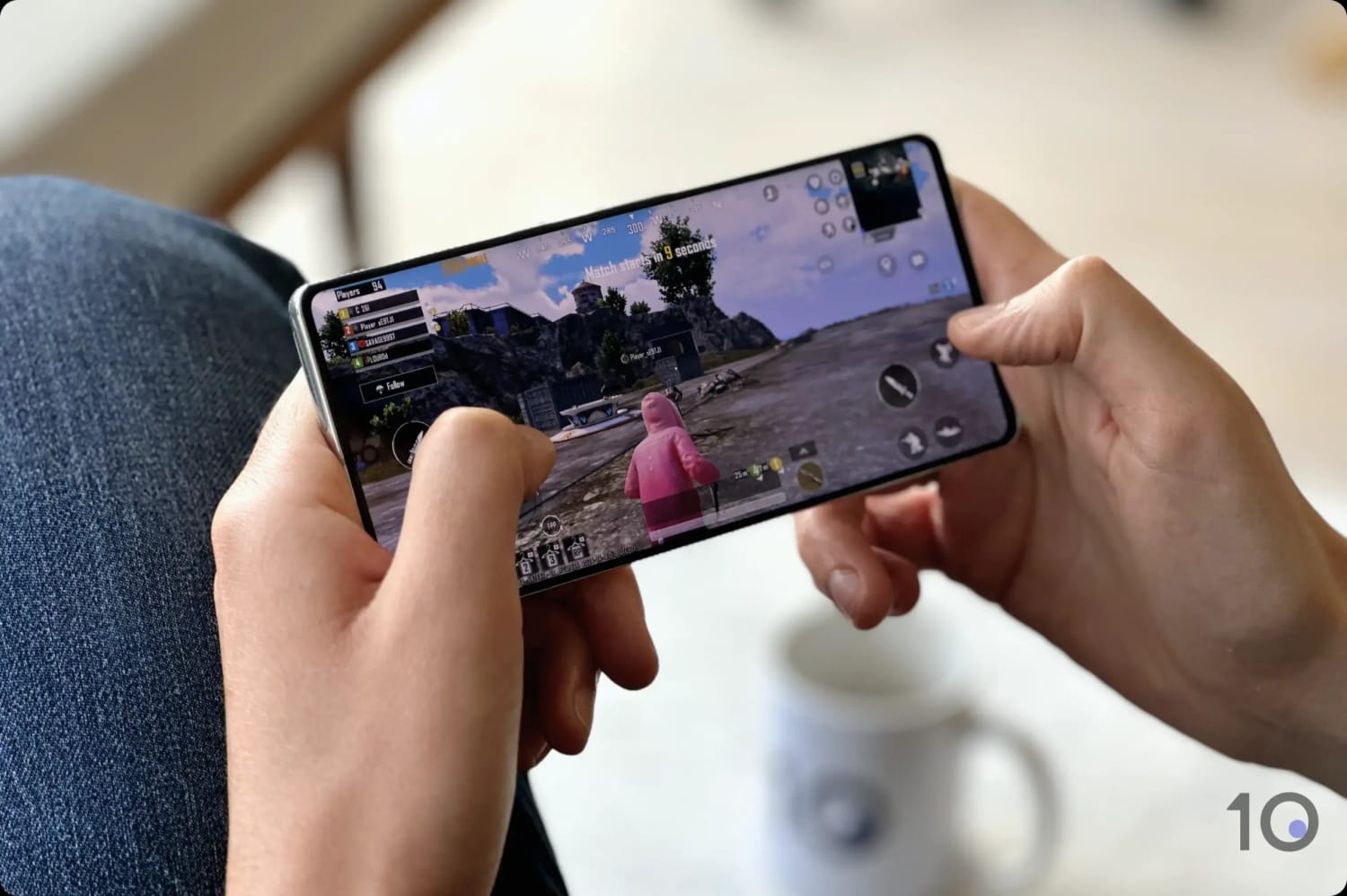
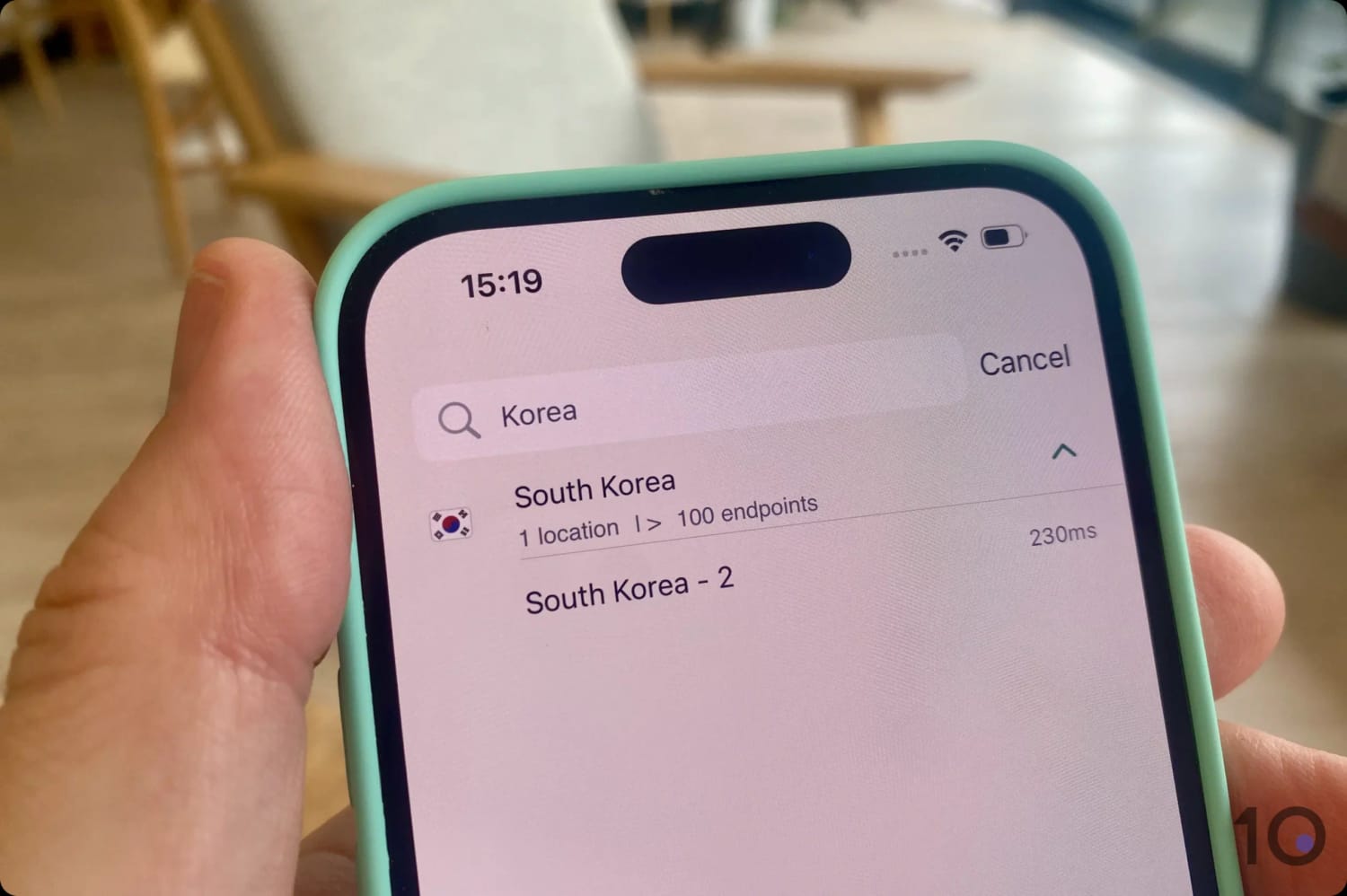
There are several reasons PUBG Mobile players turn to a VPN, and how much you gain depends on where you are and what you’re trying to achieve.
Below I’ve broken down the three main ones.
Quick Summary: Main Reasons for Using a VPN with PUBG
- To avoid SBMM.
- To access region-locked content.
- To bypass PUBG Mobile bans.
Let’s look at each of them more closely:
1. Avoiding Skill-Based Matchmaking (SBMM)
To escape the “sweat” squads that aggressive skill-based matchmaking (SBMM) throws at you, many PUBG players use a VPN to “lobby surf” into easier matches.
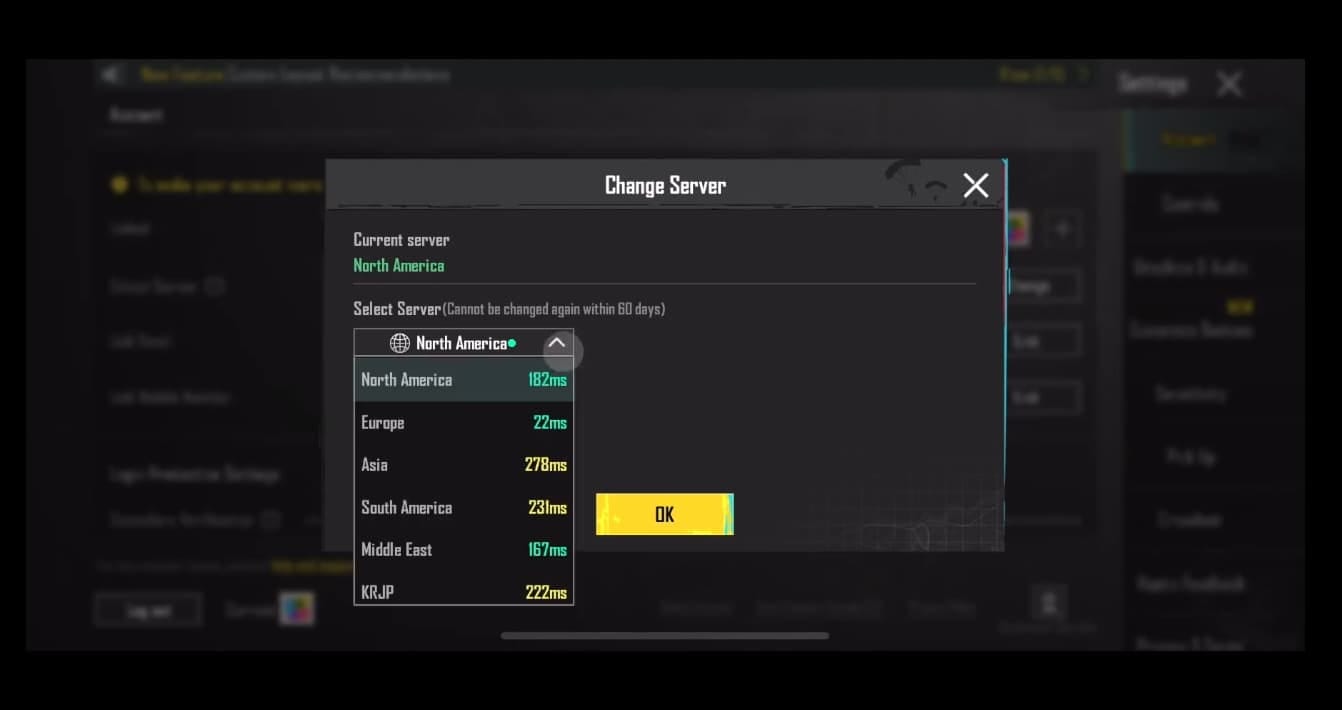
Switch to a country where it’s currently the early morning (around 4:00 AM) or where the player base is small, and you can trick local servers into breaking their matchmaking rules.
When the system can’t find enough high-rank opponents to fill a game quickly, it has to plug the gaps with lower-tier players or AI bots, which paves the way for easier kills and faster rank progression.
2. Access Region-locked Content & Rewards
PUBG Mobile is famous for its regional exclusivity, and the “Global” version routinely misses out on the higher-tier rewards available elsewhere.
Countries such as Japan, South Korea, and Taiwan often host exclusive anime collaborations (Jujutsu Kaisen and Dragon Ball among them) and release unique weapon skins that never reach other regional stores.
Regions like Asia and the Middle East also tend to hand out significantly better rewards.
Rather than spending real currency (UC), you can stockpile ‘Donkatsu Medals’ or ‘Crystals’ just by logging in or completing basic missions. Those regional currencies let you sidestep the paywall and open premium crates for free.
Perhaps most importantly, these regional versions often run different crate odds or ‘pity’ systems, giving you a much better chance of pulling a permanent Mythic item that would otherwise cost hundreds of dollars.
Be careful, though: leaning on this pricing hack too often may lead to an account suspension. If you’re going to do it, be sensible and don’t get greedy.
3. Bypassing PUBG Mobile Country Bans
You need to use a VPN to play PUBG Mobile in countries where the game is banned. It’s impossible to play PUBG Mobile without a VPN in India, for example.
The PC and console versions of PUBG aren’t banned anywhere, to be clear, though you can still use a VPN to improve your online gaming experience on them.
If you live in a country where PUBG Mobile is banned, you won’t be able to do any of the following:
- Access the PUBG website.
- Download and install the PUBG Mobile app.
- Log into the PUBG Mobile app and matchmake.
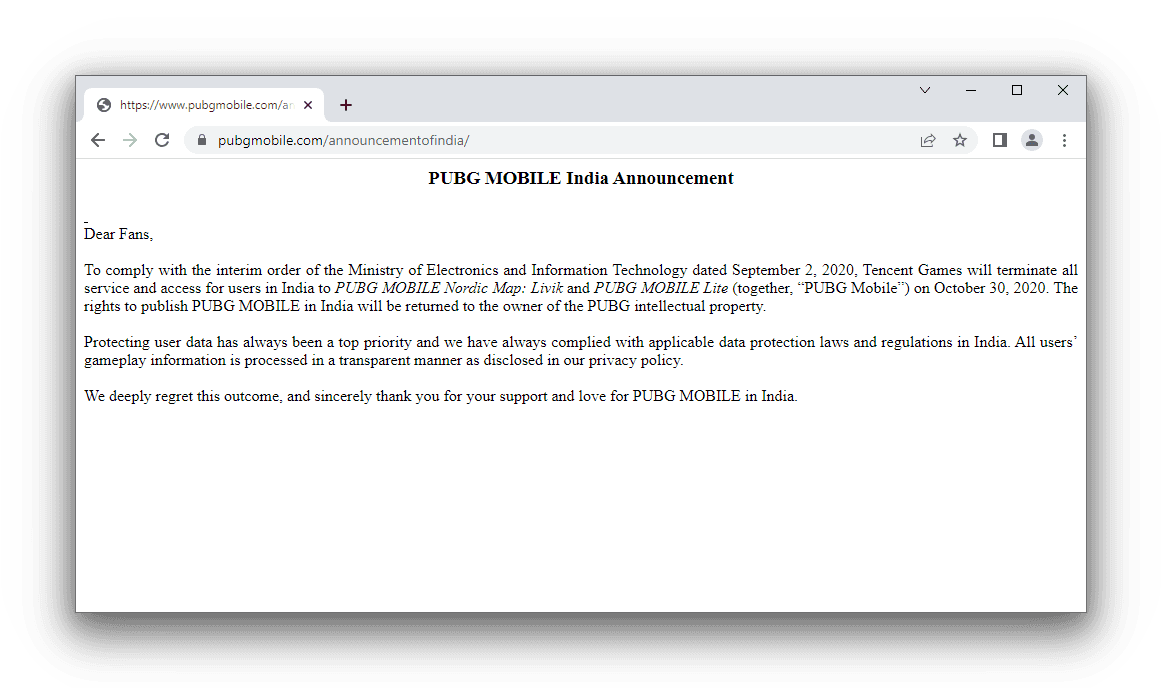
This is the message I got trying to reach the PUBG website in India without a VPN running.
On an Android device, a VPN gets you past all three restrictions.
Connect to a VPN server in a region where PUBG Mobile isn’t banned and you can open the PUBG website and download the game directly as an .apk file. This route is only open to Android users.
To download PUBG Mobile on iOS, you’ll need to change your Apple Store region to one where the game isn’t banned instead.
How to Change Your Apple Store Region on iOS
- Open the Settings app on your iPhone or iPad.
- Tap your name and then Media & Purchases.
- Select View Account and sign in if prompted.
- Tap Country/Region > Change Country or Region.
- Select the region you want to switch to. I recommend the US.
- Tap Agree to continue and confirm the change.
- Enter a valid payment method with an appropriate billing address. You can use StatesCard to generate a US card with the correct address.
Note: You don’t need to use a VPN at any point in this process.
You do need one from the moment the app is installed, however. Logging in or creating an account requires a VPN on both Android and iOS.
Simply connect to a VPN server in an unrestricted region, then open the PUBG Mobile app.
The video below shows you how to bypass PUBG Mobile’s geo-restrictions with a VPN, using India as an example:
I used ExpressVPN to easily bypass India's ban on PUBG Mobile.