



Top10VPN is editorially independent. Buying a VPN through our links supports our work.
How to Watch the 2026 World Cup from Abroad
Simon Migliano
Simon Migliano is a recognized world expert in VPNs. He's tested hundreds of apps and his research has been featured on the BBC, The New York Times, and more. Read full bio
You can use a VPN to stream the 2026 World Cup for free on BBC iPlayer and ITVX. They cover all 104 matches with English commentary. To guarantee access and no buffering, we recommend using ExpressVPN. For a risk-free alternative, purchase a 6-month CyberGhost plan and request a hassle-free refund after the Final.
From 11 June to 19 July 2026, the entire World Cup is being broadcast for free across BBC iPlayer and ITVX, with all 104 matches available.
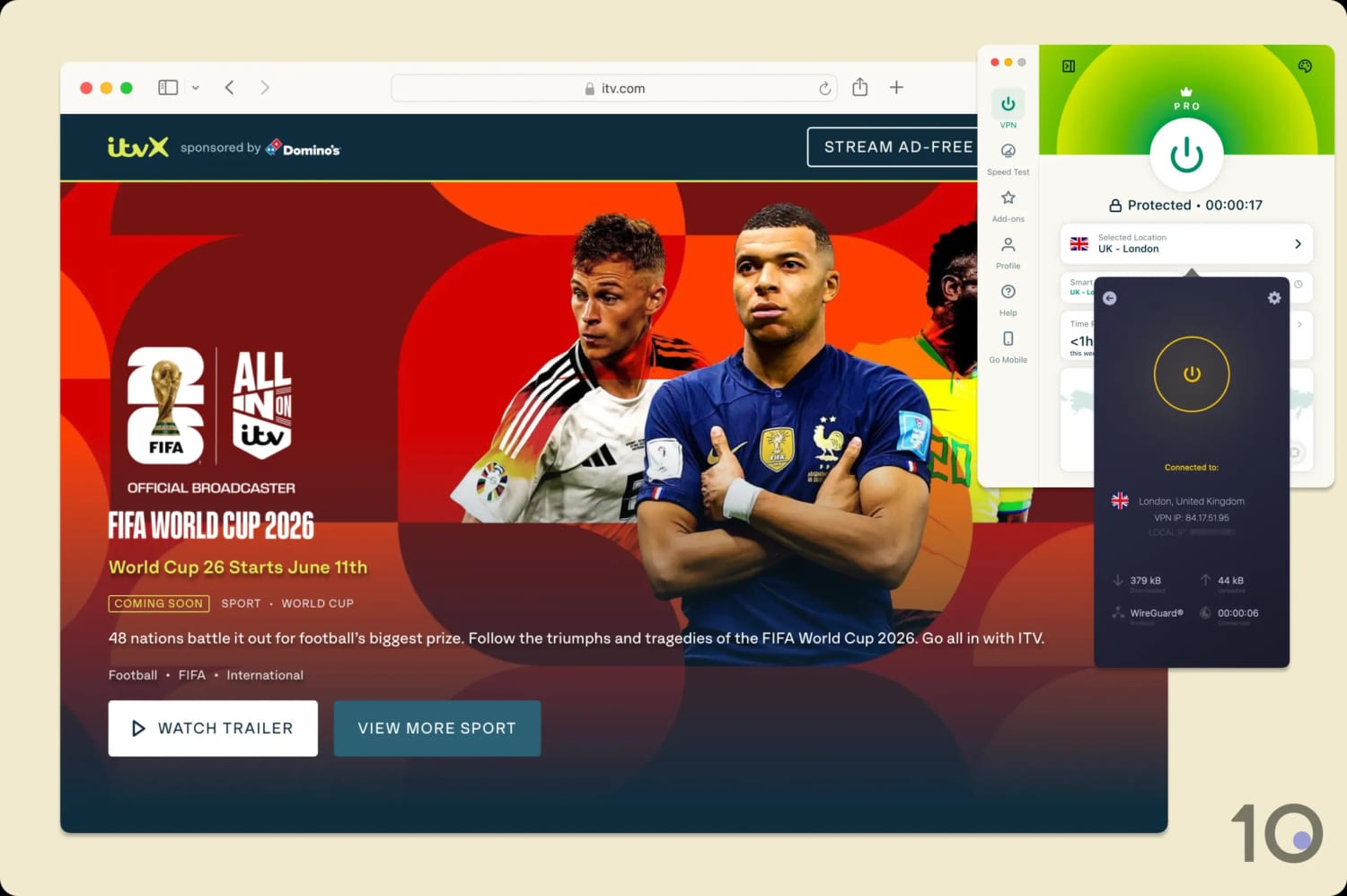
To stream from abroad and avoid paying for cable, simply download a secure VPN and connect to a UK VPN server.
The best part? You can do this from anywhere in the world and still get access to English-language commentary and analysis from top pundits like Thomas Frank, Micah Richards, and Alan Shearer.
However, BBC iPlayer and ITVX actively block VPN IP addresses, so it’s important you use a VPN that’s sophisticated enough to bypass this.
We’re fully independent and have been reviewing VPNs since 2016. Our ratings are based on our own testing results and are unaffected by financial incentives. Learn who we are and how we test VPNs.
From the 60 VPNs we regularly review, we’ve shortlisted two of them: ExpressVPN due to its fast speeds and consistency with both UK broadcasters, and CyberGhost because of its generous refund policy.
If you already have the BBC iPlayer and ITVX apps installed on your phone, or you have access to UK app stores, then it’s even easier to stream the World Cup. Just download a VPN, connect to a UK server, and use the apps as normal.
You can also refer to our full list of free channels showing the World Cup, if you’d prefer a different country’s broadcaster or commentary team.
How to Watch the World Cup with a VPN
Streaming the World Cup from outside the UK isn’t complicated. You just need a VPN that can reliably bypass the geo-blocks on BBC iPlayer and ITVX.
Setting up an account on either service is free and only requires an email address, date of birth, and a UK postcode (any valid one works).
If you want to watch every game, you’ll need to regularly alternate between the two streaming services. The BBC has the rights to 54 matches, ITVX has 51, and both broadcasters will show the World Cup final.
The only real catch? The BBC iPlayer and ITVX apps aren’t available in app stores outside the UK. Thankfully, we’ve done the hard work for you and devised workarounds for every major platform.
Because the setup varies slightly by device, especially on hardware that doesn’t support VPN apps, we’ve written step-by-step instructions for each platform below:
Streaming the World Cup on a laptop requires the least setup.
Desktop & Laptop (PC & Mac)
A computer is the easiest way to stream the World Cup, since you don’t need to download any streaming apps.
How to Watch the World Cup on PC & Mac
Sign up for a VPN that unblocks BBC iPlayer and ITVX. ExpressVPN worked best for us.
Download and install the app onto your device.
Launch the VPN app and connect to a UK server. If you decide to use CyberGhost, make sure it’s a streaming-optimized server.
Go to the BBC iPlayer or ITVX website and create a free account. Remember any valid UK postcode will work.
Start streaming your chosen World Cup match.
Mobile (iOS & Android)
The BBC iPlayer and ITVX apps are only available in the UK Apple App Store and the Google Play Store.
You may have read elsewhere online that you can simply switch regions with a VPN, but it’s not that easy. In reality, the process is actually quite involved and results in you losing all your current subscriptions.
Instead, we suggest you watch BBC iPlayer and ITVX through your phone’s web browser. Unfortunately, in-browser streaming limits you to 720p and 25fps, but we think it’s worth it to avoid the pain of changing app stores.
How to Watch the World Cup on Mobile
Subscribe to a VPN that unblocks BBC iPlayer and ITVX. ExpressVPN is our recommended pick.
Install the VPN onto your smartphone.
Launch the VPN app and connect to a UK server.
Open your phone’s web browser and go to BBC iPlayer or ITVX. Make sure to use your phone’s native browser (i.e. Safari for iOS, Google for Android), since it uses less battery than a third-party one.
Once prompted, create an account with BBC or ITVX. You can use any valid UK postcode here.
Start streaming your match.
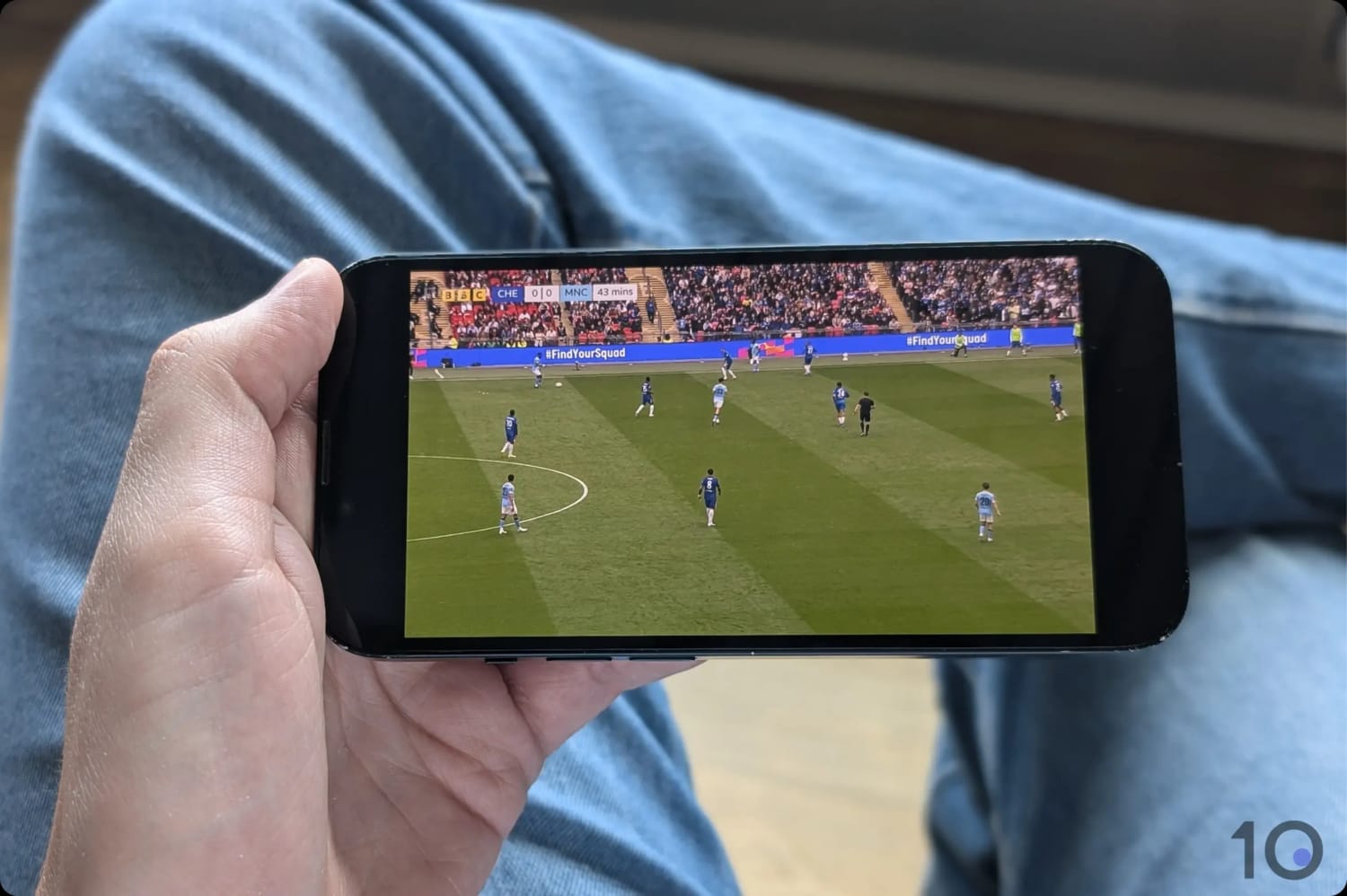
You can stream the World Cup via your phone’s browser.
Fire TV & Android TV
Similar to mobile, we recommend you stream the World Cup on your Fire TV or Android TV via their in-built browsers. This avoids the headache of switching your app store region and lets you retain your existing subscriptions.
A quick word of warning: web browsers can be quite fiddly to use on TVs, so we suggest using a Bluetooth mouse if you have one around.
How to Watch the World Cup on Fire TV and Android TV
Subscribe to a VPN with apps for Fire TV and Android TV. We personally use ExpressVPN as its apps are the easiest to set up and use.
Download and install the app from the Amazon Appstore or Google Play Store.
Launch the VPN app and connect to a UK server.
Open a web browser on your streaming device: On Fire TV, you can use the pre-installed Silk Browser. Android TV doesn’t come with a browser, so we recommend downloading the BrowseHere app from Google Play.
Search for BBC iPlayer and ITVX in your browser and create an account.
Select your match and start streaming.
Apple TV
Since Apple TV doesn’t support web browsers, it’s slightly trickier to stream BBC iPlayer and ITVX from outside the UK.
If you’re using an iPhone, you can use AirPlay to share your BBC iPlayer stream from your phone’s browser to Apple TV. However, this won’t work for ITVX as its DRM blocks AirPlay mirroring.
The simplest fix is to create a separate UK Apple ID (no payment method required) and sign into the Apple TV’s App Store with it, while keeping your main Apple ID signed in everywhere else. This leaves your subscriptions, purchases, and iCloud account untouched.
How to Watch the World Cup on Apple TV
Download and install a VPN app from your current App Store. ExpressVPN has an excellent native tvOS app.
Launch the VPN and connect to a UK server.
Create a new UK Apple ID at appleid.apple.com. You can use any valid UK postcode, but it’s more likely to be accepted if it matches your VPN’s server location. Skip entering payment details on the web form.
Sign out of the Apple TV App Store: On your Apple TV, go to Settings > Users and Accounts > [your account name] > Media and Purchases or iTunes and App Store > Sign Out.
Sign in with your new UK Apple ID and launch the App Store.
Search for BBC iPlayer and ITVX. Install the apps as normal onto your Apple TV.
Create a free account and start streaming the World Cup.
Roku, LG, Smart TVs & Game Consoles
It’s much harder to stream the World Cup from outside the UK on Roku, LG, Smart TVs, or game consoles since these devices don’t support native VPN apps.
We’ve found a workaround, but you’ll need an HDMI cable and a laptop with the corresponding port.
How to Watch the World Cup on Roku, LG, Smart TVs & Game Consoles
Subscribe to a VPN that unblocks BBC iPlayer and ITVX. CyberGhost is a great choice if you haven’t used a VPN before.
Download and install the VPN onto your laptop.
Open the VPN app and connect to a UK server.
Go to the BBC iPlayer or ITVX website and make a free account.
Connect your laptop to your TV using an HDMI cable.
Start the stream on your laptop.
Free Channels Streaming the 2026 World Cup
For English-language alternatives to BBC and ITVX, connect to an Irish VPN server and unblock RTÉ and Virgin Media. By doing so, you can stream the entire World Cup for free, with the games evenly split between the two broadcasters.
Another option is to use one of our top-rated VPNs for Australia to unblock SBS and stream all 104 matches, free of charge.
If you want to access a live stream from a different country, or even a different commentary language, you can use our recommended VPNs to unblock these international broadcasters too:
The Best VPNs for the World Cup
We use VPNs to unblock UK streaming services almost every day, both for our professional testing and to watch our favorite football teams in our free time.
As such, we have both the data and the first-hand knowledge to recommend you the best VPNs for streaming World Cup matches.
While not directly relevant here, it goes without saying all of our recommended VPNs are safe to use and implement secure encryption.
You can use the table below to compare our two front-runners on internet speed, price, and other key metrics:
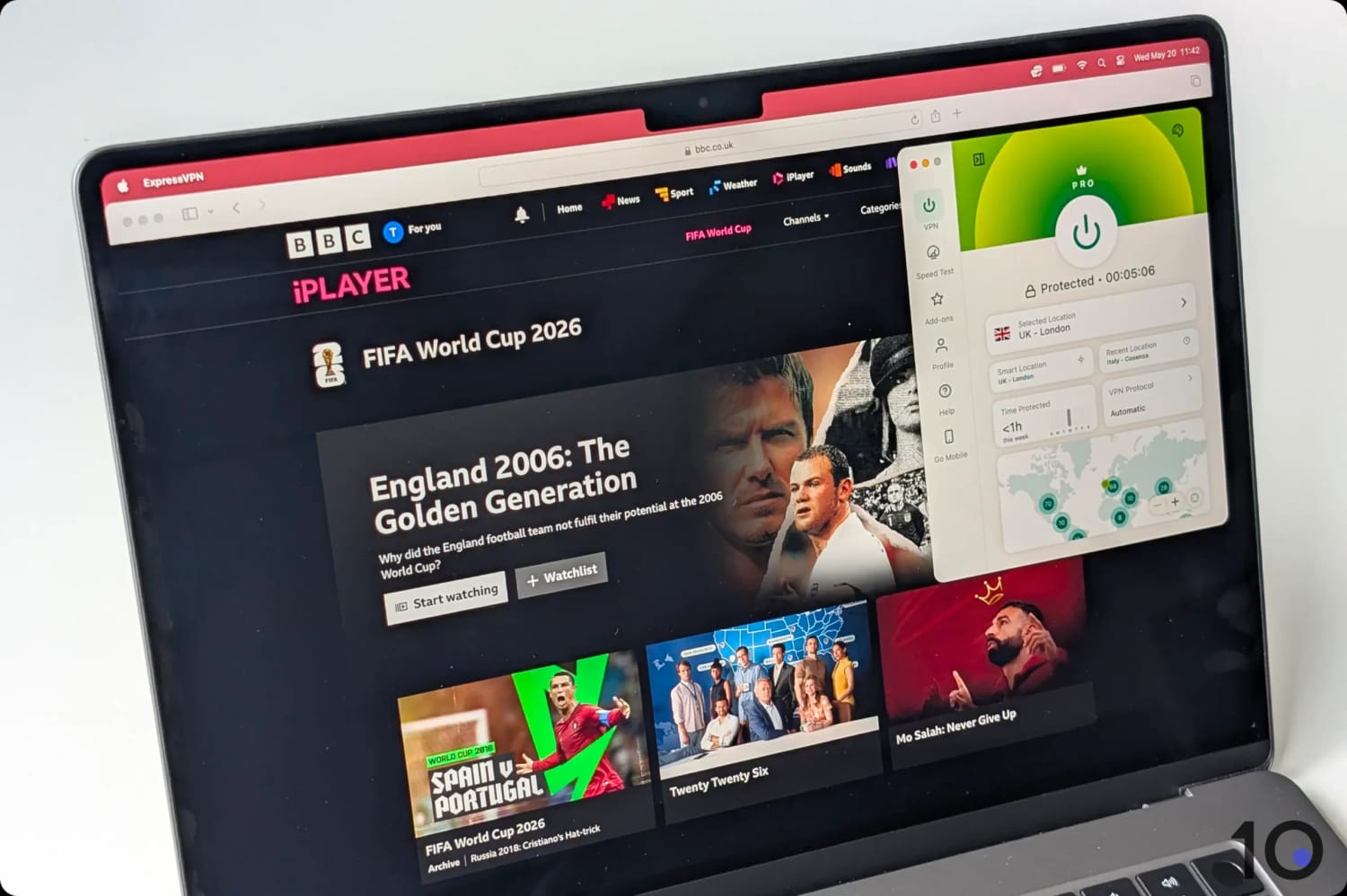
If you want to watch the World Cup hassle-free, then ExpressVPN is your best bet. In our experience, it consistently unblocks BBC iPlayer and ITVX, whether you’re streaming in browser or through the app.
Since it’s also one of the fastest VPNs for connecting to the UK, you won’t have to worry about your stream buffering or suddenly dropping to 360p quality mid-match.
Plus, ExpressVPN is compatible with every major streaming device, like Amazon Fire TV, Apple TV, and Google TV, so setup takes less than two minutes.
ExpressVPN lets you stream the World Cup in 4K on BBC iPlayer.
Guaranteed Access to BBC iPlayer & ITVX
We test ExpressVPN with BBC iPlayer and ITVX every month, on multiple devices. We also make sure to test during peak periods (e.g. 7pm-10pm) to simulate a live World Cup match.
Based on 10 years of this testing data, which covers two World Cups and three Euros, we can confirm the VPN has a close to 100% success rate with both platforms.
This historic data, combined with our personal experience of using ExpressVPN for streaming, makes us confident you won’t encounter any problems using it.
That said, the last World Cup saw BBC iPlayer crash during the England vs Iran match. If that happens again, there’s nothing ExpressVPN can do to fix it.
No Buffering or Grainy Video
All VPNs slow down your download speed, but ExpressVPN decreased ours by just 7% when we connected to a UK server from our US location.
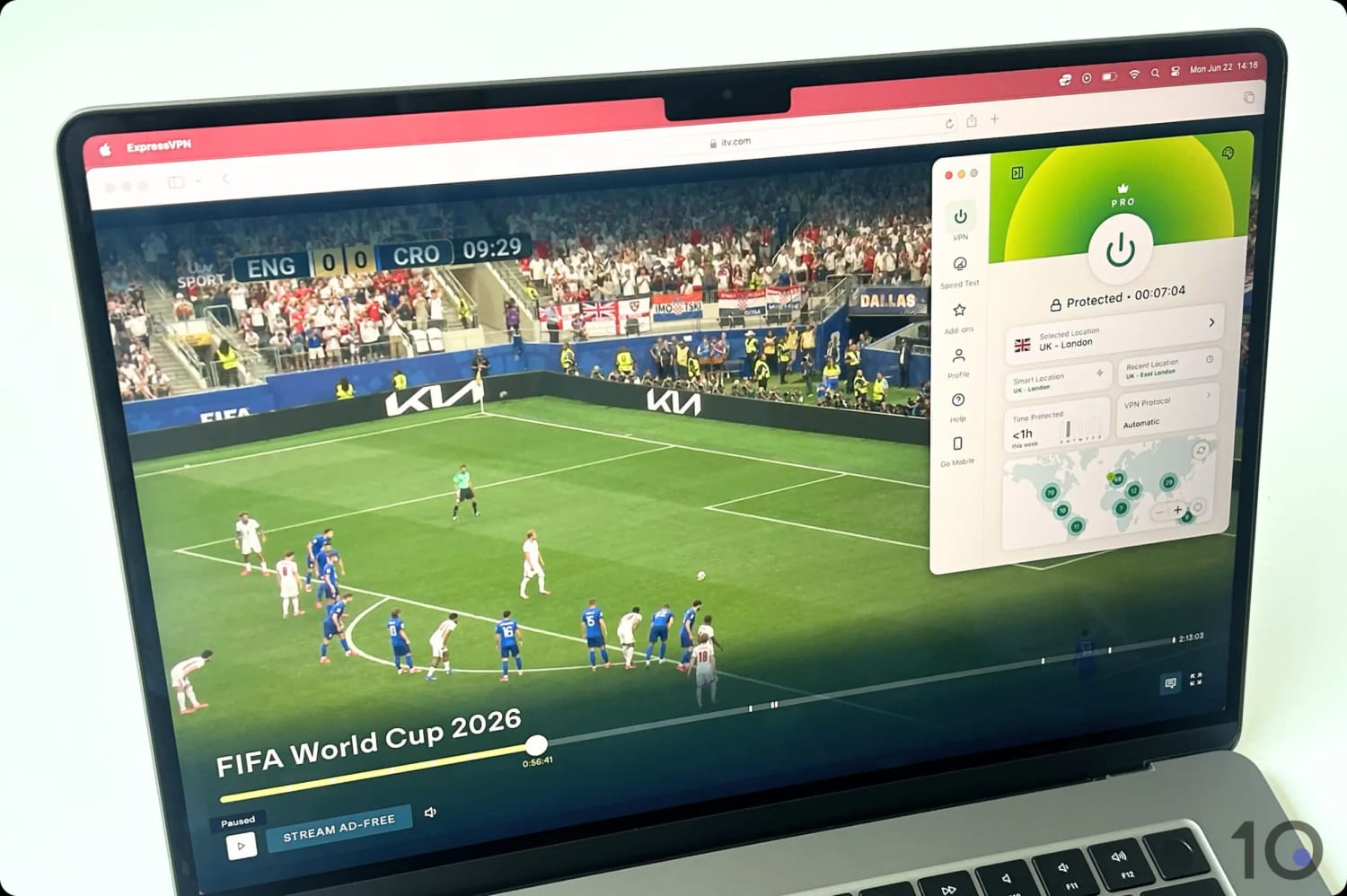
This is an outstanding result and ensures you can stream World Cup matches in 4K on BBC iPlayer, and full HD on ITVX.
We personally never experienced any buffering when using ExpressVPN, either, even when streaming popular live events like the FA Cup final.
EXPERT ADVICE: If you’re planning to stream the tournament on Windows, make sure you enable Lightway Turbo in ExpressVPN’s PC app for the fastest possible speeds.
Easy to Install on All Devices
If you want to watch the World Cup on TV, ExpressVPN has user-friendly apps for Fire TV, Apple TV, and Android TV.
All you need to do is install the apps as usual from your device’s app store and log in.
The apps themselves are the nicest we’ve used, and their streamlined and intuitive design makes them a great choice for beginners.
For a lightweight option on your web browser, you can also install ExpressVPN’s Chrome extension. This took us less than 30 seconds to do, and meant we could limit the VPN connection to just our browser — leaving the rest of the device untouched.
45-day refund policy only applies to long-term plans
Pricing Plans
$12.99/mo
$6.99/mo over 6 months
$1.75/mo over 26 months
Money-Back Guarantee
45 Days
Servers
12,000
Countries with Servers
100
Simultaneous Connections
7
Support
24/7 Live Chat
Compatible with
Windows
Mac
iOS
Android
Linux
Amazon Fire TV
Android TV
Apple TV
Router
Chrome
CyberGhost is another great VPN for streaming the World Cup, since it easily unblocks BBC iPlayer and ITVX.
Its standout feature is a 45-day money-back guarantee which refunds you in full, no questions asked. This sets it apart from most other VPNs, which limit you to 30 days.
This refund period is only valid for its 6-month and 26-month subscriptions, so you need to pay an initial fee upfront. Our advice: purchase the 6-month plan, stream the entire tournament, and then immediately request a full refund from the VPN’s support team.
While this lets you watch the World Cup for free, CyberGhost is neither as fast nor as consistent at unblocking BBC iPlayer and ITVX as ExpressVPN. It’s also much harder to use with Apple TV, since it lacks a native app.
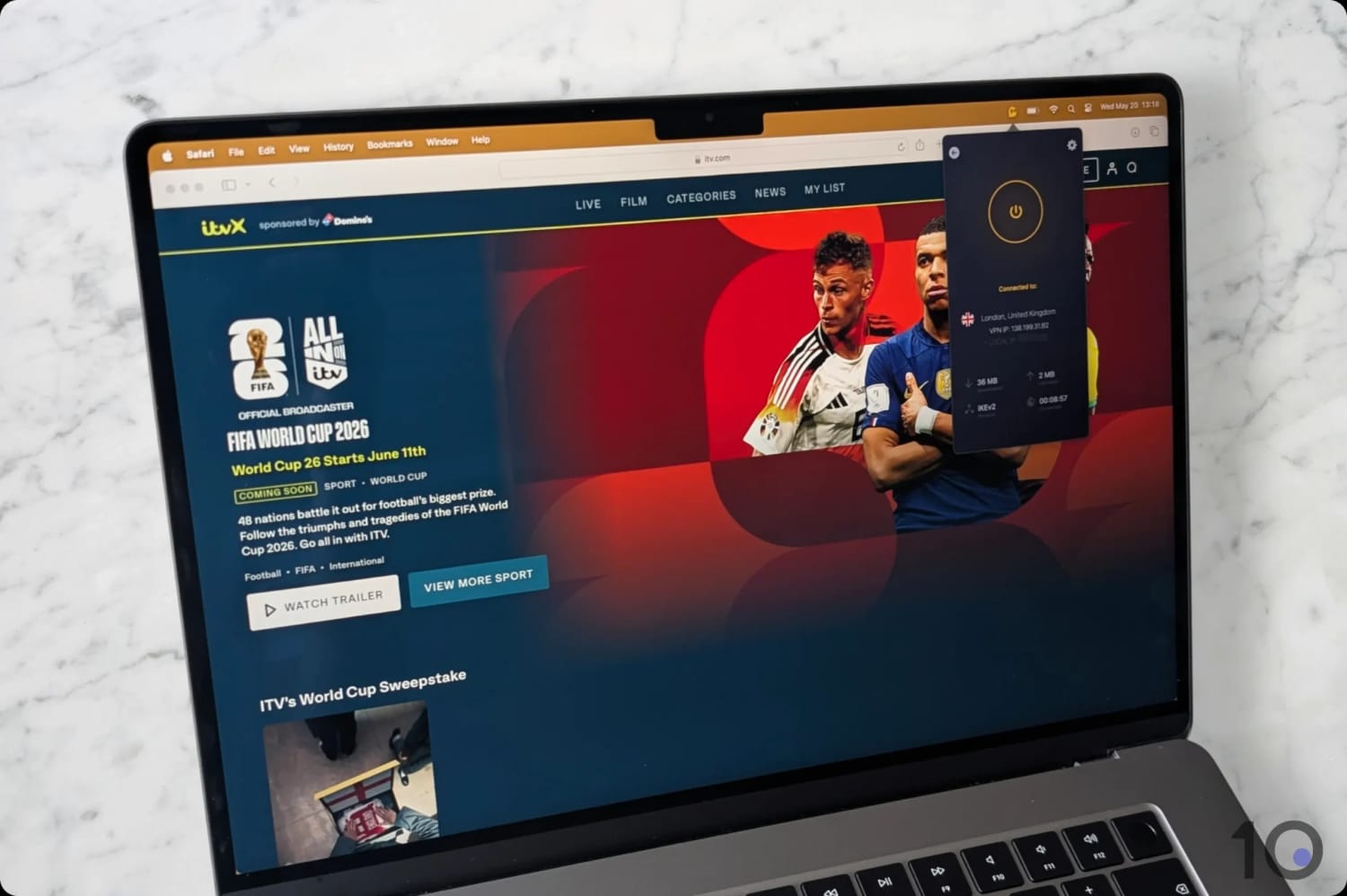
We used a CyberGhost server optimized for ITVX to stream our matches.
Refund Policy Covers the Entire World Cup
CyberGhost is the only VPN with a money-back guarantee long enough to cover the full tournament.
Once the final’s over, just contact their live chat for a refund. They don’t need a specific reason, and in our experience, the process is always seamless.
As mentioned earlier, the 45-day refund window only applies if you purchase a 6-month or 26-month plan — not a pay-monthly one.
If you’re only interested in watching a specific one-off match, CyberGhost also offers a 24-hour free trial on desktop. No payment or credit card is required, you just need an email and password to start streaming.
Specialist Servers for BBC iPlayer & ITVX
We’ve highlighted CyberGhost because it provides servers specifically optimized for streaming BBC iPlayer and ITVX.
These servers support 10Gbps internet connections to reduce buffering, and they regularly update their IP addresses to stay one step ahead of BBC iPlayer’s VPN blocks.
We’ve personally tested them, and can confirm they unblock both BBC iPlayer and ITVX with ease. Our only complaint: we did notice occasional buffering during peak hours, despite the advertised 10Gbps hardware.
If you use CyberGhost’s standard servers, its success rate is much worse. We find this discrepancy frustrating, and prefer the simplicity of ExpressVPN’s servers all being optimized for streaming by default.
Compatible with Fewer Devices than ExpressVPN
If you’re planning to stream the World Cup on your laptop, smartphone, Fire TV, or Google TV, then CyberGhost is a perfectly valid choice.
However, CyberGhost doesn’t have an app for Apple TV. Its website suggests manually installing the VPN on your WiFi router as a workaround, but this requires some technical knowledge and risks bricking your router.
You have two choices: use a different streaming device, or download ExpressVPN instead.
Based on our experience of streaming previous editions of the World Cup, alongside our expert understanding of VPNs, we devised a bespoke methodology for choosing the best World Cup VPNs.
We tested ExpressVPN and CyberGhost for streaming the World Cup.
We’ve highlighted below the areas we tested each VPN for, along with the features we most rewarded.
1. Unblocks BBC iPlayer & ITVX
What We Did: Connected to each VPN’s UK servers and checked whether BBC iPlayer and ITVX detected and blocked them. We only tested during peak hours in the UK and with live content, to simulate streaming a World Cup match.
Why It Matters: A VPN must be able to bypass geo-restrictions enforced by BBC iPlayer and ITVX, otherwise you can’t stream the World Cup from outside the UK.
Optimal Result: Every UK server unblocked BBC iPlayer and ITVX at the first time of asking and loaded live content instantly.
2. Speed
What We Did: We stress-tested each VPN’s download speed while connected to a UK server during peak-traffic windows. We recorded any buffering, slow loading times, or sudden drops in video quality.
Why It Matters: A VPN that adds minimal overhead to your internet speed is essential for streaming the World Cup buffer-free. It also ensures you have the maximum video quality for BBC iPlayer (4K) and ITVX (1080p).
Optimal Result: A download speed reduction of 10% or less from a nearby country, and 20% or less from long-distance connections.
3. UK Servers
What We Did: We counted each VPN’s UK servers, noted their distribution, and verified they worked properly using our IP checker tool.
Why It Matters: A UK IP address is necessary for accessing BBC iPlayer and ITVX. Plus, a larger server network eases congestion and increases your chance of finding a working IP.
Optimal Result: Hundreds of servers spread across the UK.
4. Device Compatibility
What We Did: We personally installed each VPN service’s apps on every supported device.
Why It Matters: To accommodate every way of watching the FIFA World Cup.
Optimal Result: Dedicated VPN apps for all major devices including laptop, mobile, and streaming devices (Fire TV, Apple TV, and Android TV).
FAQs
Is Using a VPN to Stream the World Cup Legal?
Yes, it’s perfectly legal to use a VPN to stream the World Cup on BBC iPlayer and ITVX.
However, it does breach the terms of service of both BBC iPlayer and ITVX, since they prohibit the use of VPNs or proxies to hide your location.
The worst possible outcome if you’re caught is that your account gets terminated. In our many years of reviewing VPNs, we’ve never seen or heard of this happening.
Can You Watch the World Cup for Free?
The only safe and legal way to watch every World Cup match for free is to stream the tournament on a free-to-air broadcaster like BBC iPlayer (UK), SBS (Australia), or RTÉ Player (Ireland).
Depending on your physical location, you may need to use a VPN to change your IP address to access one of these streaming platforms.
To do this, we suggest subscribing to CyberGhost and then using its 45-day money-back guarantee to refund your purchase in full.
How to Watch the World Cup in India?
Due to a collapse in talks for distribution rights, the only way to watch the World Cup in India is to use a VPN to connect to a country broadcasting the full tournament.
We recommend connecting to a UK server and streaming the tournament on BBC iPlayer and ITVX.
Both streaming services are free to use and provide world-class commentary, with coverage of the full tournament split between them.
What If My VPN Gets Blocked Mid-Match?
While our recommended VPNs are highly reliable, we’ve outlined some fixes just in case your VPN connection is detected mid-match.
First of all, connect to a different UK server and refresh the stream. If that doesn’t work, try
switching to a different VPN protocol in your app settings.
If none of the above work, clear your cache and cookies in your browser’s settings and then restart your device. This should remove any lingering location data and let you continue streaming without issues.