



Top10VPN is editorially independent. Buying a VPN through our links supports our work.
The Best VPNs to Watch BBC iPlayer Abroad
Follow us:
Simon Migliano
Simon Migliano is a recognized world expert in VPNs. He's tested hundreds of apps and his research has been featured on the BBC, The New York Times, and more. Read full bio
From the 59 VPNs I tested, NordVPN is the best for BBC iPlayer. Its 440 UK servers consistently unblocked the platform with ease. Windscribe is my free VPN of choice, but be aware of its 10GB monthly data cap.
NordVPN: Best BBC iPlayer VPN overall. Fast enough for 4K streaming. Read my review.
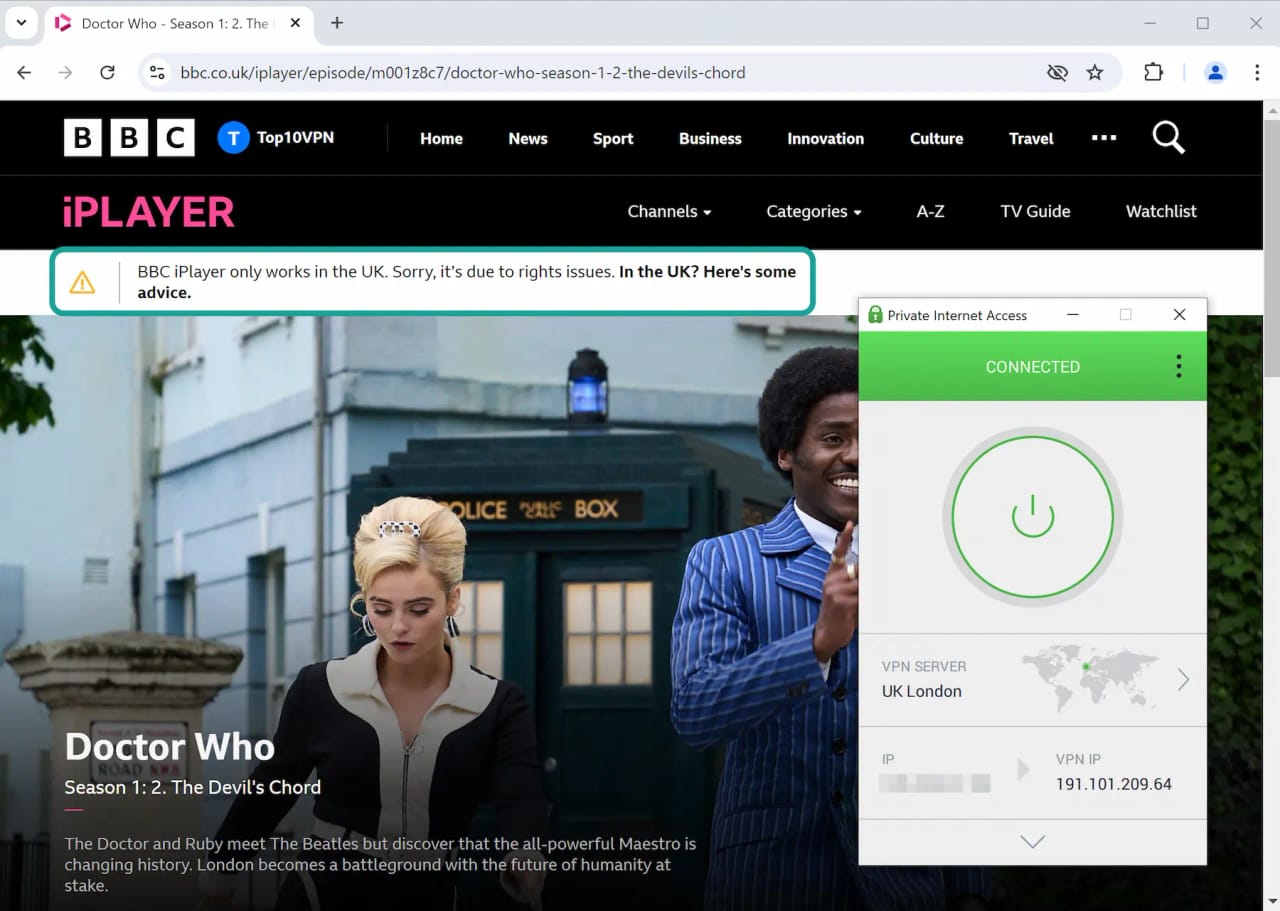
We’ve all had that dreaded message: “BBC iPlayer only works in the UK. Sorry, it’s due to rights issues”, even though your VPN is on.
Despite what some other review sites claim, the truth is most VPNs can’t unblock BBC iPlayer anymore.
The BBC runs one of the strictest VPN-detection systems around, and even some of the best streaming VPNs struggle to get past it consistently.
Here’s why: once iPlayer blocks an IP, it stays blocked. As a result, you’ll need a VPN with many UK IP addresses that are constantly refreshed, if you want to watch BBC iPlayer from abroad.
If your current VPN has stopped working, there are some fixes worth trying first. But more often than not, its IP addresses are already on the BBC’s blocklist, and upgrading to a better VPN is your only option.
Whether you’re in the US, Canada, Australia, or traveling abroad, my recommended VPNs will let you stream live events and hit shows like The Traitors, the FA Cup, and EastEnders.
🔄 Recent Updates
Updated my free VPN advice after TunnelBear removed country selection, refreshed the 2026 show list, and added a new product image of NordVPN.
Why Trust Us?
We’re fully independent and have been reviewing VPNs since 2016. Our ratings are based on our own testing results and are unaffected by financial incentives. Learn who we are and how we test VPNs.
VPNs Tested
59
Total Hours of Testing
30,000+
Combined Years of Experience
50+
VPN Comparison Table
The table below compares my recommended VPNs based on speeds connecting into the UK, UK server coverage, streaming-specific features, and price.
NordVPN is an excellent VPN for unblocking BBC iPlayer wherever you are in the world, and right now no other VPN can match it.
The VPN delivers exceptionally fast and stable speeds across all its 440 UK servers, which have always worked with BBC iPlayer in my many years of testing.
If you’re not fussed about the software’s rather cluttered look on PC and Mac, and the fact that its Smart DNS proxy doesn’t work with BBC iPlayer, then you won’t regret choosing NordVPN.
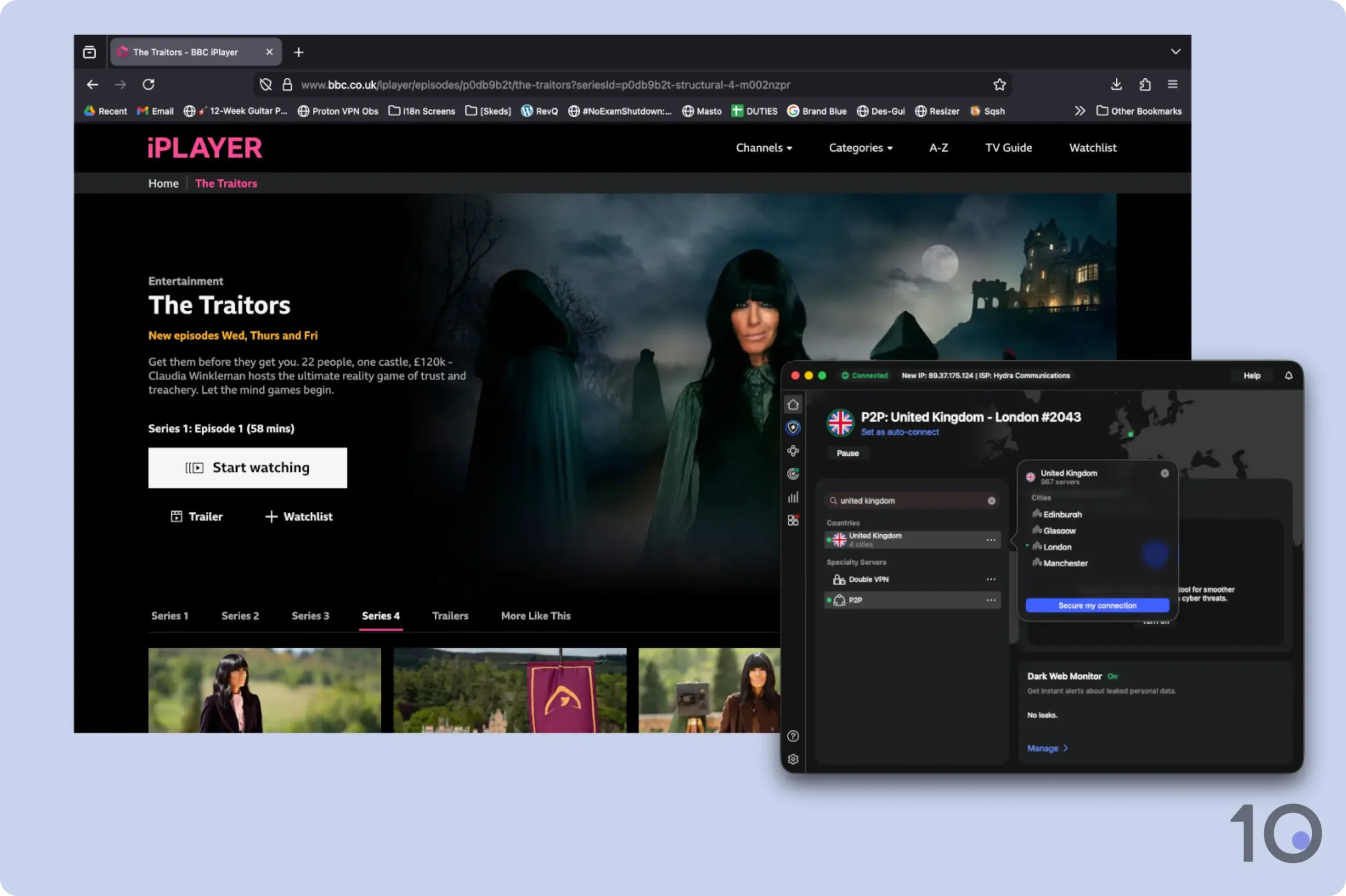
Watching The Traitors on BBC iPlayer with NordVPN.
440 Fast & Reliable UK servers
NordVPN has 440 UK servers in 4 UK cities, including London, Manchester, Glasgow, and Edinburgh. It is one of the largest UK server networks on the market.
Unlike many other VPN providers, NordVPN regularly refreshes its pool of British IP addresses, allowing it to stay ahead of streaming blocks and IP blacklists.
NordVPN is my favorite choice for streaming BBC iPlayer from abroad.
NordVPN is also one of the fastest VPNs: connecting from abroad into the UK, I experienced a slowdown of only 10% on average.
While ExpressVPN’s speeds were even faster, NordVPN’s impressive long-distance connection speeds still resulted in 4K picture quality, with no buffering or blur even during popular live streams, like FA Cup games.
Meshnet Allows for Free Streaming
If you’re a UK expat, or you’re traveling outside the UK, you may be able to use NordVPN’s Meshnet solution to stream BBC iPlayer for free.
Meshnet is completely free to download and install, without the need for a NordVPN subscription.
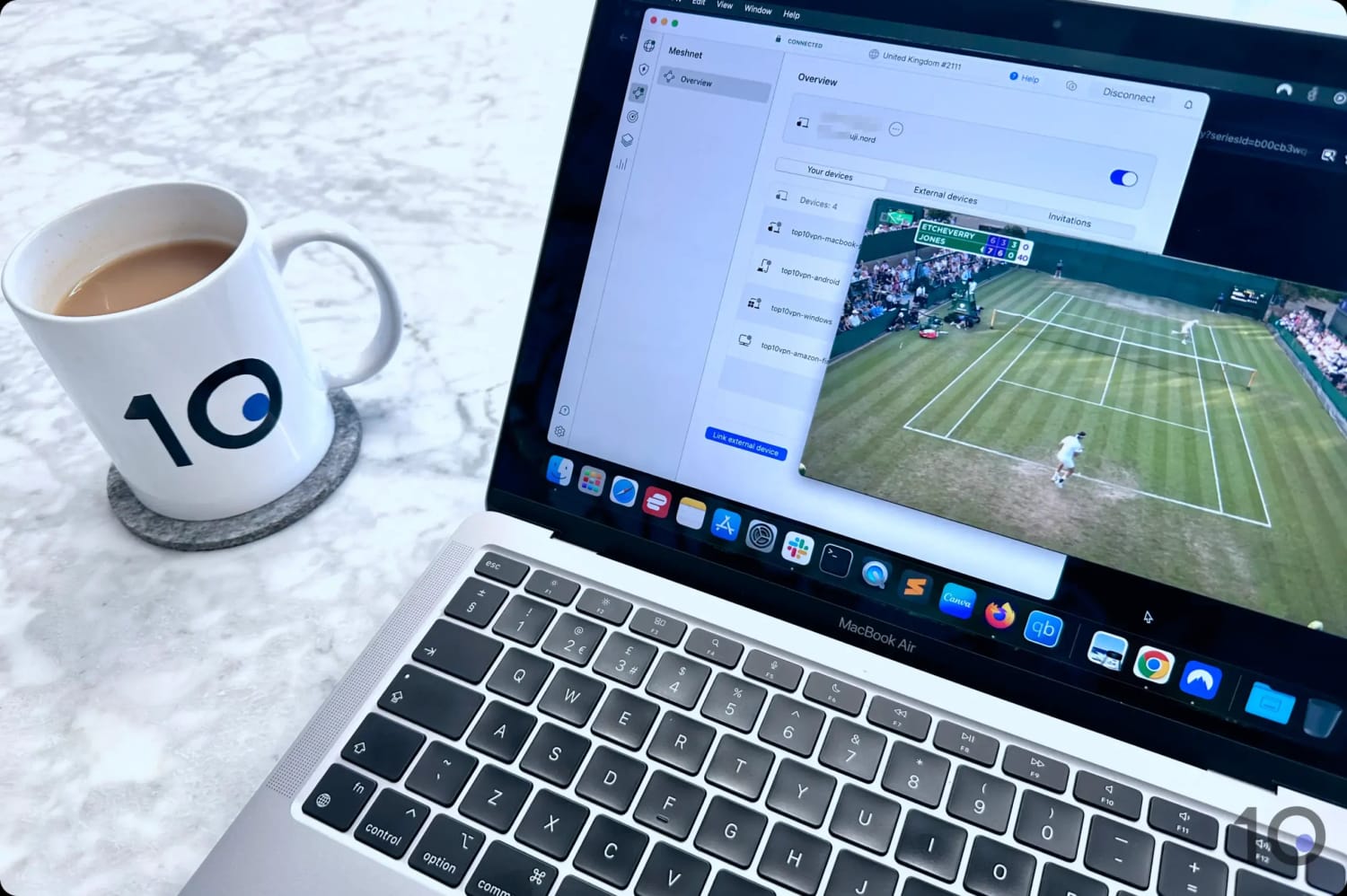
I used NordVPN’s Meshnet to unblock BBC iPlayer for free.
If two devices have Meshnet installed, you can use either to connect to the other and have your internet traffic flow through its local network and using its IP address.
So, to unblock BBC iPlayer, connect your device to one in the UK to assign yours a British IP address and then go to BBC iPlayer. Remember, both devices need to have Meshnet running on them.
Keep in mind that you can also use NordVPN risk-free by enrolling in its 7-day free trial via its website or taking advantage of its 30-day refund guarantee.
Not as Good for Streaming on TV
NordVPN performed extremely well for me on desktops, laptops, and smartphones. As far as streaming BBC iPlayer goes, no VPN comes close on these devices.
But to watch BBC iPlayer abroad on your TV, that’s a different story.
For starters, NordVPN’s Smart DNS doesn’t work with BBC iPlayer. Neither my PlayStation nor my tester’s Xbox could get it to run.
Secondly, NordVPN’s apps for Fire TV Stick and Apple TV aren’t as well designed as ExpressVPN’s. They work, but ExpressVPN’s connect more quickly and are generally smoother to use.
The margins between ExpressVPN and NordVPN are extremely thin, and depending on the device(s) you want to watch on, ExpressVPN may well be the better option.
ExpressVPN’s updated UK server network has resulted in speeds faster than NordVPN, as well as much-improved access to BBC iPlayer, putting historical issues behind it.
In my opinion, ExpressVPN’s apps are significantly more user-friendly and more widely compatible, thanks to a working Smart DNS proxy and its one-of-a-kind VPN router (Aircove).
That being said, ExpressVPN struggled with BBC iPlayer for several years, so I need to continue evaluating the service before further upgrading its rating.
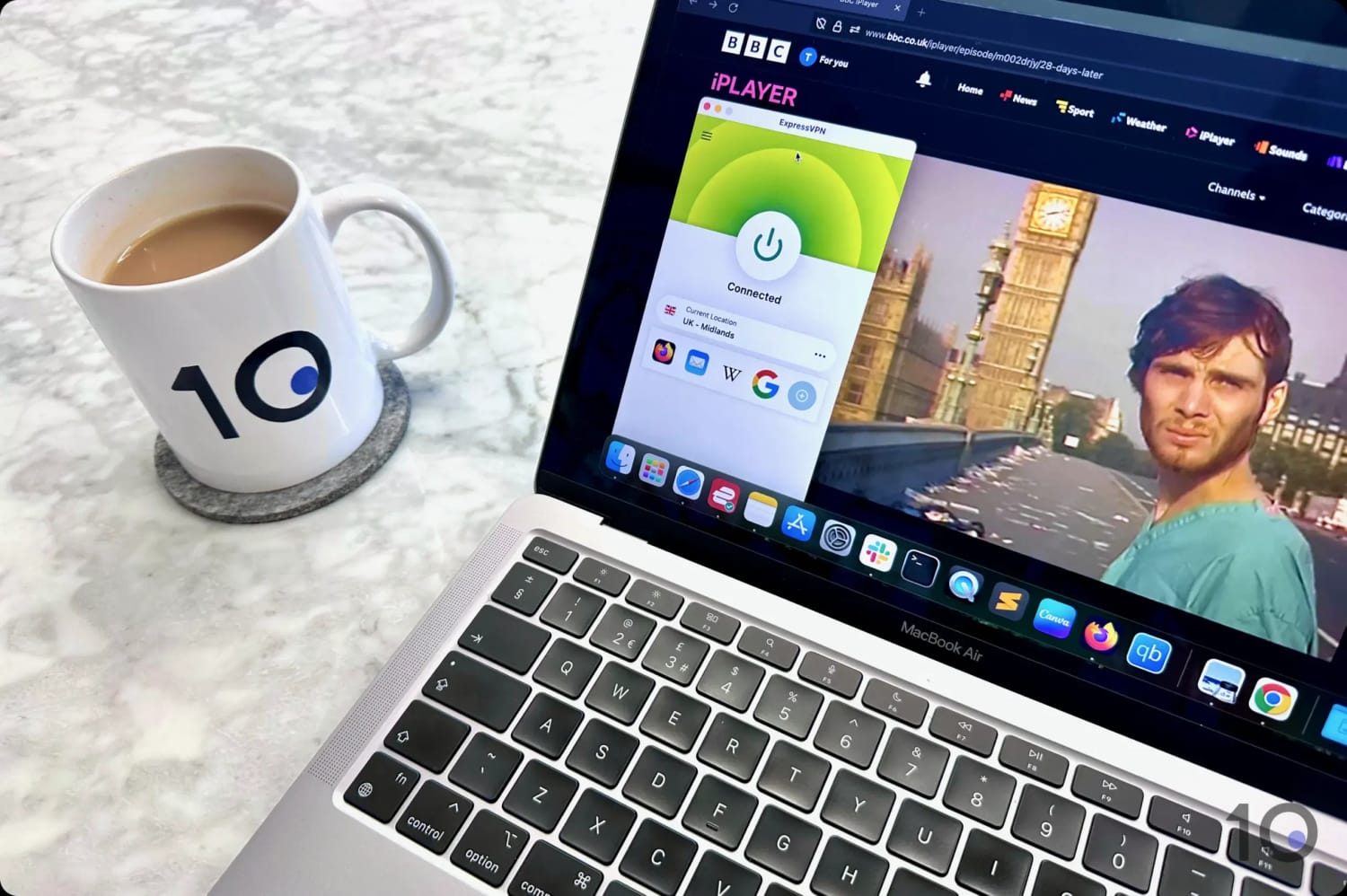
I easily accessed BBC iPlayer with ExpressVPN from abroad.
Faster Speeds & Improved Access
ExpressVPN is an excellent choice for BBC iPlayer, especially if internet speed and streaming quality are your main priorities.
While NordVPN is also fast, ExpressVPN is the quickest for the UK, slowing your download speed by just 7% when connecting to the UK from abroad.
This network speed guarantees buffer-free, high-resolution streaming of your favorite British shows.
It proved equally effective for live broadcasts, letting me stream FA Cup matches in 4K quality.
Historically, ExpressVPN has not been as reliable as NordVPN at bypassing BBC geo-blocks. But I’ve been testing the service for 10 years, and have seen its performance improve drastically in recent times.
Today, all of ExpressVPN’s UK servers access the BBC’s streaming service without issue.
This consistency extends to all UK streaming services, with ExpressVPN working just as well for watching Channel 4 from abroad.
Superior Apps for Every Streaming Device
Where NordVPN struggles, ExpressVPN excels. Its streaming device compatibility is unmatched in the VPN industry, letting me seamlessly stream BBC iPlayer across all my devices.
ExpressVPN’s apps are exceptionally well designed and very enjoyable to use, including on Fire TV and Apple TV.
All of ExpressVPN’s servers in the UK connect instantly.
Its browser extensions are particularly smooth to use, providing quick access to iPlayer directly from my web browser without needing to open the full app (though the desktop app must be running in the background).
Moreover, ExpressVPN’s Smart DNS proxy works very well with BBC iPlayer in contrast to NordVPN’s, which only supports US-based streaming services.
Unlike any other VPN service, ExpressVPN has built its own router, which allowed me to use the VPN on my Roku Stick and game consoles (i.e. devices that don’t support direct VPN installation).
For short-term users, there’s even an option to try ExpressVPN for free for three days through the Apple App Store or Google Play Store.
Many free extra settings including GPS spoofing on Android
Good apps for Fire TV Stick & Android TV
7-day free trial & 30-day refund guarantee
Slower internet speeds than NordVPN & ExpressVPN
Compatible with fewer devices than ExpressVPN
Kill switch isn't enabled by default
No Smart DNS
Slower server connection times
Lacks a native router app
Pricing Plans
$16.45/mo
$3.39/mo over 15 months
$2.49/mo over 27 months
Free Trial Duration
7 Days
UK Servers
440
UK Server Locations
Edinburgh, Glasgow, London, Manchester
Simultaneous Connections
Unlimited
Support
24/7 Live Chat
Compatible with
Windows
Mac
iOS
Android
Linux
Amazon Fire TV
Android TV
Apple TV
Router
Chrome
Despite costing less than ExpressVPN and NordVPN, Surfshark still packs a real punch when it comes to streaming BBC iPlayer from abroad.
Honestly, if it weren’t for a couple of nuisances, it could even top my list. That’s because most of the VPN’s 440 servers in the UK bypassed the BBC’s geo-blocks quite comfortably.
Holding Surfshark back are its slower long-distance speeds into the UK, weaker device compatibility, and the occasional server block on BBC iPlayer.
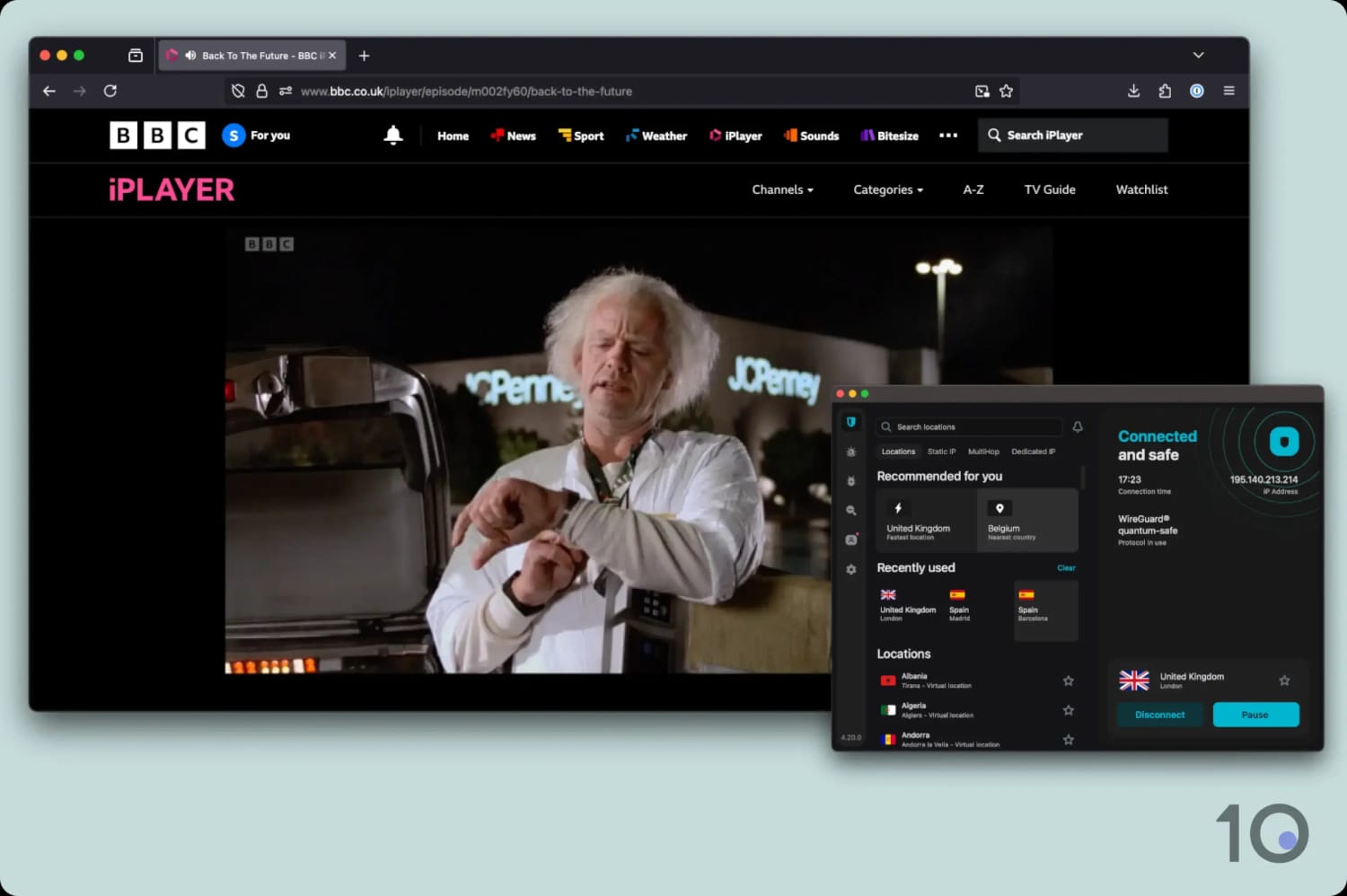
Surfshark unblocks BBC iPlayer on most UK servers.
Very Affordable Option to Unblock BBC iPlayer
As I’ve already said, Surfshark has no issues getting around the BBC’s VPN detection tools, and almost every UK server I tried worked well.
This was the case on all its products: its intuitive mobile apps, its slightly cluttered desktop clients, and its Fire TV and Apple TV software.
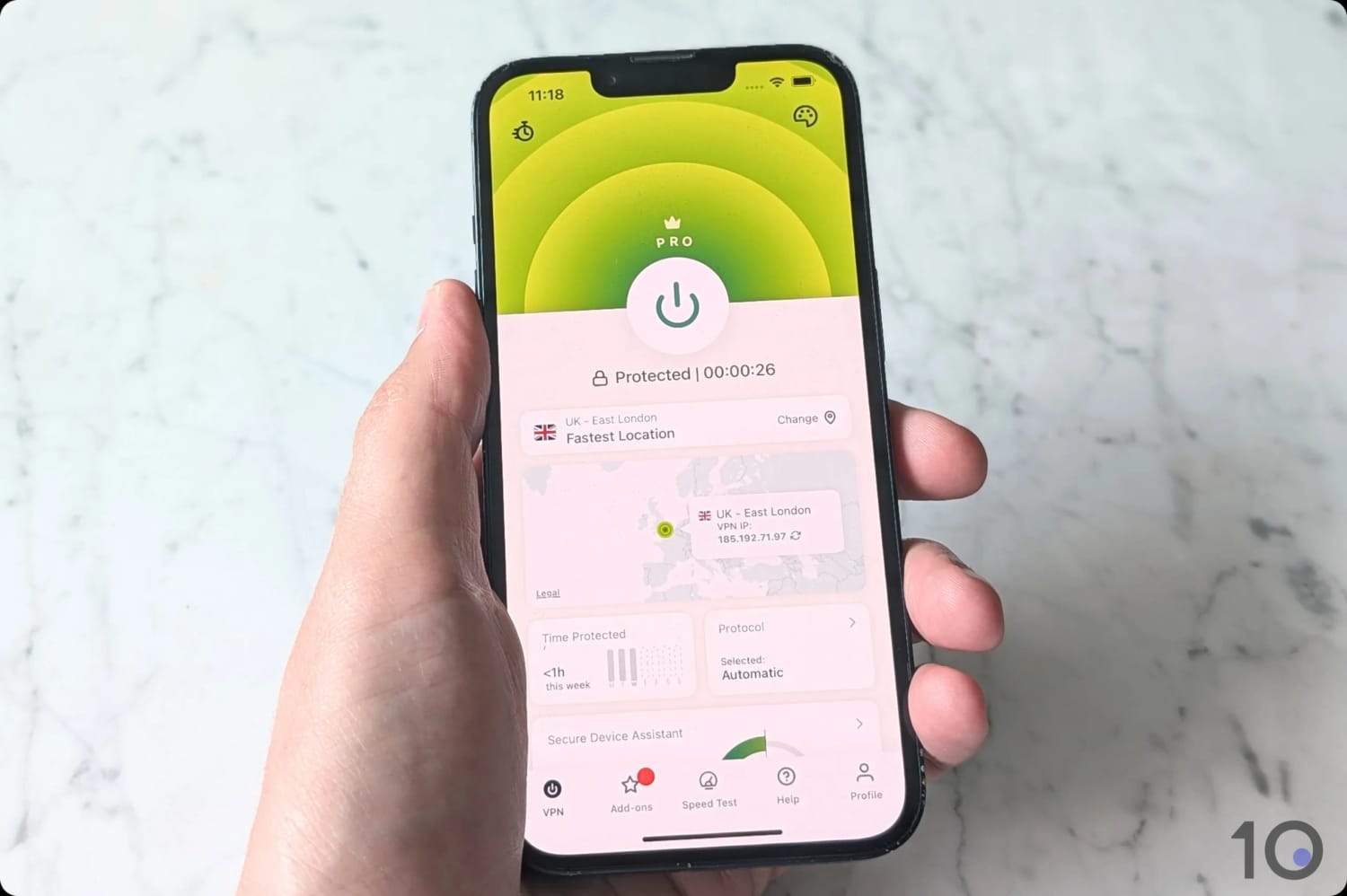
Surfshark’s apps for Mac and iOS devices.
At $2.49/mo over 27 months, it really offers unbelievable value, especially for more budget-conscious streaming fans.
That being said, it takes longer than I’d like to connect to Surfshark’s servers, which has been the case for years. ExpressVPN’s servers connect almost instantly, but Surfshark’s can take several seconds.
Once connected to a UK server, I immediately noticed the speed difference compared to my top two VPN picks.
The BBC iPlayer website and my chosen show were a little slow to load initially, although it was all fine after that: a sharp picture and no sudden interruptions.
To put some numbers behind this: Surfshark slowed my internet speed down by 12%, while ExpressVPN and NordVPN only reduced speeds by 7% and 10% respectively.
Compatible with Fewer Devices
Other than slower speeds, the other main frustration I had with Surfshark was its limited device compatibility. This is the area where ExpressVPN is miles ahead.
Because Surfshark doesn’t offer a Smart DNS proxy and hasn’t developed its own router app, the service is trickier to use with BBC iPlayer on devices that don’t support native VPN software.
The only way to do it on devices like PlayStation, Xbox, or Roku, is to manually set up the VPN on your router. It’s not incredibly complicated, but why even bother when you can use ExpressVPN’s Mediastreamer or its user-friendly router app?
Out of the free VPNs I tested with BBC iPlayer, only Windscribe and TunnelBear successfully provided access without compromising my privacy.
However, TunnelBear imposes a 2GB monthly data limit (compared to Windscribe’s 10GB), which in practice means less than an hour of HD streaming per month.
You also can’t choose your server location with TunnelBear anymore, so consistent access to BBC iPlayer is virtually impossible.
Available on popular devices including Fire TV & Apple TV
User-friendly Chrome browser extension
Unlimited simultaneous connections
10GB monthly data limit
Only 2 free UK servers
Occasional buffering when streaming in Full HD
No Smart DNS service included
No human live chat support
Data Cap
10GB per month
Free UK Servers
2
UK Server Locations
London
Simultaneous Connections
Unlimited
Support
Email & Online Resources Only
Compatible with
Windows
Mac
iOS
Android
Linux
Amazon Fire TV
Android TV
Apple TV
Router
Chrome
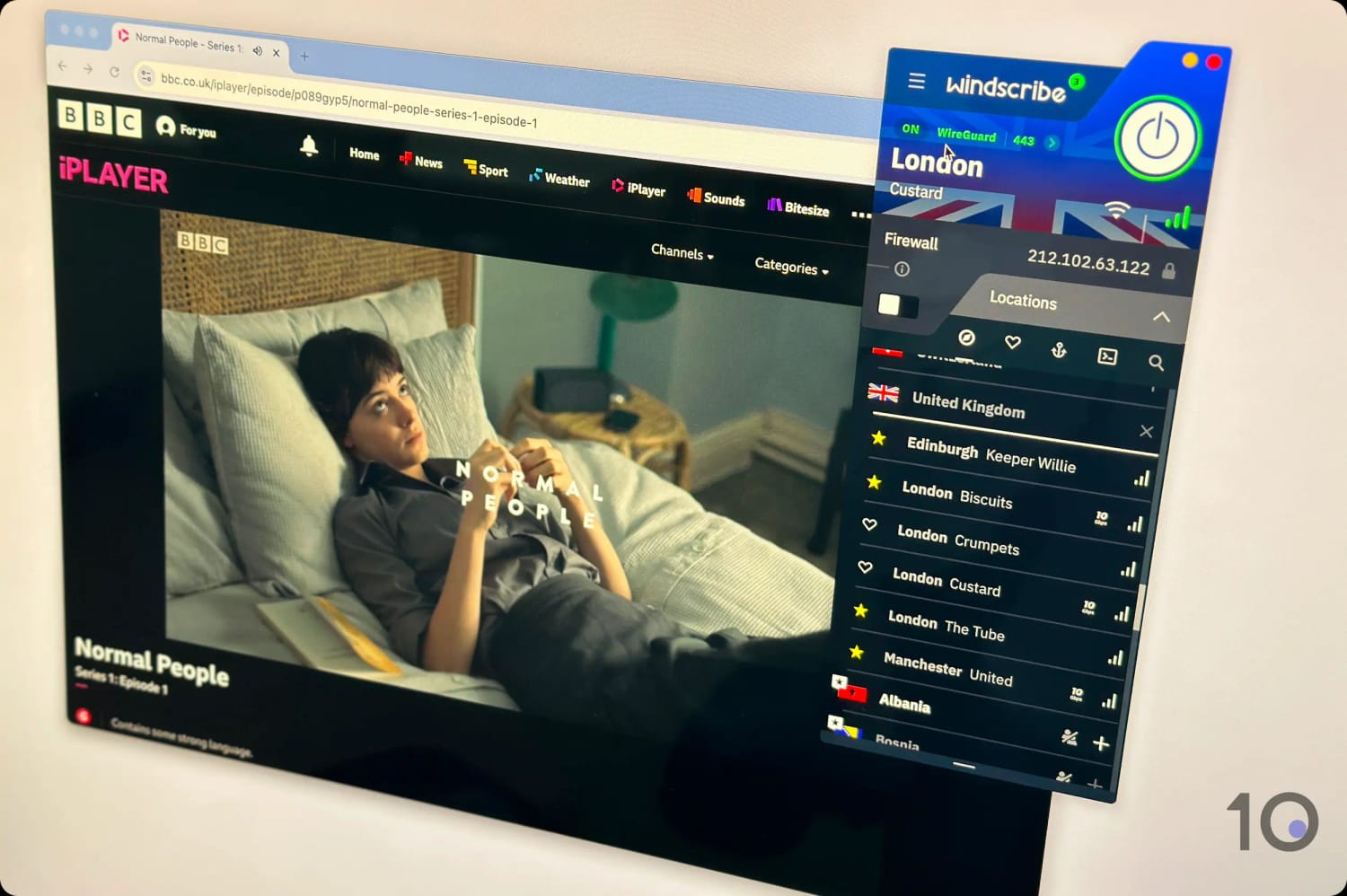
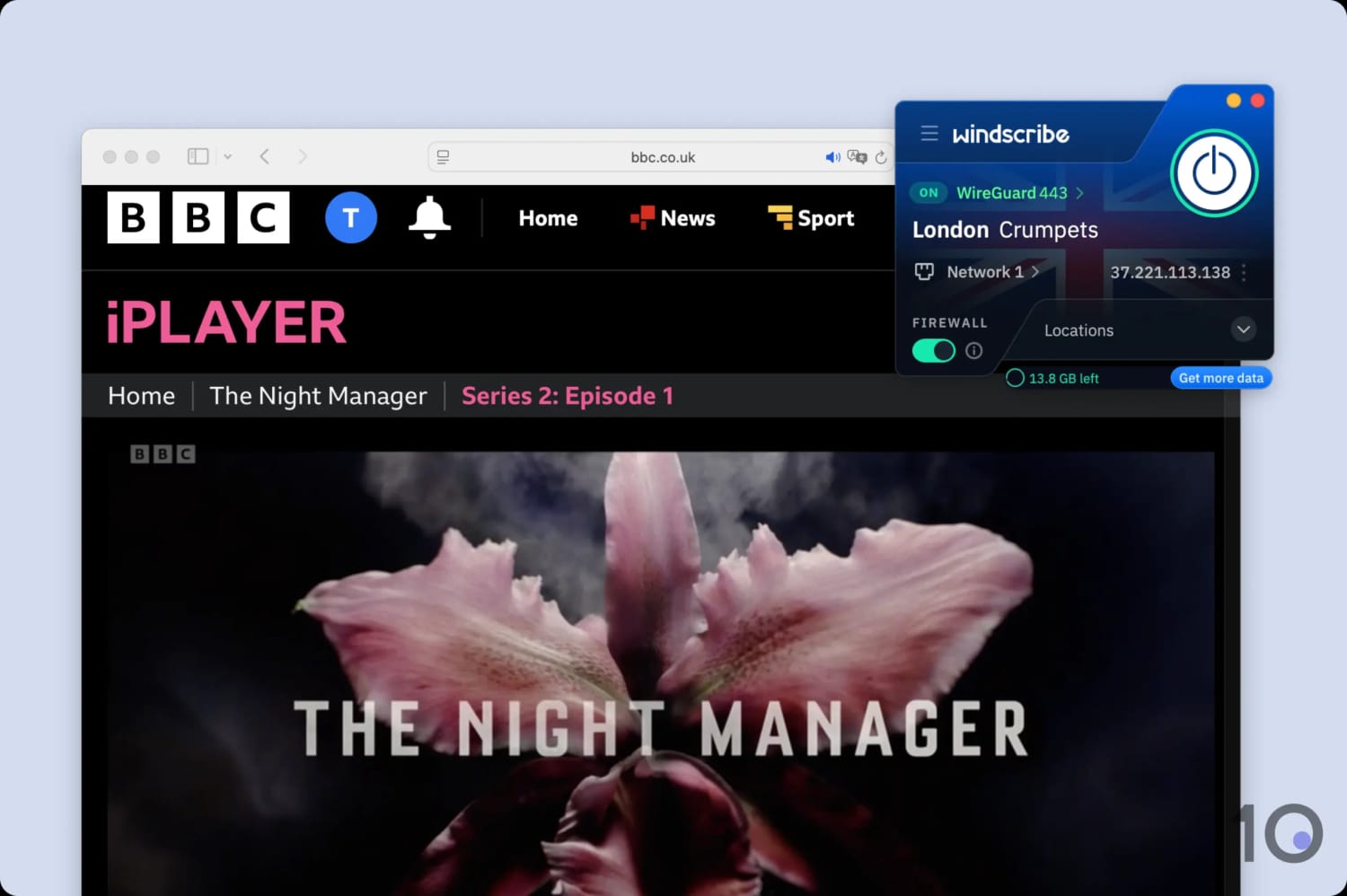
Windscribe is the only safe free VPN that works consistently with BBC iPlayer. Using the VPN, I watched a range of BBC shows from overseas.
However, the free VPN enforces a 10GB monthly data cap, which’ll limit you to roughly 4 hours of streaming in HD per month.
Windscribe’s free London servers unblock iPlayer and stream UK shows like ‘Normal People’.
Reliable UK Servers & Apps for Streaming Devices
Windscribe’s free version is very easy to download and use, without the need to submit any payment details whatsoever.
You’ll therefore get quick access to 2 free London-based UK servers, both of which unblocked BBC iPlayer at every attempt.
All of Windscribe’s free UK servers worked with BBC iPlayer.
These free UK servers are available on Windscribe’s full range of apps, so you can stream iPlayer for free on your phone, laptop, Fire TV, Android TV, and Apple TV.
The only thing missing is a Smart DNS feature, but for a free service I’m still very happy with Windscribe’s offering.
10GB Data Cap & Lower Video Quality
The biggest frustration I had using Windscribe was the 10GB monthly bandwidth cap, which is there to entice you to upgrade to the paid product.
During my testing, I unfortunately hit the data limit before I could complete a full season of Doctor Who, for example.
You can extend your free data by an extra 5GB each month by tweeting about Windscribe on X, but this only adds about 2 more hours of streaming.
Connection speeds were also rather lackluster compared to my other (paid) picks, with an average speed reduction of 13%. This led to occasional buffering and lower video quality, which I didn’t experience at all with NordVPN or ExpressVPN.
Wherever you are in the world, you can use one of my recommended VPNs to get a UK IP address and watch TV shows and live broadcasts only available in the UK.
Watch the quick tutorial video below to learn how to change your IP address location with NordVPN, and unblock BBC iPlayer from abroad.
Below you’ll find device-specific instructions to stream BBC iPlayer from overseas. Keep in mind that you’ll have to create a free account to watch content, unless you have one already.
By far the easiest way to watch BBC iPlayer from outside the UK is to access its website on your PC or Mac.
How to Unblock BBC iPlayer on PC & Mac
Sign up and install your chosen VPN onto your computer:NordVPN works well.
Launch the VPN app and connect to a UK server: This assigns you the required UK IP address to unblock BBC iPlayer.
Launch BBC iPlayer: Log into your BBC iPlayer account and start streaming.
If you’re prompted with a “Got a TV Licence?” pop-up, select “I have a TV Licence. Watch now.” to continue watching BBC iPlayer.
Mobile (iOS & Android)
Accessing BBC iPlayer’s application from abroad on your smartphone or tablet can be very simple, or quite tricky. It all depends on your app store’s country.
This is because the BBC iPlayer app is geo-locked to UK app stores i.e. you won’t see it listed on non-UK ones.
If you already have a UK Apple App Store or Google Play Store, then follow the steps outlined below.
How to Unblock BBC iPlayer on iOS & Android
Download and install a VPN app onto your smartphone or tablet: My top pick NordVPN also offers a 7-day free trial via its website.
Launch the VPN app and connect to a UK server location: If your VPN has BBC iPlayer-specific servers, try using those first.
Clear the BBC iPlayer app’s cache: This is an optional step, since often you won’t need to do this.
iOS: Go to Settings > General > iPhone Storage > BBC iPlayer > Offload App and then reinstall it.
Android: Go to Settings > Apps > BBC iPlayer > Storage and cache > Clear cache.
Launch the BBC iPlayer app, log in, and start streaming.
If your app store is registered in a different country, you could get a new Apple ID or Google Account linked to the UK, although it’s quite an involved process.
I have a much quicker and simpler solution. Simply launch your VPN on your device, open your web browser app, and go to www.bbc.co.uk/iplayer, log in, and stream content via your browser instead.
Fire TV Stick
If you’re looking to unblock BBC iPlayer on your Fire TV device, likelihood is you don’t live in the UK and your device is registered to a non-UK Amazon account.
If that’s the case, bypassing BBC iPlayer’s geo-restrictions on Firestick is going to be tricky. That’s because the application is geo-locked to the UK app store, just like on iOS and Android.
You could change your Amazon country to the UK, or get a second Fire TV Stick for that simple purpose, but I have a much simpler solution for you.
How to Unblock BBC iPlayer on Fire TV Stick
Download and install the VPN from your Fire TV’s App Store: I suggest using ExpressVPN over NordVPN as it has a better designed and more dependable Firestick app.
Launch the VPN and connect to a server in the UK.
Launch a web browser app on Firestick: Even Amazon Silk will do just fine.
Normally, BBC iPlayer allows you to AirPlay content from your iPhone or iPad onto your Apple TV. But when I tried it with my VPN running, the iPlayer app blocked the screen mirroring.
The other solution is to install the BBC iPlayer from the tvOS App Store, but if your Apple ID isn’t linked to a UK account, you won’t find the BBC iPlayer app listed.
Your only option is to create a UK Apple ID and link it to your Apple TV. IPVanish has a helpful guide on how to do this. To be honest with you, it’s not a straightforward process, and you may want to consider using a different device.
Once you have a UK Apple ID, then it’s all plain sailing from there, as the instructions below demonstrate.
How to Unblock BBC iPlayer on Apple TV
Install the VPN from the tvOS App Store: Just like for Fire TV, I preferred using ExpressVPN‘s native tvOS app.
Install the BBC iPlayer app from the tvOS App Store.
Launch the VPN and connect to a UK server location.
Open the BBC iPlayer app, log in, and start streaming.
How to Fix Your BBC iPlayer VPN Not Working
Sometimes even the most reliable VPNs stop working with BBC iPlayer. The situation can change from day to day as the BBC’s blocks become more aggressive.
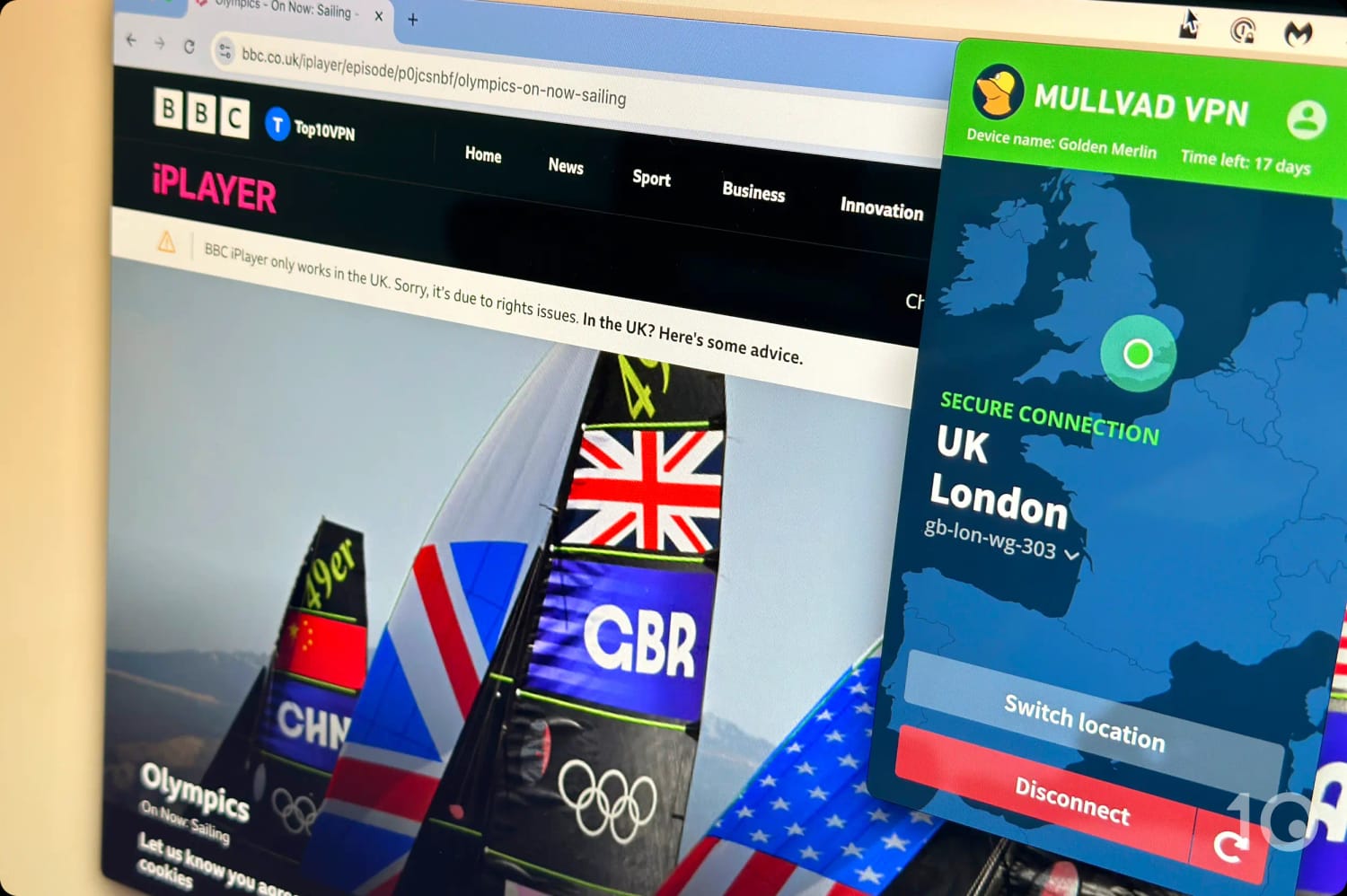
Many VPNs I’ve tested, including Mullvad, don’t work with BBC iPlayer.
If you see the BBC iPlayer VPN error message, try one of the fixes below:
1. Get a Better VPN
The most common reason a VPN isn’t working with BBC iPlayer is because the VPN service doesn’t proactively try to unblock the service.
The only way to fix this is to get a VPN that’s capable of bypassing iPlayer’s geo-restrictions.
The best VPNs, like NordVPN and ExpressVPN, invest heavily in updating their IP addresses and staying one step ahead of detection methods, ensuring consistent access to BBC iPlayer.
2. Connect to a Different UK VPN Server
The BBC’s VPN and geolocation detection systems are some of the most effective I’ve come across.
If your UK VPN server suddenly stops working with BBC iPlayer, it’s likely that the server’s IP address has been detected and blocked.
To regain access, simply switch to a different UK server. This’ll provide you with a new IP address that BBC iPlayer may not yet have detected.
3. Clear Your Cache & Cookies
If you’ve previously attempted to access BBC iPlayer from outside the UK or used an incompatible VPN, those cookies may cause the site to block you even if you’re now using a compatible VPN server.
In my experience, BBC iPlayer retains location data longer than other streaming services.
To remove any traces of your previous geolocation, it’s essential to clear your browser or app cache.
To clear browsing data in Chrome, click the three vertical dots in the upper right corner, select ‘More Tools‘ > ‘Clear browsing data‘, and go to the ‘Advanced‘ tab. Then, choose ‘All Time‘ from the drop-down, and check the boxes for ‘Cookies and other site data’ and ‘Cached images and files’.
The easiest way to do this on mobile is by restarting your device.
4. Check for IP Leaks
If you’re on an IPv6 connection, an IP leak could expose your true location to BBC iPlayer. To prevent this, enable IPv6 protection in your VPN app. If it’s not available, disable IPv6 in your device’s settings instead.
Run a check using our IP leak test tool to ensure an IP or DNS leak isn’t revealing your true location. If a leak is detected, then read our guide on fixing VPN leaks.
Why & How Does BBC iPlayer Block VPNs?
The BBC blocks VPNs to uphold licensing agreements with content providers and to promote the sale of its original content outside the UK.
To enforce these restrictions, the BBC monitors IP addresses accessing iPlayer. If an IP address is linked to numerous simultaneous streams, it’s likely associated with a VPN and is subsequently blacklisted.
The BBC also runs checks on whether an IP address is ‘residential’ or belongs to a data center (VPN services use data center IP addresses).
In order to avoid detection, the VPNs I recommend for BBC iPlayer have to constantly update their UK IP addresses and obfuscate their traffic to make it appear as ‘normal.’
Honorable Mentions
I tested and reviewed 59 VPN services to determine if, and how well, they unblock BBC iPlayer.
The truth is: many VPNs either don’t work with the BBC’s streaming platform or they aren’t reliable enough, including very popular ones.
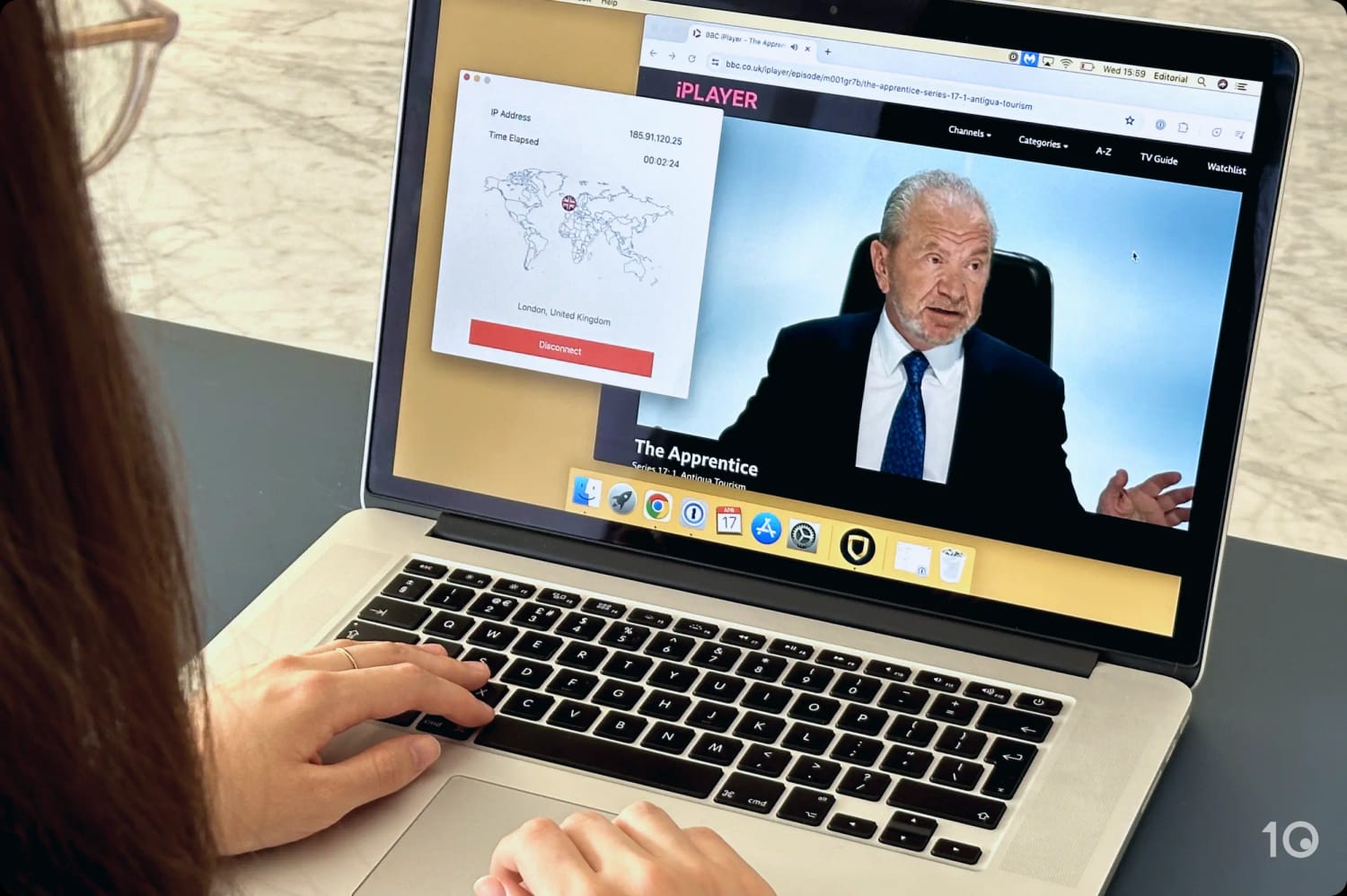
I tested 59 VPNs with BBC iPlayer to find the best ones.
Below are notable VPN providers that either weren’t able to unblock BBC iPlayer in my tests, or didn’t quite meet my high standards.
CyberGhost
CyberGhost is generally a very good VPN to use, and it’s also one of the more affordable ones on the market.
Streaming BBC iPlayer, most of its UK servers unblocked the service although video quality was hit-and-miss. Sometimes it was very sharp, but on other occasions I did experience some picture degradation.
This is largely due to the fact that CyberGhost’s VPN speeds aren’t as fast as I’d like them to be, and fluctuate considerably over extended periods of time.
I streamed BBC iPlayer on-demand using CyberGhost’s UK servers.
IPVanish
IPVanish has historically struggled to unblock BBC iPlayer. It has recently started to work well, although its track record suggests there’s no guarantee it’ll continue to work longer-term. Plus, not all of its UK VPN servers work with BBC iPlayer, unlike NordVPN’s.
IPVanish also doesn’t provide any web browser extensions, which are very useful for quickly connecting to a UK server without launching the full VPN app.
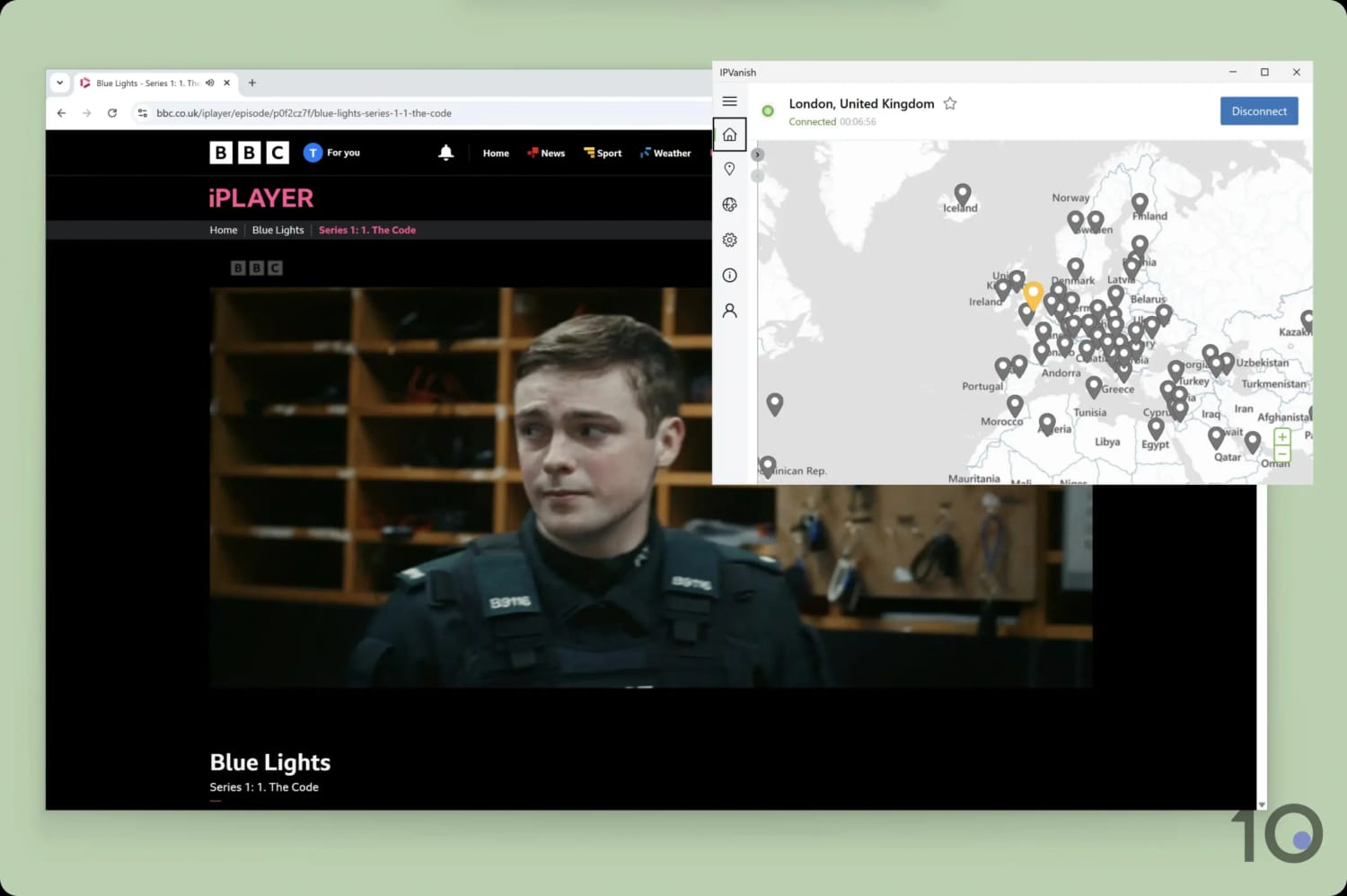
IPVanish has only recently started to unblock BBC iPlayer.
Private Internet Access (PIA)
Unlike all the VPNs that made my recommended list, PIA requires you to connect to a dedicated streaming server to unblock BBC iPlayer. All of its standard UK servers are in fact blocked.
This also happened when I tested PIA with unblocking Sky Go, except the dedicated servers were ineffective too.
With only one server available for UK streaming, I noticed it was often more congested and slower than the others. Additionally, the need to connect to a specific server may not be immediately clear, particularly for VPN newcomers.
PIA’s regular UK servers are blocked by BBC iPlayer.
Proton VPN (Paid & Free)
Proton VPN only narrowly misses out on my shortlist. While capable of unblocking BBC iPlayer, I occasionally noticed some buffering and drops in video quality.
It became particularly annoying when I attempted to stream a live FA Cup match, as my video was too grainy to make out the football.
The free version of Proton VPN is more easily dismissed, since it can’t unblock BBC iPlayer and doesn’t let you choose your server location.
PrivadoVPN (Paid & Free)
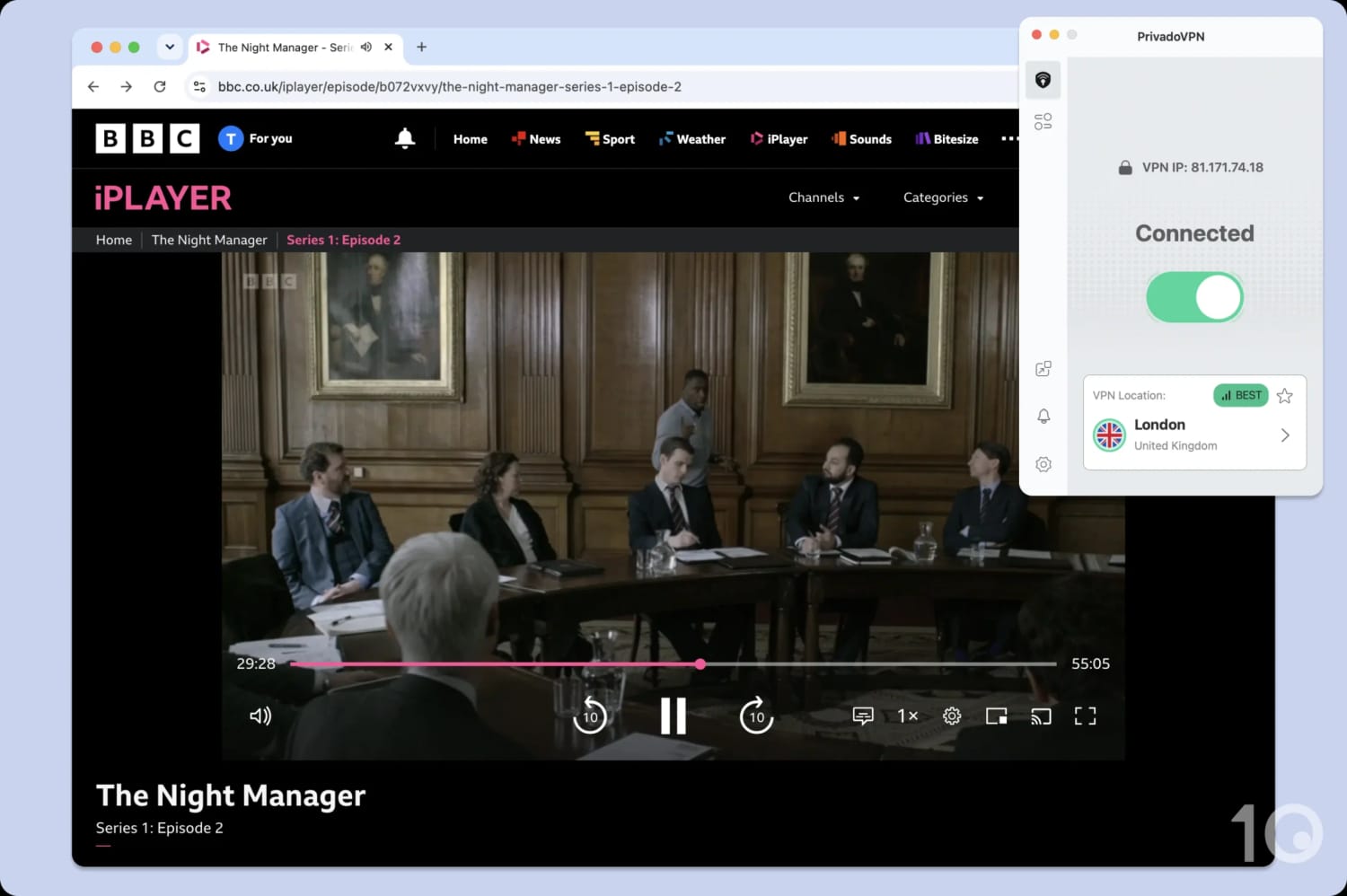
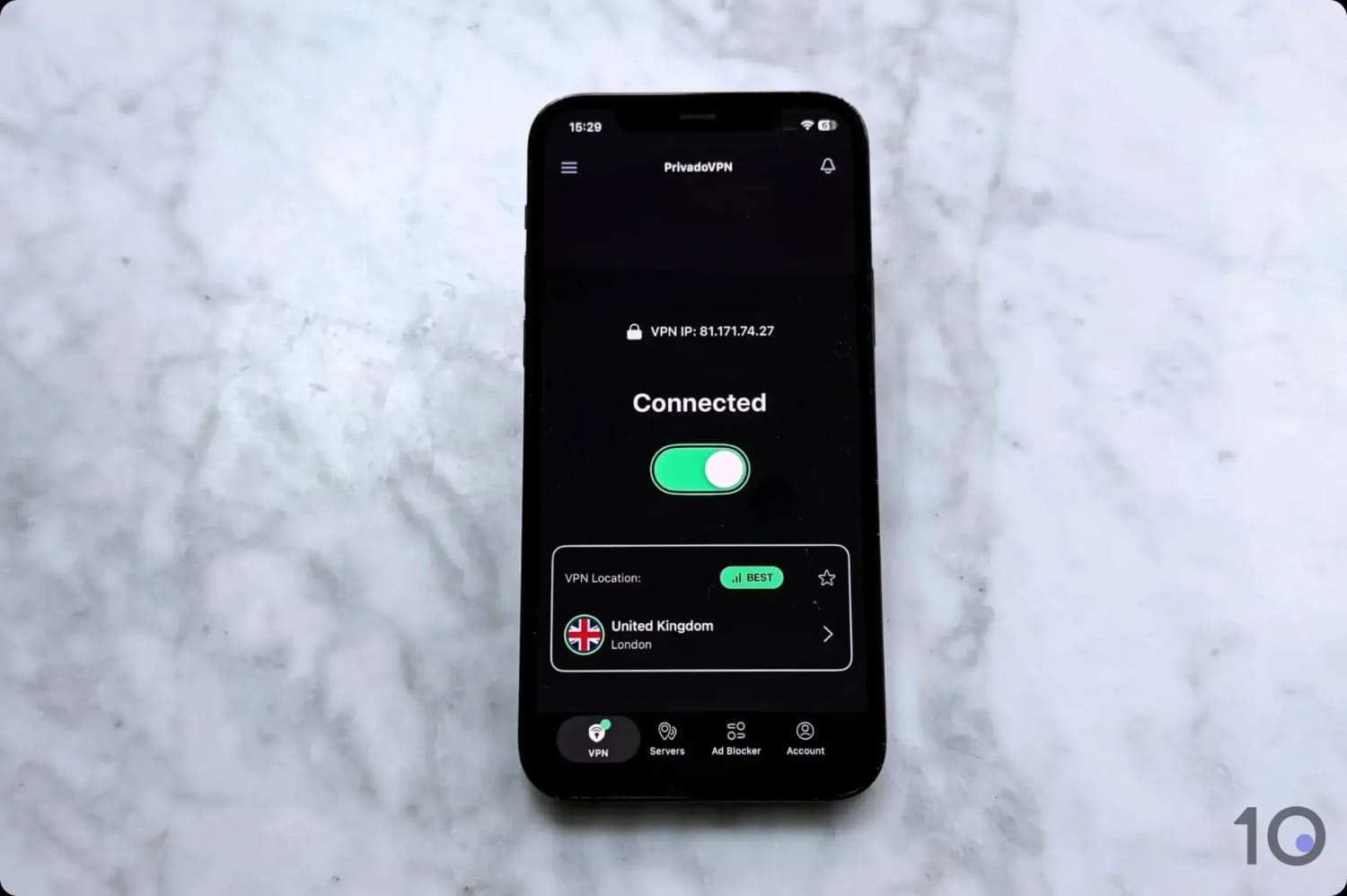
While PrivadoVPN is a solid choice in general, neither its paid version nor its free VPN can unblock BBC iPlayer.
I also have some question marks over its privacy policy, given it has never been proven.
BBC iPlayer detected my VPN connection.
BBC iPlayer VPN Testing Methodology
Working alongside my team of testers, I regularly evaluate 59 VPNs to find the most effective at unblocking BBC iPlayer from any country.
I assess their suitability by examining four key areas:
You can use the table below to see how my recommended VPNs perform in these four test categories:
Below is a detailed breakdown of each category and its contribution to the VPN’s overall rating for BBC iPlayer.
1. Unblocks BBC iPlayer (50%)
Test Conducted: Connected to a UK server and tried streaming BBC iPlayer. We repeated this over a long time period, to gauge each VPN’s reliability.
Why It’s Important: To enable consistent access to BBC iPlayer from abroad.
Optimal Result: A VPN that always unblocks BBC iPlayer on all of its UK servers.
2. Speed (25%)
Test Conducted: I used our own speed test tool to determine the connection speed of each VPN while connected to servers in eight countries, focusing on the average speed of a US to UK connection.
Why It’s Important: Fast connection speeds enable Full HD streaming and prevent buffering, making for a better viewing experience.
Optimal Result: A speed loss connecting into the UK of no more than 10%.
3. UK Servers (15%)
Test Conducted: Counted the number of UK servers on each VPN’s network, including how many city locations it offers, followed by the use of an IP address checker to confirm a successful UK connection.
Why It’s Important: UK servers enable you to get a UK IP address and the more servers there are the less congestion there is when connecting into the UK and the greater the chance of bypassing BBC geo-restrictions.
Optimal Result: Over 100 UK servers across multiple UK cities.
4. Device Compatibility (10%)
Test Conducted: Examined which apps and device compatibility features, like a router app and Smart DNS, the VPN offers.
Why It’s Important: The more streaming device apps a VPN has the more ways you can watch BBC iPlayer.
Optimal Result: Apps for all major streaming devices, including Fire TV Stick, Android TV, and Apple TV. A Smart DNS feature and an app for routers are also ideal.
Data Cap Penalty
Nearly all free VPNs come with a data cap. As is the case with most limitations on free VPNs, this is implemented to encourage users to upgrade to the paid service.
This data cap will limit the amount of movies and TV shows you can watch on BBC iPlayer.
I apply a penalty to the VPN’s final overall BBC iPlayer rating based on its data cap:
Unlimited bandwidth: No deduction to the overall rating
10GB per month: -20% to the overall rating
500MB per day: -25% to the overall rating
5GB per month: -30% to the overall rating
1GB or 2GB per month: -35% to the overall rating
200MB per day: -40% to the overall rating
500MB per month: -50% to the overall rating
FAQs
What Can I Watch on BBC iPlayer?
BBC iPlayer offers a very rich catalog of content ranging from dramas, soaps, films, documentaries, comedy, and sport. Here’s a selection of what’s on offer:
Blue Lights
Call the Midwife
Casualty
Doctor Who
EastEnders
FA Cup
Industry
Line of Duty
Ludwig
Match of the Day
Panorama
Peaky Blinders
Strictly Come Dancing
The Traitors (and The Celebrity Traitors)
Is it Legal to Watch BBC iPlayer with a VPN?
Using a VPN to watch BBC iPlayer is legal if you hold a UK TV license, allowing you to stream content from the service regardless of your location.
While it does violate the BBC’s Terms of Use to access iPlayer from outside the UK using a VPN, there have been no reported cases of individuals being prosecuted for this.
If you live outside the UK, you aren’t subject to UK TV Licensing laws, meaning you won’t face fines for watching BBC iPlayer through a VPN.
What Is the Fastest VPN for Streaming BBC iPlayer?
Both NordVPN and ExpressVPN deliver extremely fast streaming speeds on their UK VPN servers, however ExpressVPN is marginally faster.
My internet speed while connected to ExpressVPN’s UK servers dropped by only 7% on average, compared to 10% using NordVPN.
Can I Watch BBC iPlayer without a VPN?
You can watch BBC iPlayer from abroad without a VPN. There are two options available to you: Smart DNS or NordVPN’s Meshnet.
Smart DNS services, like Control D, allow you to change your device’s DNS settings and unblock geo-restricted streaming platforms. Smart DNS doesn’t encrypt your traffic, though.
NordVPN’s Meshnet allows you to connect to another device’s local network and route your internet traffic through that device, and therefore using that device’s IP address location.
Can You Download BBC iPlayer Shows?
Yes, you can download BBC iPlayer shows. From overseas, you can use a VPN to download them and then watch them without your VPN running.