


Top10VPN is editorially independent. We may earn commissions if you buy a VPN via our links.
How to Watch AFL Games from Overseas
Simon Migliano
Simon Migliano is a recognized world expert in VPNs. He's tested hundreds of VPN services and his research has featured on the BBC, The New York Times and more. Read full bio
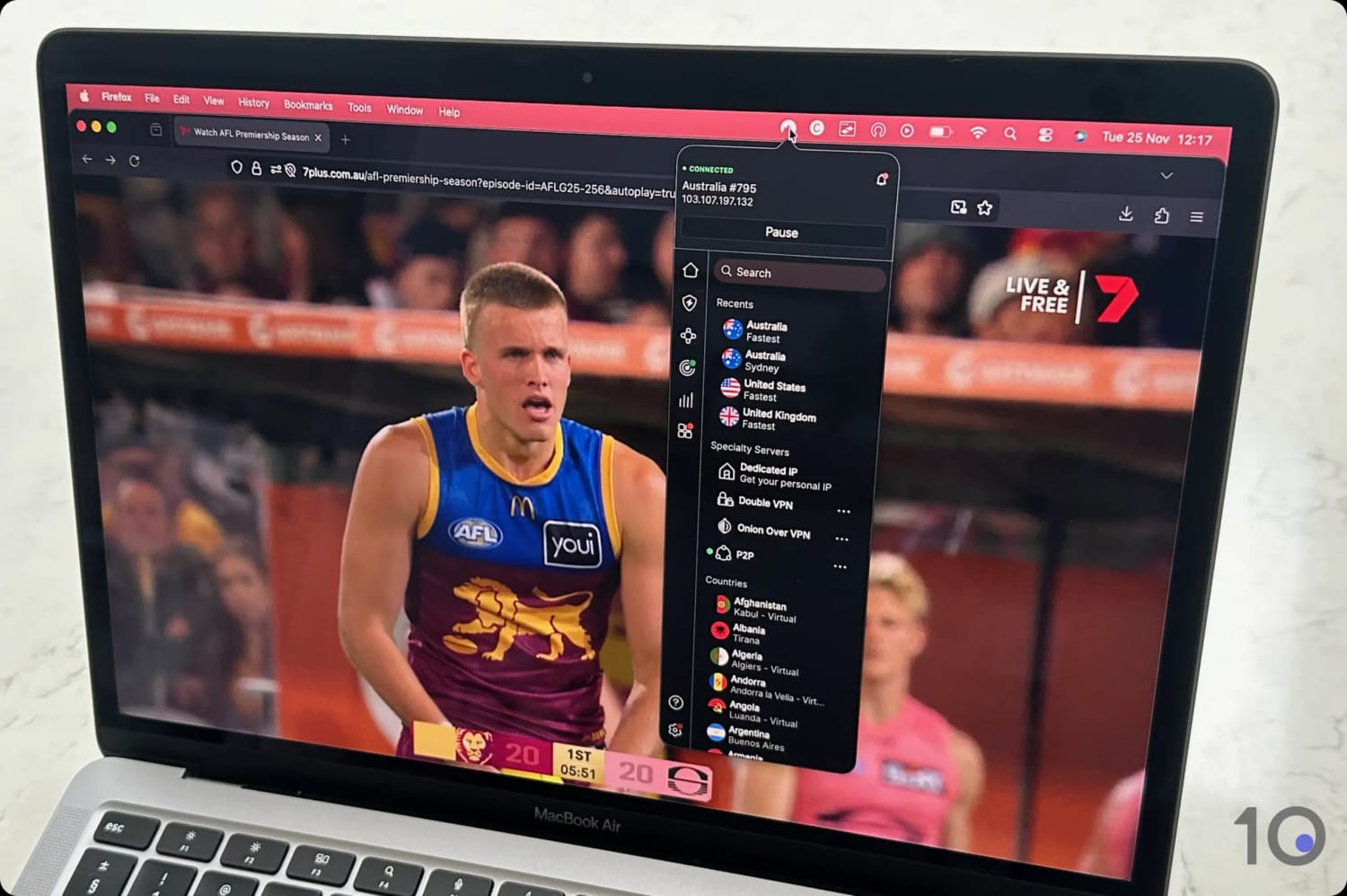
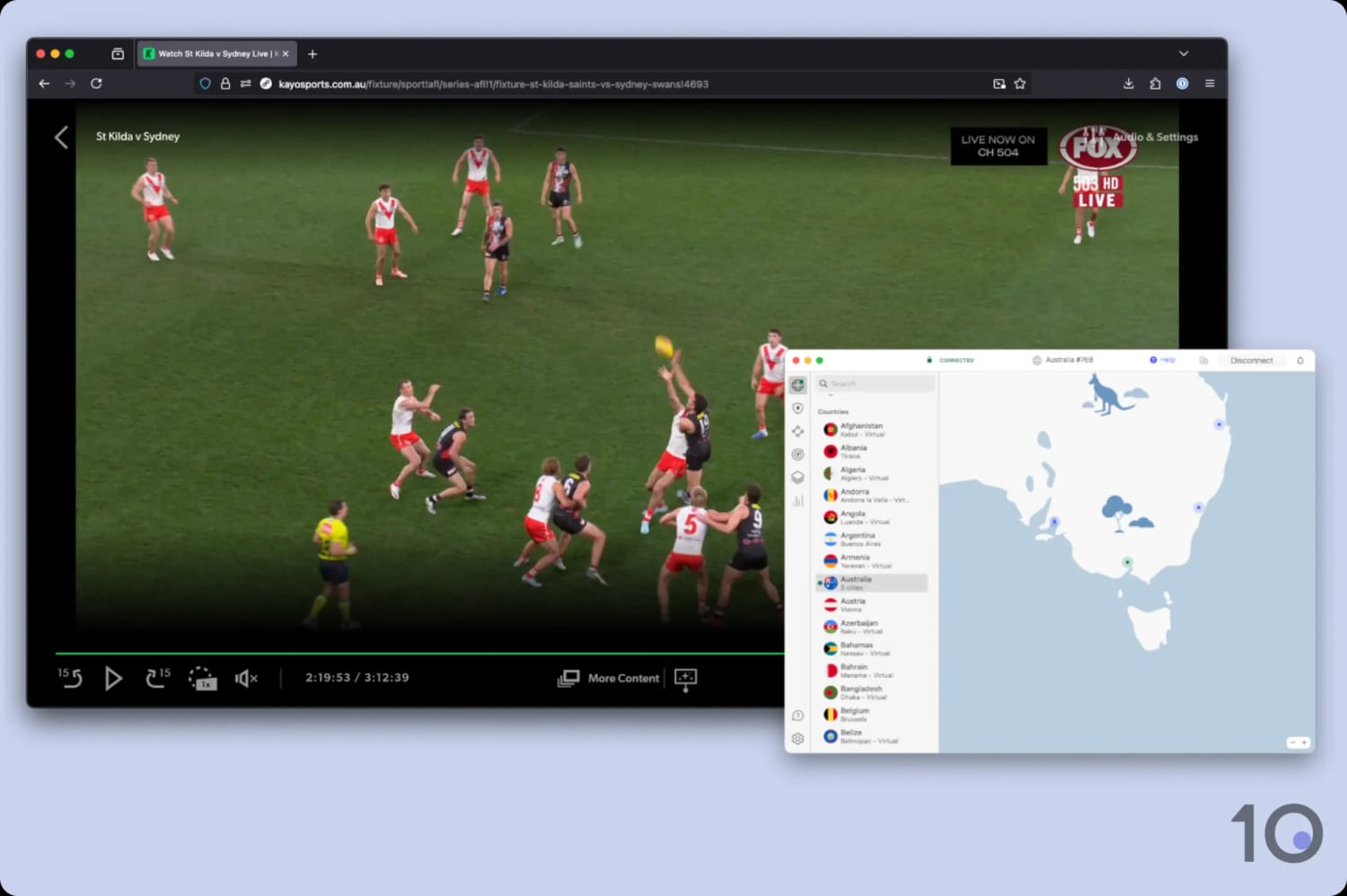
To watch the AFL online completely free from overseas, we recommend using a VPN free trial in combination with Kayo Sports or 7plus. We used NordVPN’s free trial to get an Australian IP address and stream live AFL games for free by combining it with Kayo’s free trial. You can also watch three live games per week on 7plus for free.
There are more Australian Football League (AFL) games than ever to watch online, thanks to the introduction of the ‘Opening Round’ in 2024.
And with several rules changes planned for the 2026 season, the excitement is already starting to build.
But, if you’re outside Australia, it’s expensive to stream Aussie Rules games. A monthly plan on WatchAFL.com.au costs almost $40.00 compared to $20.00 on Kayo Sports.
We have a better solution for you. Using a virtual private network (VPN), you can access Kayo Sports from overseas, which shows every AFL game (excluding the Grand Final) and offers a 7-day free trial, followed by a monthly fee of $20.00.
Moreover, with a VPN with Australian servers, you’ll be able to access 7plus.com.au, which live streams three matches per week, as well as the Grand Final.
Quick Guide: How to Stream AFL Games Overseas
Choose a VPN that unblocks Kayo Sports and 7plus: we recommend NordVPN, which you can try risk-free for 30 days.
Install the VPN app onto your device.
Launch the VPN and connect to an Australian server.
Open Kayo Sports or 7plus. If you need to create a Kayo account, you’ll need an Australian phone number to complete registration.
Start streaming live games.
Why Trust Us?
We’re fully independent and have been reviewing VPNs since 2016. Our advice is based on our own testing results and is unaffected by financial incentives. Learn who we are and how we test VPNs.
VPNs Tested
61
Total Hours of Testing
30,000+
Combined Years of Experience
50+
Kayo Sports or Watch AFL: Which is Better?
To watch every game of the 2026 Toyota AFL Premiership Season from overseas, there are two main options: accessing Kayo Sports with a VPN or through WatchAFL.com.au.
In this guide, we’ll focus on using a VPN with Kayo Sports (and 7plus), since we found it to be the far superior choice over Watch AFL.
The table below quickly compares both subscription services:
Kayo Sports + VPN
Watch AFL
Streaming Quality
Up to 4K (UHD)
720p (HD)
Free Trial
Yes
No
Monthly Cost
~$20.00
~$40.00
Apple TV, Fire TV & Android TV App
Yes
Screen mirroring only
Game Coverage
Every game excluding the Grand Final
Every game
Advanced Features
Minis, SplitView
Basic features
Kayo Sports clearly offers a cheaper and better viewing experience. It also offers a 7-day free trial for all new customers. When you combine it with NordVPN’s 3-day free trial (plus its 30-day money-back guarantee), it represents much better value than Watch AFL in our opinion.
And although Watch AFL shows the Grand Final, you can stream the game for free on 7plus using your VPN.
How to Watch the AFL Outside Australia
The way to access Kayo Sports from overseas varies depending on your device.
The simplest method is through your computer: connect to a VPN server in Australia, go to the Kayo Sports website, log in, and start streaming.
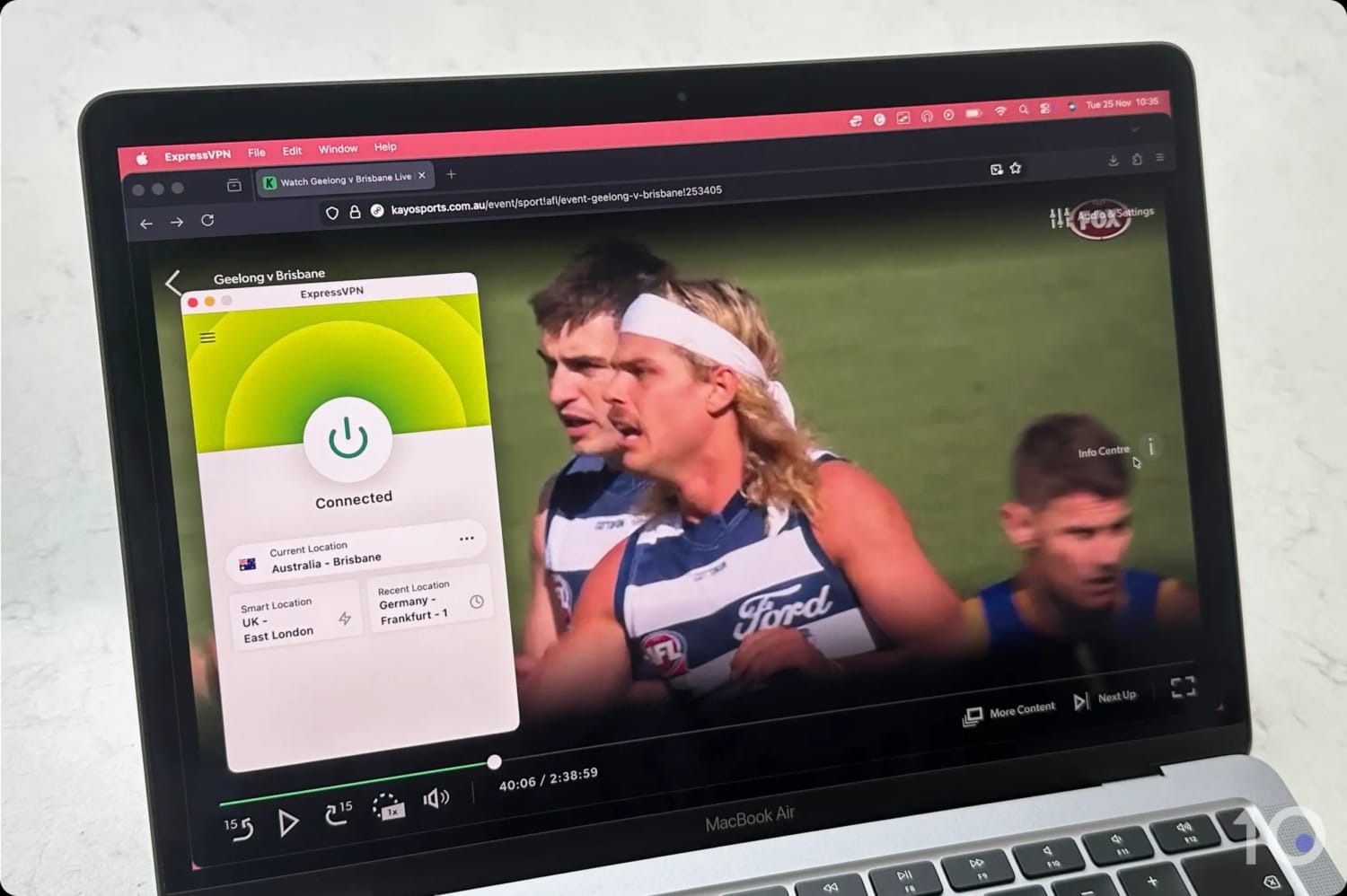
We watched the AFL live on our Mac with a VPN.
Additional steps are required for mobile and streaming devices, primarily because the Kayo Sports apps are only available in Australian app stores.
If you need to open a Kayo Sports account, you’ll also need an Australian phone number. If you don’t have one, either ask friends or family, or use a virtual phone system such as CallHippo, which we used successfully.
EXPERT ADVICE: To watch games on your TV, a good solution is to stream the game on your laptop and connect it to your TV using a HDMI cable. It’s old school, but it still works well!
Desktop (Windows & Mac)
As we said above, watching the AFL on a computer is incredibly simple and, for this reason, is our preferred method.
Instructions: How to Watch the AFL on Desktop
Sign up to a VPN that works with Kayo and 7plus: NordVPN is our top choice.
Download and install the VPN app from its website.
Launch the VPN and sign in.
Connect to an Australian server.
Go to the Kayo Sports or the 7plus website: If you don’t have a Kayo account, the ‘ONE’ subscription offers the best value, including a 7-day free trial.
Select the game you want to watch and start streaming.
Mobile (iOS & Android)
Kayo’s and 7plus’ mobile apps are only available in Australian app stores, and they geo-block via IP- and GPS-based location data, meaning that you’ll have to spoof both your IP and your GPS coordinates.
But, we found that you can bypass these restrictions by using your mobile’s web browser instead.
This isn’t as simple as it appears, and we encountered some issues, so make sure you follow the steps below closely.
Instructions: How to Watch the AFL on Phone/Tablet
Choose one of our recommended VPNs.
Download the VPN app from the App Store or Google Play Store.
Launch the VPN and connect to an Australian VPN server.
Open the Kayo Sports or 7plus website: Create an account if you don’t have one already.
Select the game you want to watch: On Kayo’s home screen, scroll down slightly and the game will be under the ‘Live & Upcoming’ heading.
Start streaming the game:
On Android, simply tap ‘From Live’ and the game will start showing.
On iOS, you’ll have to tap ‘From Start’ and then fast forward the stream to the live position. Strangely, when selecting ‘From Live’ on iOS, the video would not load.
You can now access all AFL from overseas.
If you still want to use Kayo’s mobile apps, then follow the instructions below to unblock the Android app from overseas. Unfortunately, it’s impossible to spoof your GPS on iOS.
Instructions: How to Watch the AFL on Kayo’s Android App
Install a VPN with a built-in GPS spoofer: Surfshark offers GPS spoofing and a 7-day free trial on Android.
Open the Surfshark app and go to ‘Settings’.
Press ‘VPN Settings’.
Press ‘Advanced Settings’.
Turn on the ‘Override GPS location’ toggle.
Press ‘Let’s Go’ on the pop-up notification.
Enable ‘Developer Options’ in your phone’s settings. Follow the instructions on Surfshark’s website.
In ‘Developer Options’, press ‘Select mock location app’.
Select Surfshark from the list and close the setup screen.
Open Surfshark, find an Australian location and connect to it.
Launch your Maps app and ensure that the location matches the VPN server’s location.
Launch Kayo’s or 7plus’ app and start streaming.
Fire TV & Android TV
Just like on mobile, you will need to change your account region to Australia in order to access the Kayo and 7plus apps for Fire TV and Android TV.
If you go ahead with it, remember that this will delete your existing apps and interrupt your subscriptions.
To work around this restriction, we recommend using a web browser to access the streaming services’ websites instead, similarly to our advice for mobile devices.
Instructions: How to Watch the AFL on Fire TV & Android TV
Sign up to a Kayo-compatible VPN with Fire TV and Android TV apps: ExpressVPN has a great Firestick VPN app. You’ll need to sign up via mobile or desktop first, though.
Search for the VPN on your device’s app store.
Install the VPNand log in.
Connect to an VPN server in Australia.
Open a web browser on your device: On Firestick, open the Silk Browser. Android TV doesn’t have a built-in browser, so download BrowseHere from Google Play as it’s safe and optimized for video playback.
Visit your chosen website and log in to start streaming.
Apple TV
Once again, the Kayo Sports and 7plus apps are only available on Apple TV if you have an Apple ID registered in Australia.
The good news is that you can get around this restriction using AirPlay.
Crucially, we noticed that your Apple TV, and the device your mirroring from, need to be both connected to an Australian VPN server, ideally the same.
Instructions: How to Watch the AFL on Apple TV
Sign up for NordVPN on desktop or mobile.
Download the VPN onto your Apple TV and connect to an Australian VPN location.
Install the VPN app on your iPhone/iPad/MacBook and connect to the same VPN location.
On your macOS/iOS device, open the streaming website in Safari and log in.
Select a game you want to watch: On Kayo, tap ‘From Start’ and fast forward the stream to the live position. If you select ‘From Live’ the video won’t load.
Once the game is streaming, tap the AirPlay icon at the top of the screen: It’s a rectangular TV screen with a triangle at the base. If you can’t see any icons, tap the screen.
Select the name of your Apple TV from the list of options.
The game will start showing on your Apple TV.
Top VPNs for Streaming the AFL
We’ve compared our favorite VPNs side by side to make choosing the right one easier for you:
Read below a more detailed review of each VPN and why we recommend for watching the AFL online from outside Australia.
ExpressVPN has massively improved its access to Kayo Sports from around the world, and we’re now very comfortable recommending it for watching the AFL from overseas.
Moreover, the VPN service has always worked with 7plus, therefore making it a great alternative to NordVPN if you prefer better-designed apps and wider device compatibility.
We believe ExpressVPN’s plug-and-play experience, and its unique VPN router app, are well suited to people who expect high versatility from their VPN service.
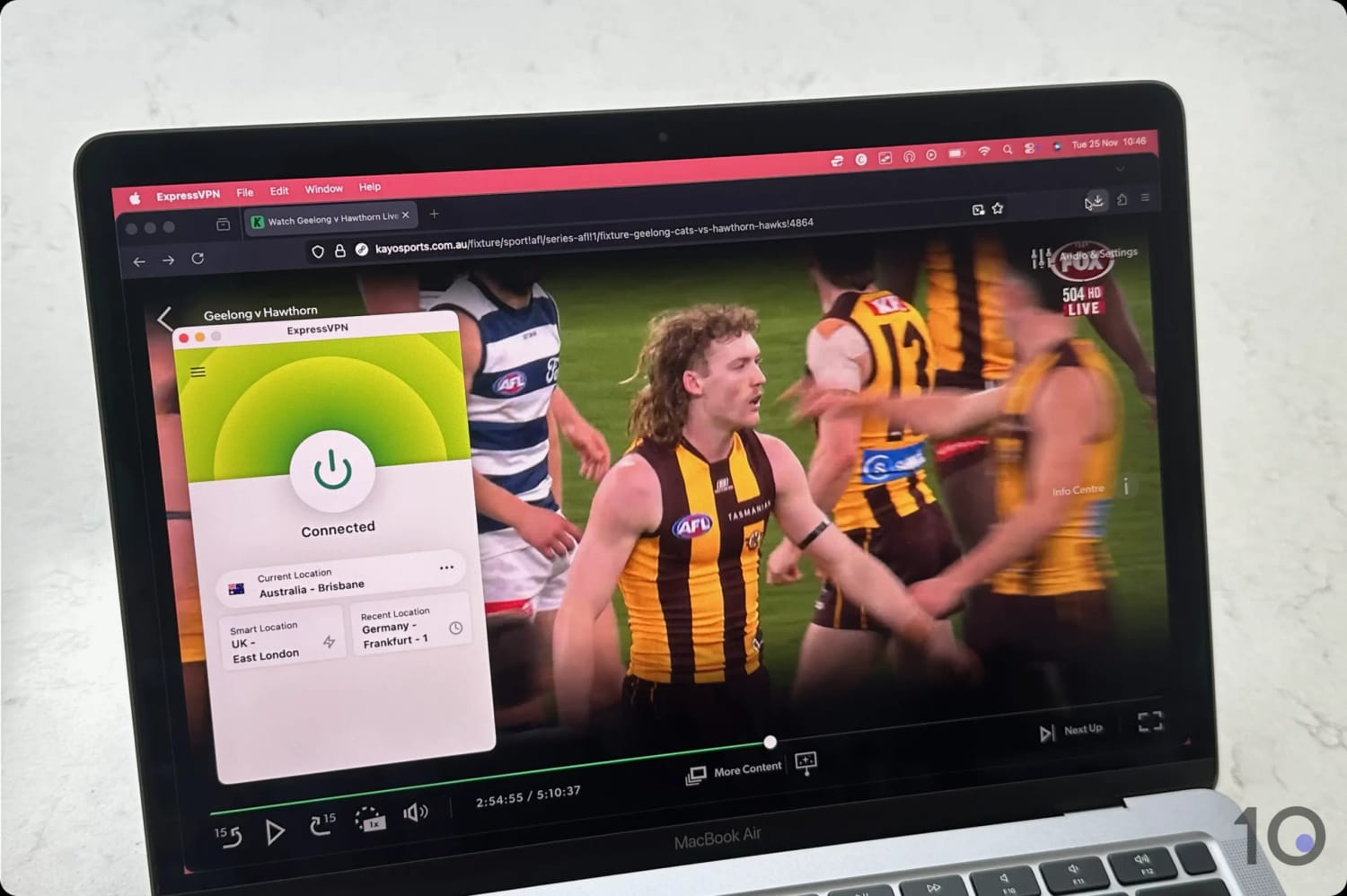
Streaming the AFL on Kayo with ExpressVPN.
Much Improved Access to AFL Streams
ExpressVPN had struggled with Kayo Sports’ geo-restrictions for several years, but that’s now water over the dam.
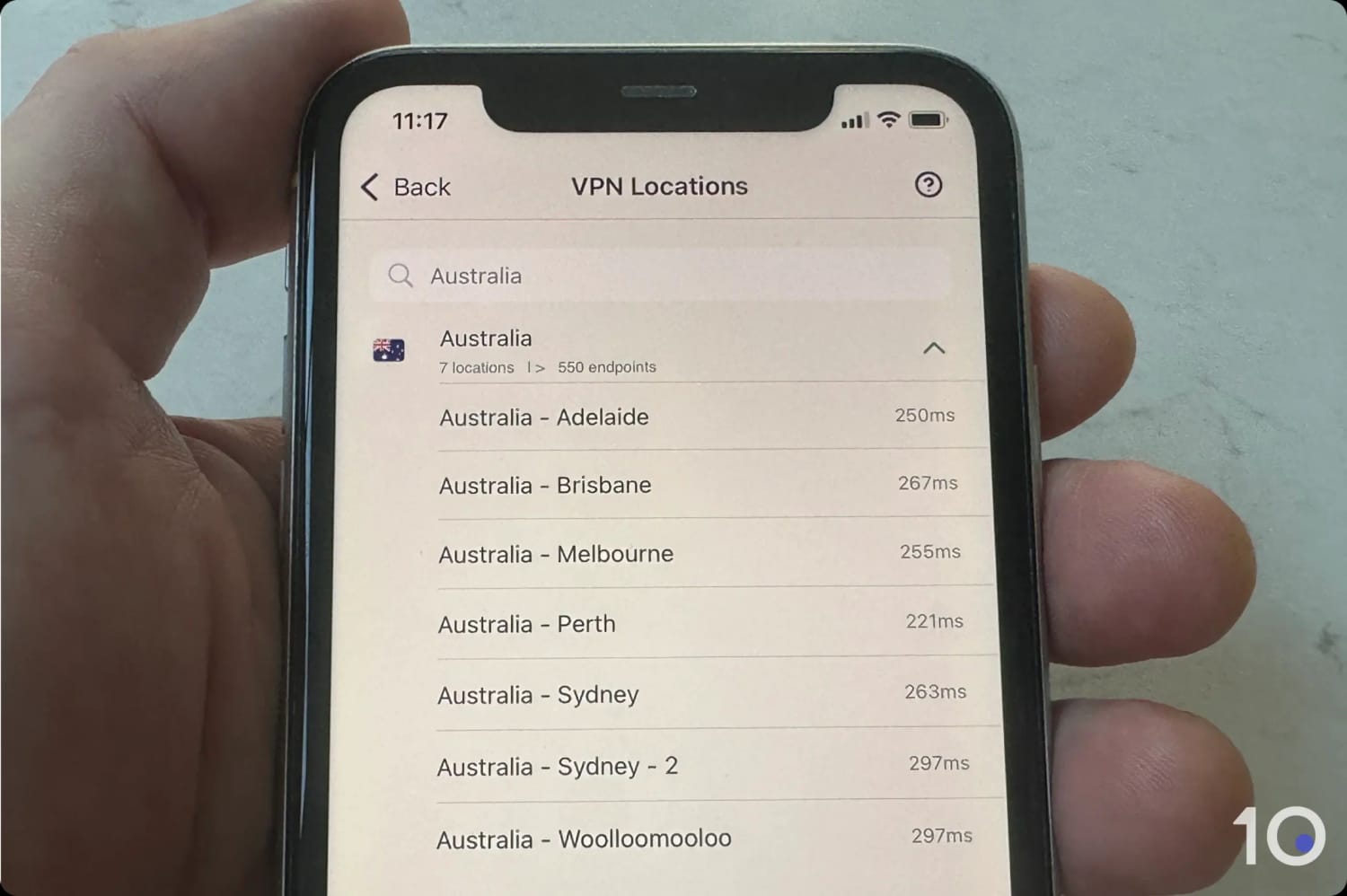
Now, all 600 Australian servers access the streaming platform smoothly on all devices.
ExpressVPN’s server locations in Australia.
Streaming speeds are comparable to NordVPN’s, with an internet slowdown of just 17%, even when connecting from far-away regions like Europe.
And connecting to VPN servers was almost instant, with an average wait time of just under three seconds. No other VPN has been able to match this.
While both apps have native apps for all popular devices, ExpressVPN has gone one step further and developed its own app for routers.
Not only will it allow you to use a VPN more easily on devices that don’t support VPN software, like Roku or game consoles, but you can also assign a different IP location to each device on your network.
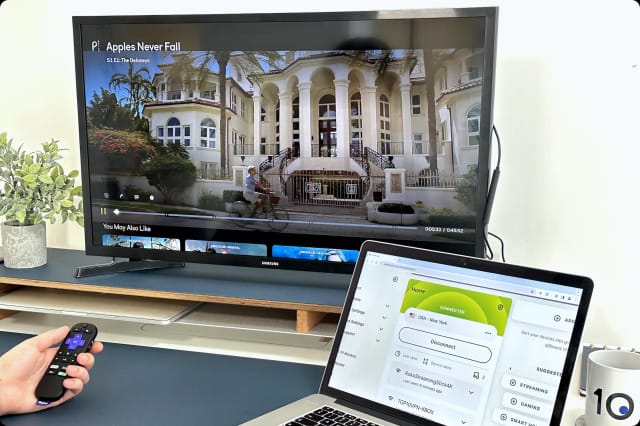
We used ExpressVPN’s router app with Roku.
The router app also gets round ExpressVPN’s device policy, so that you can use the VPN on as many connected devices as you want.
For even quicker setup you can buy ExpressVPN’s own router, Aircove, which has the router app already pre-configured.
Overall, we love ExpressVPN’s more compact and modern-looking apps. The simpler interface is void of distractions and aims to get you connected as quickly as possible.
Has always worked with Kayo Sports on all Australian servers
Continues to work flawlessly with 7plus
Fastest download speeds connecting into Australia
Dedicated apps for Fire TV, Android TV & Apple TV
Plan renewal is very expensive
No router app available
Lacks GPS spoofing capabilities
Pricing Plans
$12.99/mo
$4.99/mo over 12 months
$2.99/mo over 27 months
Money-Back Guarantee
30 Days
Australia Servers
190
Australia Server Locations
Adelaide, Brisbane, Melbourne, Perth, Sydney
Simultaneous Connections
10
Support
24/7 Live Chat
Compatible with
Windows
Mac
iOS
Android
Linux
Amazon Fire TV
Android TV
Apple TV
Router
Chrome
NordVPN is our recommended VPN for streaming live AFL games from outside Australia.
The service is excellent at bypassing Kayo Sports’ and 7plus’ geo-blocks through a fast and reliable Australian server network, as well as easy-to-use apps for every popular device.
That being said, choosing between NordVPN and ExpressVPN was awfully difficult, as their ratings indicate. Both VPNs are excellent, but NordVPN’s higher consistency at unblocking Kayo over the years was ultimately the deciding factor for us.
NordVPN works flawlessly with 7plus and Kayo.
Smooth Access to Kayo Sports & 7plus
NordVPN successfully unblocked Kayo Sports and 7plus on every single Australian server we tested.
This sets it apart from alternative VPNs like Surfshark, which occasionally forced us to switch between different servers.
Using NordVPN, the live video stream loaded instantly at every attempt, and we never experienced any buffering or interruptions.
NordVPN streams the AFL on Kayo Sports with ease.
Large & Fast Australian Server Network
NordVPN has one of the largest server parks in Australia, offering 190 individual endpoints spread across 5 cities.
This wide selection of Australian servers allowed us to get an Australian IP address from either the East or the West coast, and therefore get the fastest streaming speeds possible.
Connecting to an Australian NordVPN server from overseas, we recorded a very low 16% speed loss, and our speeds were always far above the 7.5Mbps required for HD video and the 25Mbps for 4K streaming.
Good Interface & Device Compatibility
NordVPN’s intuitive apps are available for every major platform, such as Windows, iOS, Android, Fire TV, Android TV, and Apple TV.
While the apps aren’t as well designed and modern-looking as ExpressVPN’s, particularly on desktop, they are by no means hard to use.
The mobile apps are especially easy to use, primarily because they’re not as cluttered as the PC and Mac counterparts.
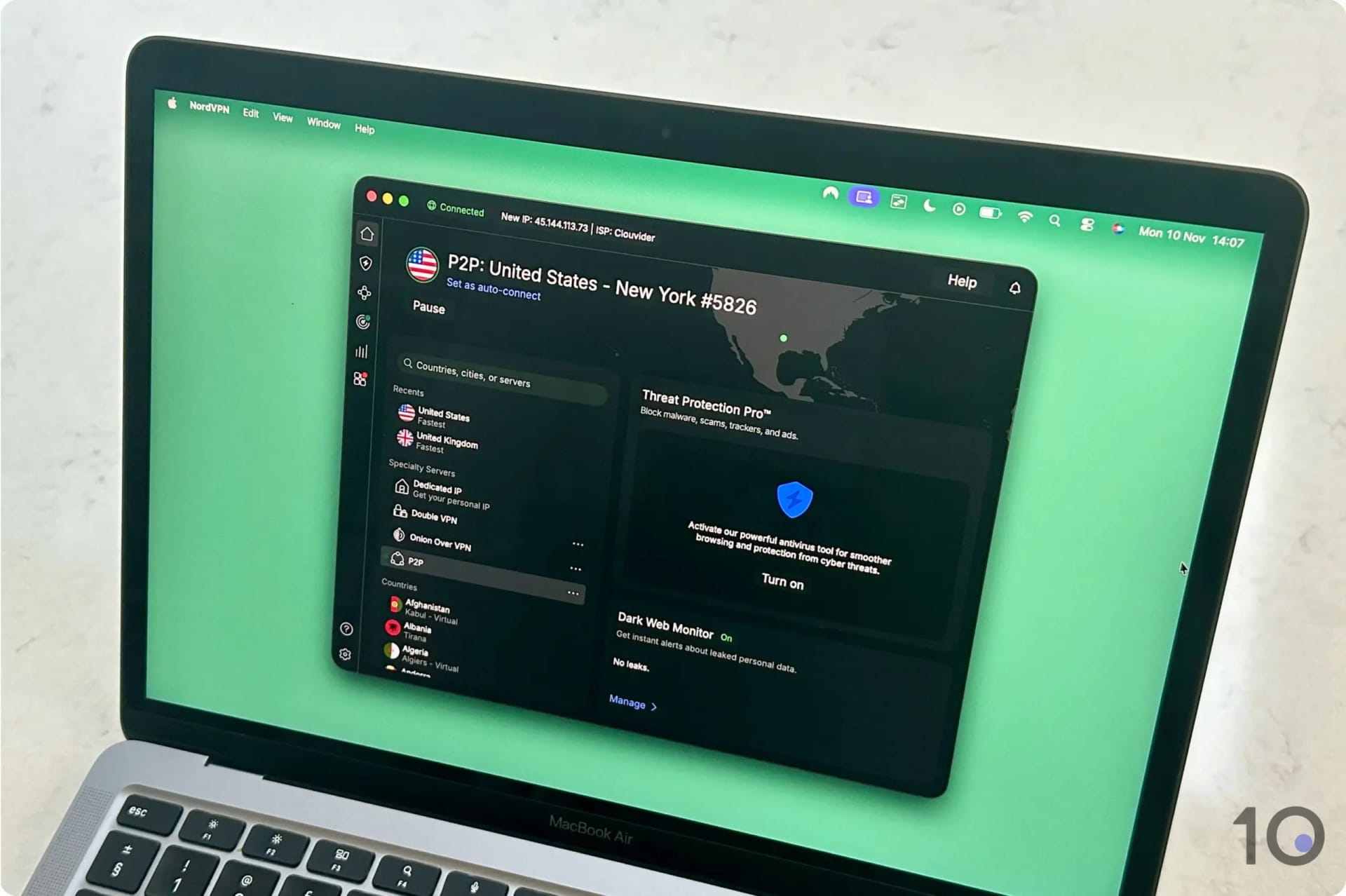
NordVPN’s desktop app feels cluttered.
We did notice that connecting to Australian servers wasn’t as quick as with ExpressVPN. We’re talking a couple of seconds difference, but it was still noticeable.
And while NordVPN provides a very high degree of device compatibility, it lacks the additional coverage that ExpressVPN and Surfshark offer via the router app and the GPS spoofer, respectively.
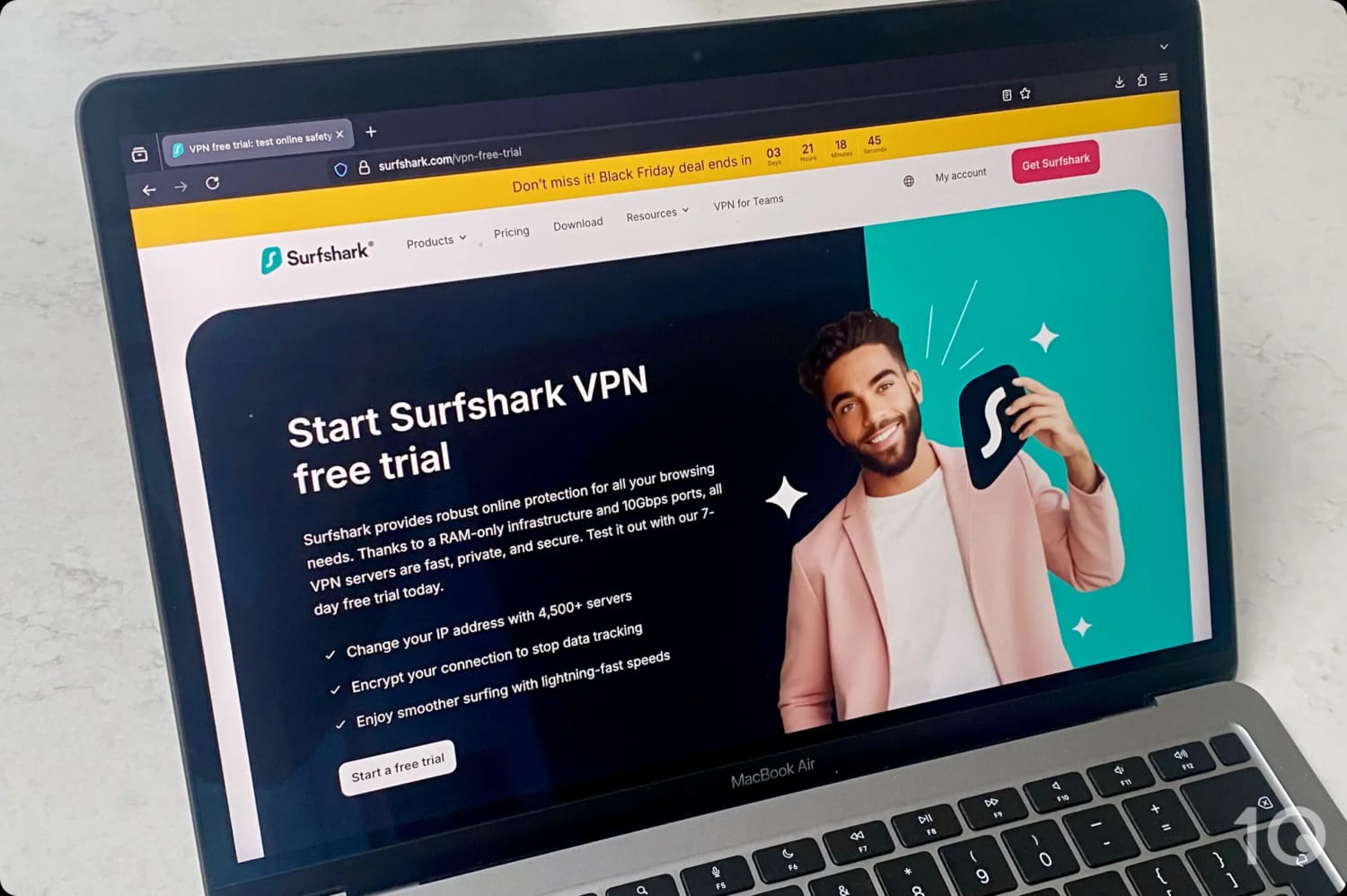
While Surfshark has a few more issues than both NordVPN and ExpressVPN, including its long-distance speeds, the service is considerably cheaper and it offers a 7-day free trial via desktop and mobile.
Combined with Kayo’s free trial, this allows you to stream AFL games for free for up to seven days.
And if you’re an Android user, the VPN’s integrated GPS spoofer comes in very handy to bypass Kayo’s and 7plus’ app restrictions on Android.
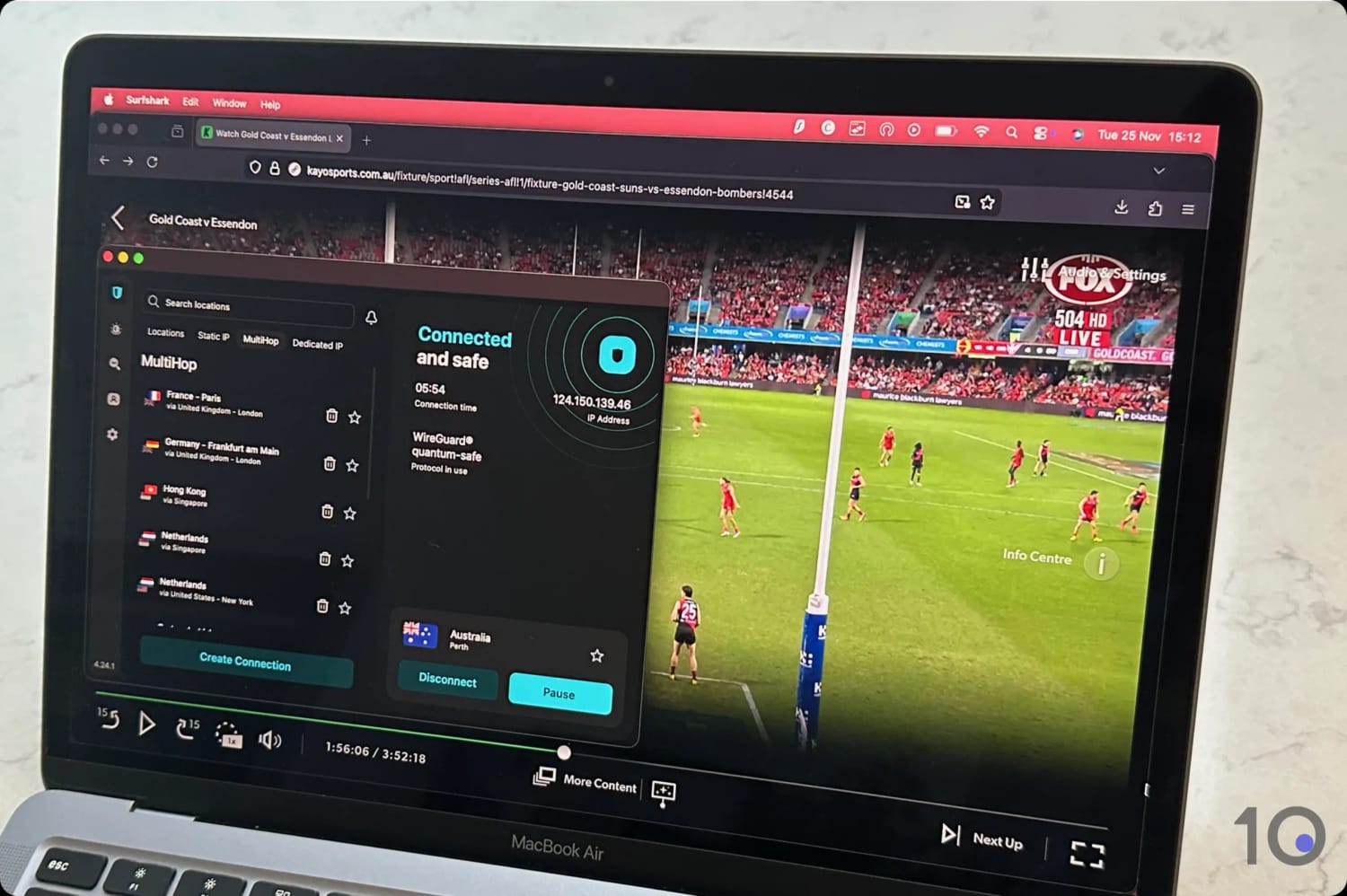
We watched the AFL live on Kayo Sports with Surfshark.
7-day Free Trial for Free AFL Streaming
Surfshark’s 7-day free trial is one of the best available at the moment: seven days completely free via Windows, macOS, iOS and Android.
Getting our Surfshark free trial on our MacBook.
Most VPN free trials are only accessible via mobile, which is why Surfshark’s offer is so enticing.
Granted, the VPN’s international speeds aren’t spectacular, with a slowdown of 21% connecting into Australia, but they’re fast enough for good-quality streaming.
While the apps aren’t as smooth or well designed as ExpressVPN’s, they worked rather well for us to watch live games online.
Occasionally, Kayo Sports blocked one of our IP addresses, but the vast majority of Surfshark’s Australian servers bypassed the website’s geo-restrictions.
Access to Kayo's GPS-blocked Android App
Alongside its free trial, Surfshark provides another great benefit: a built-in GPS spoofer in its Android app.
The Kayo and 7plus apps use GPS data to determine your device’s location. To get round this, you’d normally have to use a VPN in combination with a separate fake GPS app.
Surfshark’s makes this task so much easier by integrating a GPS spoofing feature within its Android VPN app.
The process requires a number of steps, as we explained earlier in the guide, but it will work to access live streams directly in-app rather than through your mobile browser.
During our hands-on use of 61 VPNs to see which ones work best to stream the AFL overseas, we discovered many popular services couldn’t access the streaming services at all, or made the viewing experience a drag.
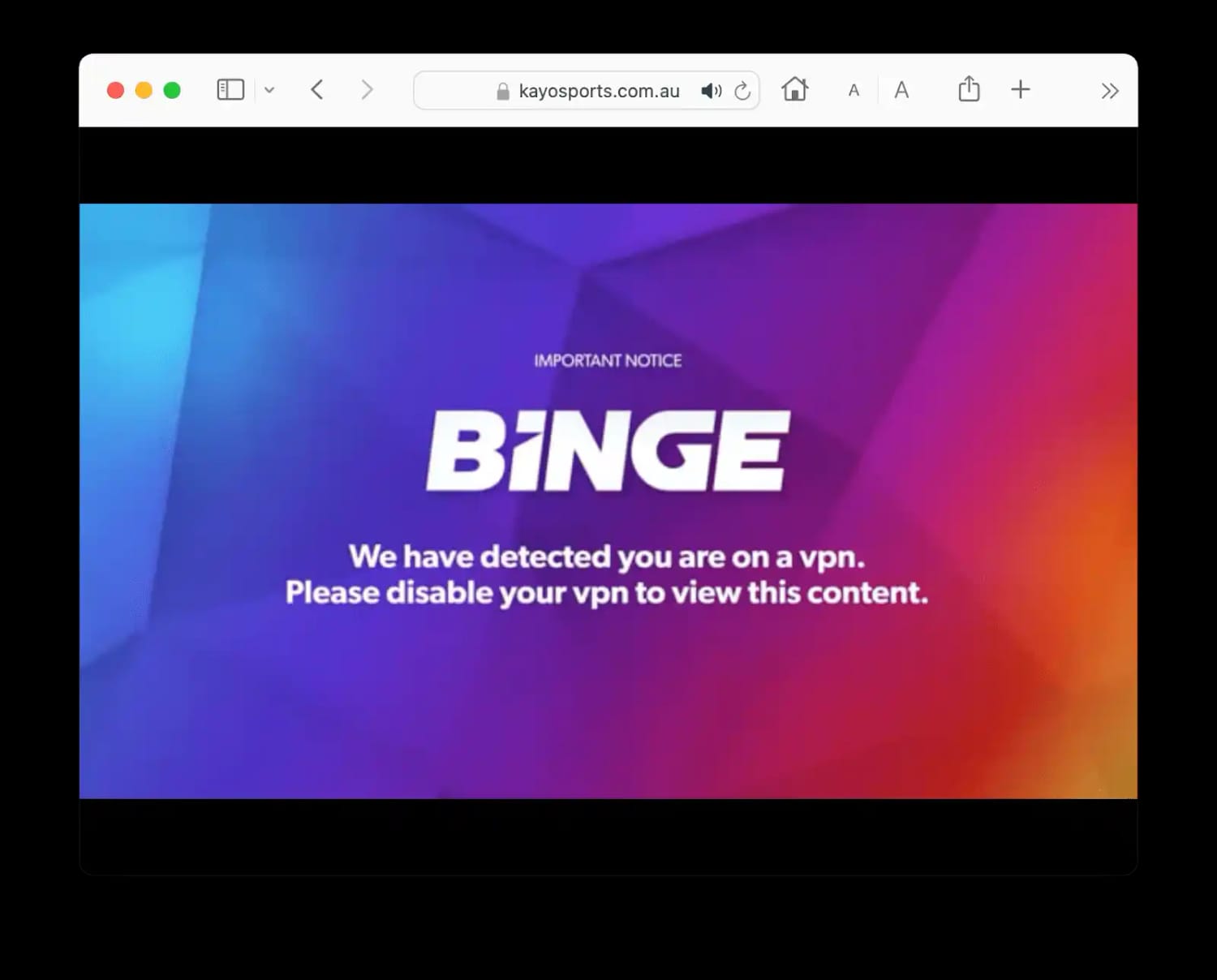
So many times we incurred into the ‘We have detected you are on a VPN’ error message:
Here’s a list of popular VPNs we reviewed, and the reason they didn’t make the cut:
VPN Service
Reason for Exclusion
CyberGhost
Can’t access Kayo Sports on any Australian server
Private Internet Access
Can’t bypass Kayo’s geo-restrictions
Proton VPN
Works well with Kayo and 7plus but it’s more expensive than our recommendations
TunnelBear (Free & Paid)
Doesn’t work with Kayo Sports
Windscribe Pro
Fewer Australian servers with slower and fluctuating speeds into Australia
Windscribe (Free)
Doesn’t offer any free Australian servers
How We Tested VPNs for Streaming the AFL
We know how frustrating it is when a VPN fails to work properly.
Our recommendations are the result of years of personal use and dedicated testing. We go the extra mile to find the services that genuinely excel at streaming live AFL games from outside Australia.
When it comes to streaming the AFL, we focus on these four key areas:
Access to AFL Streaming Services
Internet Speed
Australian Servers
Device Compatibility
Discover below more details about each category and how we calculated a VPN’s overall rating for watching the AFL from overseas.
1. Unblocks AFL Streaming Services (50%)
Test Conducted: We tested a VPN’s Australian server park to see how well each endpoint can access Kayo Sports and 7plus.
Why It’s Important: A VPN has to access both Kayo and 7plus otherwise it’s not good enough for watching the AFL from outside Australia.
Optimal Result: Fast and stable access to both streaming services on all/most Australian servers and on all popular devices.
2. Speed (25%)
Test Conducted: Throughout the year we measure how much our internet speed slows down while connected to a VPN’s servers in Australia. We used a VPN’s preferred/default protocol and fixed our Internet line to 100Mbps for like-to-like comparisons..
Why It’s Important: To stream at the highest possible resolution, without buffering or pixelation, you need fast and stable VPN speeds connecting from nearby and far-away countries.
Optimal Result: A download speed reduction lower than 10% connecting from nearby countries, and lower than 20% from further away.
3. Australian Servers (15%)
Test Conducted: We examined a VPN’s server park in Australia, verifying the number of locations, and testing each endpoint on all available applications.
Why It’s Important: The more Australian servers and IP addresses, the lower the risk of IP addresses being blocked by streaming services and servers overloading, causing download speeds to slow down.
Optimal Result: Hundreds of servers spread across East and West Australia, and a pool of regularly updated IP addresses.
4. Device Compatibility (10%)
Test Conducted: We tried to use each VPN on all our test devices to determine how compatible and user-friendly each app really is. We also check whether a Smart DNS proxy or router software is available, for added compatibility.
Why It’s Important: There are many different devices you can stream sports on, and a good VPN must be able to provide a good experience on most of them.
Optimal Result: Intuitive apps for PC, Mac, iPhone, iPad, Android phones and tablets, Android TV, Fire TV, and Apple TV. Even better if a VPN service offers a router app, an integrated GPS spoofer (on Android), and a Smart DNS proxy with Australian IP addresses.
FAQs
Is There a Free VPN for Watching the AFL?
Sadly, there aren’t any secure free VPNs that provide Australian IP addresses that work with Kayo Sports and 7plus.
Your safest bet is to use the free trials offered by NordVPN, ExpressVPN, and Surfshark.
Do I Really Need a VPN to Watch the AFL Overseas?
You don’t need a VPN if you’re happy to subscribe to the Watch AFL streaming service.
However, Watch AFL offers a sub-par experience, with limited features and streaming quality capped at 720p HD.