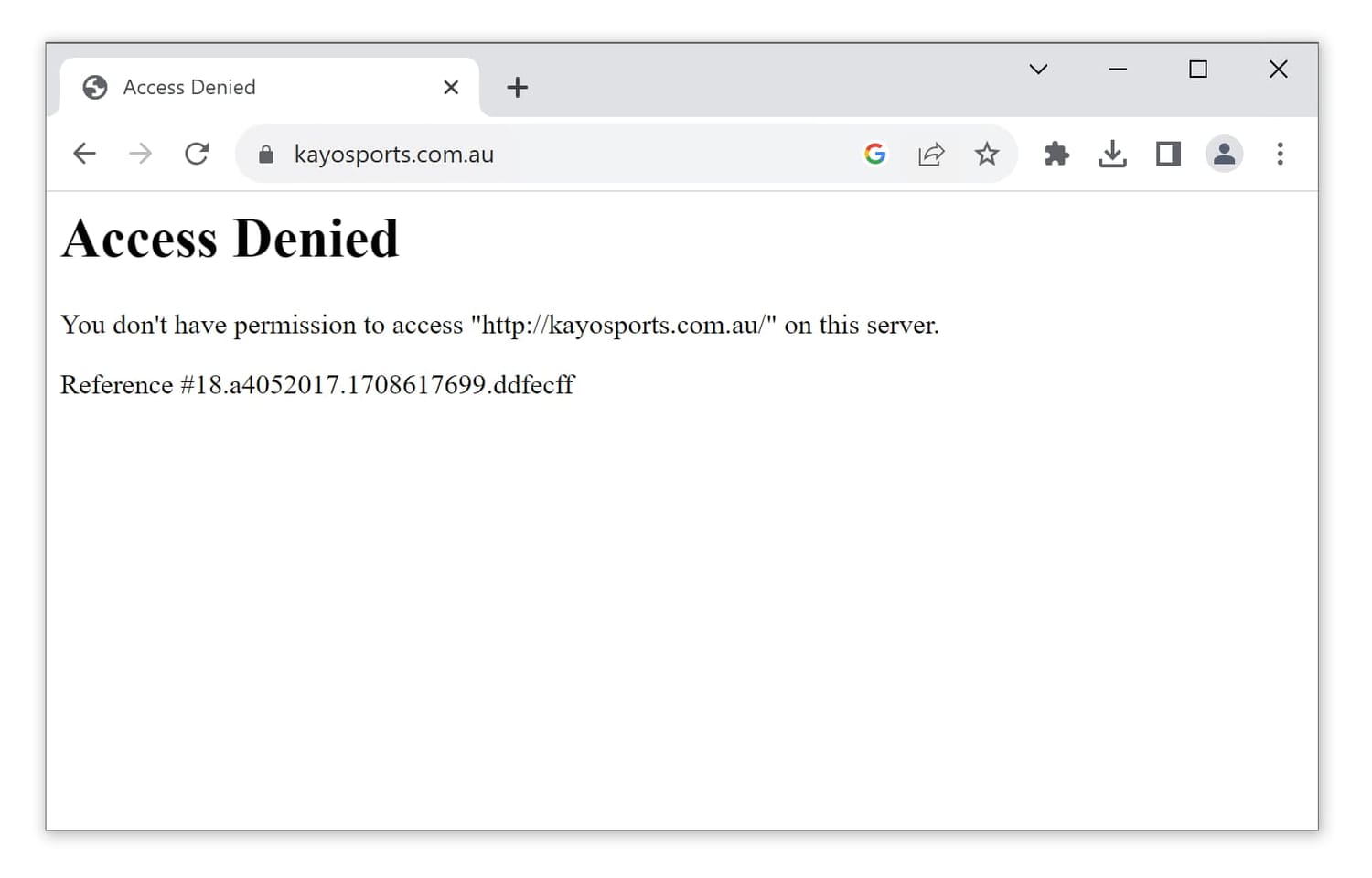
The Kayo Sports app is only listed in Australian app stores. Therefore, if you want to install it on your iPhone or Android phone, you’ll need to change your App Store or Google Play country to Australia.
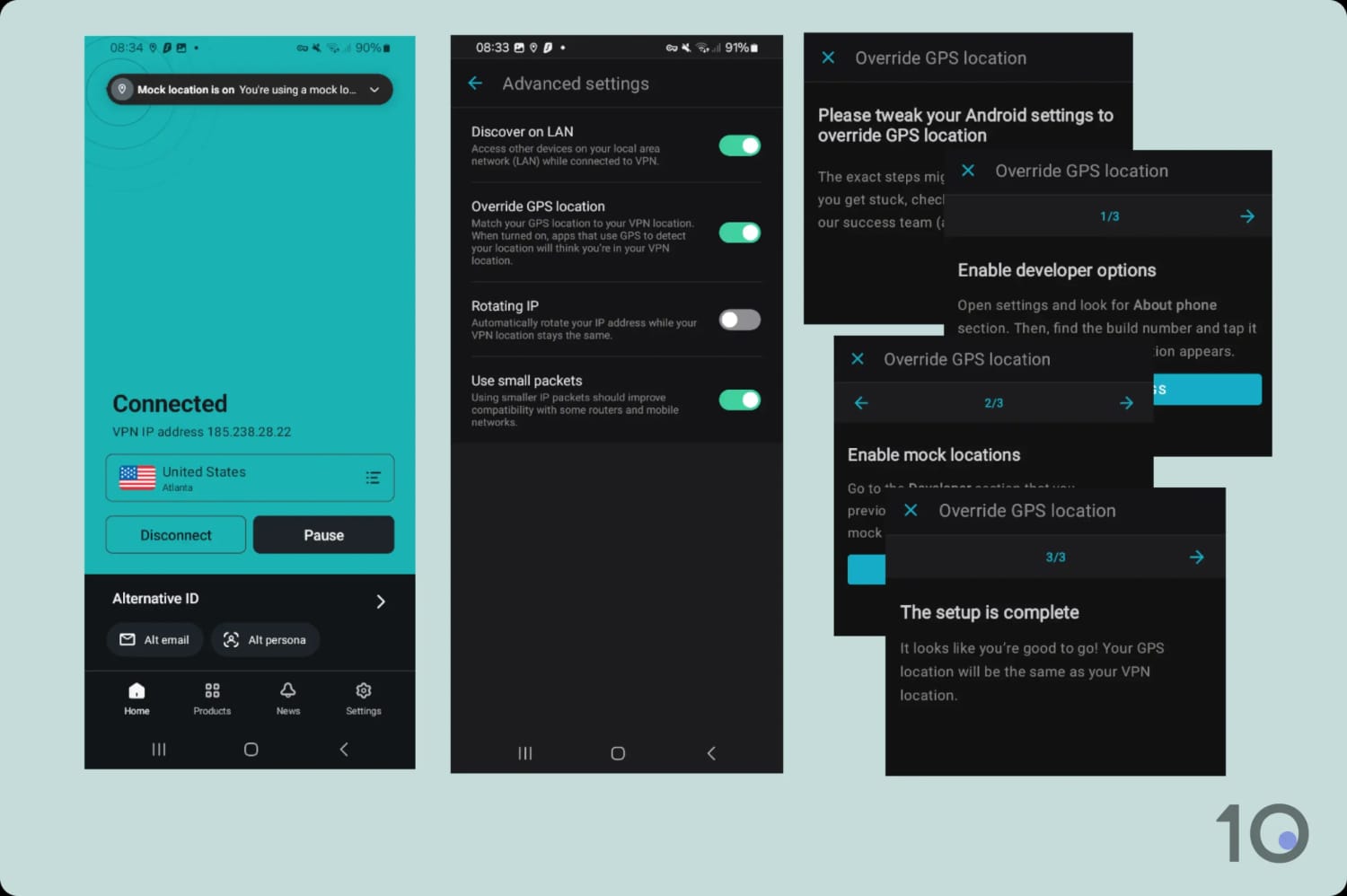
Moreover, Kayo’s iOS and Android apps use GPS data to determine your real geographical location. So you’d need to spoof both your IP address and your GPS location.
You can’t spoof your GPS location on iOS, but you can on Android, as I explain below.
I also found that you can access Kayo via your mobile browser. Unlike many other streaming services, Kayo doesn’t redirect traffic to its app, so you can load videos in-browser instead.
The instructions below assume that you don’t have access to the Kayo Sports mobile app, and are therefore focused on in-browser streaming.
How to Use a VPN with Kayo on Phone & Tablet
- Subscribe to a VPN that works with Kayo: NordVPN offers a 7-day free trial on Android and a 30-day refund guarantee on iOS.
- Download the VPN app from the App Store or Google Play.
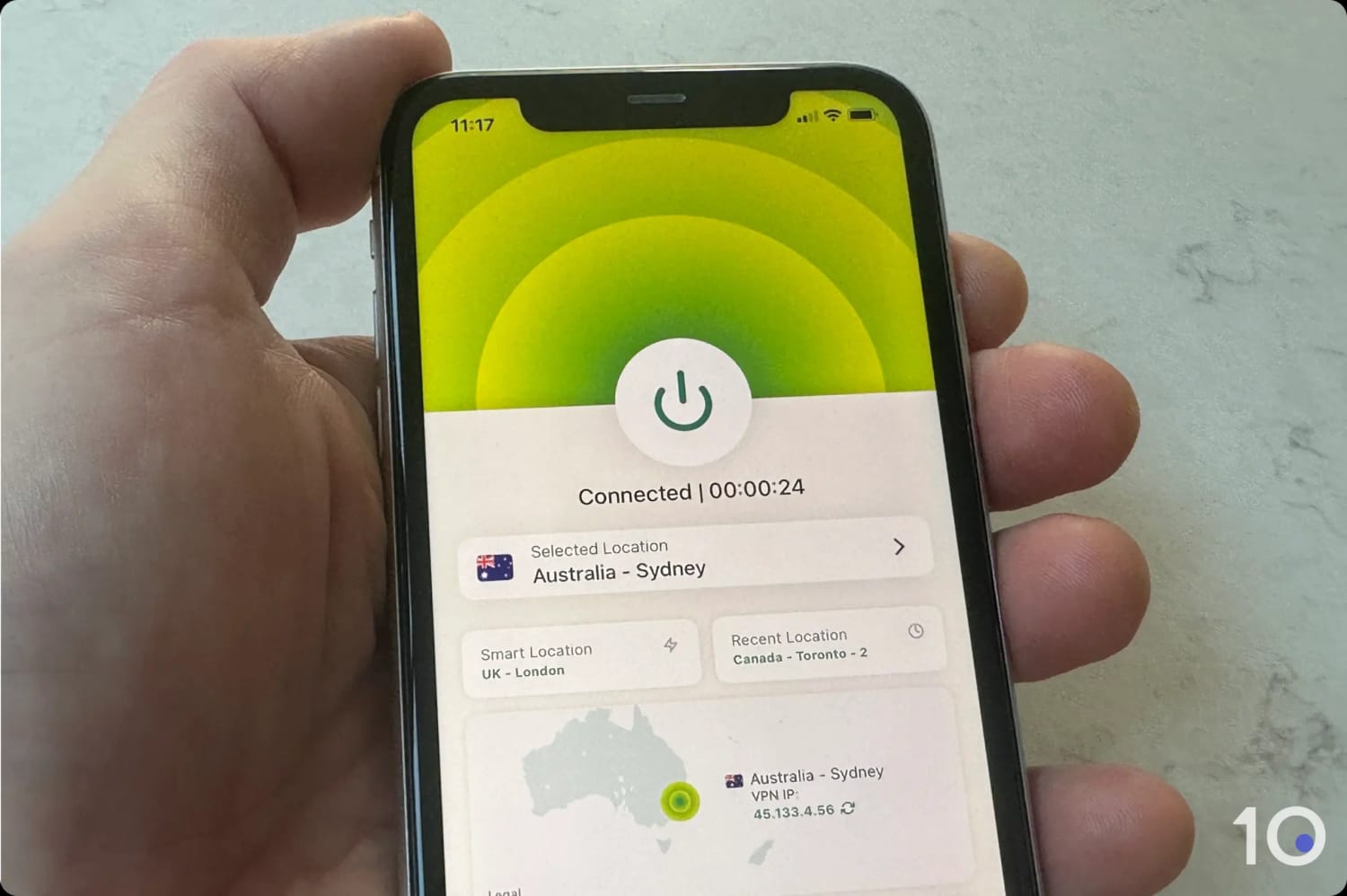
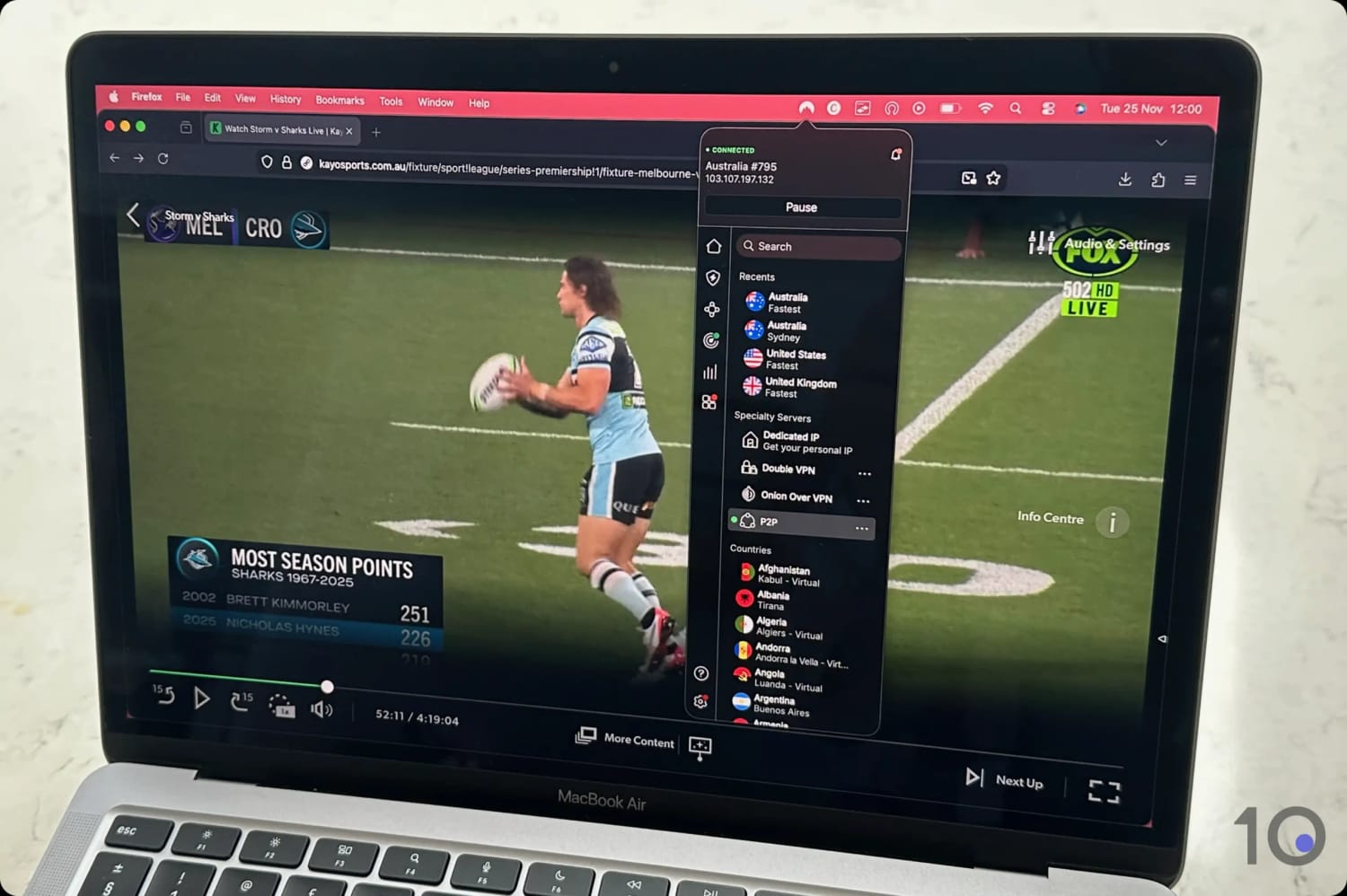
- Launch the VPN app and connect to an Australian VPN server.
- Go to the Kayo Sports website and log in or create an account.
- Choose the content you want to stream.
- To watch live games: On the home screen, live games will be under the “Live & Upcoming” heading:
- On Android, tap “From Live” to access the live game.
- On iOS, tap “From Start” and fast-forward the stream to the live position (“From Live” didn’t work on iOS in my tests).
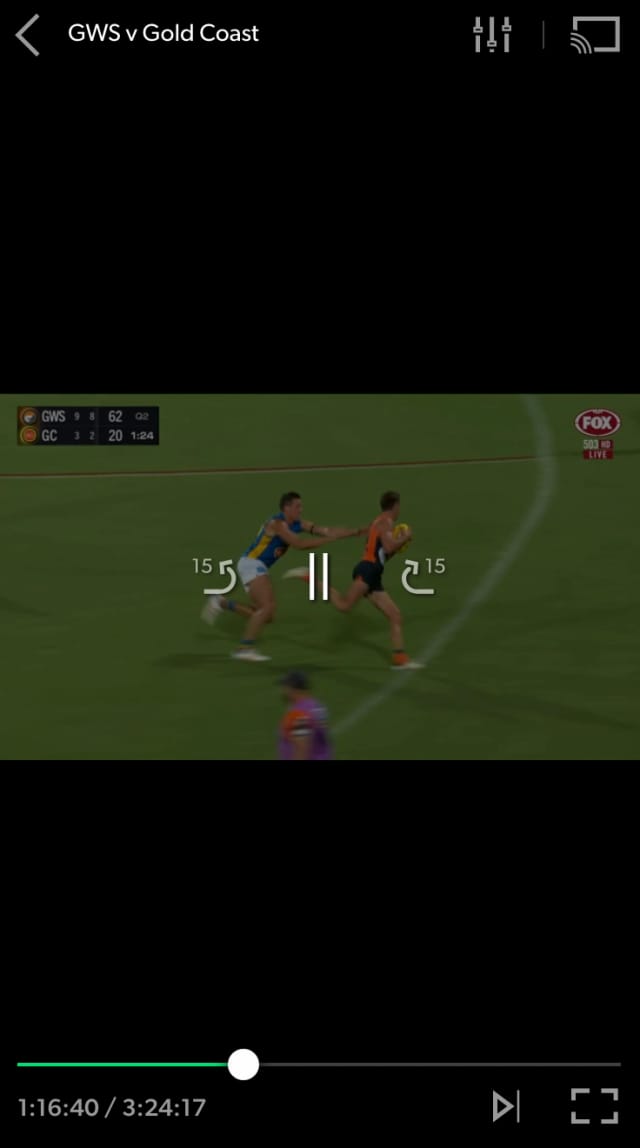
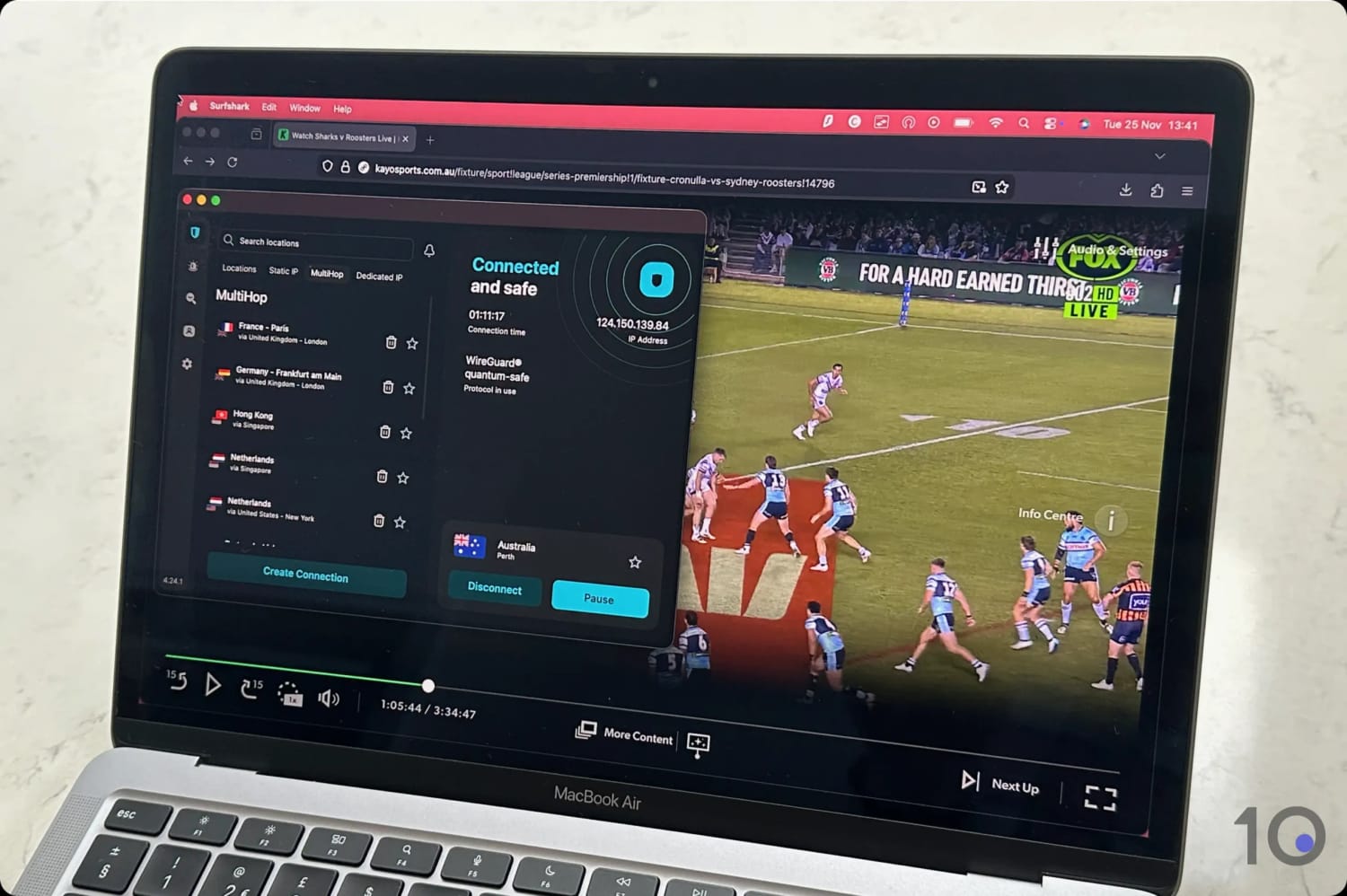
Kayo Sports is accessible abroad using your mobile web browser.
If, on the other hand, you have the Kayo Sports Android app, then follow the steps below to stream directly from the mobile app:
How to Use a VPN with Kayo’s Android App
- Install the Surfshark app from the Play Store: Surfshark has a built-in GPS spoofer.
- Launch the Surfshark app and go to “Settings”.
- Tap “VPN Settings”.
- Tap “Advanced Settings”.
- Toggle on “Override GPS location”.
- Tap the “Let’s Go” pop-up button.
- Enable “Developer Options” in your device’s settings. You’ll find detailed instructions on Surfshark’s website.
- In “Developer Options,” tap “Select mock location app”.
- Select the Surfshark app and close the setup screen.
- Open the Surfshark app and select an Australian VPN location.
- Open your Maps app and verify that your location matches your VPN server location.
- Open the Kayo Sports app and start streaming.