

Top10VPN is editorially independent. Buying a VPN through our links supports our work.
The Best VPNs for Peacock TV
Simon Migliano
Simon Migliano is a recognized world expert in VPNs. He's tested hundreds of apps and his research has been featured on the BBC, The New York Times, and more. Read full bio
To bypass Peacock’s geo-restrictions (including live TV), you’ll need a VPN with many American IP addresses that consistently go undetected. While many VPNs get blocked, ExpressVPN continues to work flawlessly, accessing Peacock on all its US servers and on all devices. Private Internet Access is a reliable and cheaper alternative, while Windscribe is a good 100% free option but free data runs out after roughly four hours of HD streaming.
Despite costing just $10.99 a month, Peacock offers a wide range of live and on-demand content, including sports, TV shows, and movies.
For instance, Peacock TV streams 175 English Premier League live matches, including many 3pm games unavailable in the UK.
And if you’re in the US, your live TV coverage will be restricted to your IP location, which Peacock uses to determine where you are.
To bypass these geo-restrictions, you’ll need a VPN with many US IP addresses that consistently evade VPN detection.
Summary: The Best VPNs for Peacock TV
Over 70% of the 60 VPNs we tested don’t work with Peacock, but these three unblock it with ease:
We’re fully independent and have been reviewing VPNs since 2016. Our ratings are based on our own testing results and are unaffected by financial incentives. Learn who we are and how we test VPNs.
VPNs Tested
60
Total Hours of Testing
30,000+
Combined Years of Experience
50+
VPN Comparison Table
Use the table below to compare how our chosen VPNs performed in our Peacock-specific testing categories:
ExpressVPN is a near-perfect VPN for Peacock. It has a huge network of US servers, with each one bypassing Peacock’s geo-restrictions on all of the service’s intuitive apps.
It also delivers some of the fastest coast-to-coast and global speeds we’ve seen, for immaculate picture quality.
The only downside is this level of performance brings a slightly higher price tag of $2.49 per month, but there are mobile free trials and a 30-day money-back guarantee to offset this.
Streaming the NFL Channel on Peacock TV with ExpressVPN.
Instant Access to Peacock On All US Servers
We spent hours using ExpressVPN with Peacock, switching between its 56 US server locations, and found that every US location unblocked the service.
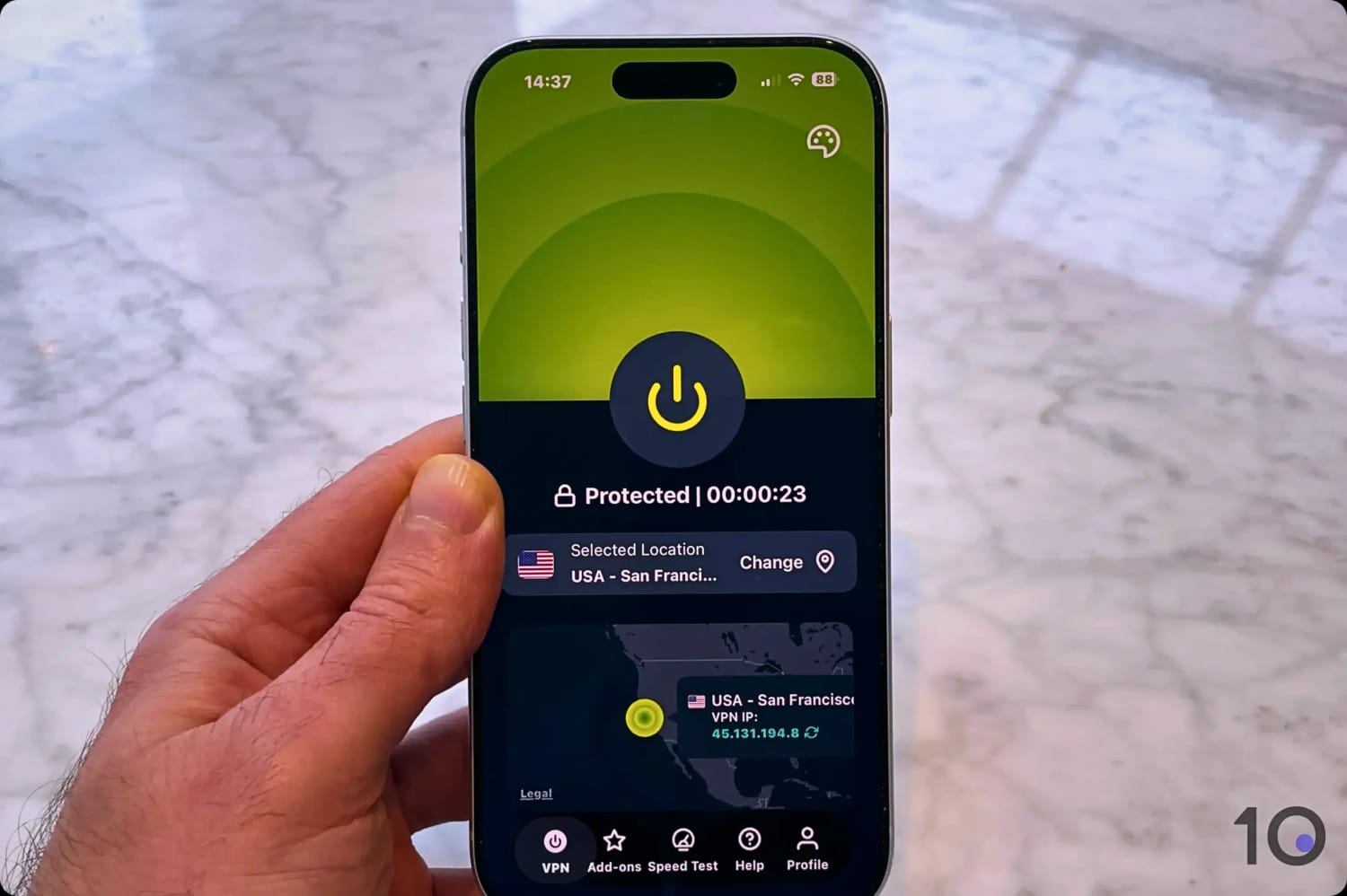
Using one of ExpressVPN’s US servers on iPhone.
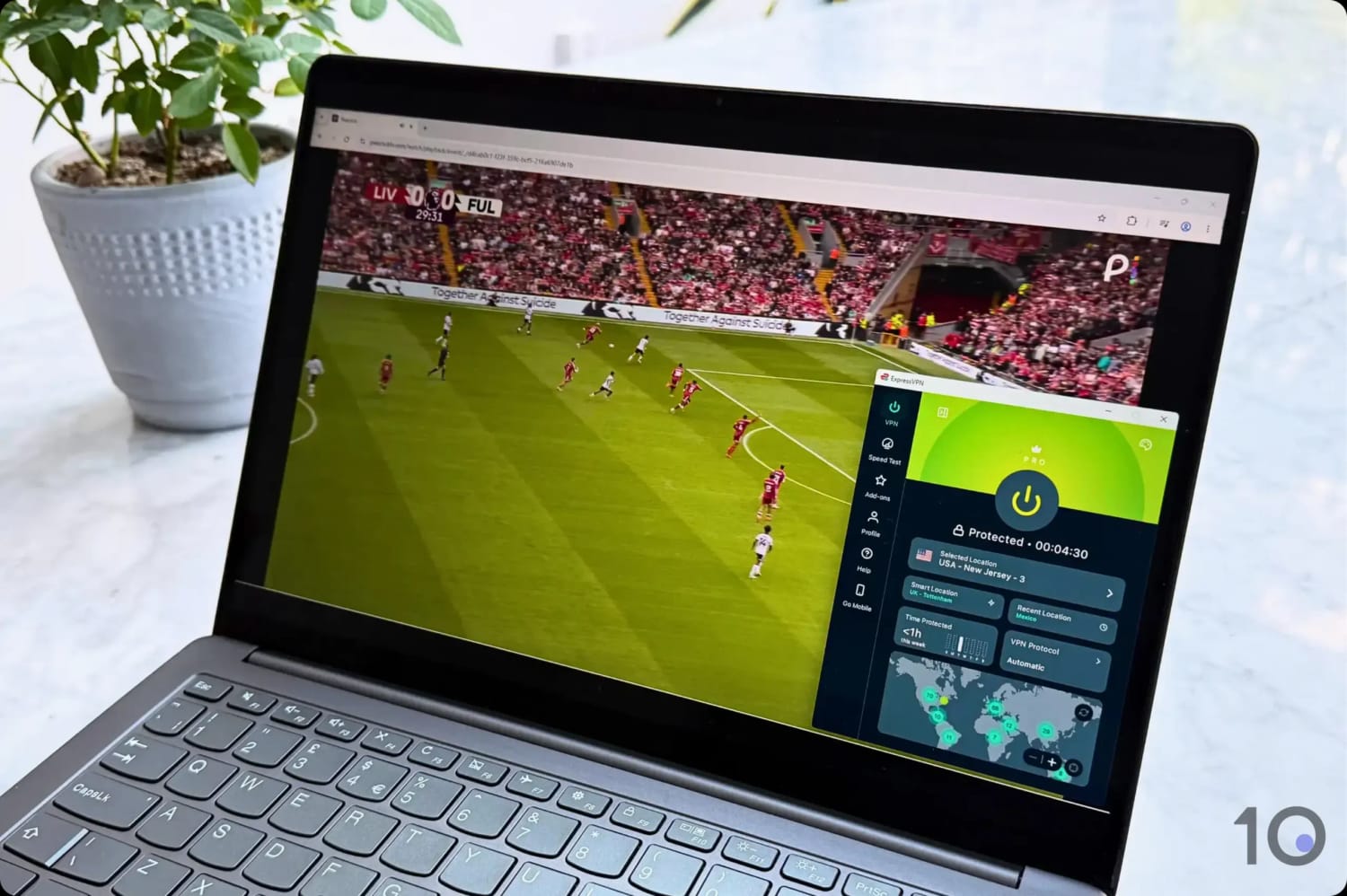
To ensure there are no interruptions or server dropouts, we streamed an entire Premier League game without any issues.
Despite frequent frustrations when streaming with other VPNs like CyberGhost, ExpressVPN consistently delivered an excellent streaming experience.
While connected to its servers, we were always able to watch live sports streams in sharp picture quality, reliably achieving the maximum 1080p resolution every time.
Our test data supported our viewing experience: we recorded an average speed loss of just 7% connecting into the US from abroad.
If you want an even better viewing experience, we suggest turning on ExpressVPN’s ad blocker, Threat Manager, as we experienced fewer pre-roll ads that way.
You can also unblock Peacock without ever leaving your browser by installing ExpressVPN’s browser extension.
User-Friendly Apps for Every Device
ExpressVPN has long been a leader when it comes to making VPNs simple to use.
Its apps set the standard for intuitive interface design. This is the case across its entire suite, including on Fire TV Stick, Android TV, and Apple TV.
We tried all of them with Peacock. Each app was smooth to navigate, without bugs or app crashes, and consistently accessed on-demand and live TV content.
We particularly loved using the feature on Android TV to pin a shortcut to Peacock from the ExpressVPN home screen.
If you want to watch Peacock on your game console, smart TV, or any other device that doesn’t support VPN apps, you can use ExpressVPN’s Smart DNS proxy, called MediaStreamer.
MediaStreamer beat Peacock’s geo-blocks at every attempt.
Superior Performance Comes with Price Tag to Match
At $2.49 per month on a multi-year plan, ExpressVPN may not be the best option if you’re trying to save money streaming sports on Peacock.
Combined with the price of a Peacock subscription (starting at $10.99 for live TV access), and depending on your circumstances, it might be better to pick Private Internet Access.
If you only need a VPN short-term, ExpressVPN offers a 3-day free trial if you sign up on mobile.
You can also use it risk-free for 30 days by making use of its hassle-free money-back guarantee.
Private Internet Access (PIA) is a reliable and cheap alternative to ExpressVPN.
It unblocks Peacock almost as well as ExpressVPN, is just as fast over long distances, and, like ExpressVPN, covers every US state.
However, PIA’s Smart DNS feature doesn’t work with Peacock, and its apps are less user-friendly, especially on TV streaming devices.
Still, for a more affordable $1.33/mo over 26 months, PIA is a great budget choice for Peacock.
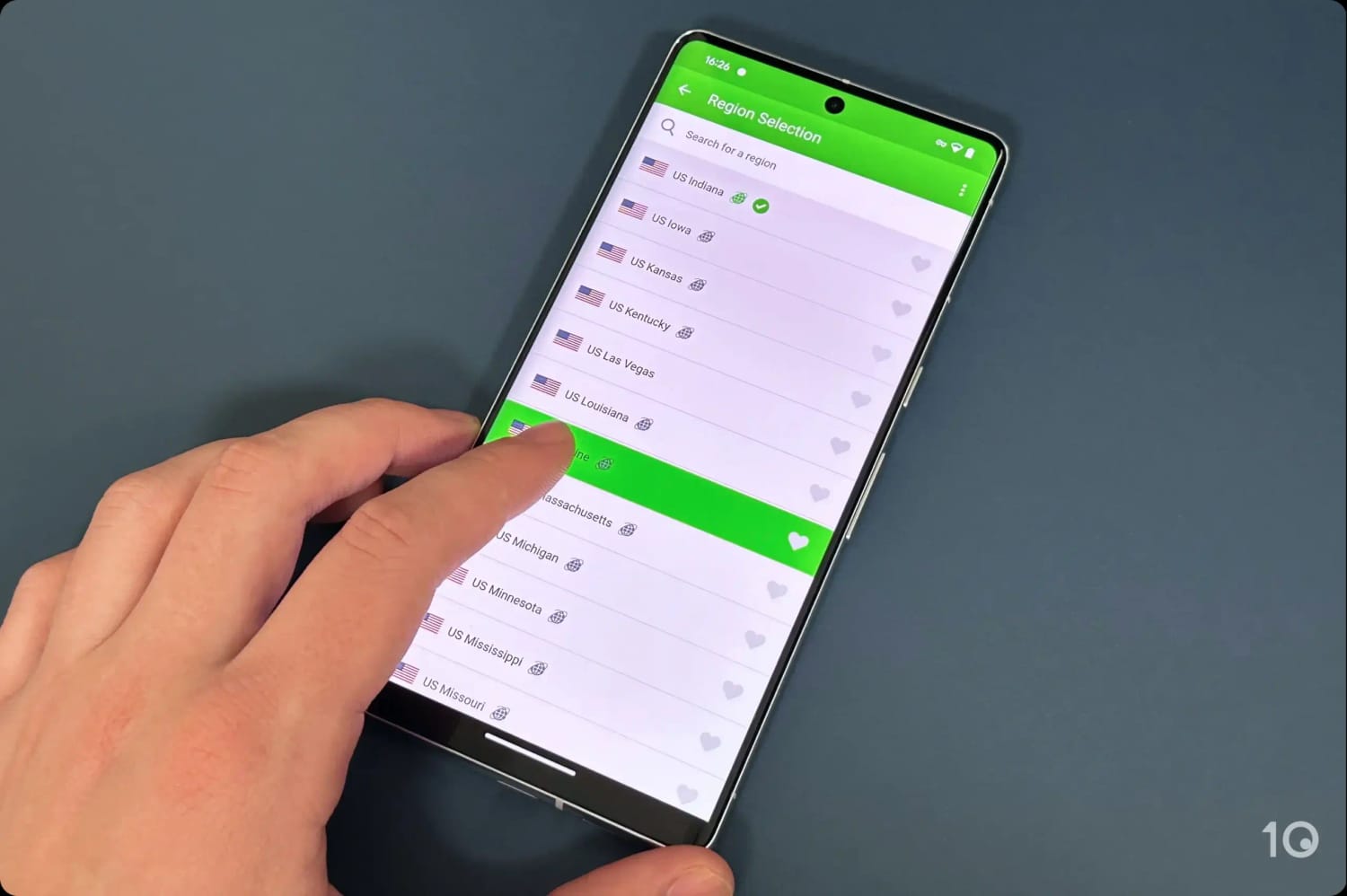
PIA has VPN server locations in every single US state.
Easy Access to Peacock on Huge US Network
PIA has one of the biggest US server networks, with IP addresses in every state.
We tested every single US server location and most unblocked Peacock perfectly.
We were equally impressed by the speed and quality of the stream, with no loading time at all.
Our speed test data supports this, showing that connecting into the US from any global location impacted our speed by only 14%.
And connecting to the other side of the country, speeds dipped by an unnoticeable 10%.
Not as Compatible as ExpressVPN
PIA’s apps for desktop and mobile are straightforward to use, with US servers connecting quickly and delivering stable speeds.
PIA also provides you with dedicated apps for Fire TV, Android TV, and Apple TV. While they all forefront US servers, we found them “clunkier” to use compared to ExpressVPN.
All the apps also come with MACE, PIA’s ad blocker, which successfully blocked Peacock’s long pre-roll ads even on our smart TV.
Though we encountered Peacock’s error message telling us to disable the ad blocker, we were able to just click Dismiss to continue enjoying the content without ads.
In addition to its inferior TV apps, PIA’s Smart DNS proxy doesn’t work at all with Peacock.
Great Performance for a Low Price
PIA is one of the best VPNs overall, and its cheap price tag only adds to its appeal.
If you commit to a 2-year deal, it works out at $1.33 per month.
Adding this to a Peacock Premium subscription brings the overall cost to roughly $13.00 per month, which is still a good deal to stream sports cheaply.
You can also try the VPN before committing by signing up for its 7-day free trial on iOS or Android.
As with ExpressVPN, you can also claim a refund within 30 days of signing up.
Windscribe’s free service is a comfortable winner when it comes to the best free VPN for Peacock.
Unlike the other free VPNs we tested, Windscribe met our criteria with multiple server locations in the US, a reliable track record unblocking Peacock, and compatibility with every streaming device.
The big downside is its limiting 10GB data cap, which heavily restricts how long you can stream for.
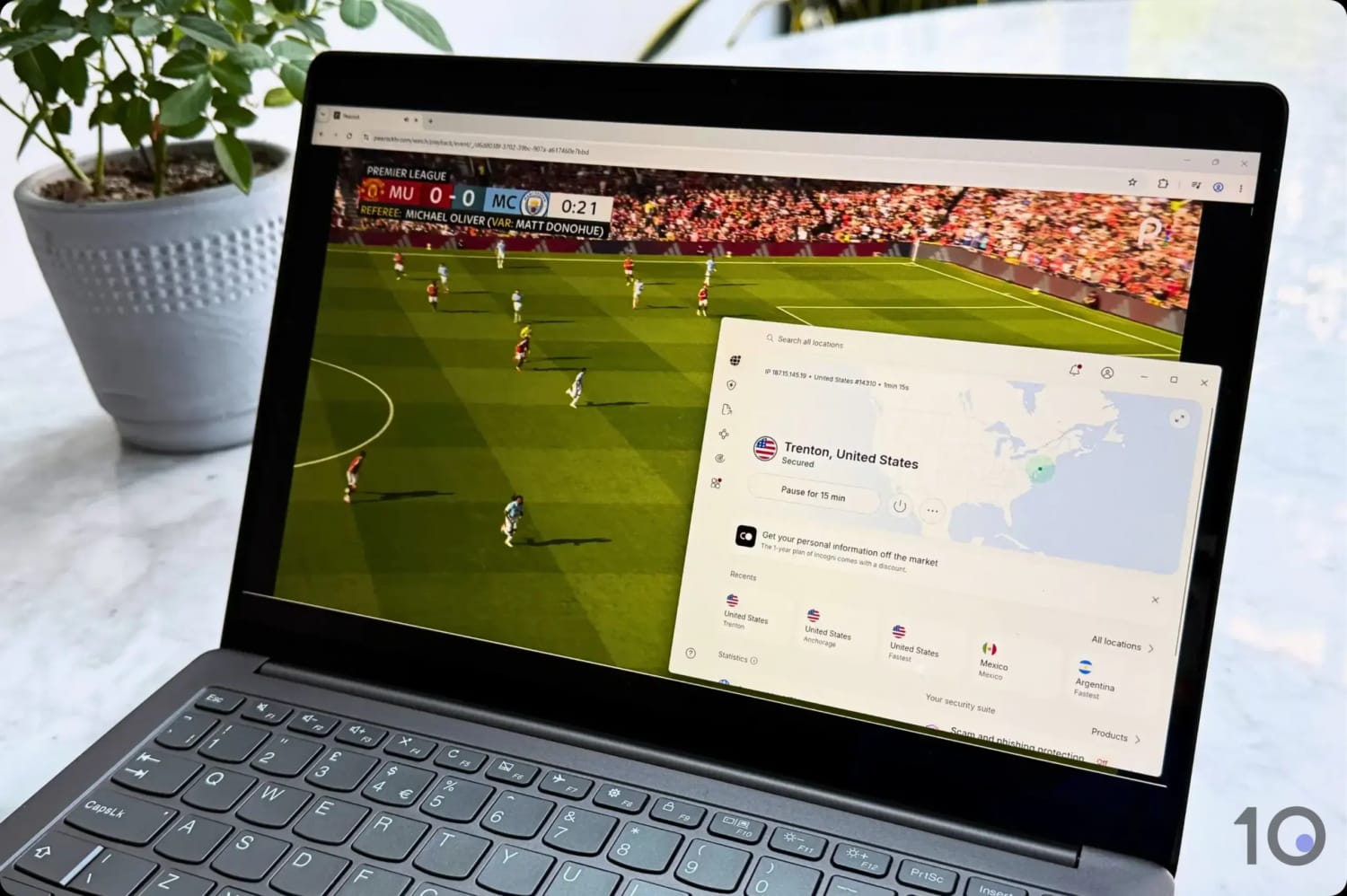
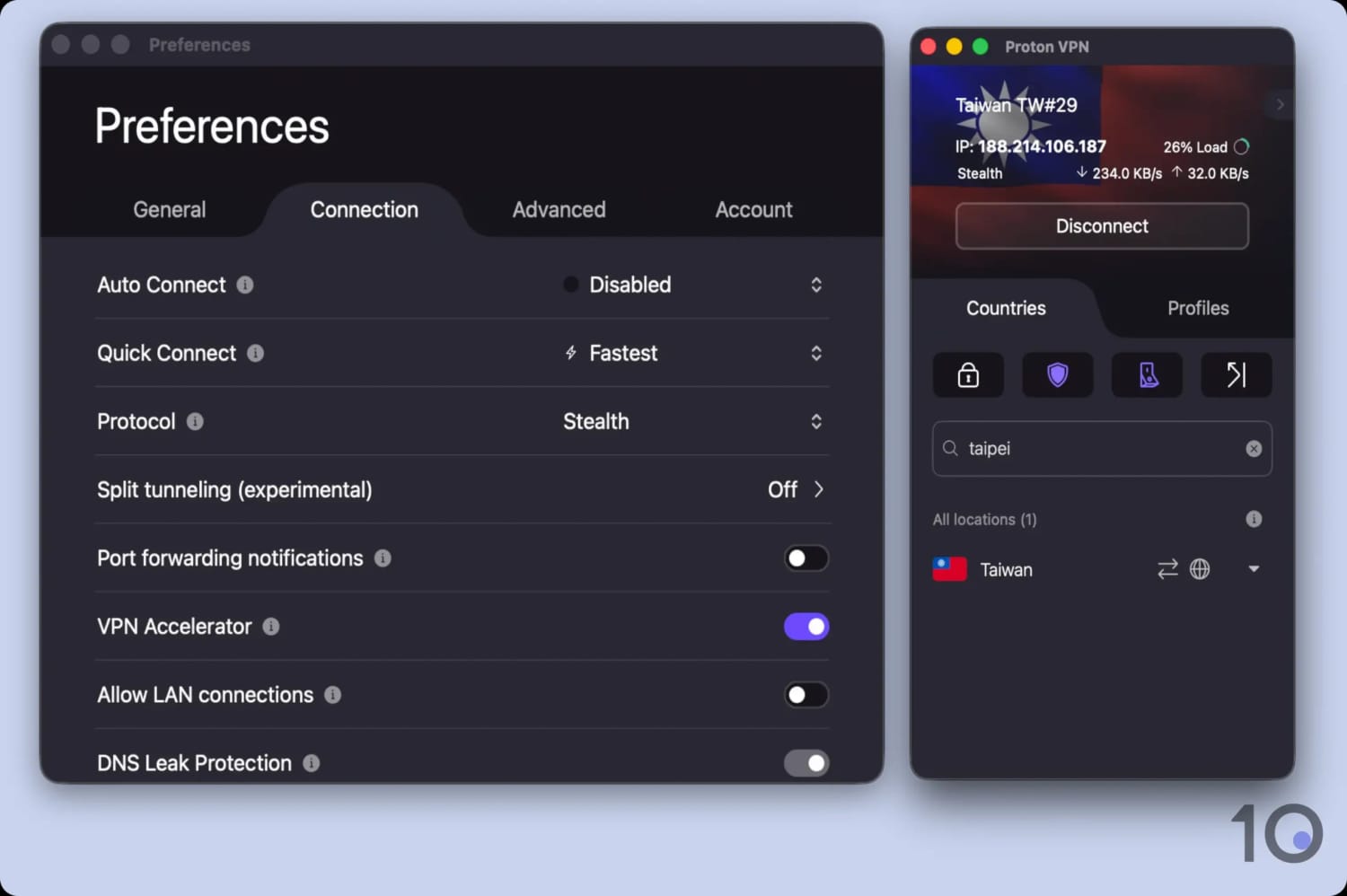
We used Windscribe to watch FOX on Peacock TV.
Free US Servers Work with Peacock
Windscribe’s free VPN doesn’t require any payment details: you can download without risk and register using any valid email address.
The VPN is well-suited to Peacock because it includes 8 US servers, all of which got around Peacock’s geo-blocks.
If one server becomes too congested, impacting the quality of your stream, simply switch to a different one for a smoother connection.
From its selection of free servers, we recommend you use Windscribe’s “New York – Grand Central”. It unblocked Peacock smoothly and it’s optimized for 10Gbps connections, so it’s often faster than the other US servers.
We did occasionally experience grainy streams with Windscribe, especially streaming live sports. In contrast, we didn’t have these issues with ExpressVPN or PIA.
All Apps Available for Free
Windscribe’s range of apps are all available for free. This means you can stream Peacock on your desktop and mobile devices, as well as Android TV, Apple TV, and Fire TV Stick.
We were particularly impressed with Windscribe’s Lazy Login feature that allowed us to log in without spending time manually inserting our details via remote. ExpressVPN does this too.
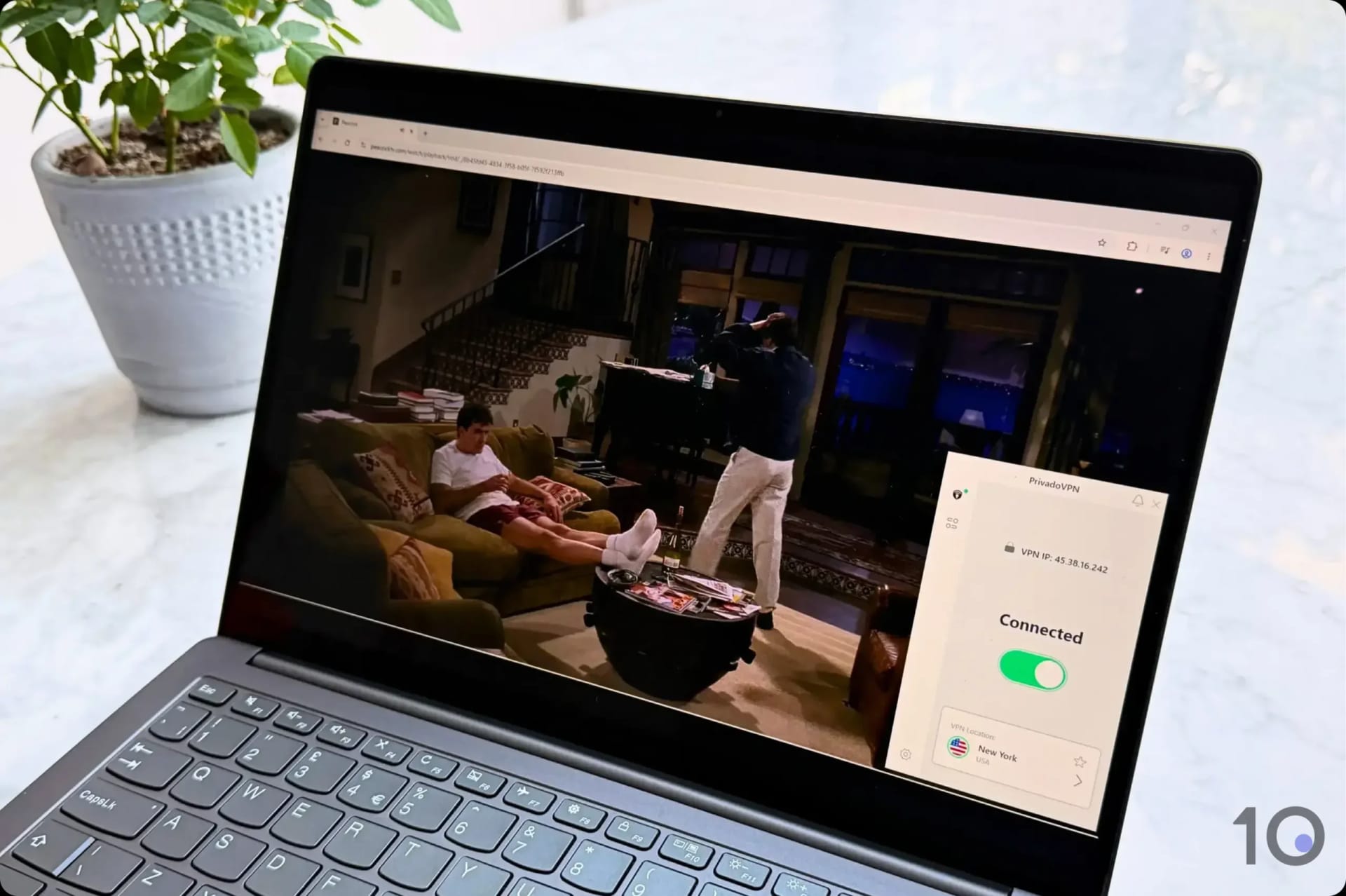
When we tested PrivadoVPN Free’s apps with Peacock, the process was a lot more time-consuming.
However, the appearance of Windscribe’s streaming device apps isn’t optimized for smart TVs.
Even more annoyingly, Windscribe’s apps list all its servers, including those you can’t access for free. So, you inevitably waste time scrolling through inaccessible servers.
Data Cap Restricts Streaming Time
Windscribe’s big catch is its free data cap of 10GB per month. With this data limit, we were only able to stream two Premier League matches before our allowance ran out.
We did manage to watch a little more after posting a Windscribe promo on X and getting an extra 5GB of data. But it’s still too restrictive for heavy streamers.
Bottom line: we only recommend using Windscribe with Peacock if you’re looking to stream a specific event or movie.
Otherwise, its limitations will stop you from getting the most out of your Peacock subscription.
In the short video below, we show how easy it is to use a VPN to watch Peacock. We accessed the Peacock-exclusive Fall Guy from outside the United States.
We quickly accessed Peacock from the US using ExpressVPN.
How to Sign up for Peacock Outside the US
If you’re outside the US, signing up for Peacock is surprisingly easy compared to other US content platforms.
Despite what many websites say, we can confirm that you don’t need a US payment method.
You can use a credit card from any country to activate your subscription. We verified this by using foreign American Express, MasterCard, and Visa credit cards.
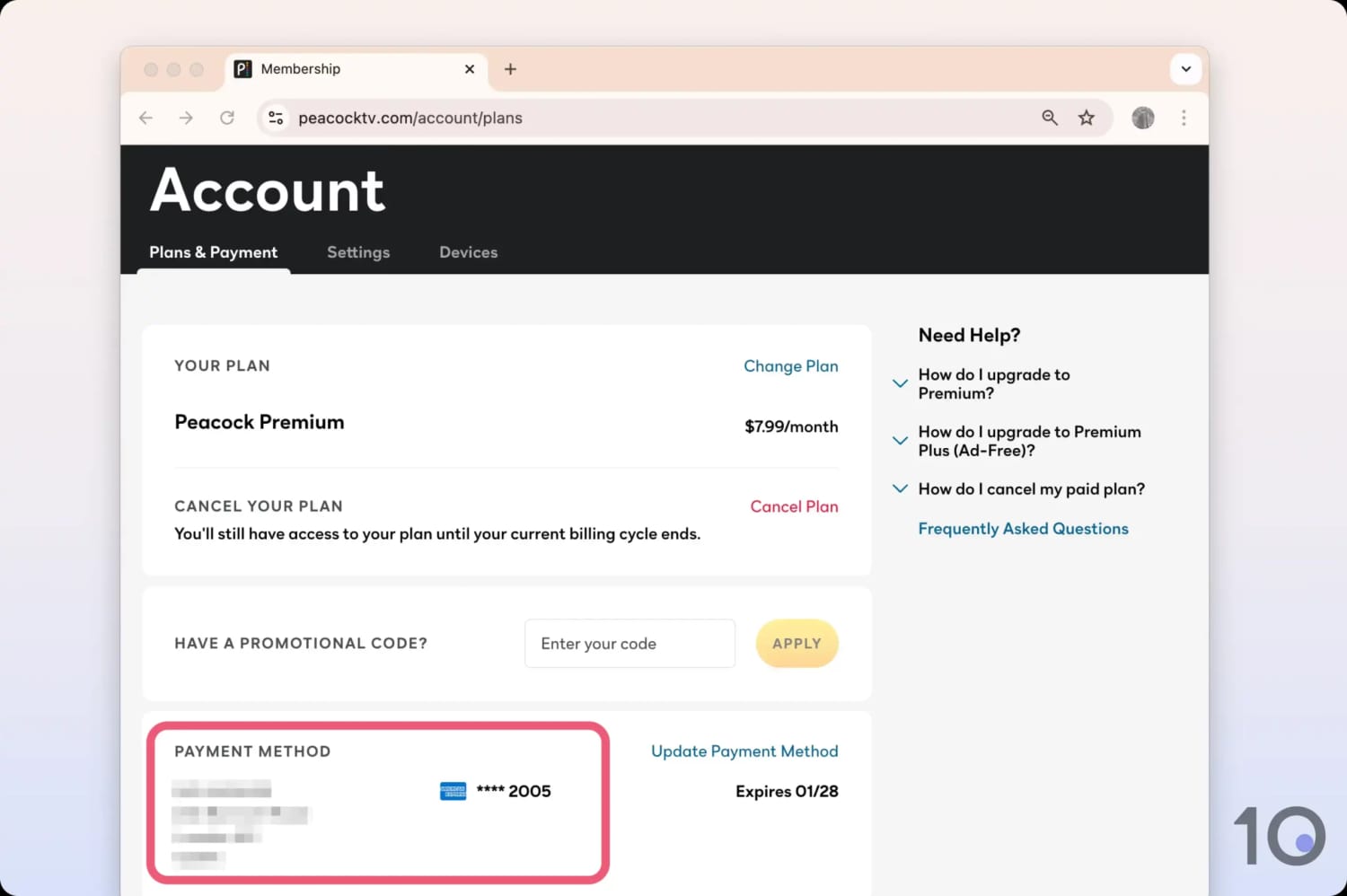
We successfully subscribed to Peacock using a UK Amex card.
We also tested and confirm that you can easily use a virtual card, such as those available from a service like StatesCard, or an app store gift card.
That being said, we don’t suggest doing this unless you can’t access a credit card, as the process is more expensive and time-consuming.
Popular Content on Peacock
Peacock offers an extensive library spanning live sports, blockbuster movies, TV shows, and exclusive events.
Here’s a selection of what you can watch from anywhere using a VPN:
Live Sports
English Premier League: 175 games per season, including most 3pm kickoffs.
NFL: Super Bowl, Sunday Night Football, and the NFL Channel.
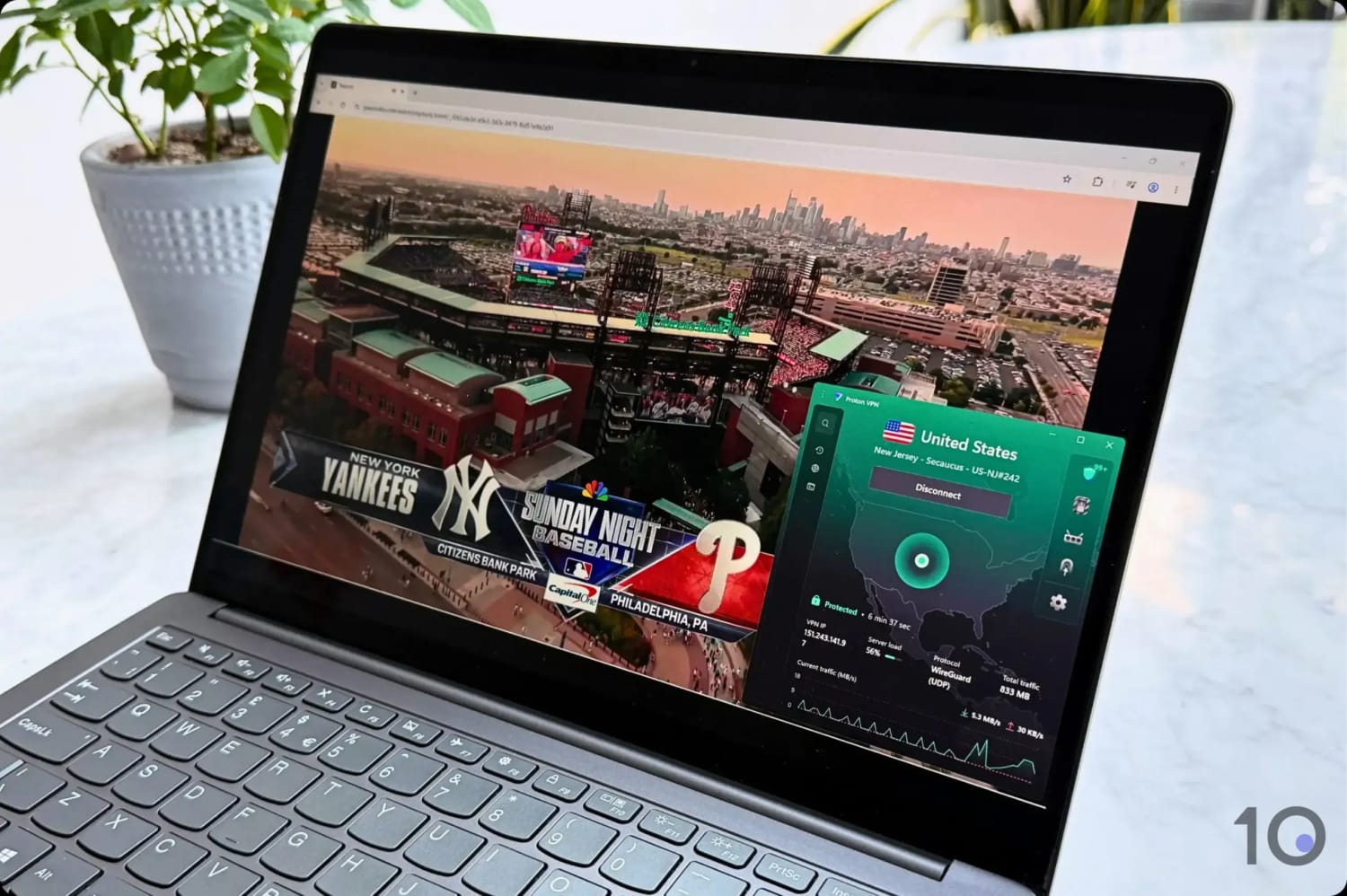
MLB: Sunday Morning Leadoff and Sunday Night Baseball.
NBA: Monday Night NBA, Tuesday doubleheaders, and Sunday Night Basketball.
International: Six Nations rugby, Tour de France, and PGA Tour.
Movies & TV Shows
TV Shows: M.I.A., Yellowstone, Poker Face, The Office, and Parks and Recreation.
Movies: Complete Harry Potter collection, and a wide range of Universal and Dreamworks titles.
Reality TV & Live Events
Reality Shows: Love Island USA, The Traitors, The Real Housewives of Beverly Hills.
Annual Events: Live coverage of the Golden Globes.
NBC Content: Next-day access to current seasons of NBC shows including SNL.
How to Fix Your VPN Not Working with Peacock
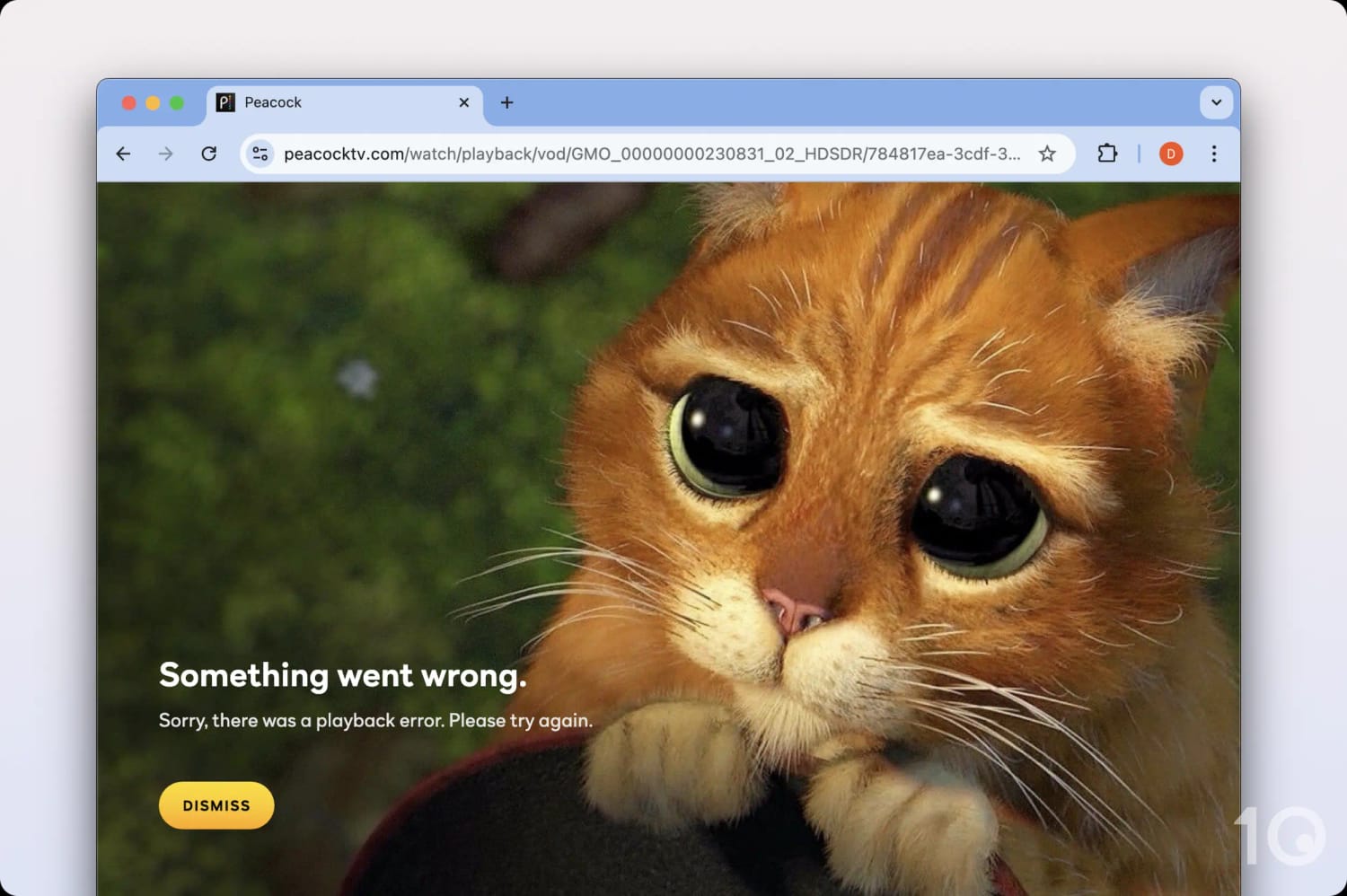
Peacock is exclusive to the US and tries to detect and block any VPN or proxy traffic. If your VPN isn’t working with Peacock, you’ll see the error code OVP_00012, or this message:
“Something went wrong. Sorry, there was a playback error.”
Peacock says there is a ‘playback error’ when a VPN is detected.
Below are all the ways you can resolve issues with Peacock and get your VPN working again.
1. Switch US Server
Changing your VPN server can often be the simplest way to fix your VPN.
IP addresses associated with VPN servers can get detected and blocked. By switching servers, it’s an easy way to avoid Peacock’s IP block lists.
This is one of the reasons why we recommend VPNs with lots of US servers as it enables you to stay ahead of detection and makes it harder for Peacock to identify and block you.
However, the best VPNs for Peacock don’t usually require you to keep switching servers, and we don’t recommend spending lots of time server hunting.
From our years of experience, if the first few servers don’t work it’s likely none will.
2. Clear Cookies & Cache
As you browse the internet, websites you visit collect and store data about you. Peacock might be able to use this information to identify your real location.
You can stop this by deleting cookies and other site data stored in your browser cache.
To clear cookies and cache in Chrome, go to Settings > Privacy and security > Clear browsing data, select Cookies and other site data, then click Clear data.
3. Check for IP & DNS Leaks
Some VPNs accidentally leak data like your real IP address or DNS requests. If Peacock detects any data that reveals your true location, it will block you.
You can test to see if your VPN is leaking data with our simple tool. If you see a data leak, you should raise it with your VPN’s customer support or consider switching to a better VPN.
This is far less likely to happen with a top-tier VPN that provides leak protection.
4. Get a VPN That Definitely Works
If you’ve managed to subscribe to Peacock without any issues but find that your VPN isn’t working, it’s likely because its US IP addresses have been blocked.
The best way to resolve this is to upgrade to a VPN with a proven track record of bypassing Peacock’s geo-restrictions.
The most reliable VPNs for Peacock are ExpressVPN and Private Internet Access. From our experience, almost every issue related to unblocking Peacock disappears when using these VPNs.
VPNs That Narrowly Missed Selection
We spent lots of time using 60 different VPNs with Peacock, recording our impressions and results as we went.
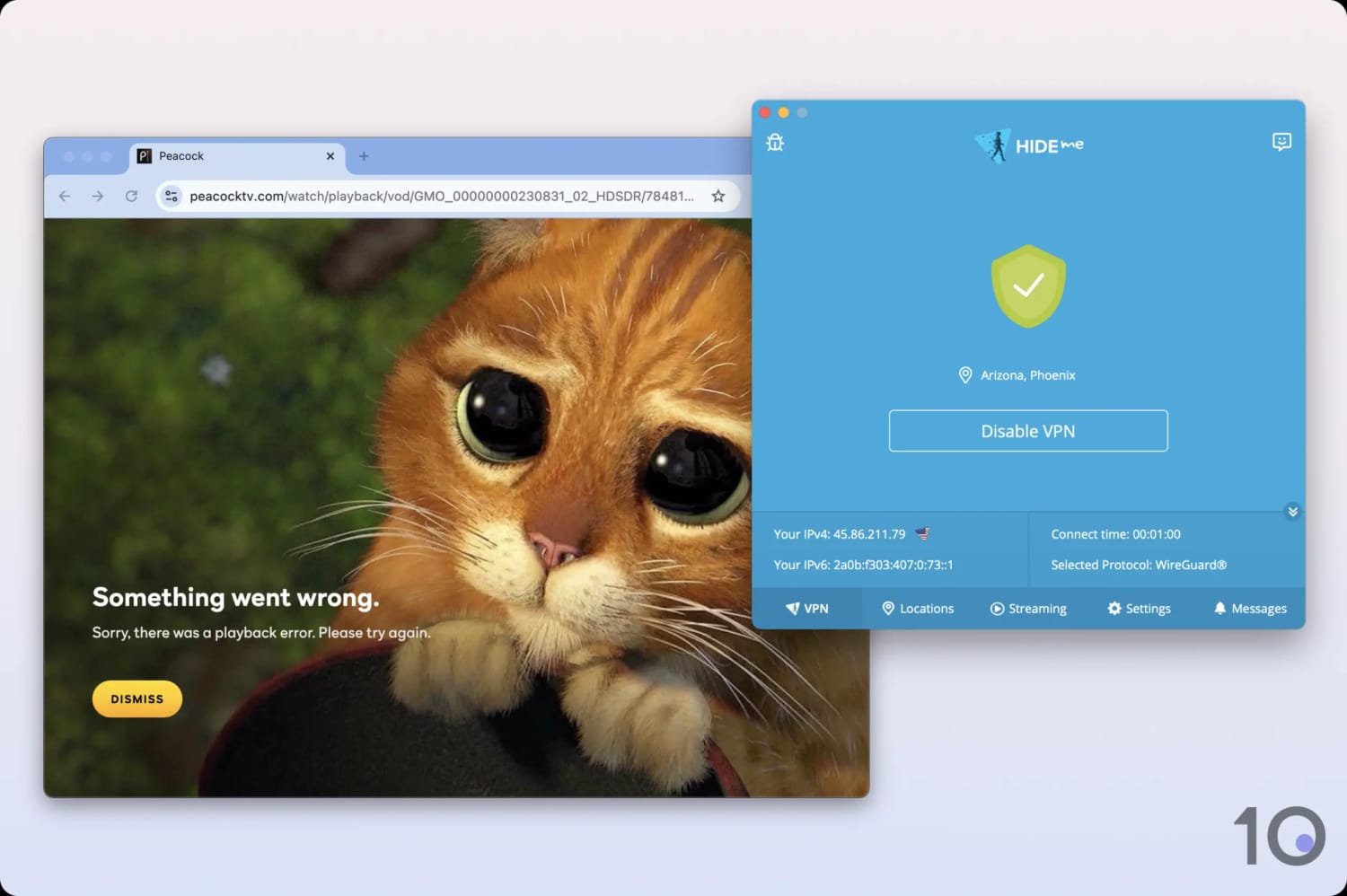
We encountered Peacock errors multiple times using Hide.me.
While we discovered that its geo-blocks aren’t as difficult to bypass as other streaming services, many VPNs aren’t as suitable as our chosen picks.
IPVanish
IPVanish is without a doubt one of the best VPNs to use on smart TVs, however we don’t recommend it for one key reason: it doesn’t cover all 50 states.
This means that you won’t be able to access regional TV broadcasts in every state, unlike ExpressVPN and PIA.
NordVPN
NordVPN is arguably the most surprising omission from our selection.
The reason for this is that despite offering excellent server coverage in the US, not every VPN location worked well with Peacock.
Certain US servers simply wouldn’t load live streams for us, with the issue being more pronounced on Apple TV and Fire TV Stick.
PrivadoVPN (Free)
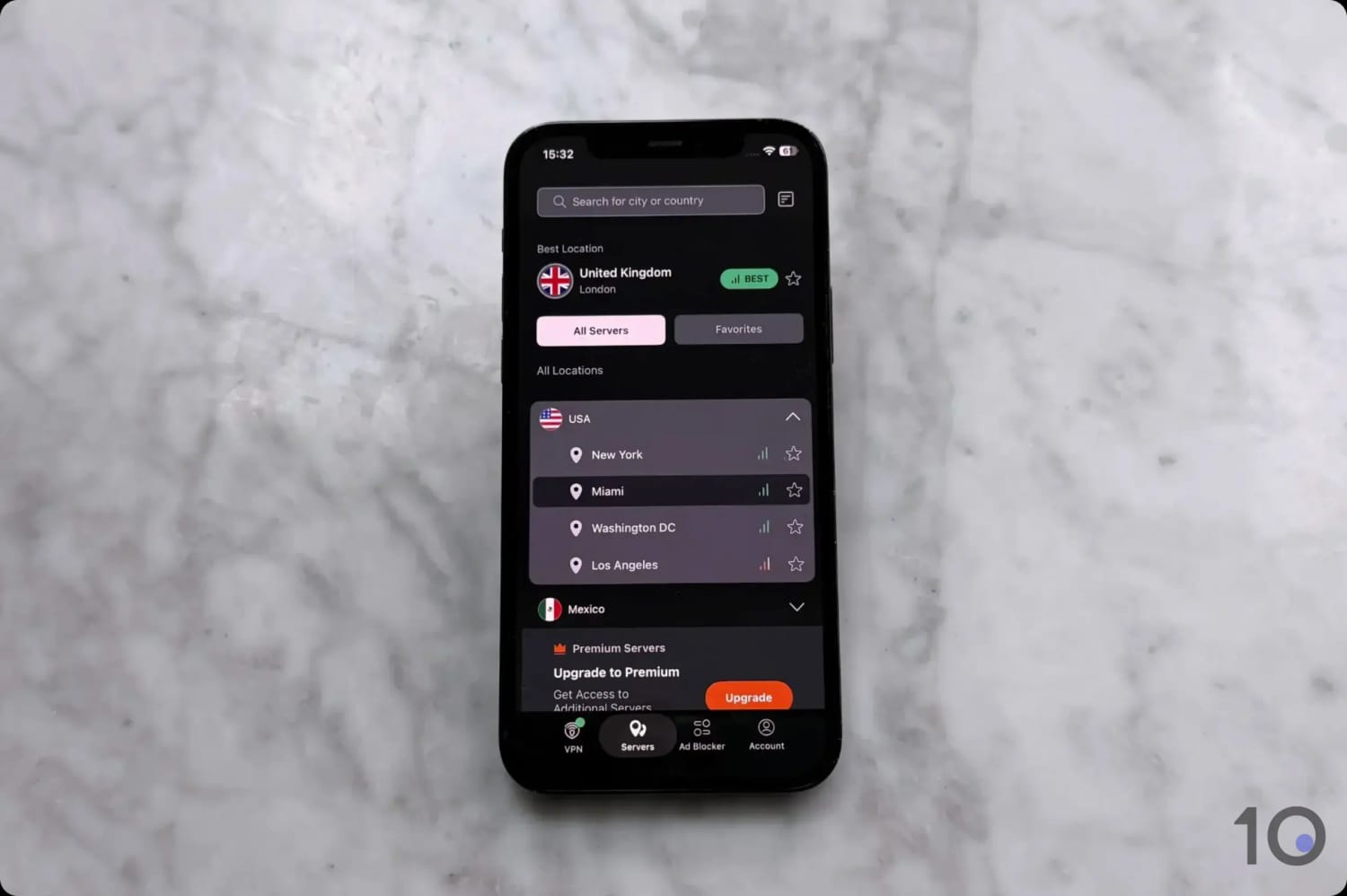
PrivadoVPN’s free service very nearly beat Windscribe to the top free VPN spot, but it fell short for a couple of reasons: you have to manually renew your free data online each month, which is a pain, and it has fewer US servers.
In the end, there’s no real reason to choose PrivadoVPN over Windscribe. That being said, it does unblock Peacock and you can always combine it with Windscribe for extra free data.
Surfshark
Despite being one of the most popular VPNs on the market, Surfshark’s US server coverage is surprisingly underwhelming.
You can only connect to 24 cities in 19, and long-distance speeds into these VPN locations was slower than other top-tier VPNs.
How We Test VPNs for Peacock
We found the best VPNs for Peacock by analyzing 60 VPNs in four key categories.
We assigned every VPN a rating in each category based on our test results, which contributes to its overall rating for Peacock.
You can see each category and its percentage of the overall score in the chart below.
For a detailed explanation of our testing process and criteria, continue reading.
1. Unblocks Peacock (50%)
Test Conducted: Connected to the VPN’s US servers and attempted to access Peacock from our London office. These tests were performed multiple times over an extended period.
Why It’s Important: This reveals which VPNs actually work with Peacock and how reliable they are.
Optimal Result: Every US server works with Peacock every time.
2. Speed (25%)
Test Conducted: Performed our own in-house speed tests to calculate each VPN’s download speed when connecting to the US from every continent. These tests were performed over an extended period of time to accurately predict an average.
Why It’s Important: Fast speeds lead to high resolution streaming with no loading times.
Optimal Result: A speed loss of no more than 20% connecting into the US from anywhere. A VPN should be able to stream Peacock at maximum resolution.
3. US Servers (15%)
Test Conducted: Counted the number of US servers included with each VPN.
Why It’s Important: Having lots of US servers allows you to avoid server congestion, leading to a better connection, and more IP addresses to use should one be blocked by Peacock.
Optimal Result: Has hundreds of US servers spread across each part of the country.
4. Device Compatibility (10%)
Test Conducted: Downloaded and tested every available app included with each VPN subscription, assessing their usability and functionality for streaming Peacock.
Why It’s Important: The more apps a VPN has, the more devices you can stream Peacock on.
Optimal Result: The VPN has a well-made custom app for every major platform and device, including desktop (Windows and macOS), mobile (Android & iOS), Apple TV, Android TV, and Fire TV. A Smart DNS and an app for router complete the package.
Data Cap Penalty
Free VPNs usually have data caps that restrict their usefulness. To account for this limitation, we apply a penalty to a free VPN’s overall rating for Peacock.
The extent of the penalty depends on the extent of the data cap. It’s broken down as:
10GB per month: -20% to the overall rating
500MB per day: -25% to the overall rating
5GB per month: -30% to the overall rating
1GB or 2GB per month: -35% to the overall rating
200MB per day: -40% to the overall rating
500MB per month: -50% to the overall rating
As a result, Windscribe’s rating was reduced by 20% to account for its restrictive offering of 10GB of data per month.
FAQs
Can I Watch Peacock for Free?
Strictly speaking, Peacock is no longer free. While it previously offered a limited, ad-supported free version, this option was discontinued in 2023.
Existing users with free accounts were granted temporary access even after new sign-ups were halted, but this too has now been phased out.
The only way to get Peacock for free is through memberships like Walmart+ or Instacart+.
Why Can’t I Watch Peacock Outside the US?
Peacock is exclusive to the US due to copyright and distribution rights.
However, it’s not true that you can’t watch Peacock outside the US, because you can use a VPN to access it.
If you are using a VPN and are still finding you can’t watch Peacock outside the US, check if you are using a valid payment method and also check if your VPN is good enough.
Where is Peacock Available?
Alongside the US, Peacock is available in American Samoa, Guam, Northern Mariana Islands, Puerto Rico, and the US Virgin Islands.