



Top10VPN is editorially independent. We may earn commissions if you buy a VPN via our links.
How to Watch Hulu with the Best VPNs
Simon Migliano
Simon Migliano is a recognized world expert in VPNs. He's tested hundreds of VPN services and his research has featured on the BBC, The New York Times and more. Read full bio
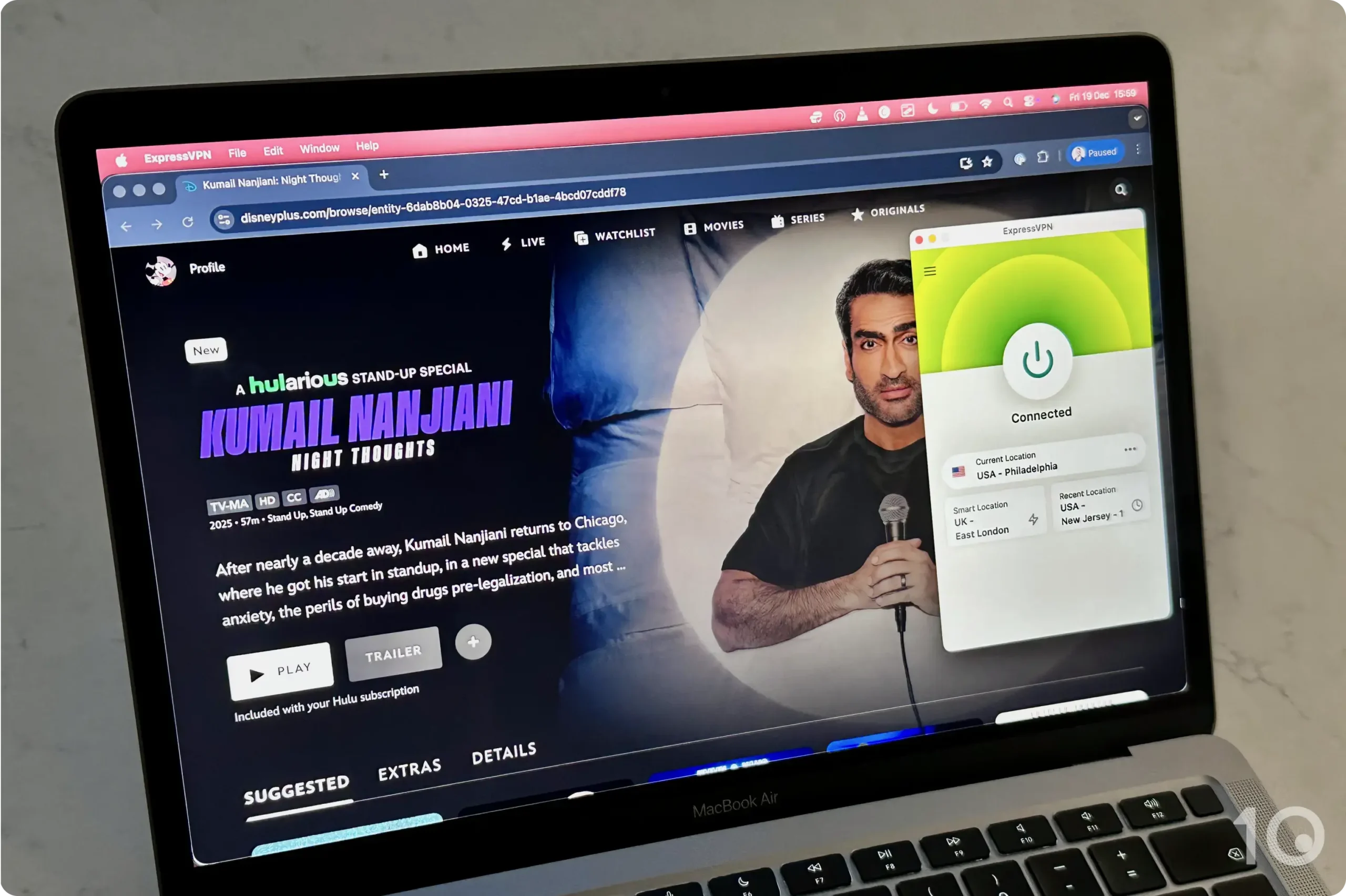
The only way to bypass Hulu’s geo-blocks, including Live TV restrictions, is to use a VPN proven to work. ExpressVPN is by far the best VPN for Hulu, with its 57 US VPN locations streaming both live and on-demand content from anywhere in the world. You can even try ExpressVPN’s best-in-class apps on all your devices for up to 30-days risk-free.
Hulu’s live and on-demand content is restricted to the United States, and even within the US you’re subject to regional restrictions and blackouts on channels like CBS and FOX.
If you try to access Hulu from outside America, you’ll get the “Hulu is not available in your region” error message.
To bypass these geo-restrictions you’ll need to use a VPN to change your IP location.
But not every VPN can do this, far from it. Hulu detects and blocks many VPN and proxy connections, triggering error messages such as P-EDU101.
We’re fully independent and have been reviewing VPNs since 2016. Our ratings are based on our own testing results and are unaffected by financial incentives. Learn who we are and how we test VPNs.
VPNs Tested
61
Total Hours of Testing
30,000+
Combined Years of Experience
50+
If you’re here because your existing VPN isn’t working with Hulu, we’ve listed a handful of workarounds that will hopefully get it working again.
🔄 Recent Updates
We’ve updated our methodology, troubleshooting tips, and key information on our VPN recommendations.
VPN Comparison Table
You can quickly compare our chosen Hulu VPNs side by side using the table below:
User-friendly apps for Apple TV, Android TV & Firestick
Chrome extension works to change Hulu Live TV location
Router app & Smart DNS for extra device compatibility
Fewer extra settings than NordVPN
More expensive than CyberGhost
Pricing Plans
$12.99/mo
$3.99/mo over 15 months
$2.79/mo over 28 months
Money-Back Guarantee
30 Days
US Cities
57
US States
50
Simultaneous Connections
10
Support
24/7 Live Chat
Compatible with
Windows
Mac
iOS
Android
Linux
Amazon Fire TV
Android TV
Apple TV
Router
Chrome
Many websites will have you believe that NordVPN is the best VPN for Hulu, but they’re pulling wool over your eyes. ExpressVPN is hands-down the most effective at beating Hulu’s geo-blocks, whether you’re inside or outside the US.
Every time we’ve run tests, we’ve never had to worry about which US VPN server to connect to, since all of them worked flawlessly.
Plus, the VPN service offers way more US server locations than NordVPN, combined with smoother and wider device compatibility.
In fact, we much prefer ExpressVPN’s plug-and-play approach to its software, which changed our IP location almost instantly and delivered exceptionally fast and stable streaming speeds.
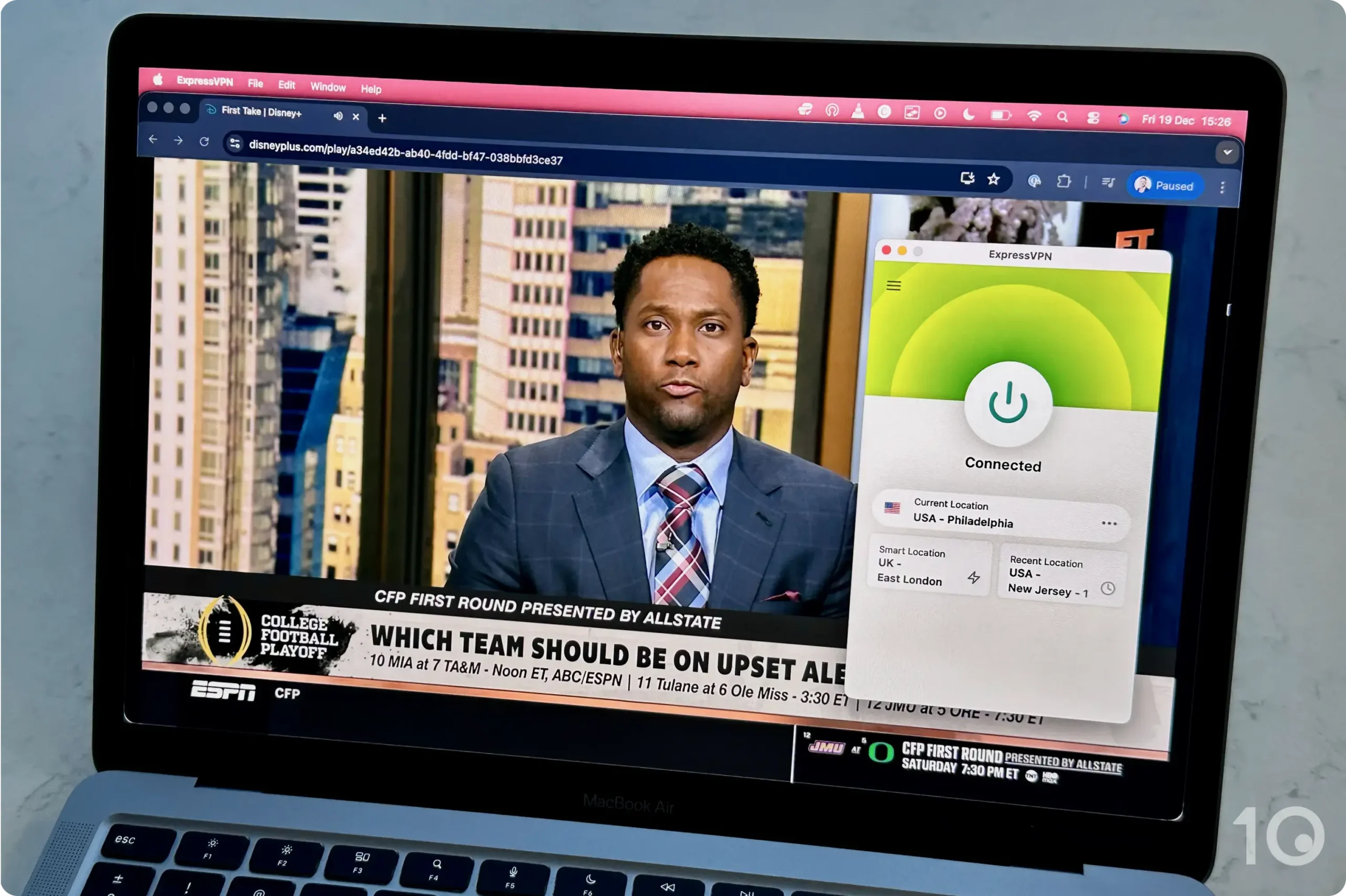
We enjoyed using ExpressVPN with Hulu + Live TV.
The Most Consistent VPN for Hulu
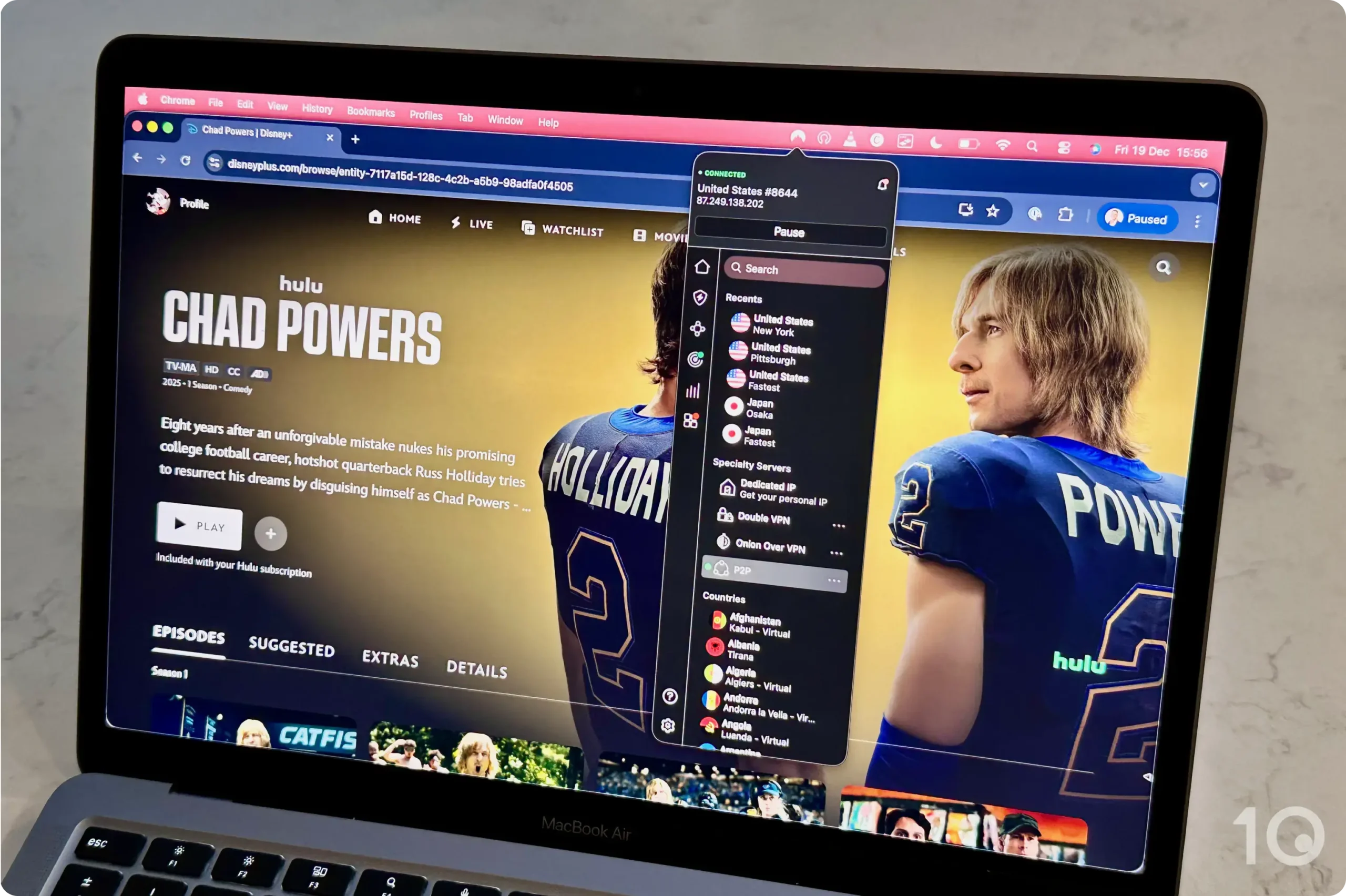
ExpressVPN has servers spread across 57 US cities covering every single state.
This was particularly useful for changing our location on Hulu + Live TV to access local channels and bypass sports blackouts.
Some VPNs, like CyberGhost, offer dedicated servers for unblocking Hulu. ExpressVPN doesn’t need them, though, since all its US servers consistently unblocked Hulu in our tests.
This phenomenal success at beating Hulu’s blocks is because the VPN provider regularly updates its American IP addresses to avoid detection. This takes time and investment, which most other VPNs aren’t prepared to do.
Moreover, ExpressVPN has also expanded its range of dedicated VPN IP addresses in the US, providing you with unique IPs from cities like Chicago, Los Angeles, Miami and New York.
And thanks to this huge server park of 6,250 US servers, we averaged an internet speed slowdown of only 15% connecting from abroad and just 2% within the US.
These fantastic download speeds is why we were able to stream at maximum resolution every time we used ExpressVPN.
Intuitive Apps for All Popular Devices
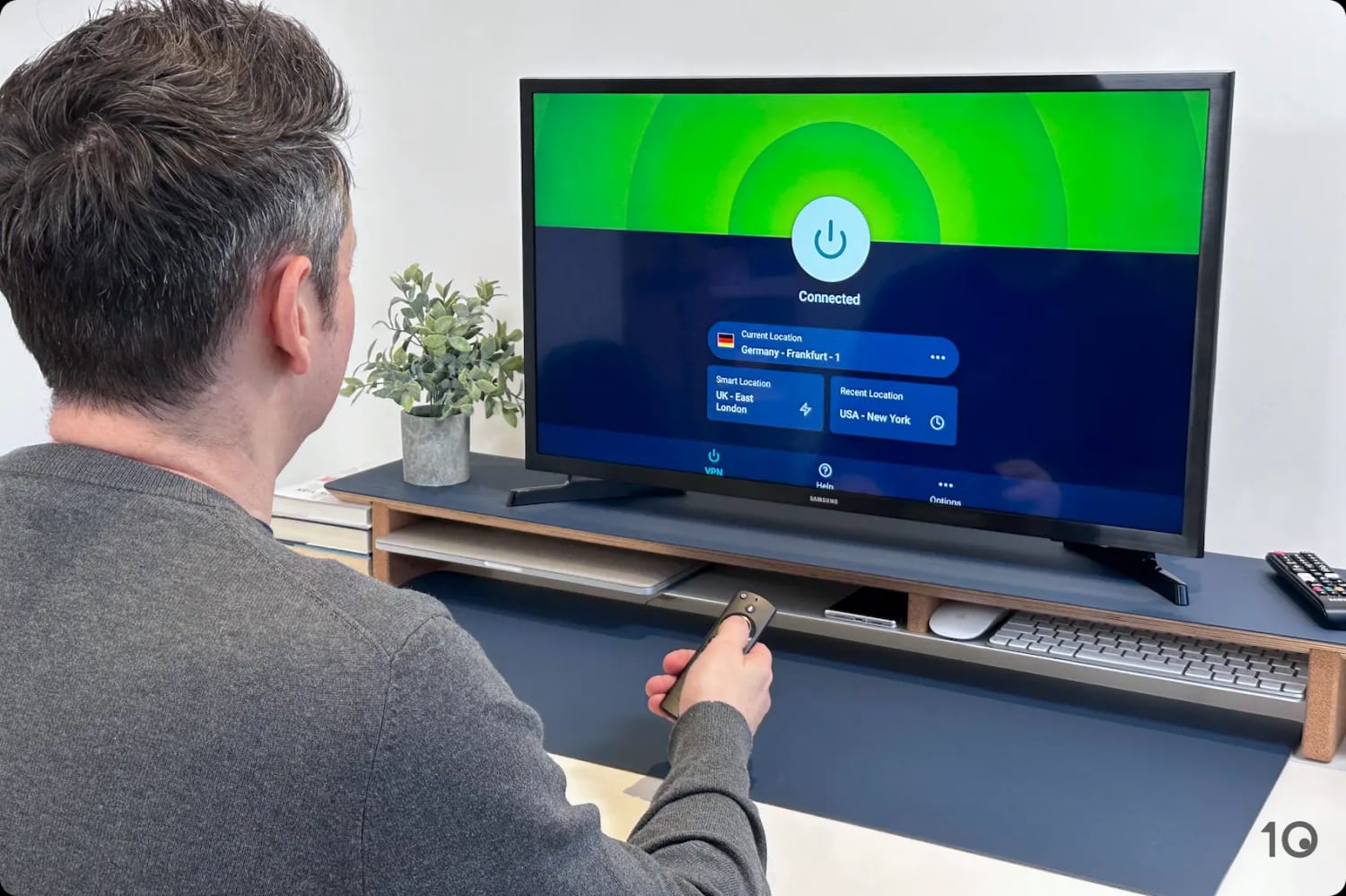
You can use ExpressVPN to watch Hulu from anywhere and on any device. That’s because it offers the widest device compatibility in the industry, with the best-designed apps for every popular device, including Fire TV Stick, Apple TV, and Android TV.
Testing the ExpressVPN Fire TV Stick app.
We genuinely enjoyed using all of these apps because they’re so easy to install and to navigate. Most importantly, they all unblocked Hulu.
ExpressVPN is also the only VPN that offers an app for routers, which you can use to give each of your home devices a different US IP location. Or, to use the VPN with Roku a lot more easily.
MediaStreamer, the VPN’s Smart DNS proxy, is also useful to use the ExpressVPN on devices that don’t support VPN software, like your PlayStation or Xbox.
Not to mention that all these apps come with built-in DNS and IPv6 leak protection that prevents accidental exposures of your real IP address. This helps make it much harder for Hulu to figure out you’re using a VPN.
7-day Free Trial via Mobile
ExpressVPN’s main drawback is its price, which is considerably higher than CyberGhost’s, although we think it still represents great value for the superior performance you get.
That said, if you want to try the VPN before committing to a subscription, you can sign up for ExpressVPN’s 7-day free trial via the Apple App Store and Google Play Store, or take advantage of its 30-day money-back guarantee.
Just remember to cancel your trial or subscription before the end of the test period.
NordVPN has a large US server network covering 30 US cities, all providing excellent speeds to stream Hulu at maximum resolution.
While NordVPN is marginally faster than ExpressVPN connecting into the US from abroad, it’s a slightly less reliable solution for unblocking the streaming platform.
Not all of its US servers worked, while its faulty Smart DNS proxy and the lack of a router app presented us with some issues. NordVPN’s apps are also less streamlined, particularly on desktop.
NordVPN is a good alternative for watching Hulu.
Good Access to Hulu via 30 US Locations
NordVPN offers access to 3,125 secure servers located in 30 US cities.
Most of its US server locations worked to unblock the service, although not every single one. Very occasionally we were hit with the P-EDU101 error notification.
Similarly to ExpressVPN, the advantage of running a large US server network is that these servers are almost never overloaded, making connections faster and less likely to be detected by Hulu.
As a result, our international download speed fell by only 14%, which is marginally better than ExpressVPN’s 15% reduction.
Stream quality was excellent, even during live streams, with videos loading quickly and without buffering or abrupt interruptions.
Less Versatile than ExpressVPN
NordVPN has developed user-friendly applications for desktop (Windows and macOS), mobile (iOS and Android), Fire TV, Android TV, and Apple TV.
You can use NordVPN on a Fire TV Stick, Apple TV, and more.
The apps are relatively simple to use, but we have small gripes, like having to type in “United States” to find US servers, rather than simply “US” or “America”.
Or, the fact that the desktop applications are rather cluttered and unnecessarily big, with no option to resize them.
We were also unimpressed by NordVPN’s Smart DNS service, which surprisingly failed to unblock Hulu, and the absence of an app for routers.
These shortcomings can make NordVPN more challenging to use depending on the device you want to stream Hulu on.
Generally speaking, though, you shouldn’t have any issues using the VPN on mainstream devices like laptops and smartphones.
However, the VPN is slower and less reliable than ExpressVPN and NordVPN, plus it doesn’t match the same level of device compatibility.
CyberGhost is a cheap option for streaming Hulu.
Hulu-optimized Servers But Fewer Apps
CyberGhost has specific servers designed to unblock Hulu, which are available on desktop, Android TV, and Fire TV. Sadly, they aren’t available on mobile.
CyberGhost’s Fire TV Stick app.
These Hulu-optimized servers frequently worked well, but not 100% of the time. On the other hand, most of CyberGhost’s regular US servers were almost always detected by Hulu.
This doesn’t compare very favorably ExpressVPN’s and NordVPN’s much more consistent access.
CyberGhost’s device compatibility is also subpar. Since there’s no Apple TV app, you’ll have to use its Smart DNS proxy instead, and its (free) browser extensions are extremely basic and slow to connect. Sometimes they won’t connect at all!
Good Speeds but Slower than Its Rivals
CyberGhost’s dedicated Hulu servers were good enough for us to stream content with reasonable sharpness.
We also lost roughly 19% of speed connecting from abroad and 5% from within the US.
These speeds are more than fast enough for Full HD streaming without lag, but if you’re connecting from a far away location, then you may want a faster VPN.
What’s more, CyberGhost’s speeds did fluctuate at times, generating some occasional blurriness.
Although you can try using a free VPN with Hulu, most will fail to unblock the streaming service.
In our use, popular free options like TunnelBear, Proton VPN, and Hotspot Shield Basic were all detected and blocked by Hulu.
Only the free versions of Windscribe and PrivadoVPN bypassed Hulu’s VPN blocks. Among these, Windscribe is the better option, offering more consistent performance and a more intuitive user experience.
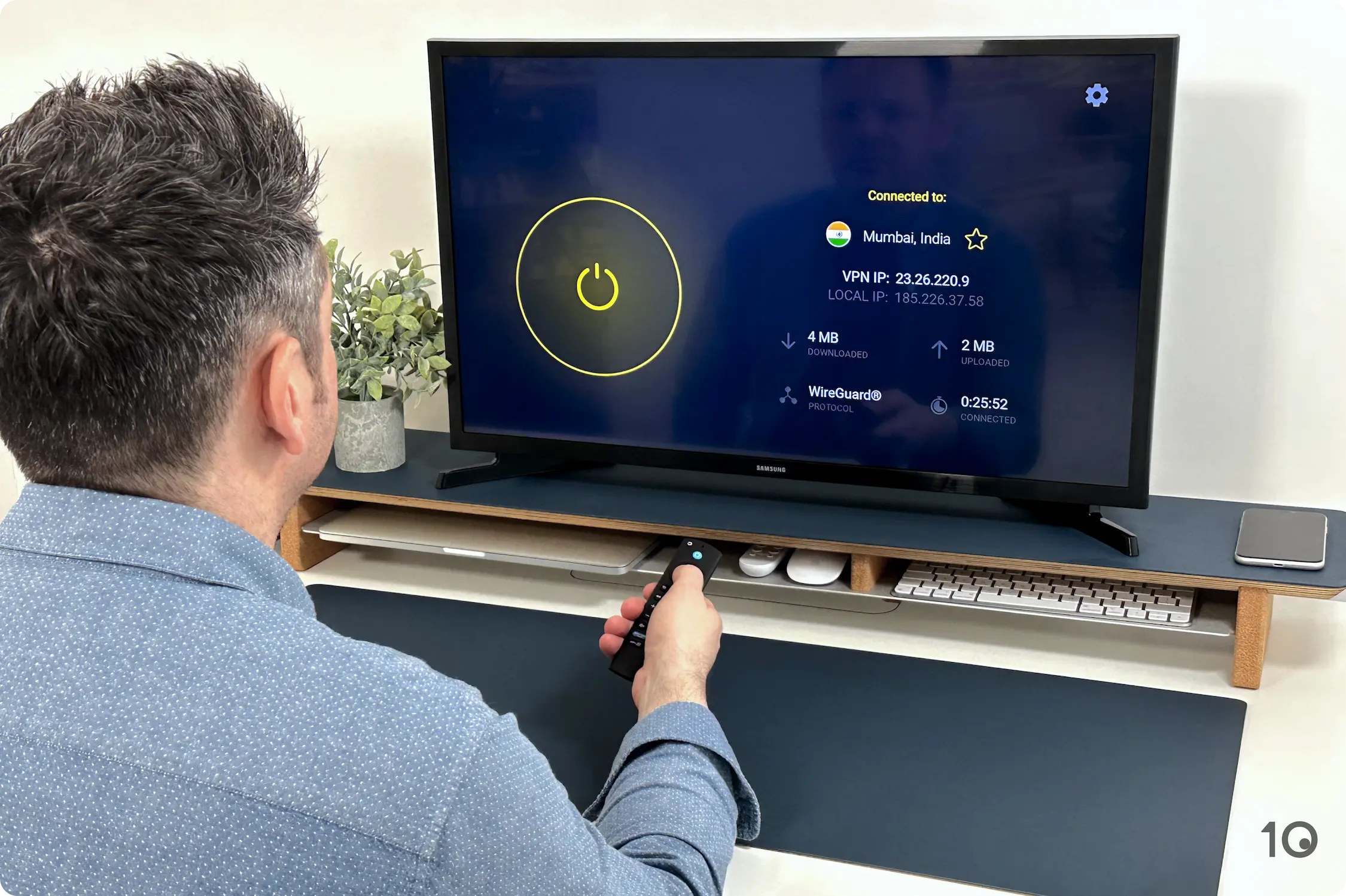
Windscribe’s free US servers surprised in how well they bypassed Hulu’s geo-restrictions. Its apps are easy to use and are available on most streaming devices, including Apple TV and Fire TV.
The problem with using Windscribe is its data cap that limits your streaming to 10GB per month — roughly 4 hours of Full HD streaming each month.
You also have access to fewer US locations and speeds can sometimes wobble causing some blurriness, especially during popular live broadcasts.
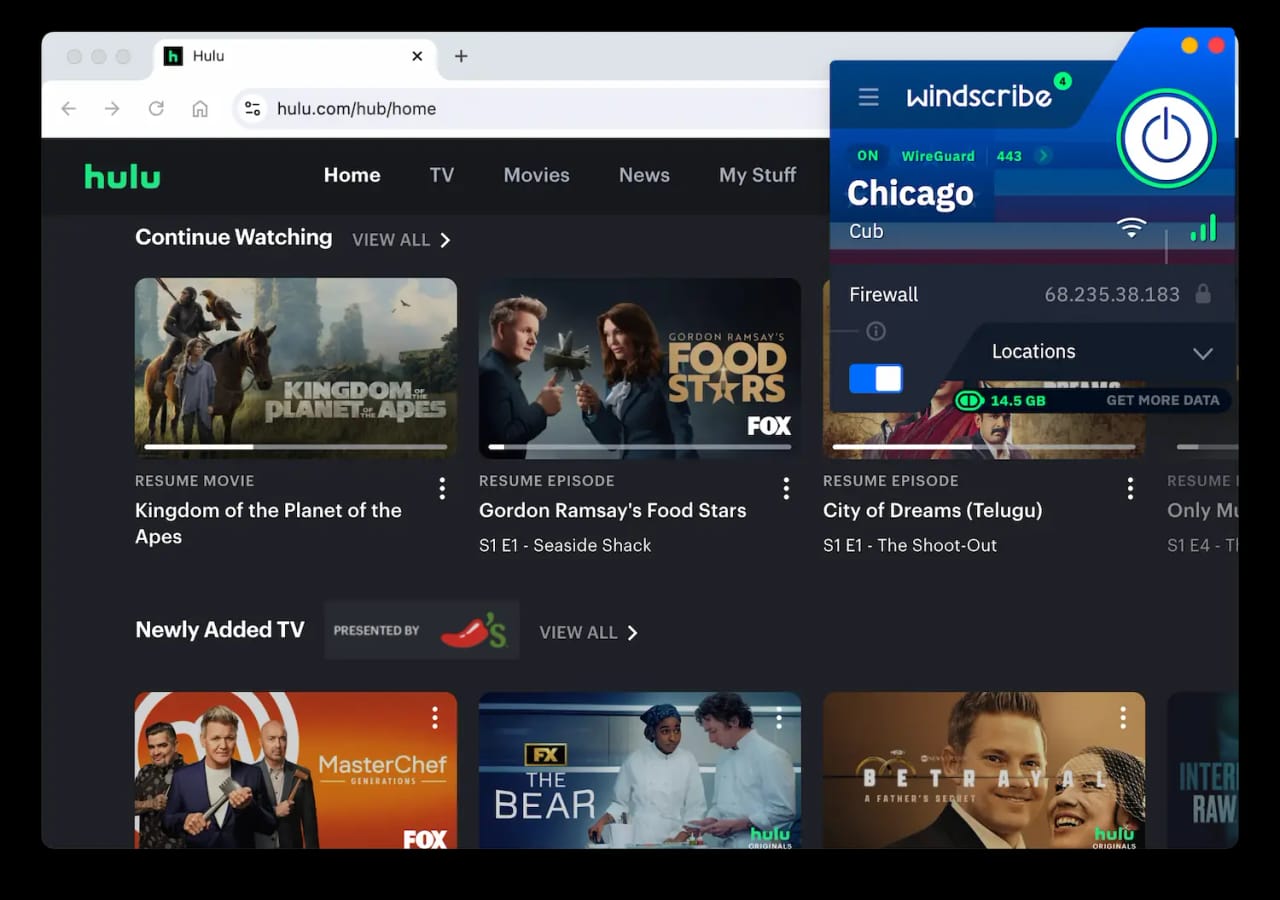
Windscribe’s free US servers still work with Hulu.
Free US Servers Are Surprisingly Effective
Windscribe is completely free to use, with no hidden catches and no requirement to submit credit card or payment details.
It’s one of our favorite free VPNs because it’s secure, reasonably quick, and very good at beating streaming geo-blocks. Not only does Windscribe work really with Hulu, but it’s also a great VPN for Peacock and HBO Max.
With Hulu specifically, we’ve been testing it for years and have never encountered issues, which is incredible.
That being said, you’ll only have access to 8 US cities compared to ExpressVPN’s 57.
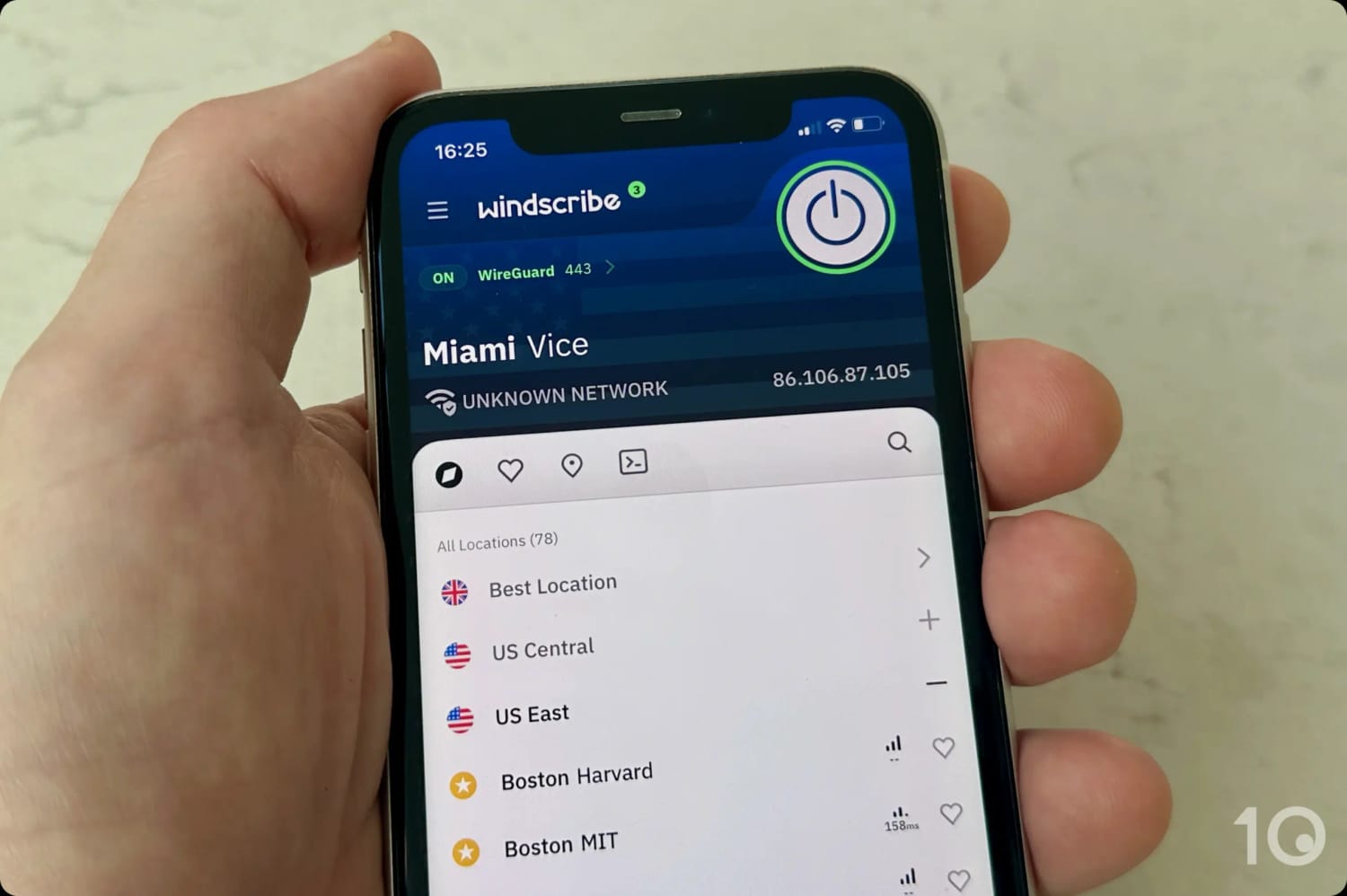
Windscribe offers access to several free US locations.
User-friendly Apps But Data Cap Is Limiting
On top of user-friendly apps for computers and smartphones, Windscribe also offers some of the best free apps for Fire TV, Apple TV and Android TV.
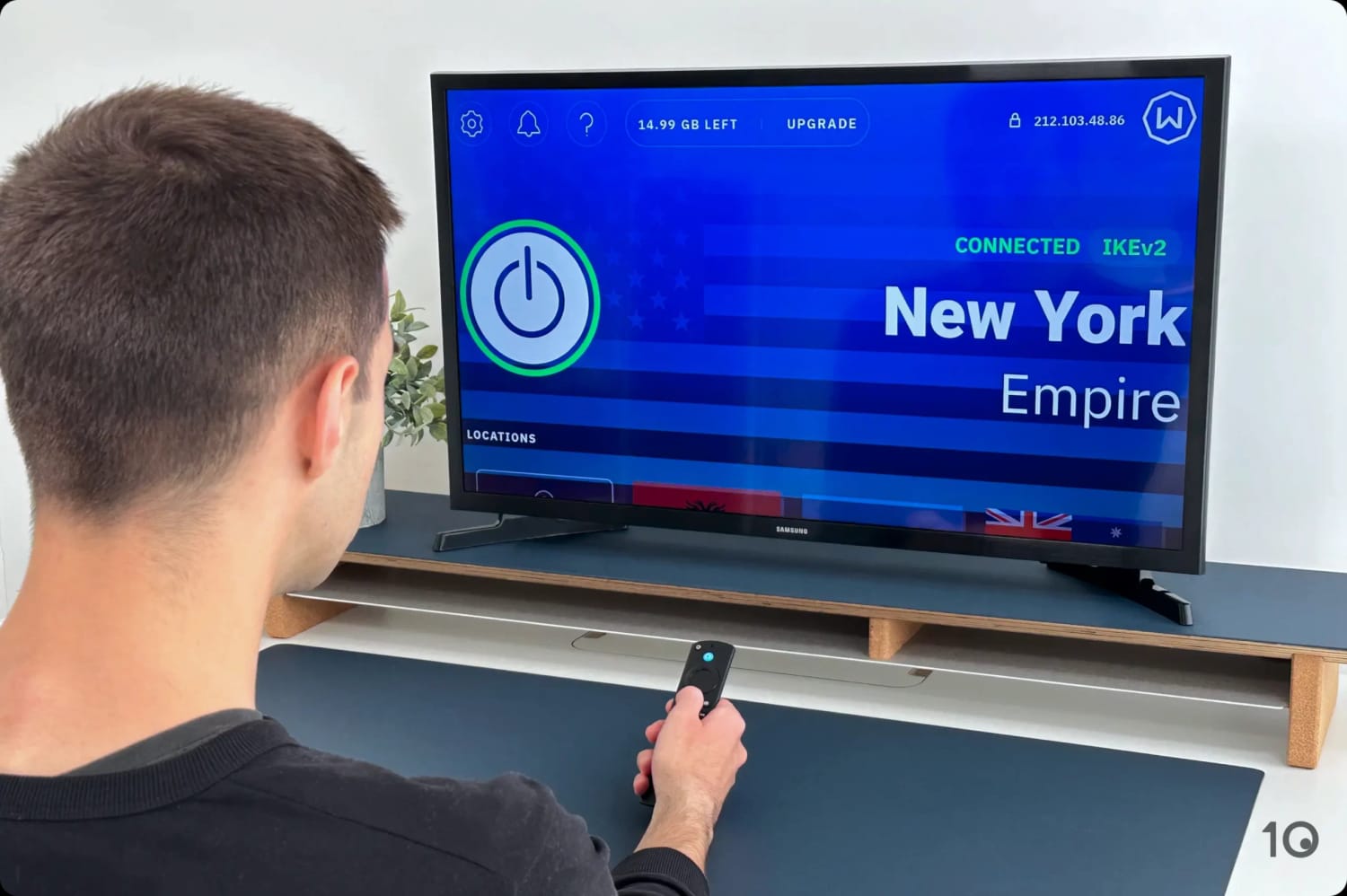
Windscribe’s Firestick app is easy to use.
And since Windscribe doesn’t impose a device limit, so you can install the VPN on as many devices you wish.
However, Windscribe’s 10GB monthly bandwidth restriction can be a problem if you plan to stream a lot of content each month.
On the free plan, we could only watch about four hours of HD content per month, which isn’t much. If you think you’ll stream more, you’re better off going with our premium choices.
It has to be said that Windscribe is also slower than ExpressVPN and NordVPN, with a long-distance speed slowdown of 13% on average.
On fast internet lines this shouldn’t cause any issues, but on slower connections it could well impact streaming quality.
Whether you’re located inside or outside the United States, you’ll need to get a US VPN IP address to bypass Hulu’s geo-restrictions.
If you’re abroad, you”ll also need to use a payment method accepted by Hulu.
Our video tutorial below shows you how to easily use a VPN to unblock Hulu from any country:
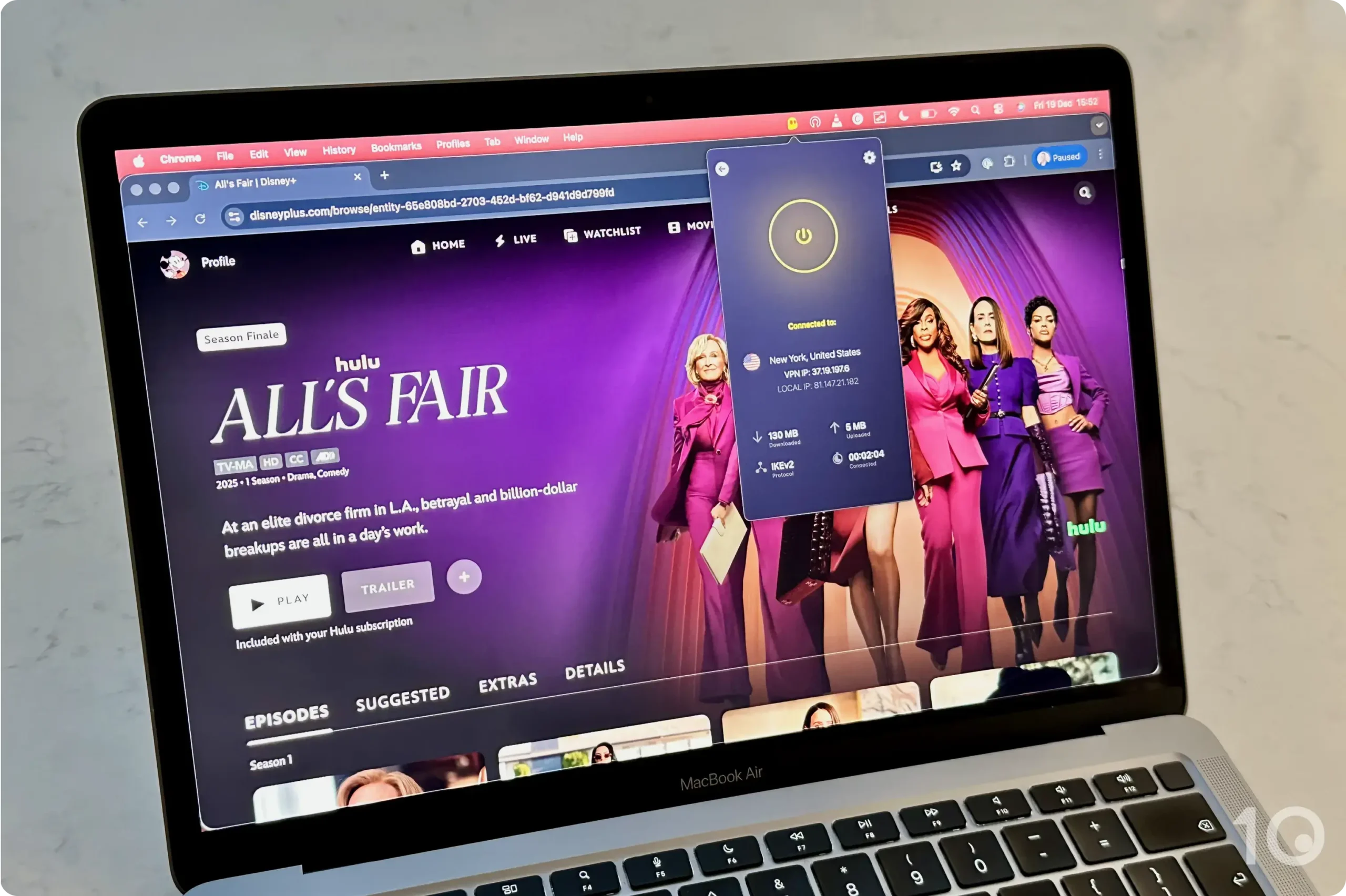
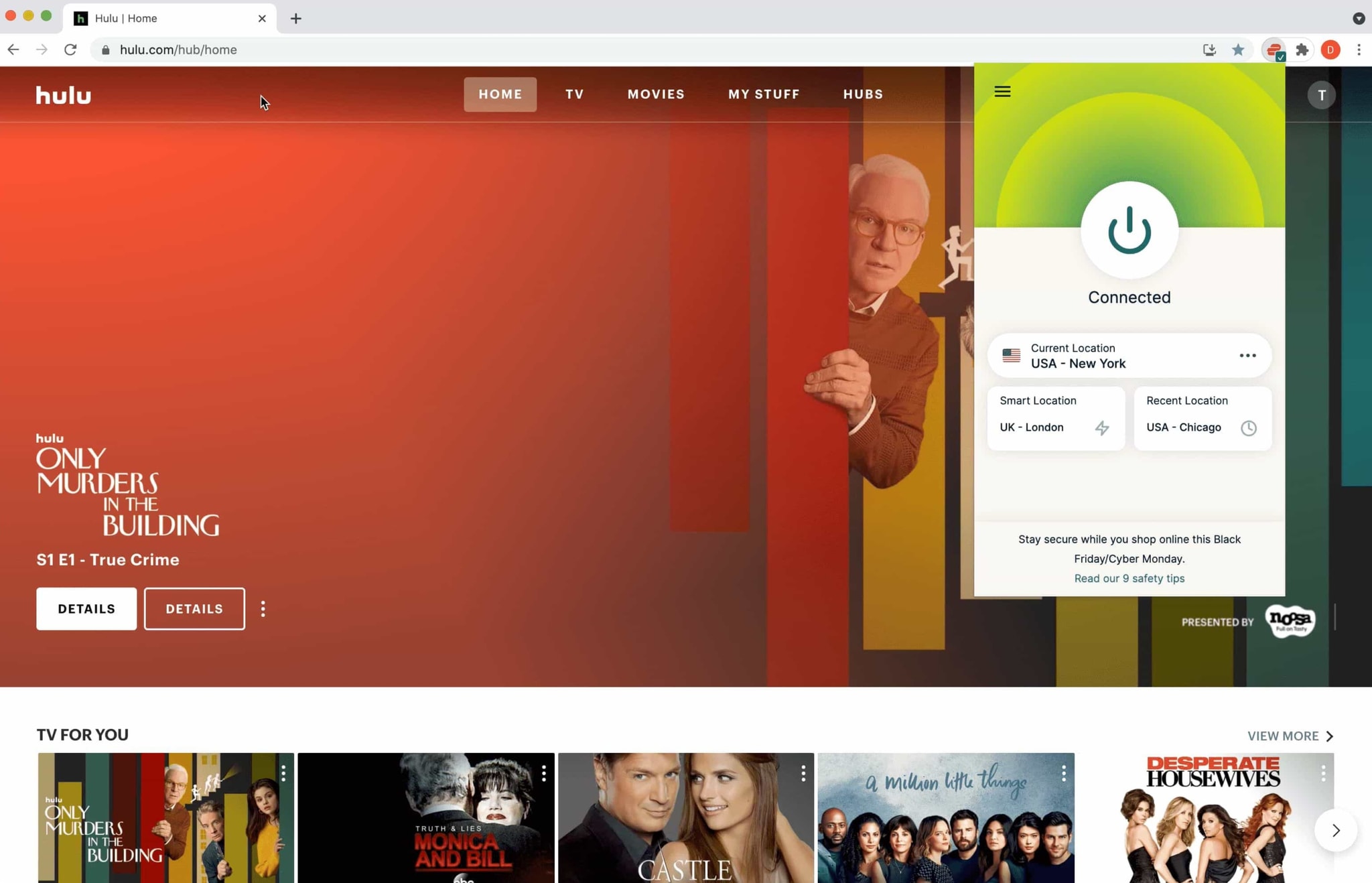
ExpressVPN tricked Hulu to think we're in the US, without blocks or errors.
And here are step-by-step instructions on how to use a VPN with Hulu:
Instructions: How to Unblock Hulu with a VPN
Get a VPN that works with Hulu. We recommend ExpressVPN, which offers a 7-day free trial and 30-day refund guarantee.
Download the VPN’s software onto your device.
Launch the VPN app and ensure the kill switch is enabled, to avoid sudden IP leaks.
Find the Server Menu and choose your desired US VPN location.
Click/tap the server location and wait for the app to connect.
Once you’ve connected, your device’s IP address will have updated.
Open Hulu’s website/app and either sign in or sign up. If you don’t have a US payment method, read our tips.
Once you’re logged in, stream any content you want.
If Hulu has detected and blocked your VPN connection, read our workarounds.
How to Get Hulu without a US Payment Method
Hulu only accepts US payment cards and methods. If you don’t have one of these, there are several ways to pay for Hulu from outside the United States. We’ve outlined two of the simplest ways, which we verified to work without issues.
1. Use a Hulu Gift Card
The easiest way to pay for Hulu without a US credit card is by purchasing a Hulu gift card from an authorized online retailer, such as MyGiftCardSupply.
Once you’ve bought your Hulu gift card, connect to a US VPN server location, and then redeem your gift card on hulu.com/start/gifting.
Alternatively, you can use a virtual pre-paid card service that works with American online services. We recommend using StatesCard, which worked smoothly in our tests.
Be aware that these pre-paid card services do charge a small fee, in order to provide you with US payment details and a US zip code.
Hulu VPN Block Workarounds
Hulu doesn’t allow the use of anonymous VPNs or proxies. Not to mention that many VPNs simply aren’t good enough to bypass Hulu’s VPN blocks anyway.
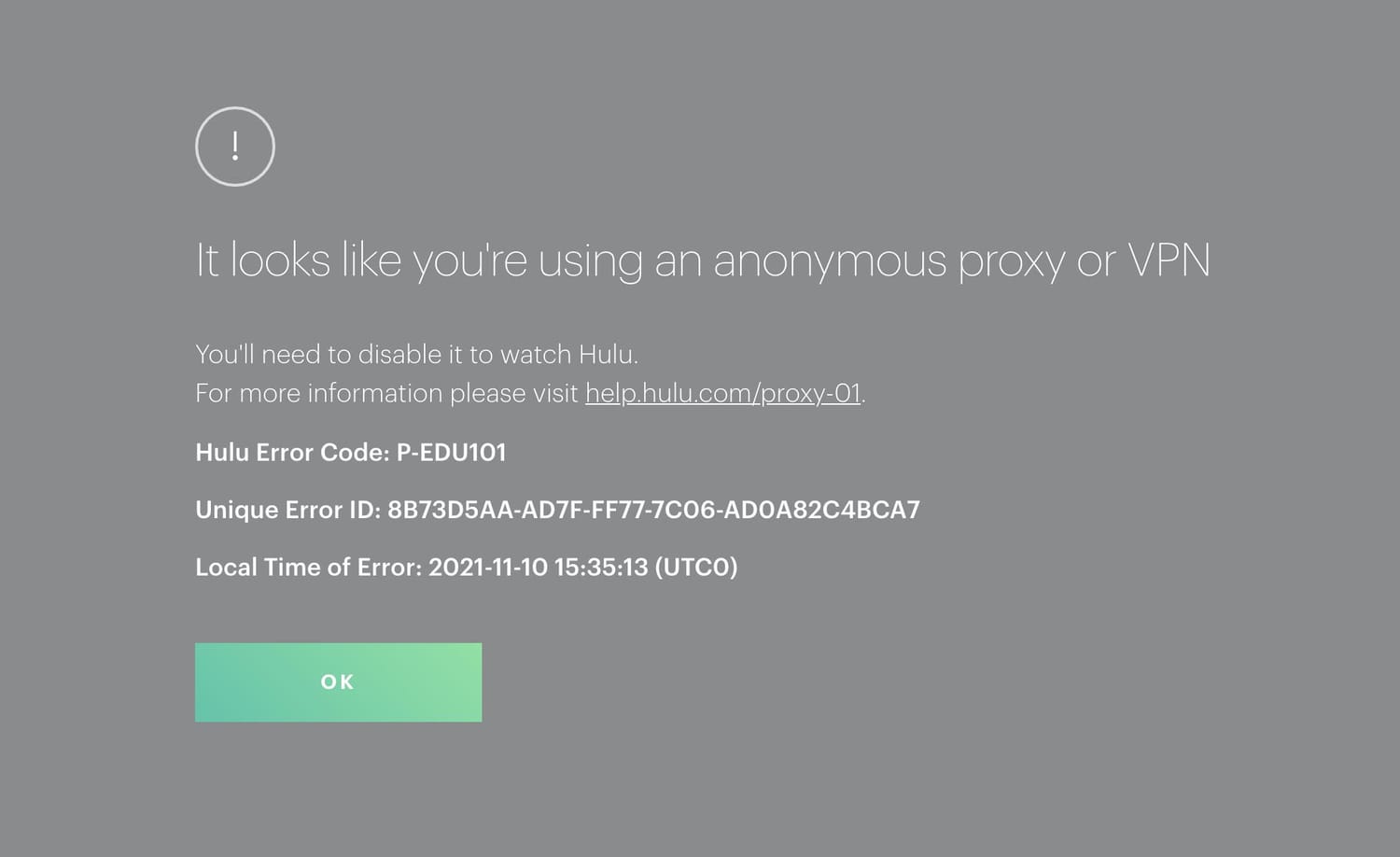
Hulu’s proxy detection error notification.
If Hulu has detected your VPN or proxy connection, then you’ll see one of these two error messages:
P-EDU101: Hulu is not available in your region, or you may be using a VPN.
Error playing this video. You appear to be using an anonymous proxy tool.
If this happens to you while using a VPN, try the workarounds below to regain access:
1. Change US VPN Server
If Hulu is blocking your VPN, it doesn’t mean all of its US IP addresses have been blacklisted, and some may still work.
You can figure this out by simply switching to a different US server in your VPN’s server list. Depending on how many servers it has, this can either be a quick or long process.
This fix only works if your VPN operates hundreds, if not thousands, of servers in the United States. If your VPN still doesn’t work after testing more than five US server locations, it’s highly unlikely none will work.
2. Contact Your VPN’s Support Team
If your VPN doesn’t work and you don’t want to test every single one of its US servers, then contact the service’s customer support. Ask them if they know which server(s) work with Hulu.
They may recommend an optimized server, or they may inform you the VPN service isn’t equipped to bypass Hulu’s VPN blocks.
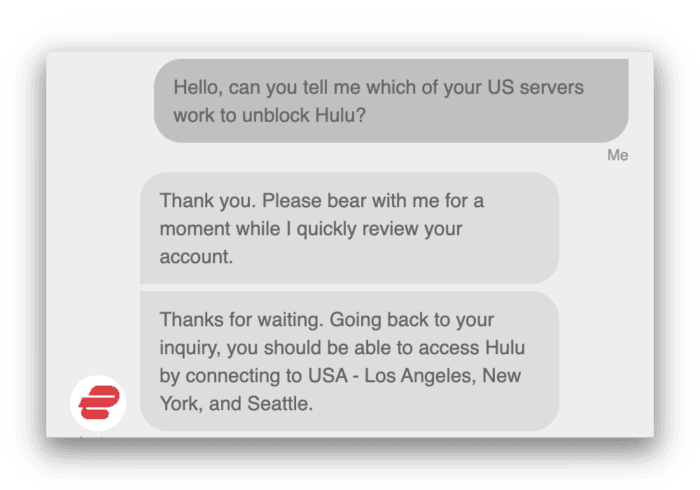
We’d only try this option if your VPN service offers 24/7 live chat support to get a quick response. For example, we contacted ExpressVPN’s live support team and they told us their New York and Los Angeles servers worked with Hulu.
ExpressVPN’s support team told us which servers work with Hulu.
2. Clear Your Cache & Cookies
Clearing your browser cookies and cache removes potential geo-location traces.
Cookies are web identifiers used by websites to track your internet movements. Deleting them can help evade Hulu’s geo-location techniques.
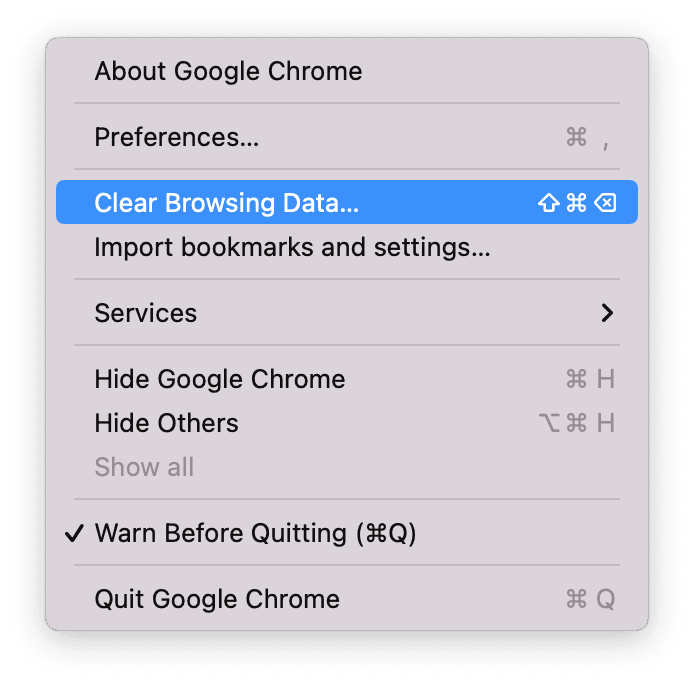
Clear Browsing Data option as seen on MacOS Chrome.
3. Check for IP and DNS Address Leaks
Hulu could be detecting your VPN because the software is leaking your real IP address.
Or, the VPN could be experiencing a DNS leak. This happens when DNS requests (website visit requests) fall outside of the VPN connection, revealing your true location.
Free or low-quality VPNs are far more likely to suffer from IP and DNS leaks than more reputable VPNs, which come with built-in leak protection.
Also, many VPNs still aren’t compatible with IPv6 traffic, and this can lead to IP address leaks.
If you have an IPv6 internet connection, and your VPN doesn’t support IPv6 traffic, your connection request will revert back to your ISP. In other words, the connection will travel outside of the VPN tunnel, exposing your real IP address location to Hulu.
If you suspect your VPN is leaking IPv6 traffic, choose another VPN that provides IPv6 leak protection, like ExpressVPN.
4. Get a VPN That Works with Hulu
Finally, if all of the above workarounds fail, then you have no choice but to change VPN service.
We advise getting a VPN that unblocks Hulu consistently, and has a proven track record of getting round some of the toughest streaming geo-restrictions.
ExpressVPN bypasses Hulu blocks with ease.
Each VPN we recommend for Hulu won’t let you down as we’ve tested them extensively before selecting them.
How to Fix the Live TV Home Location Error
Using a VPN with Hulu + Live TV is a great way to watch live broadcasts outside of your TV network, such as blacked out games on CBS and FOX.
When you first sign up to Hulu + Live TV, your IP address and, if available, your GPS location will determine which channels you can watch. Hulu calls this your home location.
This means that even if you travel to a different state, Hulu will still only show you content from your home location for 30 days before requiring an update, which you can do up to four times a year.
However, updating your home location requires granting access to your GPS location. If you attempt to change it without physically moving, Hulu will block the change.
Very few VPNs can change your GPS location, making Hulu home location errors complicated to fix. That said, we’ve figured out two ways to bypass Home Location restrictions and access region-restricted live TV broadcasts.
1. Get a VPN with a GPS Spoofer
Hulu’s Home Location feature relies on GPS coordinates to restrict access to local content when you’re outside your designated area. To get around this, you need to spoof your GPS location.
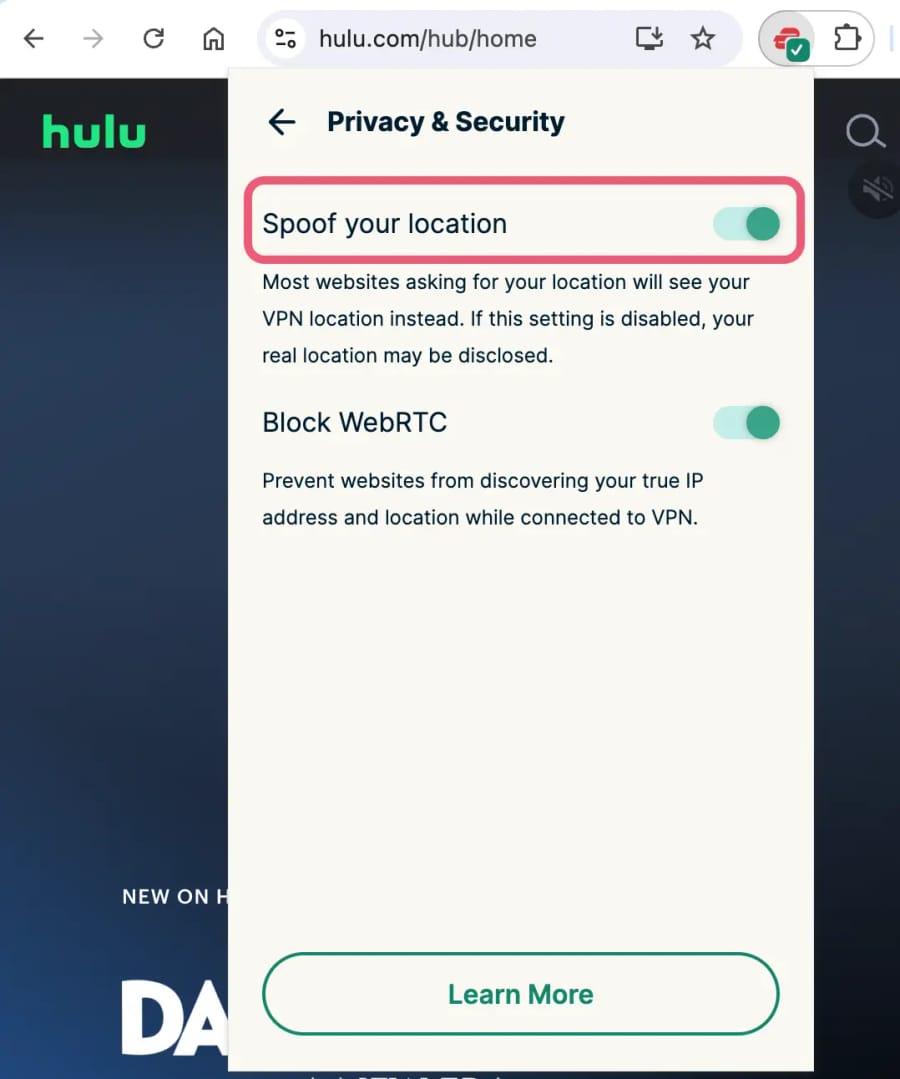
The easiest way to do this is through your web browser, by using a VPN browser extension with a geolocation spoofing setting. Both ExpressVPN and NordVPN have it.
To activate it, go to the extension’s settings and look for ‘Spoof your location’ in ExpressVPN or ‘Location Spoofing’ in NordVPN. Once enabled, connect to a server in your desired location, and your HTML5 geolocation data will automatically align with it.
ExpressVPN’s Chrome Extension can conceal your geolocation.
This method is far easier than doing it on Android mobiles and tablets, since not many VPN apps can change your GPS location.
Windscribe and Surfshark are the only streaming-friendly VPNs that have a built-in GPS spoofing feature on their Android app.
Surfshark’s ‘Override GPS location’ feature makes the provider a particularly good VPN for bypassing MLB.TV blackouts on Android mobile devices, but the big problem is that it doesn’t work with Hulu!
On the other hand, Windscribe does work with Hulu and therefore is the better choice.
That being said, you can also use a separate GPS spoofing app alongside your VPN. For example, you can use ExpressVPN or NordVPN in combination with the Fake GPS Location app.
To change your Home Location, have your IP and GPS location match in both apps, then update your Home Location in Hulu’s settings to match.
This isn’t a quick process, and it’s limited to Android only, since iOS doesn’t allow you to spoof your GPS data. For this reason, we recommend using the browser extension method, instead.
You need to do this at the very start of the process, before signing up to Hulu. And when you do this, use a VPN compatible with routers.
We used ExpressVPN’s router app with our Roku Stick.
You must also watch Hulu using a streaming device that doesn’t use GPS technology, such as a Roku Stick or Fire TV Stick.
When you install the Hulu app and it tries to determine your home location, it should identify the location of the VPN server you’re connected to on your router.
However, despite tricking Hulu into thinking you live somewhere else, you’ll have to reverse this workaround to watch live TV from your home area. In other words, you’ll encounter the same problem in reverse.
If you change your VPN server frequently, you may also alert Hulu to the use of a VPN.
With this in mind, consider getting in a dedicated IP from your VPN service to keep the same VPN IP address.
VPNs That Don't Work with Hulu
Hulu’s VPN detection methods are as sophisticated as those used by Netflix. Even some of the most popular VPNs struggle to beat its geo-restrictions.
Of the 61 VPNs we tested with Hulu, only a handful bypassed the streaming platform’s geo-blocks. The popular VPNs listed below still don’t work with Hulu:
Avast VPN
AVG VPN
Avira VPN
Betternet
Hola Free VPN
Mullvad
Norton VPN
PureVPN
TunnelBear
VyprVPN
If you want to know if a VPN unblocks Hulu, email us at hello@top10vpn.com, and we’ll confirm if it works or not.
How We Test VPNs for Hulu
To find the absolute best VPNs that work the most consistently with Hulu, we tested 61 services in accordance with our unique Hulu testing process.
In the table below, you can see how each of our chosen VPNs performed in our four key testing categories:
We’ve explained our methodology in detail below, including each category’s weighting towards a VPN’s overall rating for Hulu.
1. Unblocks Hulu (50%)
Test Conducted: Connected to a variety of US servers to see if the VPN could bypass Hulu’s blocks.
Why It’s Important: To allow you to reliably access geo-blocked Hulu content from outside the US.
Optimal Result: The VPN successfully unblocks Hulu from any server on every attempt.
2. Speed (25%)
Test Conducted: Ran each VPN through our independent speed testing process to calculate its average long-distance connection speed.
Why It’s Important: Fast connection speeds are vital for buffer-free streaming and maintaining the maximum picture quality.
Optimal Result: An average international speed loss no greater than 10%.
3. US Servers (15%)
Test Conducted: We analyzed the size and diversity of the VPN’s US server network.
Why It’s Important: Access to multiple US servers is crucial for unblocking Hulu from abroad. A broader server network reduces the chances of detection by Hulu and provides more options for changing your location on Hulu + Live TV.
Optimal Result: Servers spread across the US, covering both the East and the West coast and in at least 5 different states.
4. Device Compatibility (10%)
Test Conducted: Looked at which apps and platforms the VPN supported and assessed each app’s usability and performance. We also looked for features, like Smart DNS, that extend compatibility to devices that don’t support VPN apps.
Why It’s Important: Greater device compatibility ensures you can stream Hulu on any device of your choice.
Optimal Result: The VPN has well-designed, easy-to-use apps for Fire TV Stick, Apple TV, Android TV, router, and a Smart DNS feature.
Data Cap Penalty
We apply the following penalties to the VPN’s overall Hulu rating based on its data cap:
Unlimited bandwidth: No deduction to the overall rating
“Content may be limited to distribution in certain geographic locations. For that reason, we may use different technologies and methods to verify your geographic location.”
There are several techniques Hulu, and many other content platforms, use to detect and block VPN connections.
For starters, Hulu monitors in real-time IP addresses accessing its service, and blocks any belonging to known VPN servers.
The streaming service uses GeoIP databases to find the IP addresses of VPN servers. Some VPNs even publish their IP addresses publicly, making them easy to identify.
Hulu can also detect VPN connections if hundreds or thousands of customers are using the same IP address to stream.
Finally, Hulu checks for mismatches between a user’s IP address and DNS (Domain Name Server) servers, usually caused by VPN DNS leaks. If your visible IP address is a US one, but your DNS credentials place you somewhere else, Hulu will likely block access.
Is Hulu Only Available in the United States?
Technically, Hulu is also available in Japan. However, since it was acquired by Nippon TV in 2014, the services operate independently.
Hulu Japan offers limited content compared to the American library. You also won’t be able to access it with your US account credentials.
If you want to unblock Hulu Japan, then ExpressVPN is a great VPN for connecting into Japan and unblocking the streaming service via its servers in Tokyo, Osaka, Shibuya, and Yokohama.
Keep in mind that to subscribe to Hulu Japan you’ll need a Japanese payment method, or purchase a gift card.
Is Hulu Content Available On Other Platforms?
US Disney+ subscribers can watch Star, an international version of Hulu, free of charge by using a VPN and connecting to another country, like the UK.
However, Star only features titles Disney owns, unlike Hulu which also hosts content from other production studios.