











FAQs
Is It Legal to Use a VPN in South Korea?
Is It Legal to Use a VPN in South Korea?
Yes. VPNs are completely legal in South Korea. There’s no law against using one, and millions of Korean residents use them every day.
What’s illegal is the underlying activity. A VPN doesn’t give you legal cover to access content that’s unlawful in Korea. But the act of using a VPN to encrypt your connection, protect your privacy, or reach your home country’s services is entirely lawful. No gray area.
Can a VPN Bypass Website Blocks in Korea?
Can a VPN Bypass Website Blocks in Korea?
Yes, a VPN can unblock censored websites by encrypting your traffic and routing it through a server outside South Korea, evading the KCSC’s DNS and SNI-based filtering entirely.
When your VPN is running, the warning.or.kr redirect page will disappear and the blocked site will load normally. All five of my recommended VPNs bypassed Korean website blocks.
What’s the Best VPN for Getting a Korean IP Address?
What’s the Best VPN for Getting a Korean IP Address?
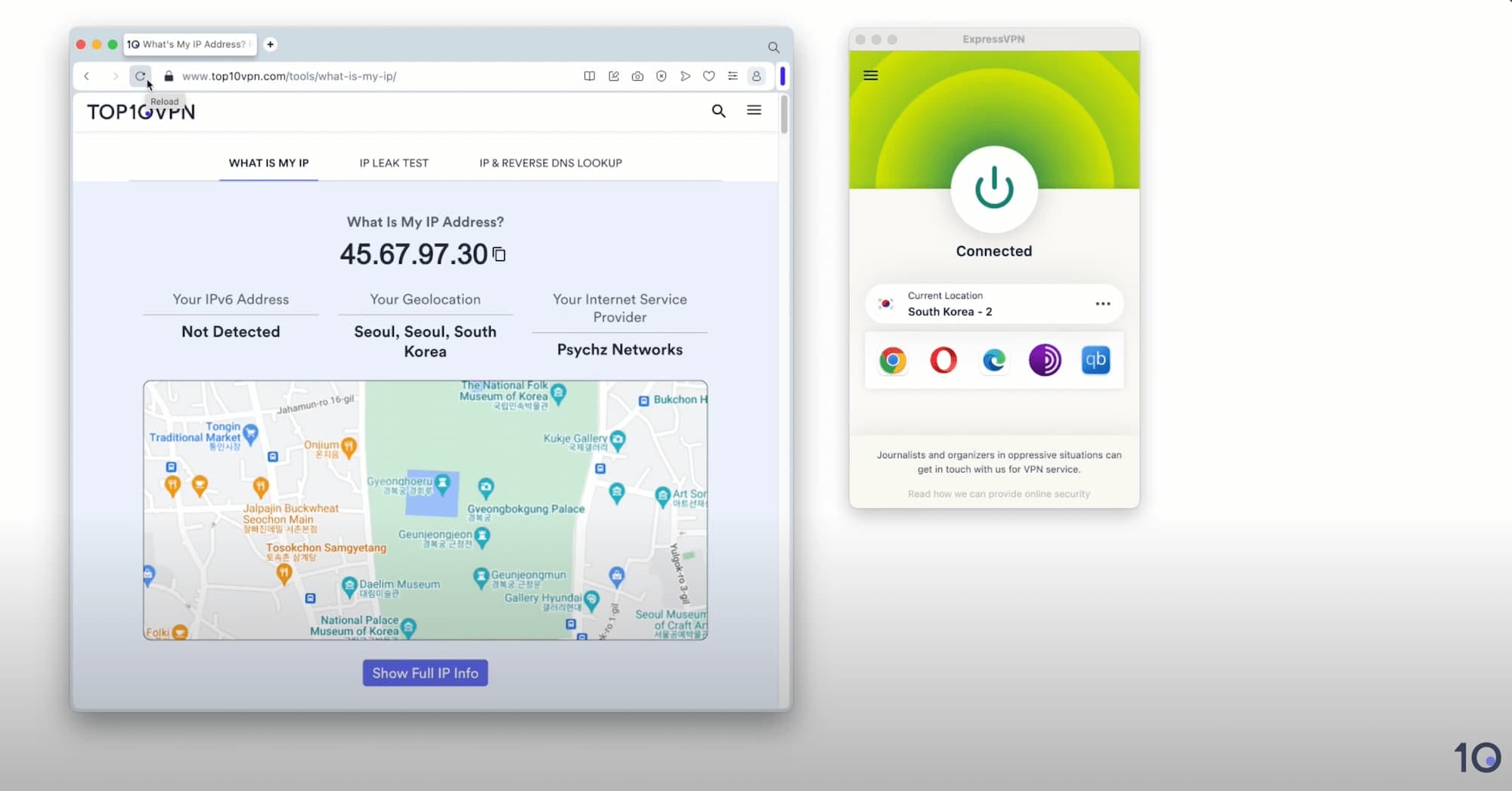
The best VPN for connecting to Korea is ExpressVPN. It maintains fast servers in the country, unblocks every major Korean streaming platform, and offers a wide array of user-friendly apps with around-the-clock support.
Which VPN Has the Most Servers in Korea?
Which VPN Has the Most Servers in Korea?
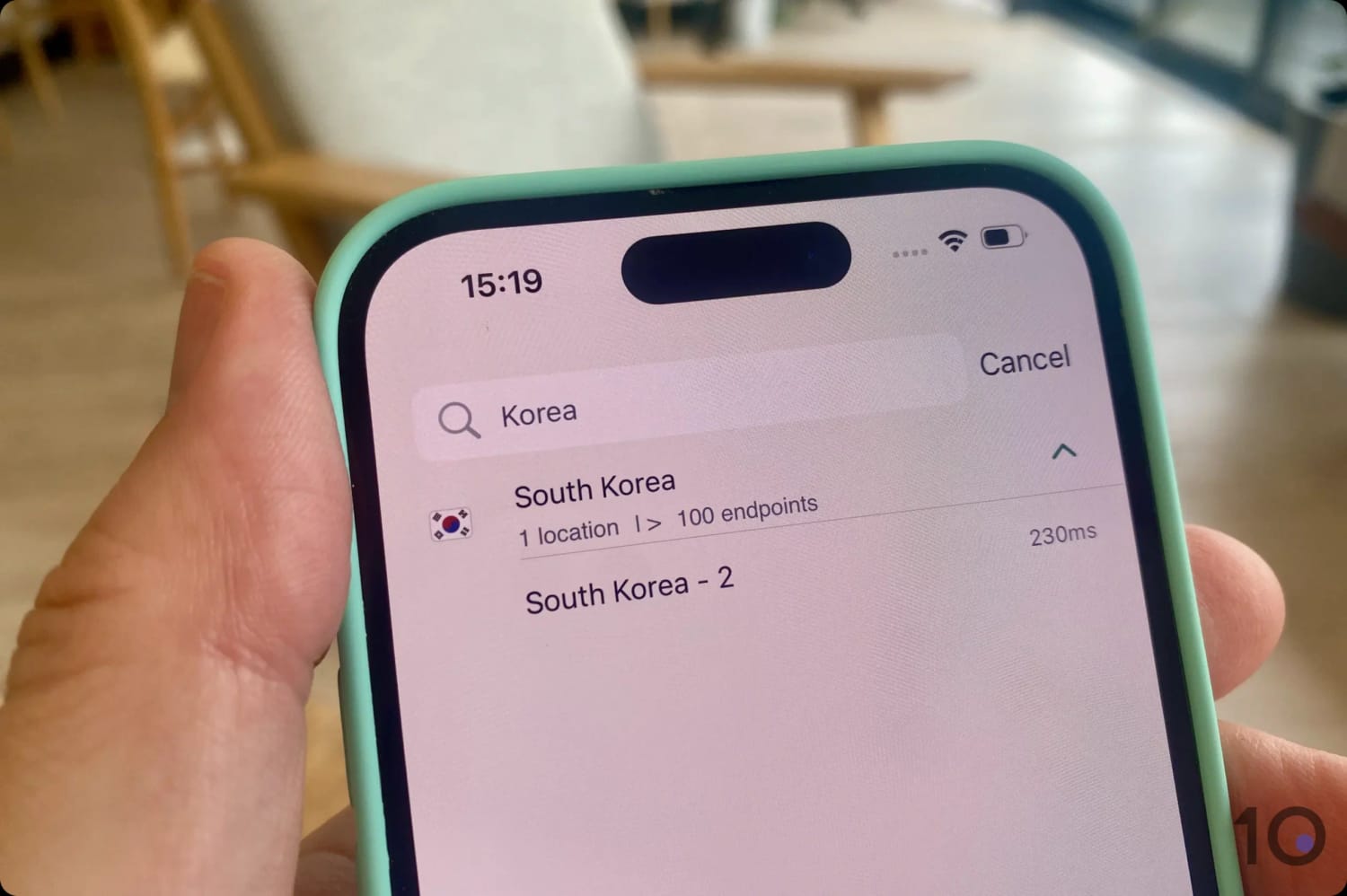
The VPN with the most servers in Korea is ExpressVPN. It has 100 servers located in Seoul.
Which Free VPN Has Servers in Korea?
Which Free VPN Has Servers in Korea?
The only free and secure VPN with servers in Korea is TunnelBear, but you can’t select them manually.
To get a free Korean IP address from abroad, I recommend using one of the free trials available from my top-rated VPNs for Korea.
Can I Watch Korean Netflix from Outside Korea?
Can I Watch Korean Netflix from Outside Korea?
Yes you can, but only with a VPN with Korean servers that bypass Netflix’s VPN detection systems. In our tests, ExpressVPN was one of the rare VPNs that can access Netflix Korea from abroad. NordVPN, CyberGhost, and Windscribe all failed to access it.