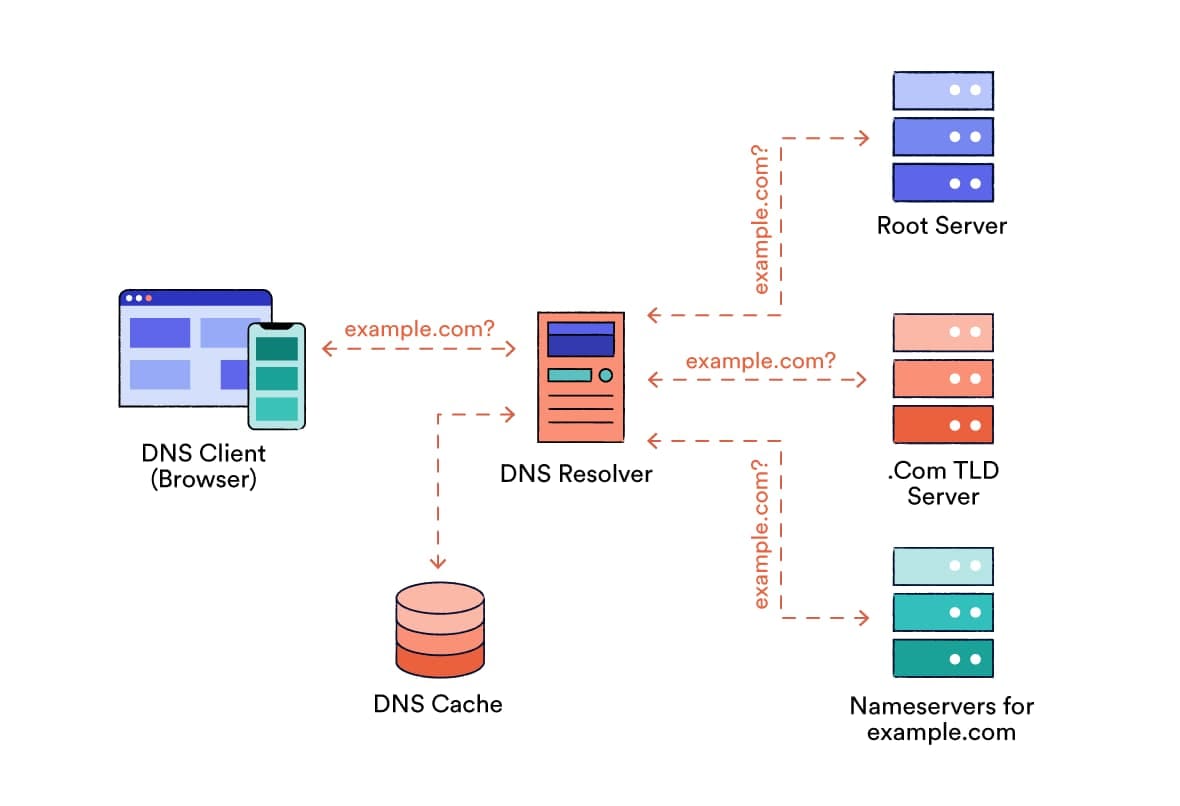
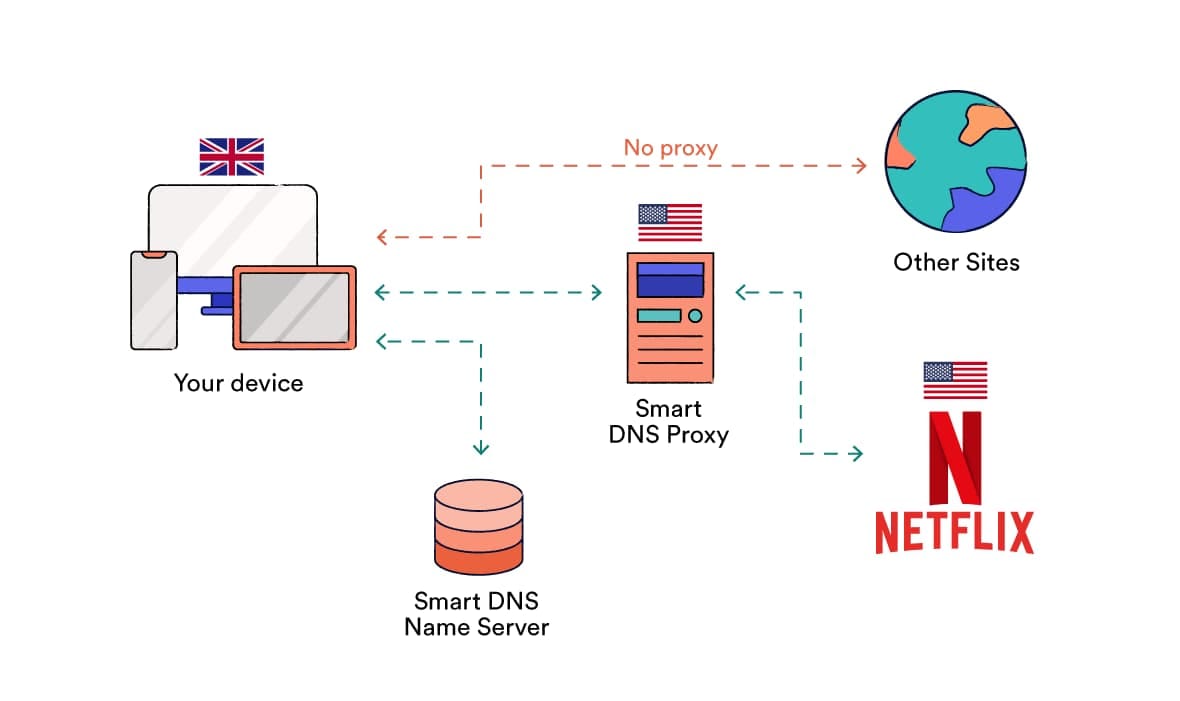
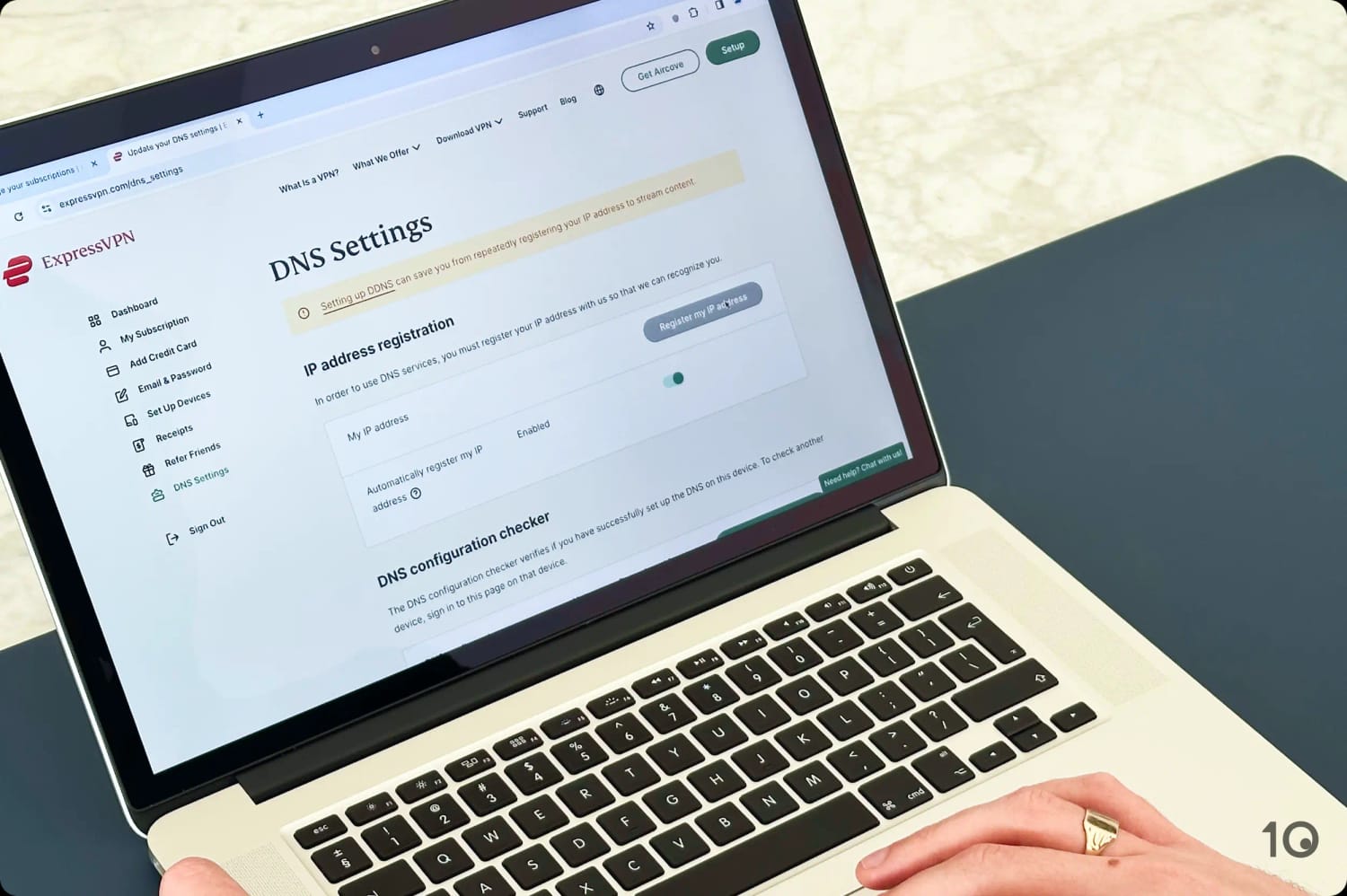
Below is a table summarizing the key differences between DNS, Smart DNS, and VPN services:
| Criteria |
Custom DNS |
Smart DNS |
VPN |
| Price |
Free |
Paid |
Free/Paid |
| Speed |
Very Fast |
Fast |
Fast |
| Geo-Spoofing |
No |
Yes |
Yes |
| Encryption |
No |
No |
Yes |
| Hides IP Address |
No |
No |
Yes |
| Works on TVs/Consoles |
Yes |
Yes |
Only via Router |
| Setup Difficulty |
Medium |
Medium |
Easy |
| Live Support |
No |
Sometimes |
Often |
Let’s now look at a few key areas in more detail:
Speed
Custom DNS doesn’t encrypt traffic or route it through a proxy server, meaning it’s usually faster than Smart DNS or VPN services.
In some cases, using a custom DNS server actually meant websites loaded more quickly because we used DNS resolvers that were faster than our ISP’s.
In contrast, VPN services encrypt your data and reroute it through a remote server, which can slow down your connection.
Though the fastest VPNs minimize this, speed loss can reach 30% or more depending on your VPN provider and the physical distance between you and the VPN server.
Bypassing Geo-Restrictions
Custom DNS won’t unblock streaming services, but VPN services and Smart DNS work well. VPNs win in this category, though, as we’ve found that many Smart DNS tools don’t offer the option to manually choose your location.
For instance, the Smart DNS feature provided by NordVPN is limited to accessing US streaming services. In contrast, its VPN apps provide access to streaming content from over 100 countries.
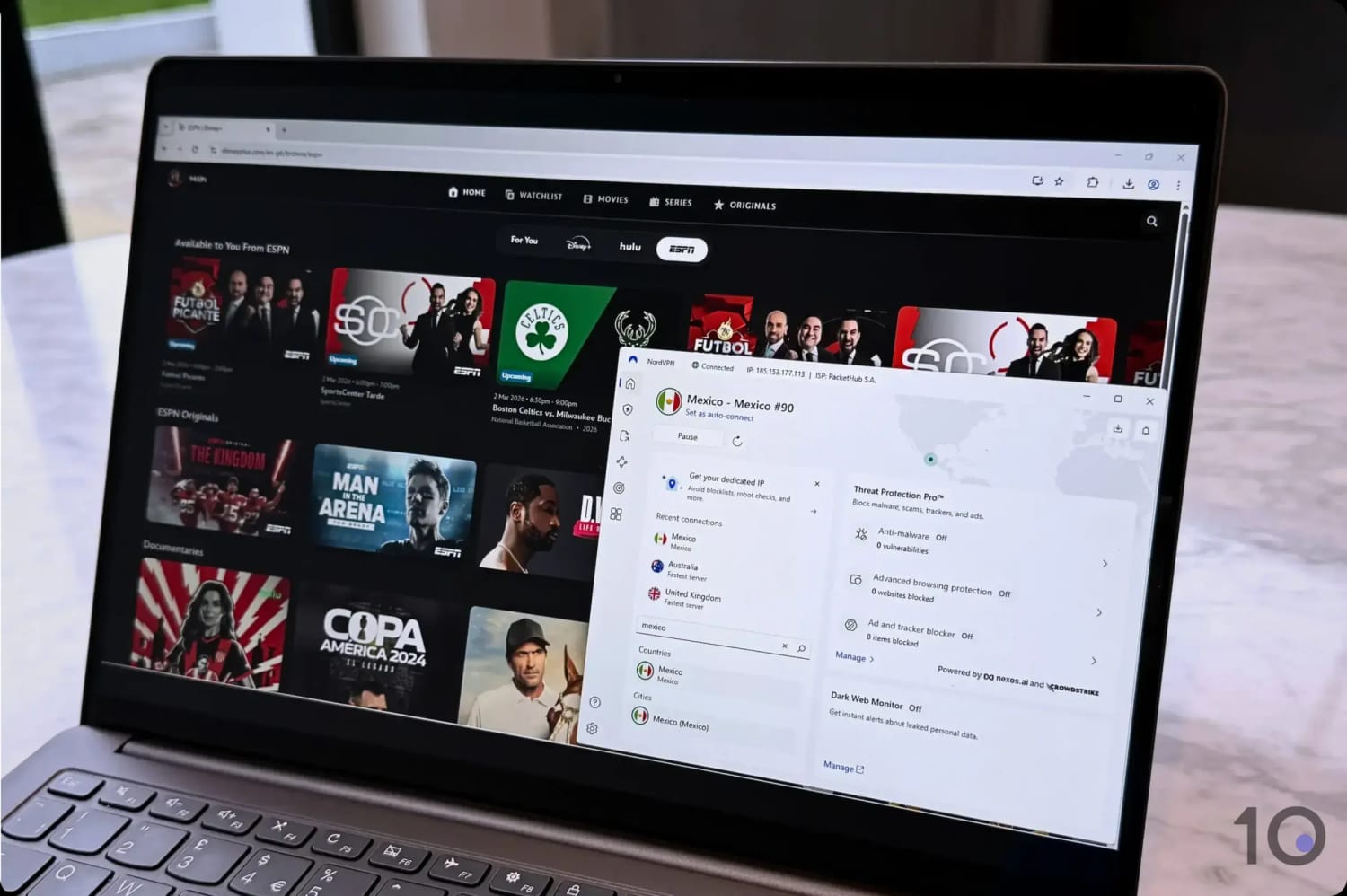
Changing our Disney+ region using NordVPN.
That said, we’ve previously seen Smart DNS sometimes be more reliable at bypassing region restrictions than VPNs on specific platforms.
For instance, during the 2021 Netflix VPN ban, ExpressVPN’s MediaStreamer Smart DNS tool maintained access to US Netflix, even though the VPN stopped working.
We recommend choosing a VPN that also offers Smart DNS functionality so that you’re always able to access popular geo-blocked streaming services.
Privacy and Security
Some custom DNS solutions can improve your online security. For example, Google Public DNS benefits from mitigations against DNS cache poisoning attacks, which your ISP might not have in place.
Smart DNS will reroute your DNS requests, but it won’t hide your IP address or encrypt your data. Your ISP can see what you’re doing online, and can throttle your streaming connection.
Using a VPN is by far the best option for improving your privacy and security. The VPN software will hide your IP address and encrypt your data using robust ciphers like AES-256 or ChaCha20, which means your ISP can’t monitor your activity.
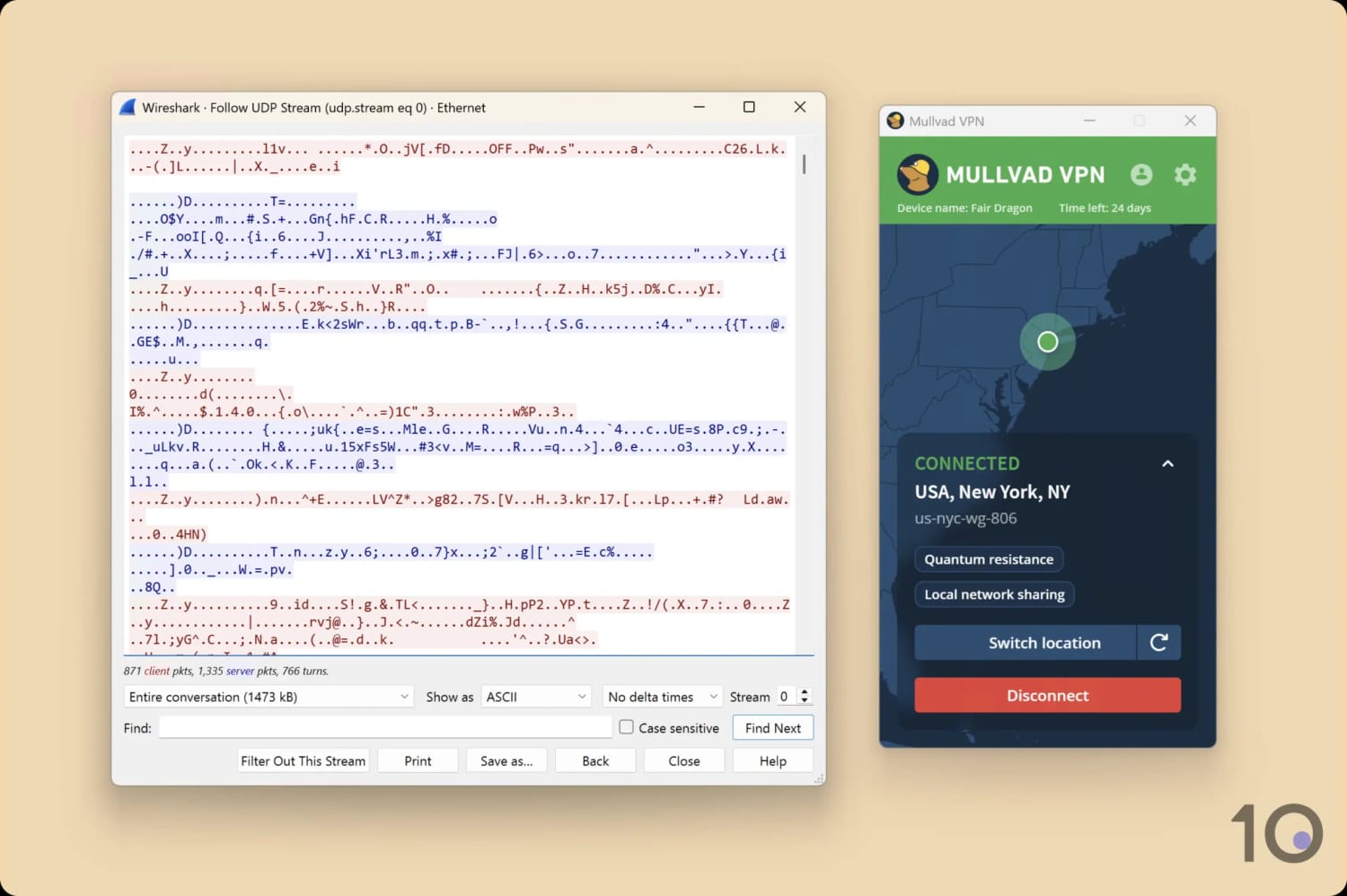
Mullvad VPN successfully encrypted our internet traffic.
Price
Winner: Custom DNS & Smart DNS
You’ll have to pay for a reliable Smart DNS or VPN. It’s expensive to maintain the infrastructure required for those services, so free alternatives are likely to be unreliable and may include bandwidth restrictions.
Standalone Smart DNS services are often cheaper than premium VPNs. However, most VPN services usually offer a trial period or a money-back guarantee, which means you can test them before you commit.
Public DNS services are available for free from companies such as Google and Cloudflare.
Device Compatibility
Winner: Custom DNS & Smart DNS
Custom DNS and Smart DNS work virtually everywhere. Any device that connects to the internet needs to access a DNS server. If you can change your device’s DNS settings, you can use custom DNS or Smart DNS.
This makes Smart DNS a great choice for unblocking region-restricted content on devices such as Smart TVs, PS5, or Xbox.
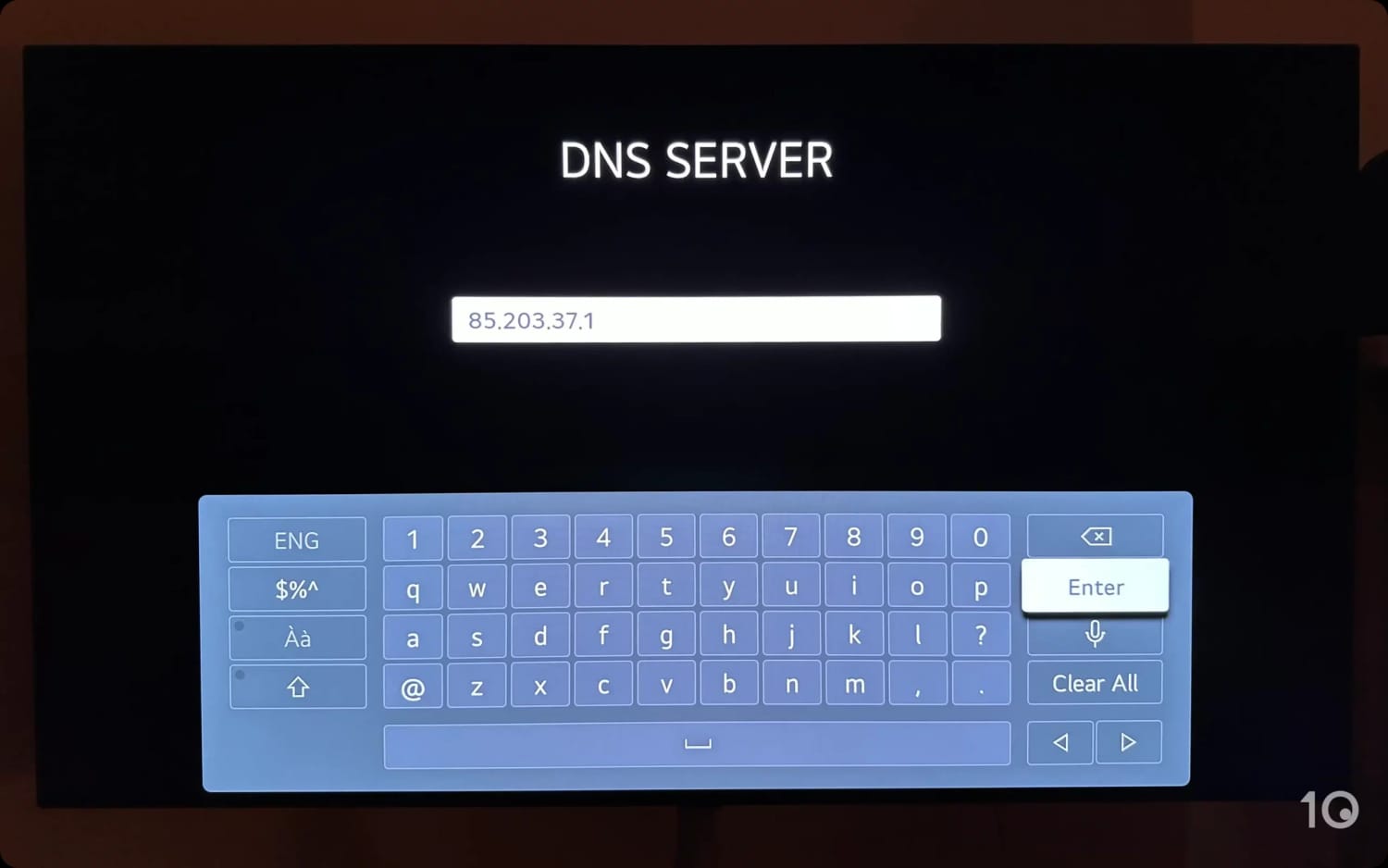
Smart DNS can be configured on devices that don’t support VPN apps, like LG TVs.
While most VPNs provide native applications for many popular devices, you can’t install them on many Smart TVs and all game consoles.
There are some exceptions to this rule, most notably Roku devices. As these devices don’t allow you to manually change DNS settings, Smart DNS tools are useless.
Instead you’ll have to use one of our recommended VPNs for Roku to unblock streaming content.
You can install a VPN on your router to protect every device on your home network, but this isn’t a simple process.
Torrenting
Torrenting without a VPN can be dangerous. Without protection, you risk revealing your activity and identity to your ISP, copyright trolls, and other torrenters in the swarm.
Smart DNS and Custom DNS don’t hide your IP address, which means they won’t keep you safe while torrenting.
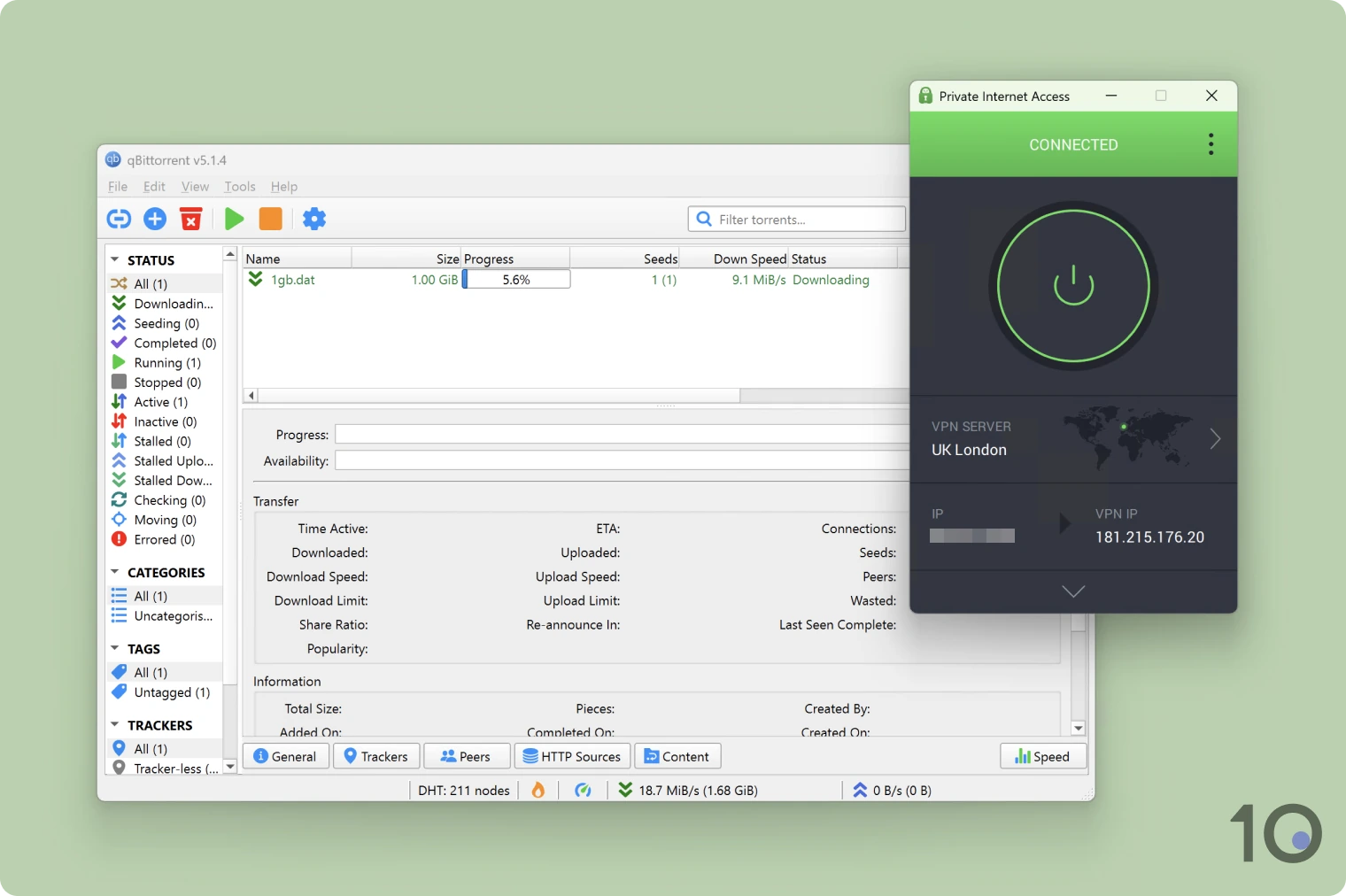
VPNs like Private Internet Access allow you to torrent safely.
If you torrent using a VPN, the IP address that other users see will be associated with the VPN server you’re connecting to, which means it can’t be used to identify you.
Bypassing Censorship
Custom DNS and Smart DNS can help to evade some forms of censorship when imposed at the DNS level.
By changing your DNS servers, it’s possible to evade your ISP’s DNS system and bypass any DNS-based content filtering.
It’s also possible to bypass parental control solutions that use DNS queries to block prohibited content.
However, a VPN is the best way to safely unblock websites in highly-censored countries. A VPN will hide your IP address and encrypt your data where Smart DNS won’t.
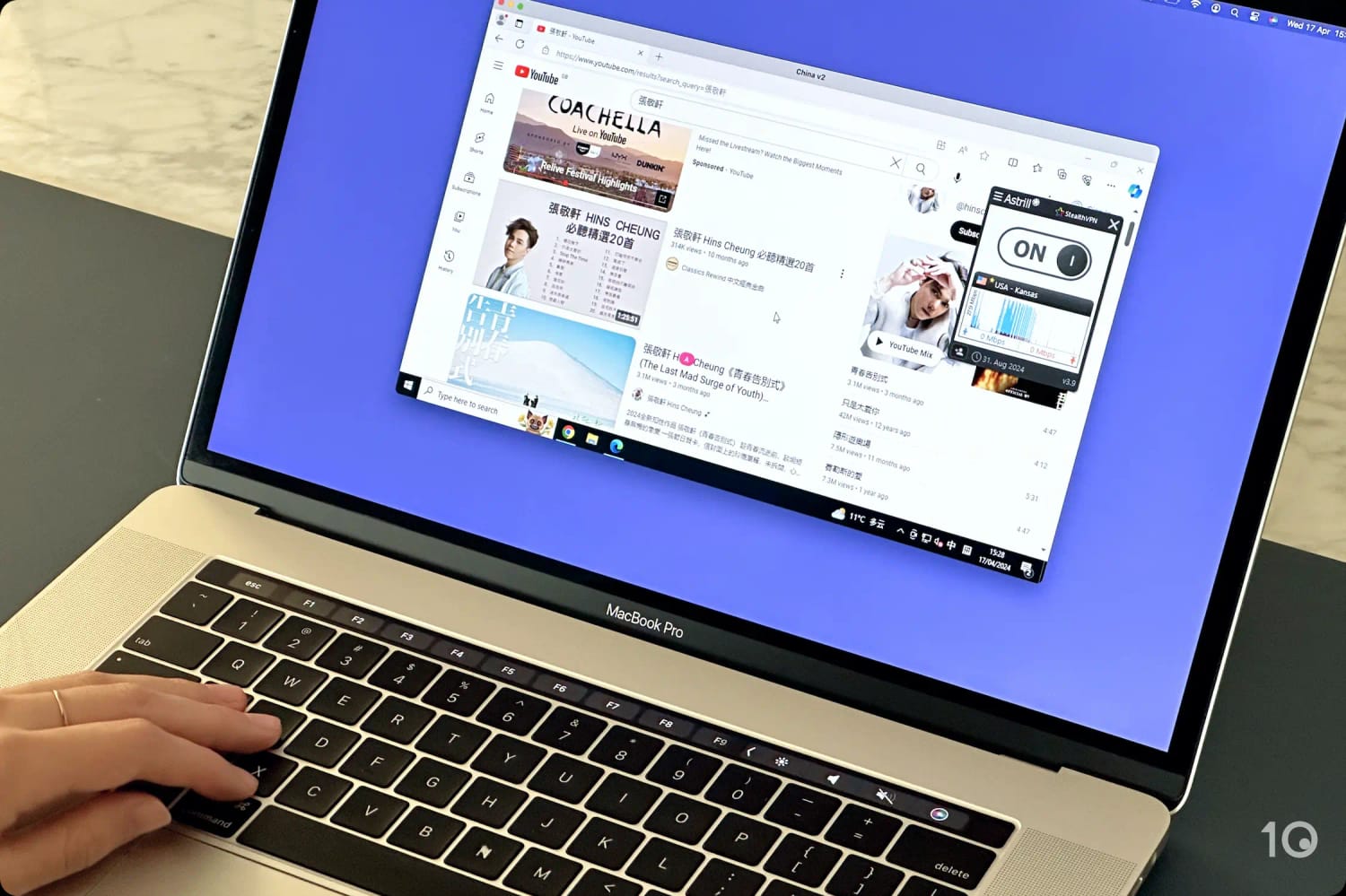
We used Astrill VPN to unblock YouTube in China.
Anti-censorship VPNs, like Astrill, also include obfuscation technology, which disguises VPN traffic as normal HTTPS traffic to help it bypass national firewalls.