


Top10VPN is editorially independent. Buying a VPN through our links supports our work.
The Best VPNs for the US
Follow us:
Simon Migliano
Simon Migliano is a recognized world expert in VPNs. He's tested hundreds of apps and his research has been featured on the BBC, The New York Times, and more. Read full bio
ExpressVPN is the best VPN for a US IP address and for staying safe online in the States. NordVPN is the fastest alternative, while Windscribe is the best free option.
I tested 59 VPNs, and these are the best for the USA:
Beyond privacy, a VPN also lets you bypass geo-blocks: whether that’s unblocking global streaming libraries from the US or connecting to a US IP address to stream the American Netflix library and Hulu from abroad.
The challenge is navigating a now-saturated market. Many ‘VPNs’ (especially free ones) compromise your privacy by logging metadata, while others are safe to use but struggle with slow speeds, poor usability, or weak streaming performance.
Having tested many of these myself, alongside my team of researchers, I’ve identified the best paid and free options for the US.
🔄 Recent Updates
Based on my latest tests, I replaced PIA on my shortlist with Proton VPN and Surfshark. I also added an explanation on why you should use a US VPN.
Why Trust Us?
We’re fully independent and have been reviewing VPNs since 2016. Our ratings are based on our own testing results and are unaffected by financial incentives. Learn who we are and how we test VPNs.
VPNs Tested
59
Total Hours of Testing
30,000+
Combined Years of Experience
50+
Why Use a VPN for the US
Whether you live in the US, are visiting, or need a US IP address from abroad, a VPN has become an essential tool.
If you’re in the US, a VPN prevents your ISP from monetizing your browsing activity, hides which websites you visit on public WiFi, prevents some bandwidth throttling, and unblocks international streaming services.
If you’re outside the US, a top-rated VPN can change your online location to provide access to geo-restricted American platforms like US Netflix, Hulu, Peacock, and HBO Max.
A VPN can change your online location to the US in a single click.
1. Prevent Your ISP from Selling Your Data
Since 2017, ISPs in the US have had the legal right to sell your browsing and app-usage data without your consent. This is in contrast to the EU, which is covered by GDPR regulation that requires opt-in consent.
What that means for you is your data will actively be monetized and sold to third parties. For example, in 2024 the FCC fined AT&T, Verizon, T-Mobile, and Sprint nearly $200 million combined for selling their customers’ location data to third parties without consent.
The worst part is that most of the worst data-sharing is well-hidden, and only discovered after the fact.
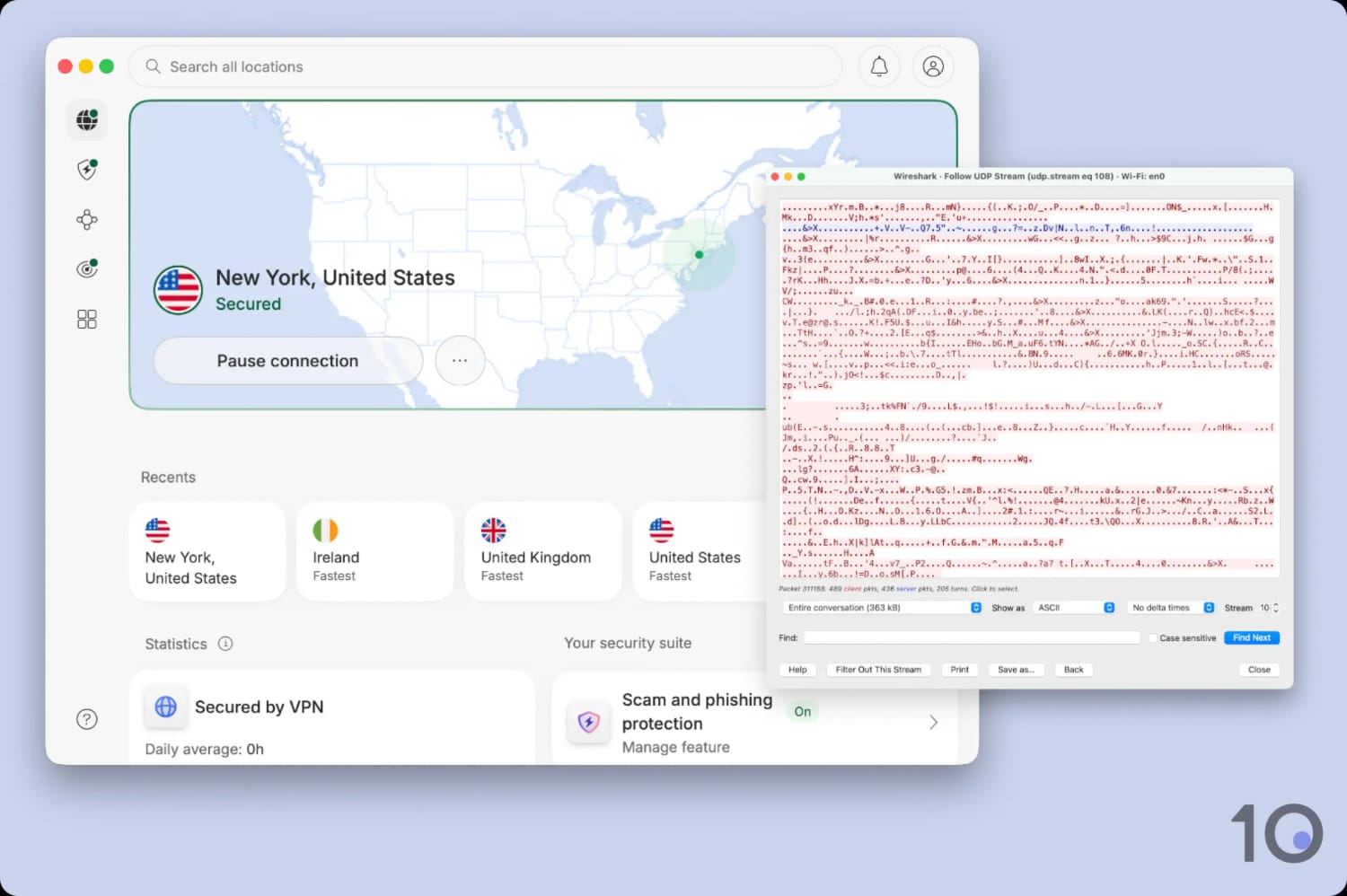
For complete peace of mind, I strongly recommend you use a VPN while in the US. Any of my top picks will encrypt your connection, making it impossible for any ISP to log and sell your data.
I used Wireshark to manually verify that all of my recommended VPNs properly encrypt user traffic.
2. Unblock Geo-Restricted Streaming Services
Connecting to a VPN replaces your real IP address with one from your chosen server location, allowing you to access streaming services restricted to specific territories.
If you are in the US, a VPN lets you watch popular international titles, like The Traitors (UK) on BBC iPlayer, or access shows that are free-to-air overseas but paywalled domestically.
For example, while Parks and Recreation requires a Peacock subscription in the US, you can stream it for free in the UK on Channel 4.
This also solves local sports blackouts. If your local NBA team is blacked out in your region, connecting to a VPN server in a nearby state lets you bypass the blackout and watch the game.
It works both ways: if you’re outside the US, a VPN lets you unblock popular American catalogs on platforms like US Netflix and Hulu. All of my recommended VPNs work especially well for US content.
3. Hide Your Browsing Activity on Public WiFi
Let’s get one thing straight first: public WiFi is much safer than it used to be, thanks to widespread adoption of HTTPS encryption.
If another tech outlet tells you that hackers will steal your bank passwords unless you buy a VPN, then they’re simply using scare tactics.
The truth is that third parties on a public WiFi network can only see which domain names you visit, not what you do on those sites. I still consider this a privacy risk, albeit less serious.
Using a VPN encrypts all of your browsing activity, which includes the domains you visit and your DNS requests. This is essential when using public networks that have captive portals like airport or coffee shop WiFi.
A VPN also protects against “evil twin attacks”, where a fake network masquerades as a legitimate WiFi hotspot (like “Starbucks_Free WiFi”). Since a VPN routes your connection via an encrypted tunnel, the fake network owner can’t inspect your traffic.
VPN Comparison Table
The table below compares my VPN picks based on download speed, worldwide server coverage, ability to unblock US platforms, price, and more.
ExpressVPN is a phenomenal choice for unblocking US and international content alike, and its Lightway protocol keeps you safe online.
Its apps are so well designed that picking up an American IP address takes seconds: I choose a city, tap once, and I’m through. No menu-hunting, and the list covers 56 cities and every single state.
Its long-term plan costs more than Surfshark, but the gap in usability is obvious the moment you open both apps side by side. You can also try the VPN completely free through its mobile free trials.
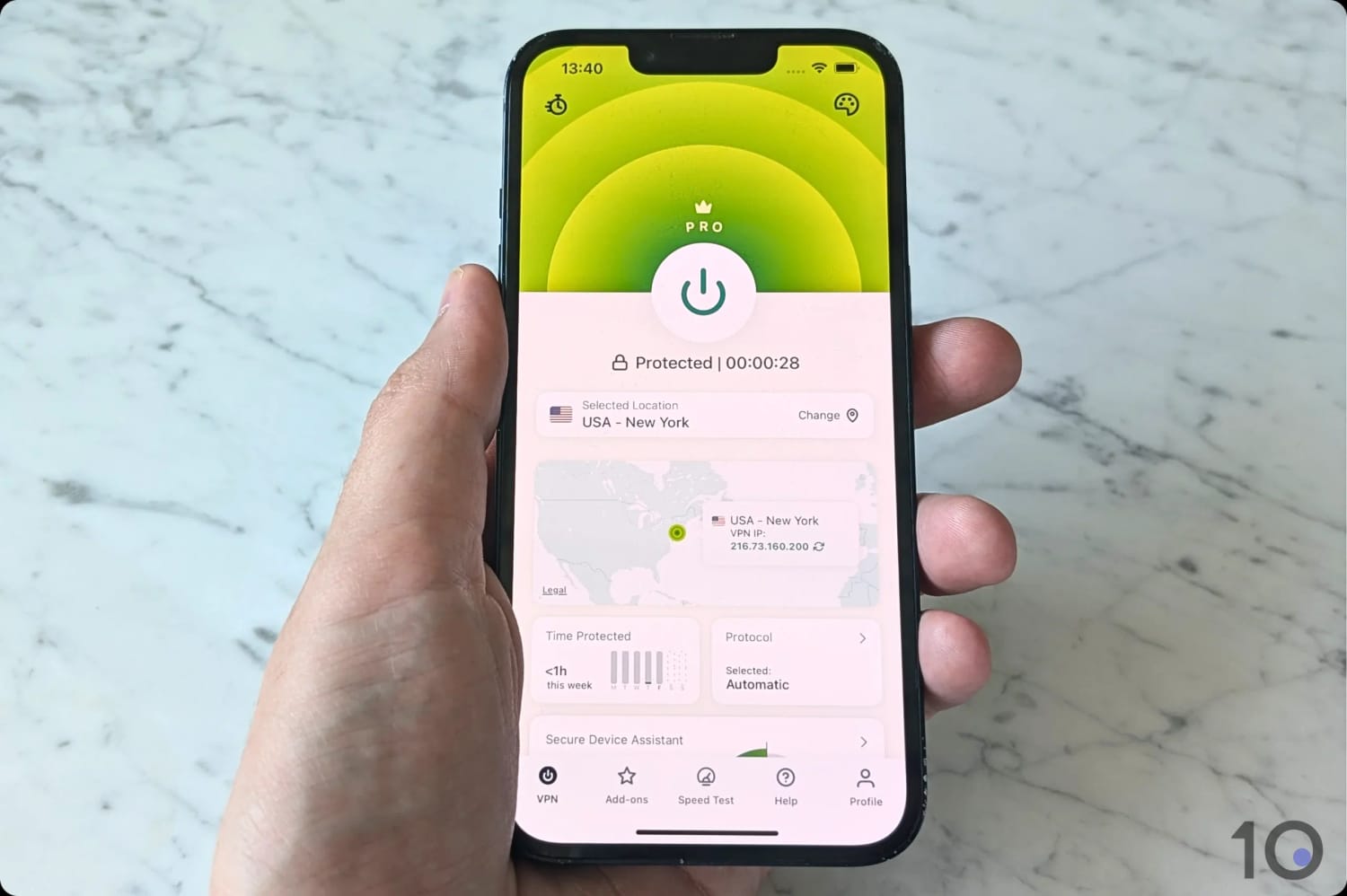
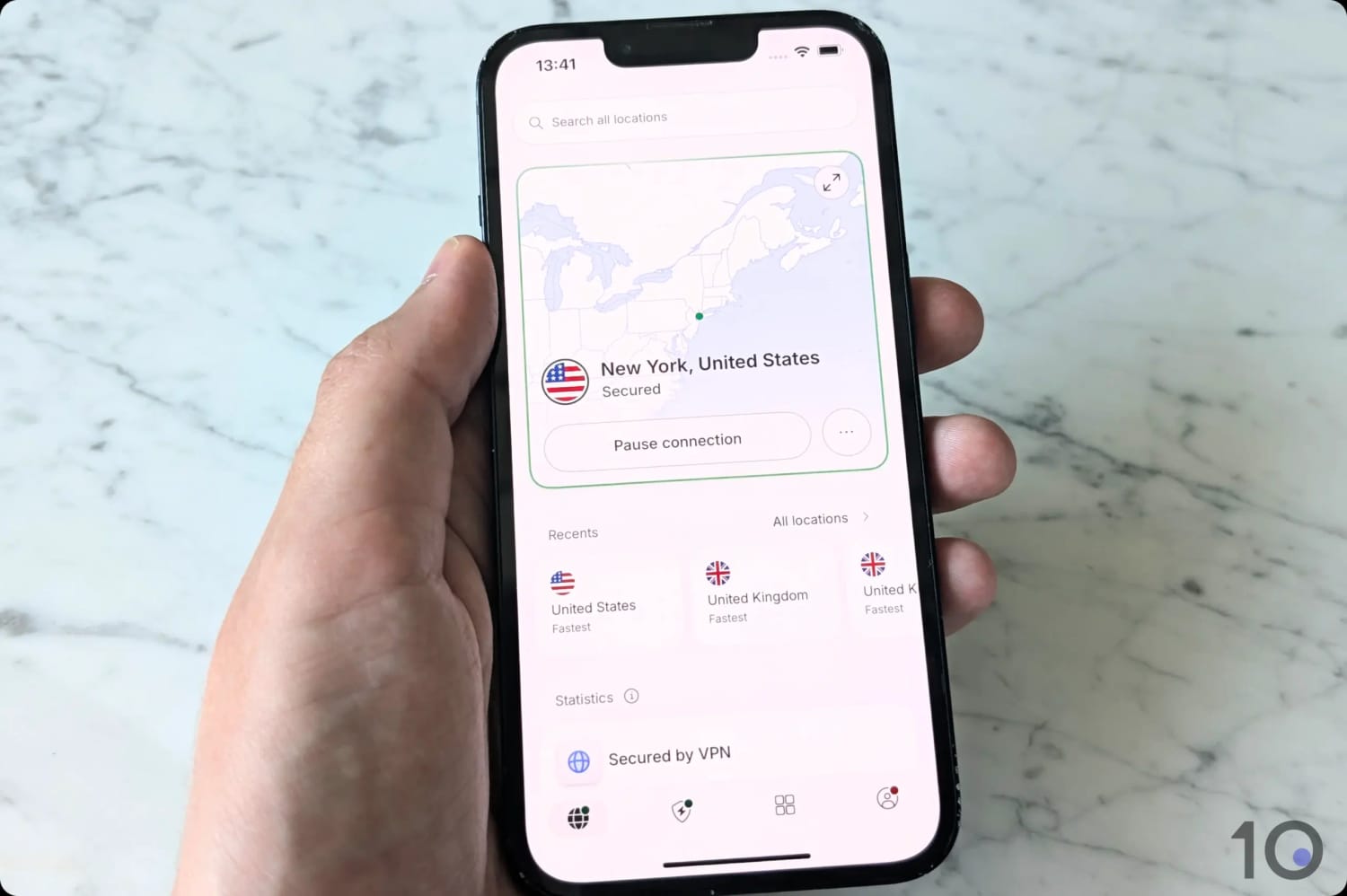
Connecting to ExpressVPN’s US server on my iPhone took less than a second.
Unrivaled US & Global Streaming
What makes ExpressVPN stand out for me is how easily it gets around US content geo-restrictions on all popular devices.
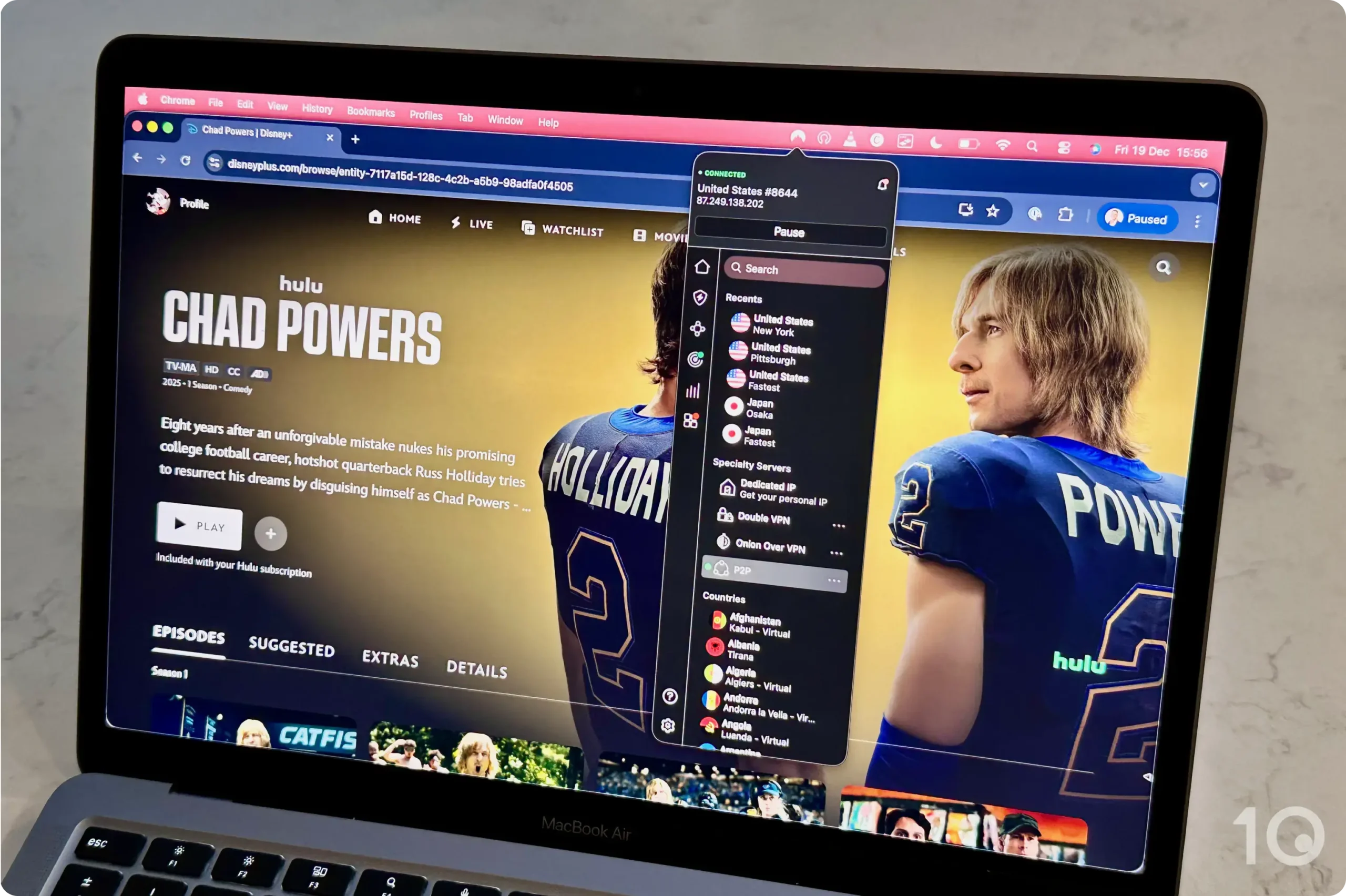
I unblocked every major American streaming service I tried from abroad: the VPN unblocked HBO Max, Disney+, Hulu, Netflix, Paramount+, and Prime Video, each one loading on the first attempt.
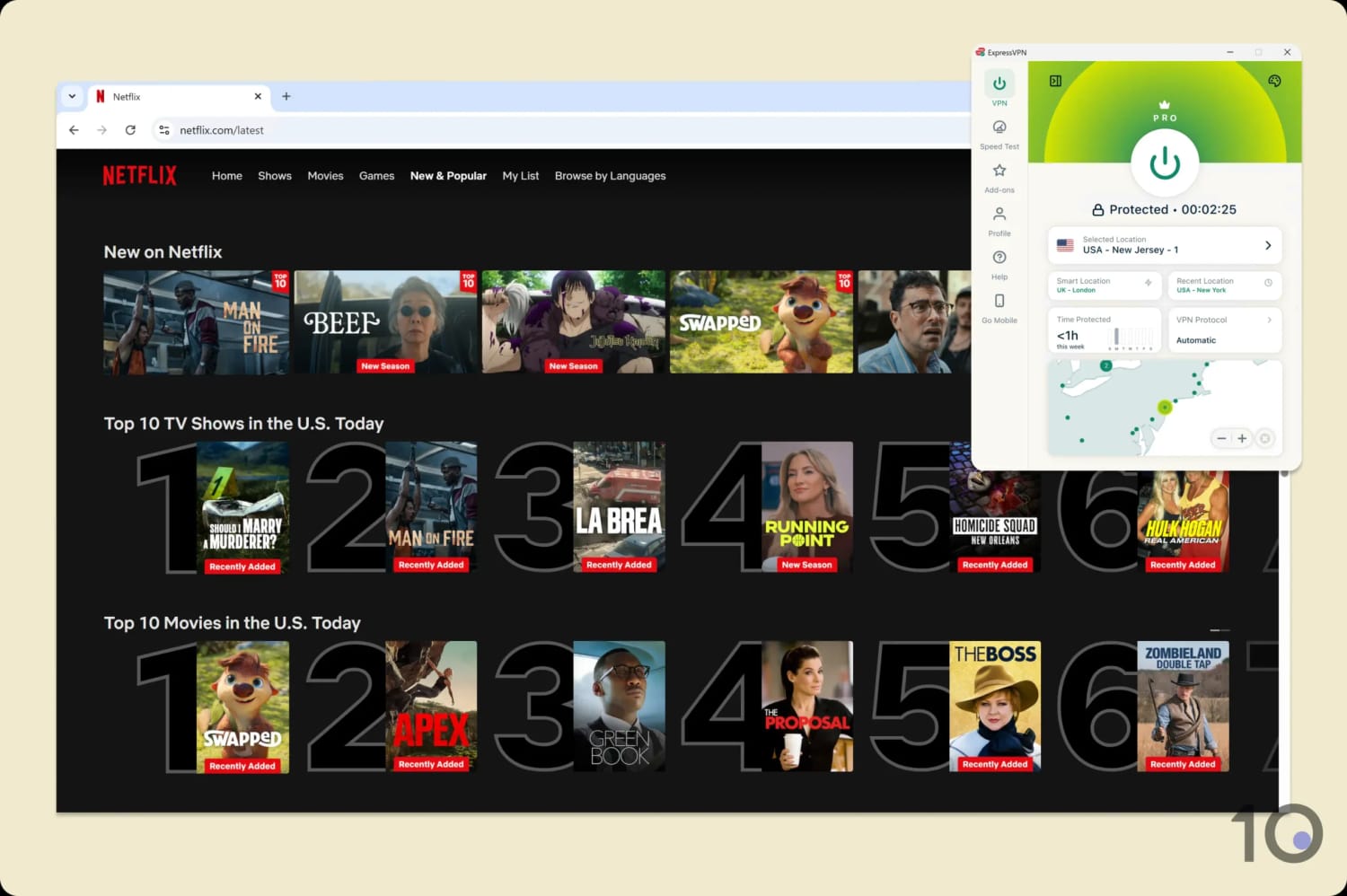
ExpressVPN is my go-to for unblocking US catalogs, like US Netflix.
In my experience, it proved equally effective unblocking international content platforms, including BBC iPlayer, DAZN, JioHotstar, and 18 Netflix regions.
You can stream these platforms on the widest possible range of devices, too, including custom apps for Fire TV, Android TV, and tvOS.
Every subscription plan also includes a Smart DNS proxy (called MediaStreamer), which I’ve found to be an absolute must for streaming on my Xbox Series X.
Quality IP Addresses from 56 US Cities
ExpressVPN provides IP addresses from 56 different US cities, including popular locations like Atlanta, Chicago, Los Angeles, Miami, and New York.
ExpressVPN has servers in every single US state, including:
Arizona
California
Colorado
Florida
Georgia
Illinois
New Jersey
New Mexico
New York
Texas
Utah
Washington
The only major cities ExpressVPN doesn’t offer IPs from (but NordVPN does) are Kansas City, Pittsburgh, and Buffalo.
ExpressVPN has always had a highly dependable server network in the US and, over many years, I’ve rarely run into the unexpected slowdowns that usually point to server congestion.
With thousands more US-based servers in its arsenal, and regularly refreshed IP addresses, I’ve seen further improvements in speed stability and IP location accuracy.
Those servers connect near-instantaneously, too. It’s the kind of difference you only notice by comparison: Surfshark and NordVPN leave me waiting a second or two longer.
An Excellent Yet Affordable VPN
ExpressVPN performed exceptionally well in all my tests, and that level of performance used to come with a price tag to match.
That changed recently when the company overhauled its pricing plans. ExpressVPN now costs $2.99/mo over 28 months, which puts it in the same territory as NordVPN.
It renews at a much lower price than NordVPN, too: $8.33/mo compared to $11.59/mo.
If you don’t want to commit to a subscription just yet, there are ways for you to try ExpressVPN for free.
You can either sign up to a 3-day free trial via iOS or Android, or take advantage of the provider’s 30-day money-back guarantee that, in my experience, the company has always honored.
NordLynx protocol delivers fast long-distance speeds
Offers the most dedicated IP locations in the US
Unblocks all major US streaming services
Many extra settings including multi-hop servers
Secure encryption & diskless servers
Marginally fewer US locations than ExpressVPN
Desktop apps are cluttered with non-core features
Huge spike in price on renewal ($11.59/mo)
Pricing Plans
$14.99/mo
$5.49/mo over 12 months
$3.49/mo over 27 months
Free Trial Duration
7 Days
US Servers
3,400
US Cities
54
US States
50
Simultaneous Connections
10
Support
24/7 Live Chat
Compatible with
Windows
Mac
iOS
Android
Linux
Amazon Fire TV
Android TV
Apple TV
Router
Chrome
Like ExpressVPN, NordVPN is a great all-round VPN that you can use to protect your internet connection.
With servers in 137 countries and all 50 US states, NordVPN provides consistent access to US and global catalogs alike, including American Netflix, HBO Max, BBC iPlayer, and Disney+.
Speed-wise, the NordLynx (WireGuard) protocol continues to register extremely quick long-distance speeds connecting to and from the US.
That being said, NordVPN’s user experience isn’t as smooth as I expected it to be, especially on desktop.
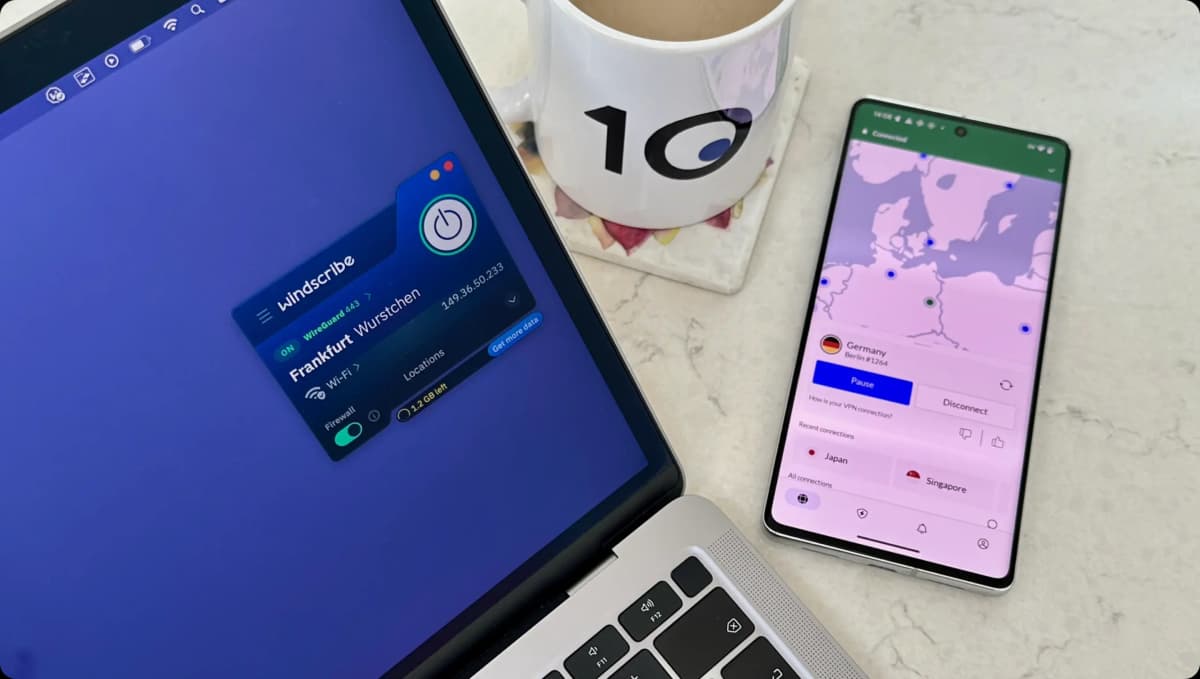
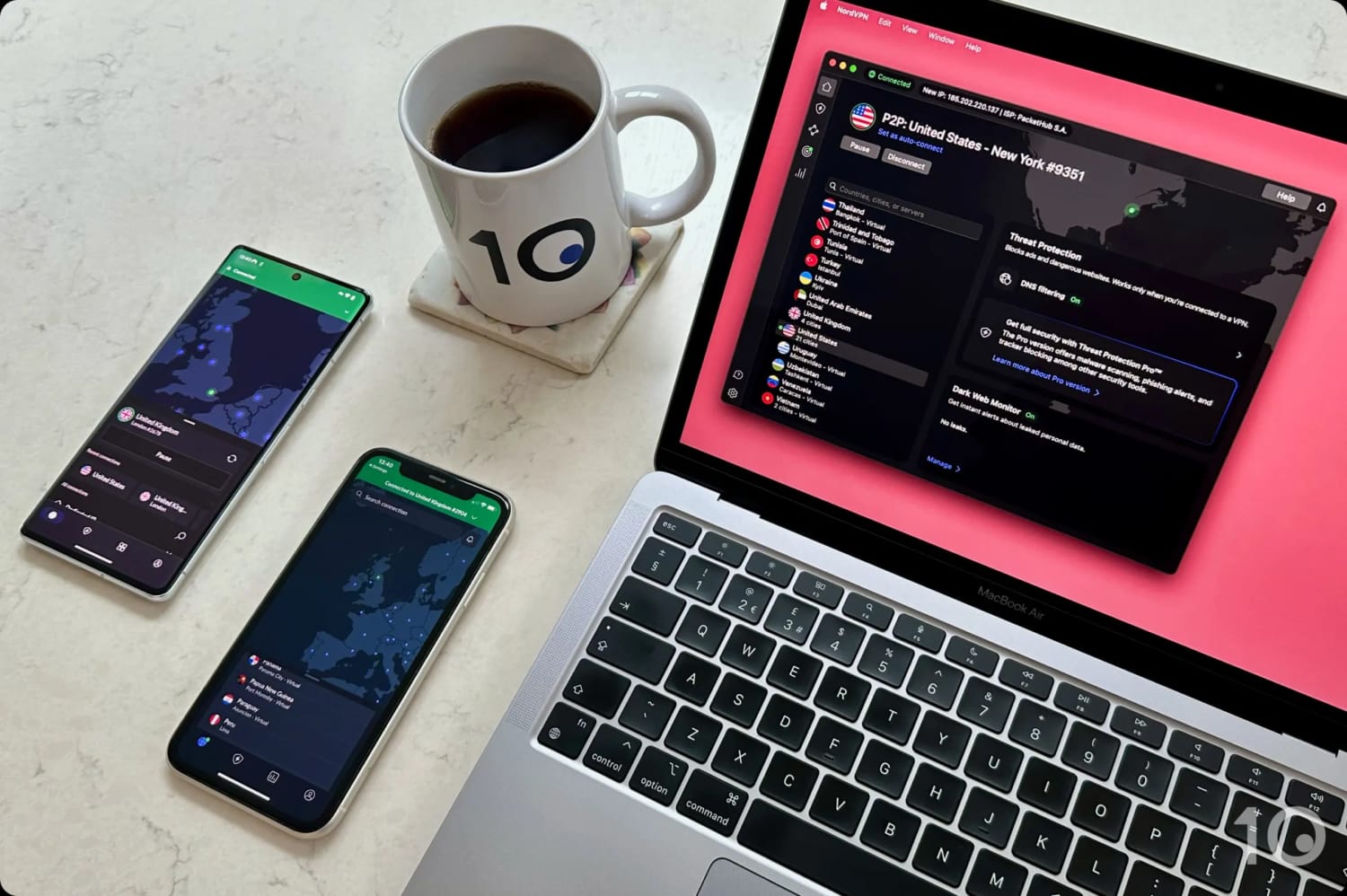
NordVPN’s apps for desktop and mobile.
On Par with ExpressVPN for Streaming
NordVPN is a great solution if you want to watch US streaming services from anywhere in the world. Everything ExpressVPN unblocked for me in the US, NordVPN unblocked too.
You can unblock US Netflix, HBO Max, Hulu, Prime Video and the other major American content platforms on the VPN’s US servers.
I streamed Hulu with NordVPN from abroad without any fuss.
You can do it on its intuitive computer and smartphone apps, via its Fire TV Stick and Apple TV apps, or using its Smart DNS service, which worked well on my PS5 and Xbox consoles.
My top two picks are evenly matched for global streaming too, with NordVPN working especially well for UK and Canadian content platforms.
In my testing, it recorded a near-perfect success rate with BBC iPlayer, ITVX, and Channel 4. The only performance gap between the two VPNs is with Indian services: NordVPN can’t stream Netflix India or JioHotstar.
Now Offers Servers in Every State
NordVPN runs 3,400 servers located in America, giving its customers access to one of the widest ranges of US VPN IP addresses.
Up until recently, the VPN’s city and state coverage wasn’t as extensive as ExpressVPN’s. It has since caught up on states, covering all 50, even if it’s still a few cities short.
I connected to NordVPN’s US servers without any dramas on my iPhone 14.
The key cities that ExpressVPN covers but NordVPN doesn’t are Philadelphia, Milwaukee, Tampa, and Washington D.C.
Putting the coverage shortcomings aside, NordVPN’s NordLynx protocol performed amazingly and slowed my internet speed by only 14% connecting from abroad.
This was the strongest figure among my paid picks, with every US connection holding a high speed from the start of a session to the end, and streaming at maximum resolution throughout.
If you need your US IP address to never change, or you simply don’t want to share it with other users, then your own dedicated VPN IP is the way to go.
While ExpressVPN’s IPs give you greater privacy, NordVPN’s dedicated IPs cover more US locations: 11 versus seven, to be exact, including popular cities like Atlanta, Boston, and Dallas.
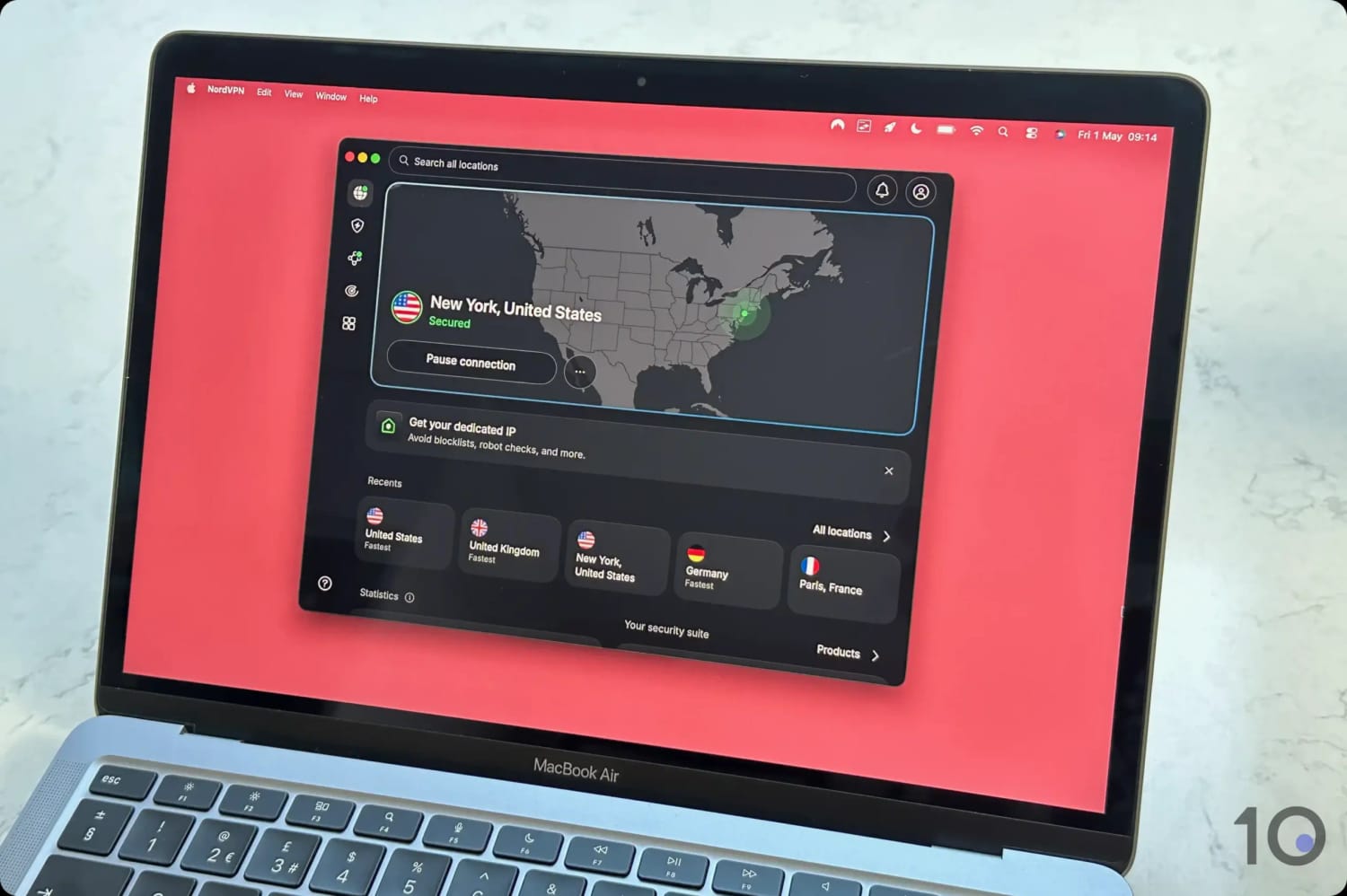
As for user experience, NordVPN’s apps aren’t as well designed, in my opinion.
The desktop UI in particular can’t be resized, and it gives far too much prominence to useful but non-essential add-ons like Threat Protection and Dark Web.
That makes the window bigger than it needs to be, and it distracts from what I actually opened the app to do.
Unblocks fewer streaming services than my other picks
Pricing Plans
$9.99/mo
$3.99/mo over 12 months
$2.99/mo over 24 months
Free Trial Duration
---
US Servers
6015
US Cities
22
US States
18
Simultaneous Connections
10
Support
Live Chat
Compatible with
Windows
Mac
iOS
Android
Linux
Amazon Fire TV
Android TV
Apple TV
Router
Chrome
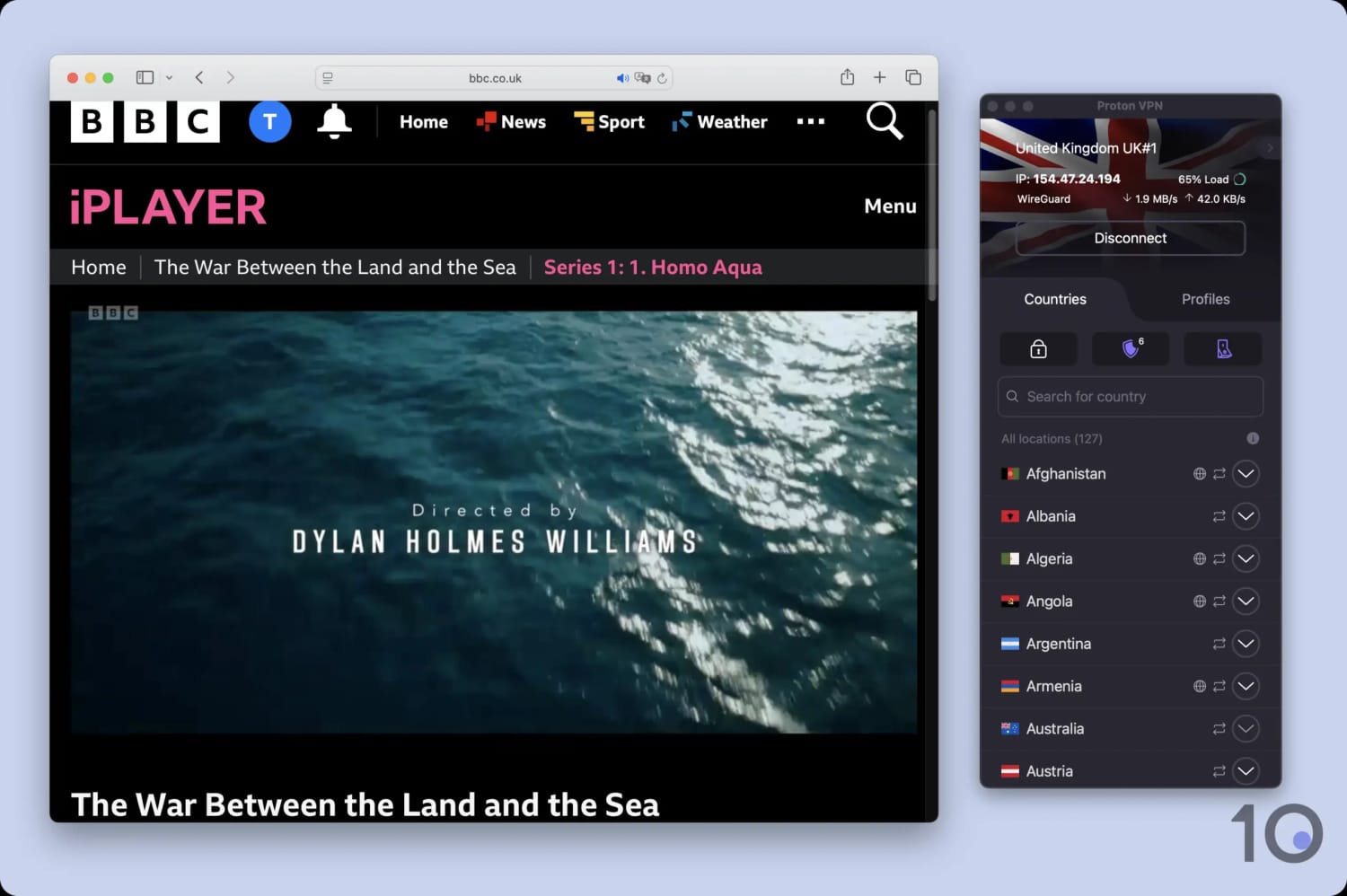
With 6,015 US IP addresses, a total only exceeded by ExpressVPN, and the lowest monthly price out of my picks, Proton VPN is a genuinely strong option.
It excelled in my privacy and security testing thanks to its open-source apps, zero-data logging, and robust ChaCha20 encryption.
For extra peace of mind, enable one of its four US Secure Core servers. These route your connection via a Proton VPN-owned server in Iceland, Sweden, or Switzerland, making it much harder to monitor your traffic (at the cost of speed).
The trade-offs: inconsistent connection speeds that can lower your video quality, weaker coverage of the US (only 18 states), and limited access to foreign-language streaming services.
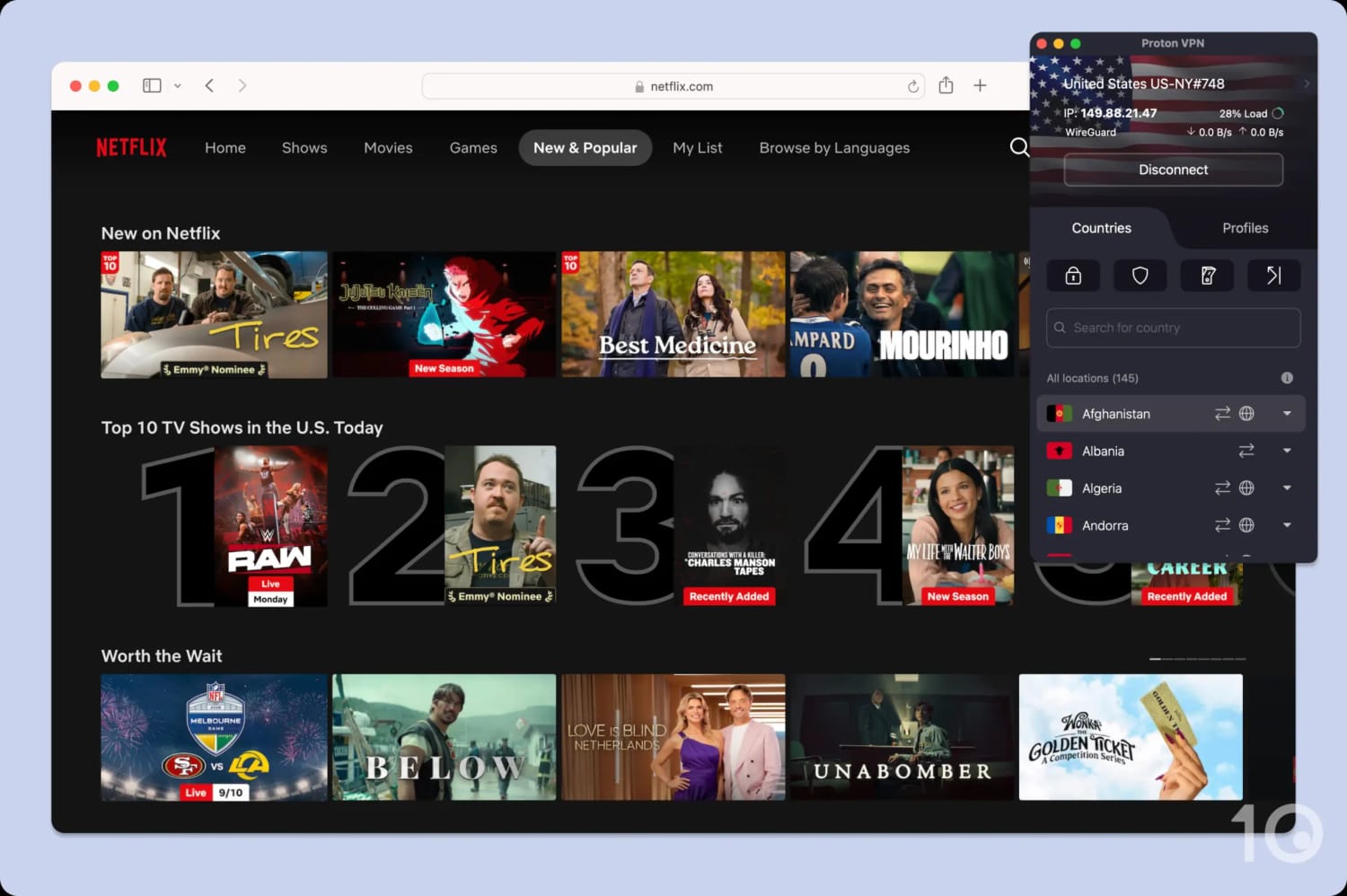
Proton VPN’s Plus US servers are a reliable option for US Netflix.
Highly Secure Servers in 148 Countries
Proton VPN is one of the industry leaders for server networks, with IP addresses available from 148 countries (35 more than ExpressVPN).
In practice, that means you’re less likely to experience slower download speeds as users are better distributed across the network, and you have more IP addresses to cycle through should one be blocked.
It also supports an impressive 6,015 US IP addresses, more than NordVPN and Surfshark. That said, these servers are concentrated in just 18 states, which limits their utility.
For instance, since there are no servers in Maine, or anywhere in Northern New England, you won’t be able to stream live Boston Red Sox or Boston Bruins games on NESN 360.
Works Best for US & UK Streaming Services
With the exception of Peacock, Proton VPN unblocks every US streaming service that I test. This includes US Netflix, Hulu, Amazon Prime Video, and HBO Max.
On the rare occasions my VPN connection was detected, I simply changed servers until one worked. More often than not, my second try was the successful one.
If you want to connect from the US, Proton VPN can unblock streaming services from the UK, Australia, and Canada. It worked particularly well for British platforms, and I had no problems streaming BBC iPlayer, ITVX, or UK Netflix.
Proton VPN worked with both on-demand and live content.
My criticisms are two-fold: often, my stream would look quite ‘choppy’ from frame rate drops, and the VPN failed to unblock most foreign-language services.
I was unable to stream any international DAZN libraries (aside from Canada), JioHotstar, or Germany’s ZDF. For reliable access to global catalogs, I suggest using ExpressVPN instead.
Best-in-Class Privacy & Security Features
If you’re privacy-conscious, then I recommend you use Proton VPN for the US. It operates a strict no-logs policy, recording none of your metadata or online activity, which was proven by a high-profile court case.
Its Swiss jurisdiction exempts it from any mandatory data retention, meaning it has no legal obligation to log what you do online.
The VPN tunnels your connection using WireGuard, encrypts it with the ChaCha20 cipher, and authenticates the handshake with Perfect Forward Secrecy (PFS).
It’s also one of a handful of VPNs to use open-source apps and run a bug bounty program. This enables independent researchers to inspect its code regularly for vulnerabilities.
All in all, I can confirm that Proton VPN is a safe service to use in the US or to acquire a US IP address.
Unblocks US Netflix, Hulu, Amazon Prime Video & more
Includes lots of advanced features
Unlimited simultaneous connections
Covers fewer US states than ExpressVPN & NordVPN
Expensive 1-month plan
No smart DNS tool
Slow time to connect on mobile
Unblocks fewer Netflix regions than ExpressVPN & NordVPN
Pricing Plans
$16.45/mo
$3.39/mo over 15 months
$2.49/mo over 27 months
Free Trial Duration
7 Days
US Servers
600
US Cities
24
US States
19
Simultaneous Connections
Unlimited
Support
24/7 Live Chat
Compatible with
Windows
Mac
iOS
Android
Linux
Amazon Fire TV
Android TV
Apple TV
Router
Chrome
Costing $2.49 per month on its 27-month plan, Surfshark offers the best value of all my picks. You can use the VPN on an unlimited number of devices too, so you really get bang for your buck.
In my day-to-day, Surfshark stands out for its unblocking capabilities. It works with every popular US streaming service I test, and its GPS spoofer on Android is a lifesaver for streaming live sports.
I still rank it lower than ExpressVPN and NordVPN, though, since it doesn’t unblock as many international Netflix libraries and can’t match their US server coverage.
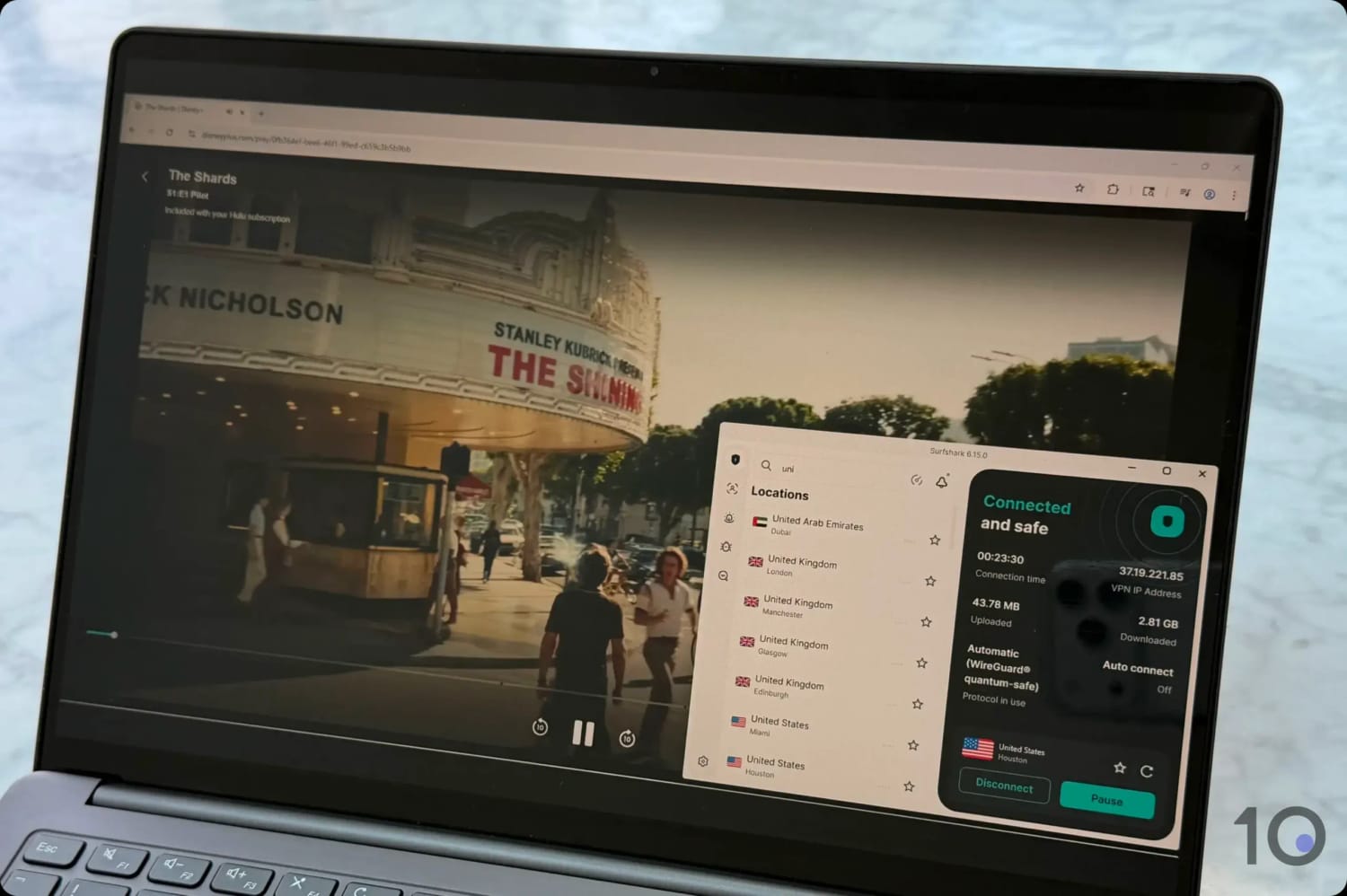
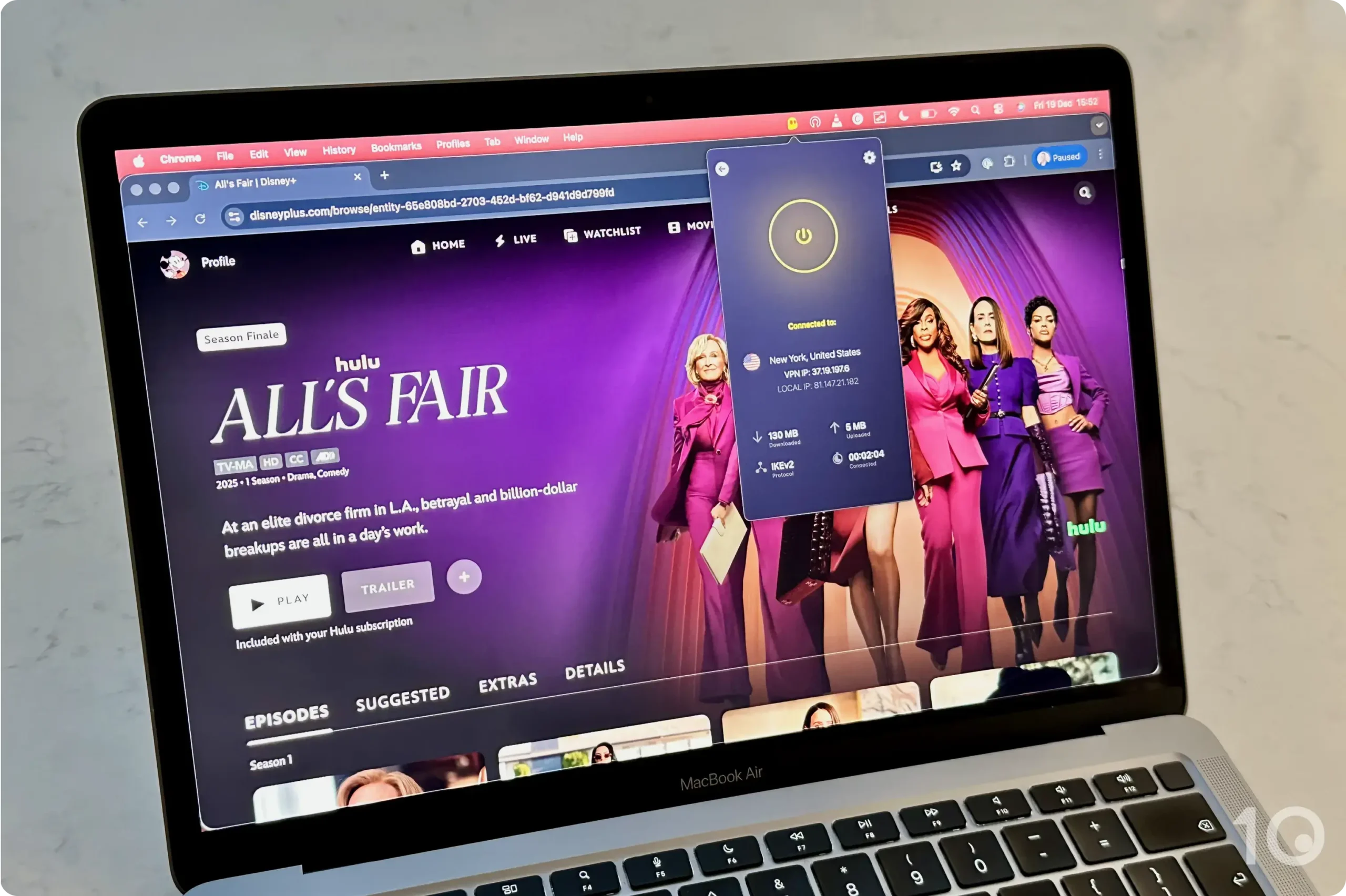
Streaming Hulu with Surfshark.
GPS Spoofing Works Well for Sports Streaming
Many US sports streaming apps, like NFL+, use both your IP address and GPS data to monitor your location.
Thankfully, Surfshark is one of the few VPNs to include a GPS spoofer in its Android app. Enable Override GPS Location, and your GPS and IP will match.
It works reliably almost every time, making it way easier to catch live NBA, NFL, and NHL games wherever I am.
Great Choice for Disney+
In my most recent tests, Surfshark unblocked every major US streaming service I tried. This included access to US Netflix, HBO Max, Hulu, Amazon Prime Video, and Peacock without any buffering or resolution drops.
Surfshark also unblocks every Disney+ regional library, often on the first try. While overseas, I used Surfshark to stream the US Disney+ exclusive Raiders of the Lost Ark without any issues.
That consistency doesn’t extend to all multinational platforms, though. Surfshark can’t unblock versions of DAZN outside the US and Canada, and its total of 10 Netflix libraries is fewer than ExpressVPN’s or NordVPN’s.
Don’t get me wrong, it’s still a very strong streaming VPN that you can depend on.
Fewer US Servers & Limited Device Compatibility
Compared to my top two picks, Surfshark’s US server network isn’t quite there yet. Both ExpressVPN and NordVPN cover all 50 US states, whereas Surfshark only supports 19.
In practice, you have fewer locations to connect to when trying to bypass sports blackouts or when streaming heavily localized content (e.g. news broadcasts).
This gap is also reflected in the total number of US IP addresses: ExpressVPN offers 6,050, NordVPN provides 3,400, and Surfshark only 600.
My other criticism is that Surfshark can’t match its rivals for device compatibility either. While it doesn’t impose a device limit, the lack of a Smart DNS tool makes it much harder to stream on your TV or game console.
Unblocks 5 Netflix libraries, UK Netflix, HBO Max & more
Fast download speeds
Good Fire TV & Apple TV apps
Android GPS spoofer & fully featured extensions
Unlimited device policy
Doesn't work with American Netflix
10GB monthly data restriction
Slower than PrivadoVPN connecting to the US
Occasional blurriness while streaming live content
Triggers several CAPTCHAs on search engines
No human live chat support
Data Cap
10GB per month
Free US Servers
8
Free US States
7
Simultaneous Connections
Unlimited
Support
Email & Online Resources Only
Compatible with
Windows
Mac
iOS
Android
Linux
Amazon Fire TV
Android TV
Apple TV
Router
Chrome
Windscribe is my top-performing free VPN for the US thanks to its fast download speeds, minimal data collection, and reliable access to global streaming libraries.
It doesn’t require any payment details on signup, and its free servers work with UK Netflix, BBC iPlayer, Amazon Prime Video, and many more.
That said, it no longer works with US Netflix, its speeds can fluctuate over longer distance, and you’ll run into a high volume of CAPTCHAs.
As with PrivadoVPN, its 10GB monthly bandwidth limit works out at roughly four hours of HD streaming.
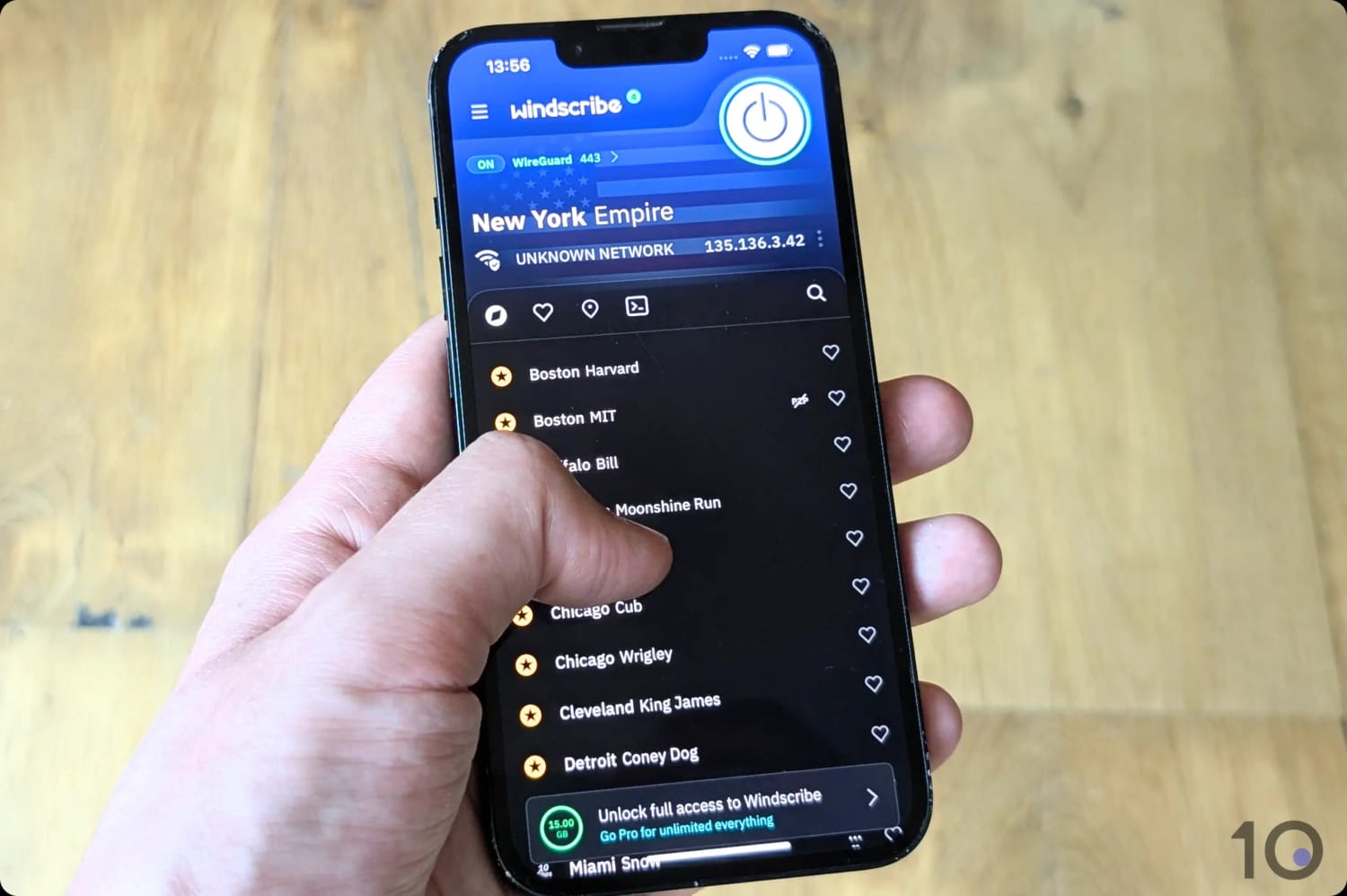
I found that the paywalled locations clutter the server list on iOS.
Free Servers in California, New York & Five More States
Windscribe lets you connect to eight US cities in seven different states for free:
Atlanta, Georgia
Chicago, Illinois
Dallas, Texas
Los Angeles, California
Miami, Florida
New York City, New York
Seattle, Washington
Washington D.C.
For a free VPN, that’s a very generous number of US server locations, with options on the East Coast, West Coast, and in the South.
It’s a small selection compared to the paid version of Windscribe, but it’s still an impressive and diverse range of free locations to choose from.
Works Well for Domestic & Global Streaming
Windscribe’s free VPN gave me access to most major US streaming services, which surprised me. It isn’t as good as PrivadoVPN in this area, though, and Netflix is the reason why.
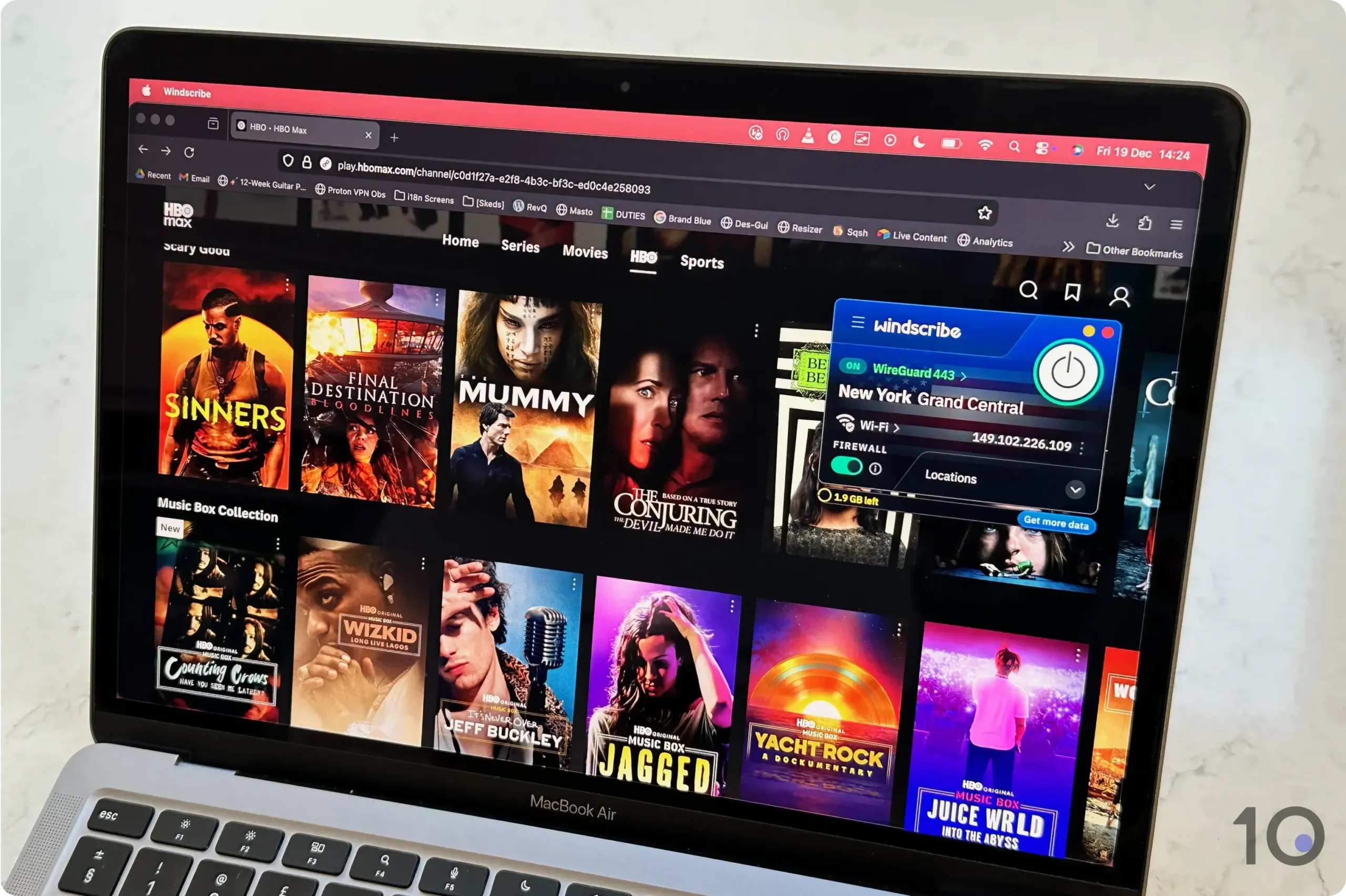
Windscribe’s free US servers allowed me to access HBO Max’s US content library.
Sadly, Windscribe’s free US servers no longer work with US Netflix. They used to run smoothly, but Netflix now blocks all of the VPN’s free US IP addresses.
10GB Is the Biggest Drawback
As with any free service, Windscribe has its drawbacks, the key one being its 10GB monthly data cap, which will frustrate frequent VPN users.
The other limitation concerns the VPN’s streaming performance.
Despite clocking fast internet speeds, I regularly experienced fluctuations that led to picture degradation and, sometimes, even buffering.
Finally, Windscribe’s free US servers trigger an awful lot of CAPTCHAs, particularly on search engines. At times I got stuck in endless loops, which completely derailed my browsing.
PrivadoVPN is a great alternative to Windscribe that excels at streaming. You can use its admittedly small server network to unblock some of the most popular US and UK services, like US Netflix and BBC iPlayer.
Its 10GB monthly data cap limits your screen time significantly, but it’s a viable option if you only want to watch a film or an episode of a show.
While it’s undeniably a more basic VPN than Windscribe, it remains my go-to for streaming US Netflix for free abroad.
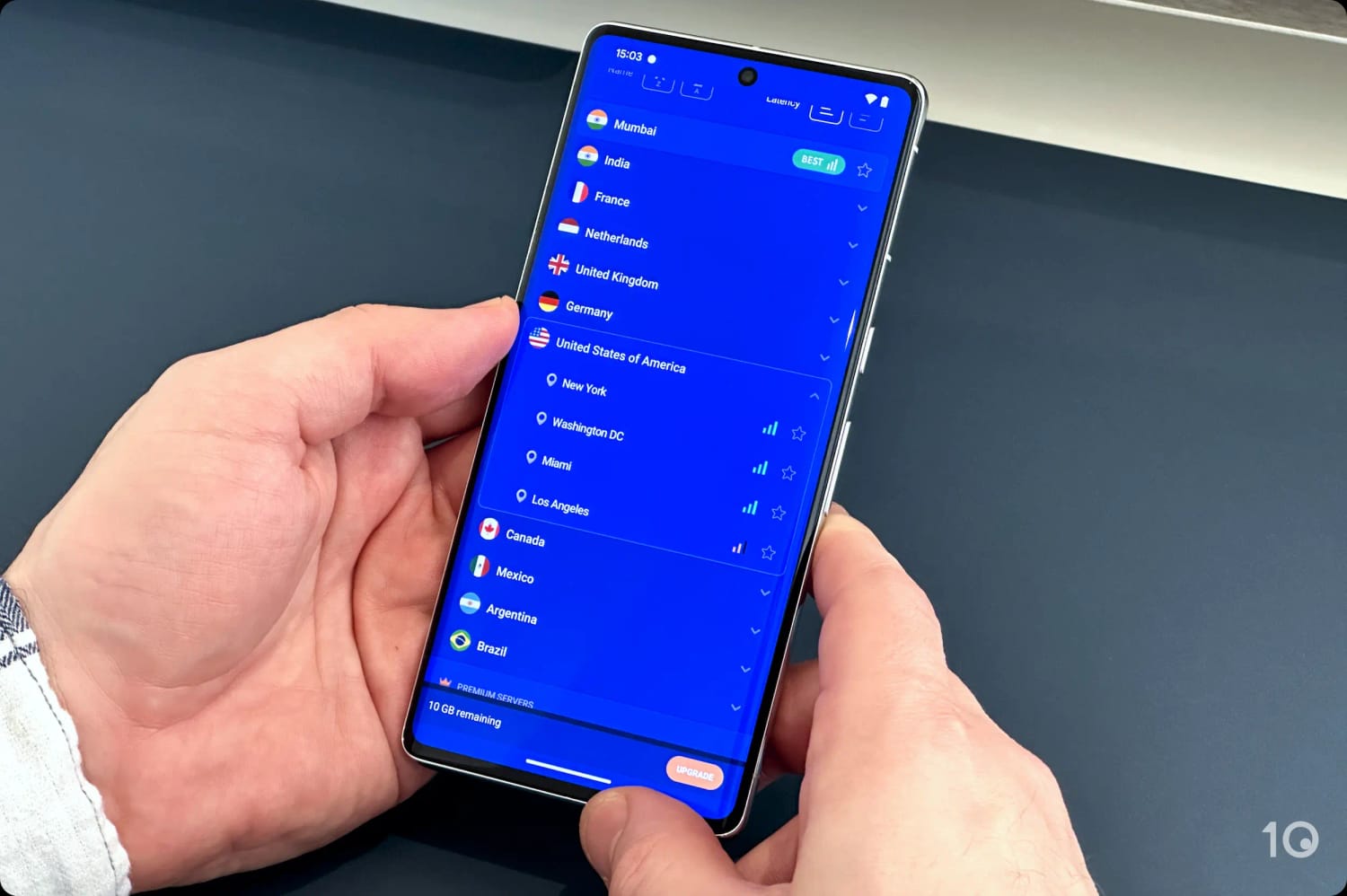
PrivadoVPN offers free US IP addresses from four cities.
The Best Free VPN for US Netflix
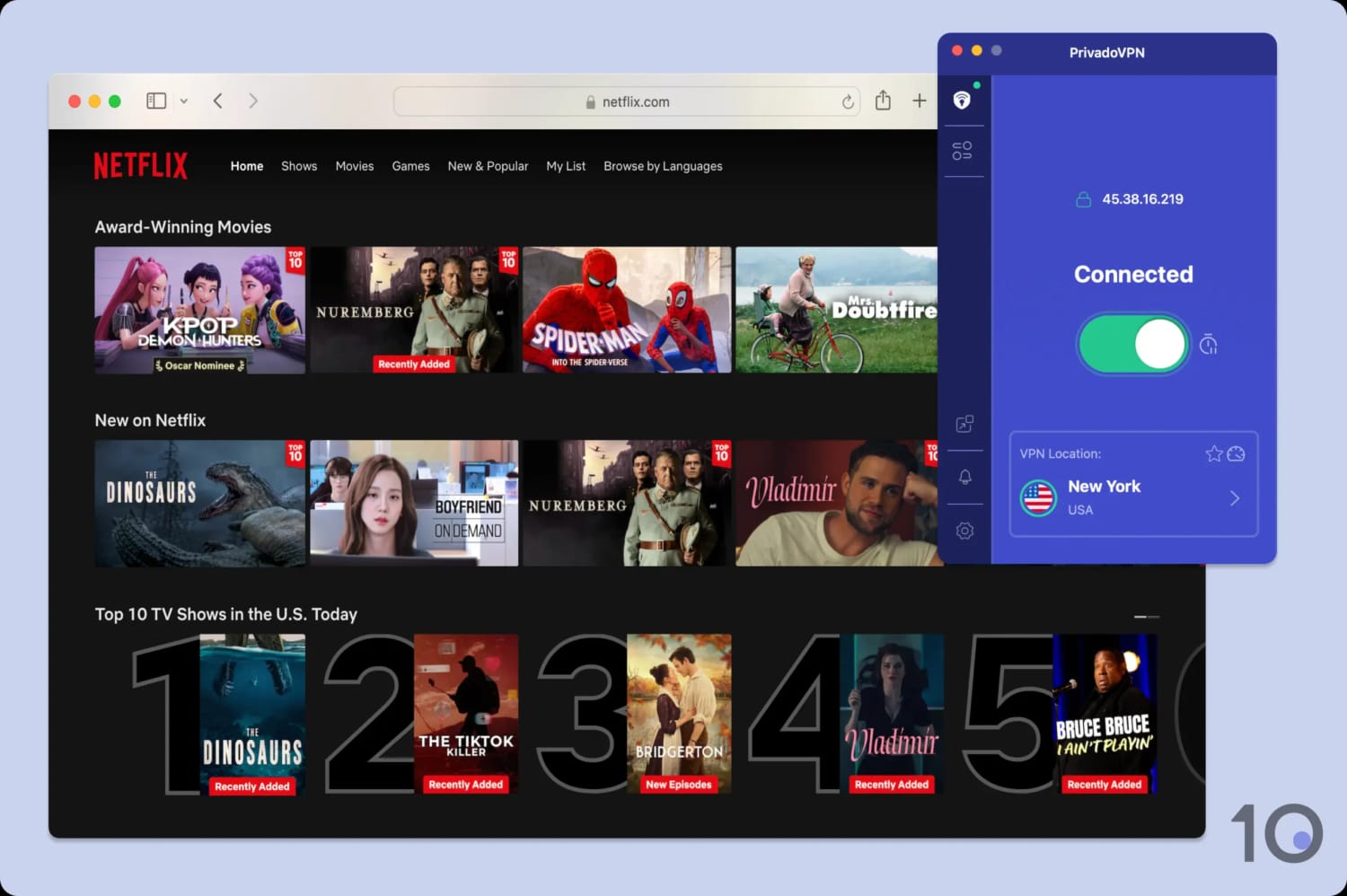
PrivadoVPN is one of the very few free VPNs that stream US Netflix. Most other free services I tested couldn’t manage it, Windscribe included.
I’ve never had an issue accessing US Netflix with PrivadoVPN’s free US servers.
On top of that, PrivadoVPN unblocks a variety of other major US streaming services, including the American content libraries of HBO Max, Paramount+, and Prime Video.
PrivadoVPN has also fixed its previously faulty Fire TV Stick app, so you can now use it to stream geo-restricted content on your TV.
EXPERT ADVICE: Set up your PrivadoVPN account in a way that enables streaming. To do this, when asked to Choose Configuration, select Stream Content. Skip this and the VPN won’t work with streaming platforms at all.
Fast Servers in Four US Cities
PrivadoVPN has free servers in four US city locations: Miami, Los Angeles, New York, and Washington D.C.
I always love to see a good coast-to-coast reach, and Miami covers off the South. The gap is the Midwest.
Windscribe offers more free US server locations, but I generally found PrivadoVPN’s server speeds not only faster but more stable, too.
In fact, my speed tests revealed an impact on download speed of just 8% while connected to PrivadoVPN’s free US servers.
Each location connected quickly for me, with no noticeable delay to page loading times.
Restrictive 10GB of Data per Month
As with Windscribe, PrivadoVPN limits free use of its service to 10GB per month.
That’s restrictive for regular VPN users, but it’s still more generous than the allowances of most other trustworthy free VPNs, TunnelBear’s 2GB being the obvious comparison.
The one thing I found genuinely annoying was the need to manually refresh my free data each month.
I couldn’t even do it in-app, only via my online account, which turns a two-second job into a chore.
My picks here come from years of using VPNs in the US, combined with a testing methodology I built alongside my team. With their help, I’ve now run 59 VPN services through it.
Use the pie chart below to see a visual breakdown of the methodology, including how I weight each testing category.
Here’s a quick recap of how my chosen VPNs performed in each testing area.
And here’s exactly how I test each category, why I test each one, and the optimal result.
1. Global Servers (30%)
Test Conducted: I audited each VPN’s server network, assessing total server count, global country spread, and city-level options.
Why It’s Important: A well-distributed server network expands the number of countries you can connect to and unblocks more regional streaming libraries. Plus, it optimizes your download speed by ensuring you have a server nearby.
Optimal Result: Servers in 100+ countries, spanning key global regions beyond just Europe and North America.
2. US Servers (25%)
Test Conducted: I went through each VPN’s server network to record how many US servers it runs, and how many US cities and states those servers cover, then assessed how evenly they’re spread across the country.
Why It’s Important: A wide variety of US servers means better performance and less congestion. It’s also what makes a reliable US IP address possible at all, rather than one that’s blocked the week after you buy it.
Optimal Result: Thousands of fast and reliable US servers on the East and West coasts, and in at least 10 different US states.
3. Speed (15%)
Test Conducted: My testing team runs regular in-house speed tests on every VPN to establish its average international download speed.
Why It’s Important: Speed is what keeps a US stream sharp and stops it buffering, and you’ll notice a slow connection just as quickly when you’re browsing.
Optimal Result: Less than 20% average download speed loss, compared to my normal internet connection, connecting to the US from anywhere in the world.
4. Streaming (10%)
Test Conducted: I attempted to unblock popular streaming services from different regions, while connected to each VPN. This included US and international platforms alike.
Why It’s Important: Consistent access to global streaming services ensures you’re getting the widest range of content to choose from.
Optimal Result: The ability to stream popular Netflix regions (e.g. US, UK, and Canada), select free-to-air broadcasters (e.g. BBC iPlayer), and premium subscription services (e.g. Paramount+ and HBO Max), with a high success rate.
5. Privacy (10%)
Test Conducted: I analyzed each VPN’s privacy policy in accordance with our privacy standards.
Why It’s Important: The US has some of the most invasive privacy laws in the world, so the provider handing you an American IP address needs to be one that will protect your online activity.
Optimal Result: A verified no-logs policy, supported by evidence such as independent audits or court cases.
6. Security (10%)
Test Conducted: I examined each VPN’s security standards and verified that it successfully encrypts every connection.
Why It’s Important: One of the core functions of a VPN is to encrypt the internet data transferred through its connections.
Optimal Result: Best-in-class VPN protocols with AES-256 or ChaCha20 encryption, verified via my Wireshark tests, plus extra settings like a working kill switch and built-in IPv6 leak protection.
Data Cap Penalty
Almost every free VPN has a data cap. Although free services can still perform well in my assessment, being limited to a data cap massively reduces your VPN’s capabilities.
To reflect this, I apply a penalty to the free VPN’s overall rating for the US based on how restrictive its data cap is:
Unlimited bandwidth: no deduction to the overall rating
10GB per month: -20% to the overall rating
500MB per day: -25% to the overall rating
5GB per month: -30% to the overall rating
1GB or 2GB per month: -35% to the overall rating
200MB per day: -40% to the overall rating
500MB per month: -50% to the overall rating
Honorable Mentions
I regularly review VPNs for the US, and to date I’ve rigorously tested 59. It’s always surprising to see how many VPNs still aren’t optimized for getting a US IP address from abroad.
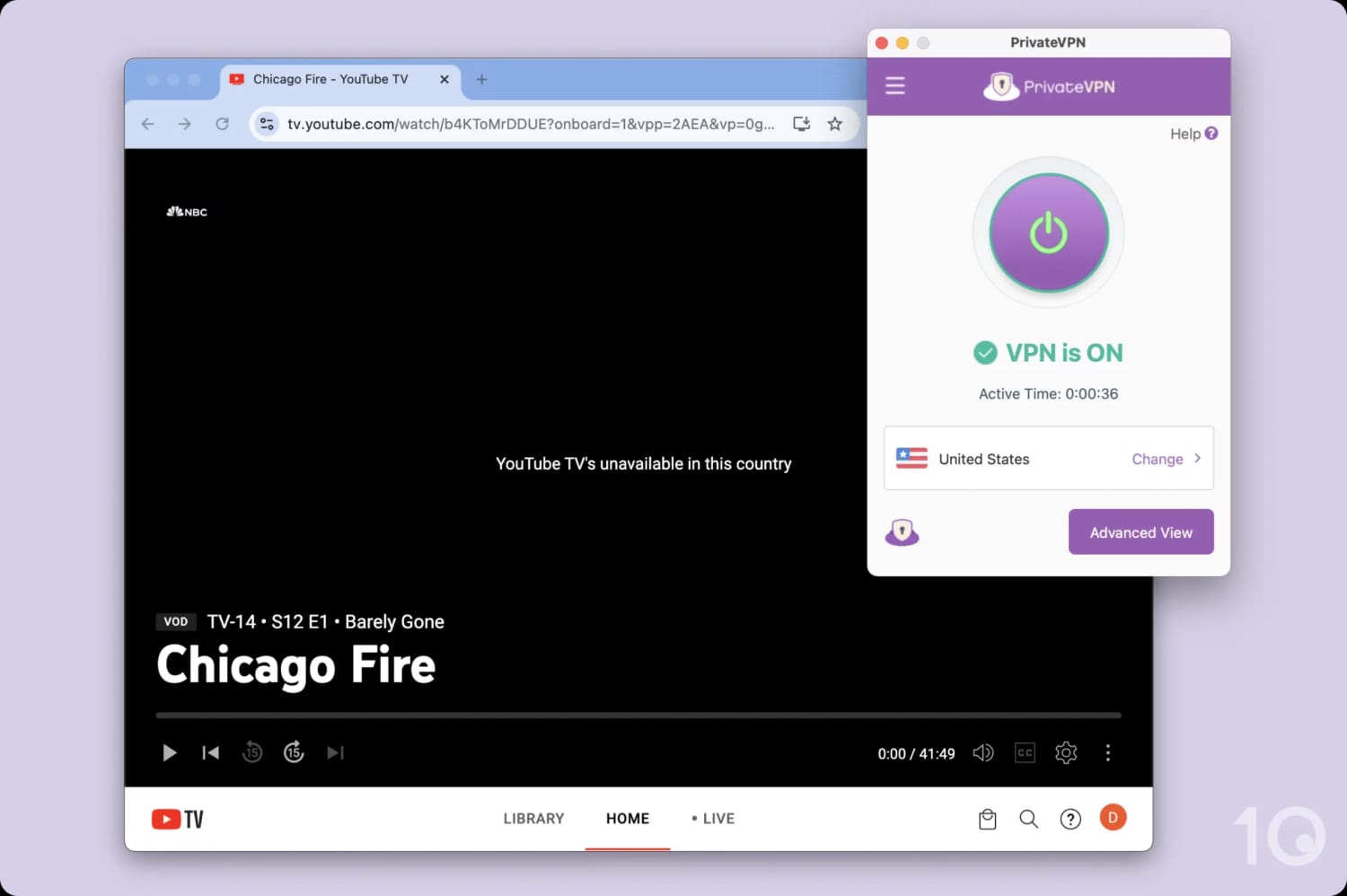
Many top-tier VPNs are detected and blocked by YouTube TV.
Below are some of the most popular VPNs that, at the moment, aren’t quite at the same level as my top recommendations.
IPVanish
IPVanish certainly doesn’t have a speed issue, and is a great choice for privacy-conscious users.
For several years, though, it struggled to bypass US streaming geo-restrictions. That’s improved significantly lately, and it now delivers smooth access to the major US content platforms from abroad.
I need to see IPVanish do that consistently over a longer period before I’ll feel confident about its streaming performance.
With 1,533 US servers spread across 22 cities, I’m keeping close tabs on it to see whether it can break into my recommendations list.
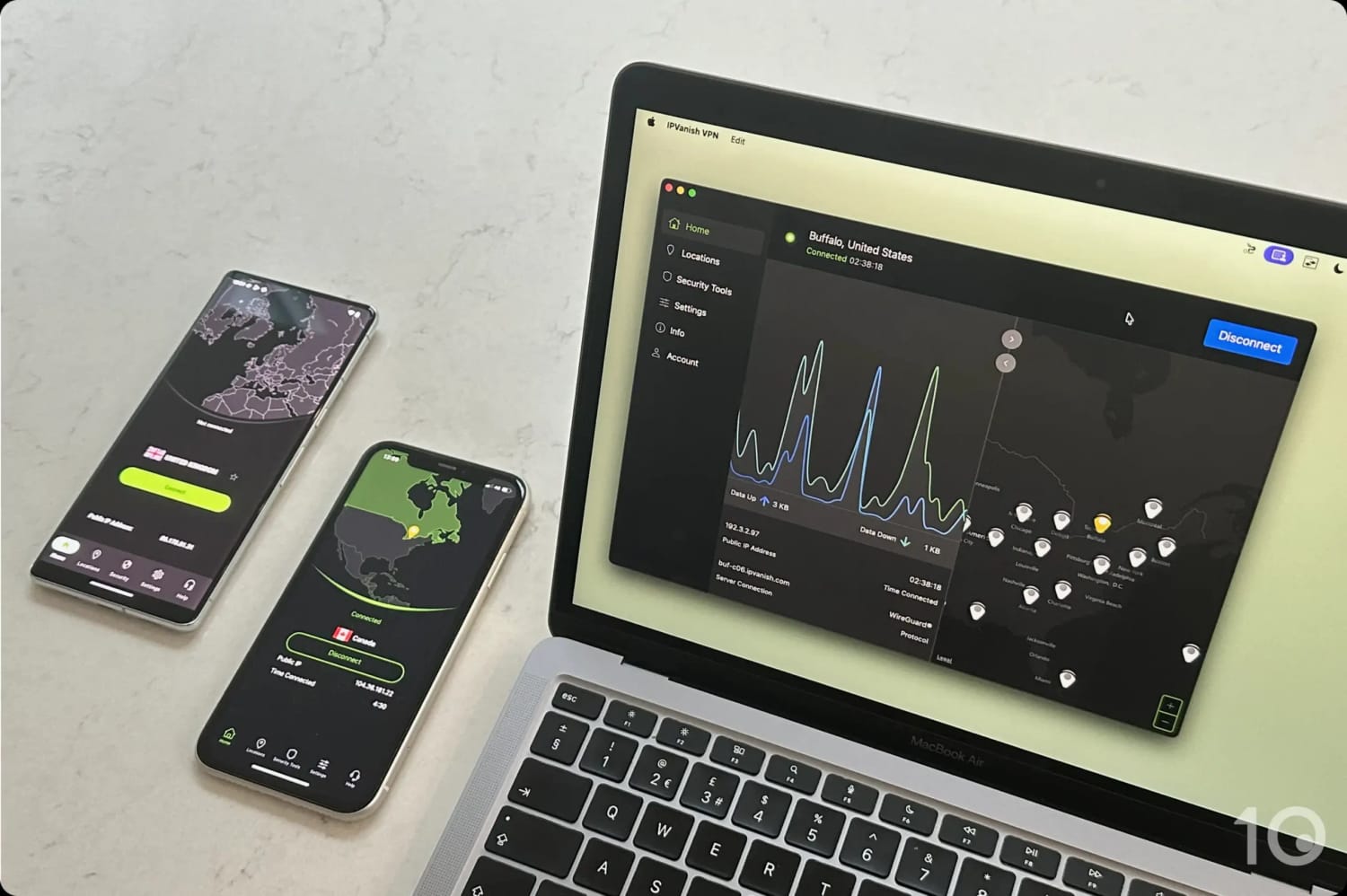
The IPVanish apps on desktop and mobile.
CyberGhost
Despite offering 1,553 servers in the US, CyberGhost actually covers fewer US IP locations than IPVanish and Surfshark.
Most of its US servers accessed American content platforms without issue, but the streaming quality wasn’t what I expected it to be.
Its 19% slowdown was the steepest figure I recorded among these alternatives, and it showed: occasional blurriness, and even buffering during live broadcasts.
Similar to Surfshark, CyberGhost’s apps can sometimes take longer to connect to a server than ExpressVPN’s and NordVPN’s do.
In spite of all of this, I did find the VPN’s performance with Hulu particularly good. Given how cheap CyberGhost is, it’s definitely worth considering if Hulu is your priority.
CyberGhost is a cheap option for streaming Hulu.
Mullvad
Mullvad is an extremely reputable and security-focused VPN service, but its performance connecting to the US disappointed me.
It only operates 227 servers in the US, and it rarely got me past an American geo-block at all. On the few occasions it did, the resulting streaming quality was average at best.
Its 15% global speed slowdown is respectable enough; the problem here is the unblocking, not the speed.
It’s a shame but if you need a US VPN with fast speeds and unrestricted streaming access, Mullvad isn’t it.
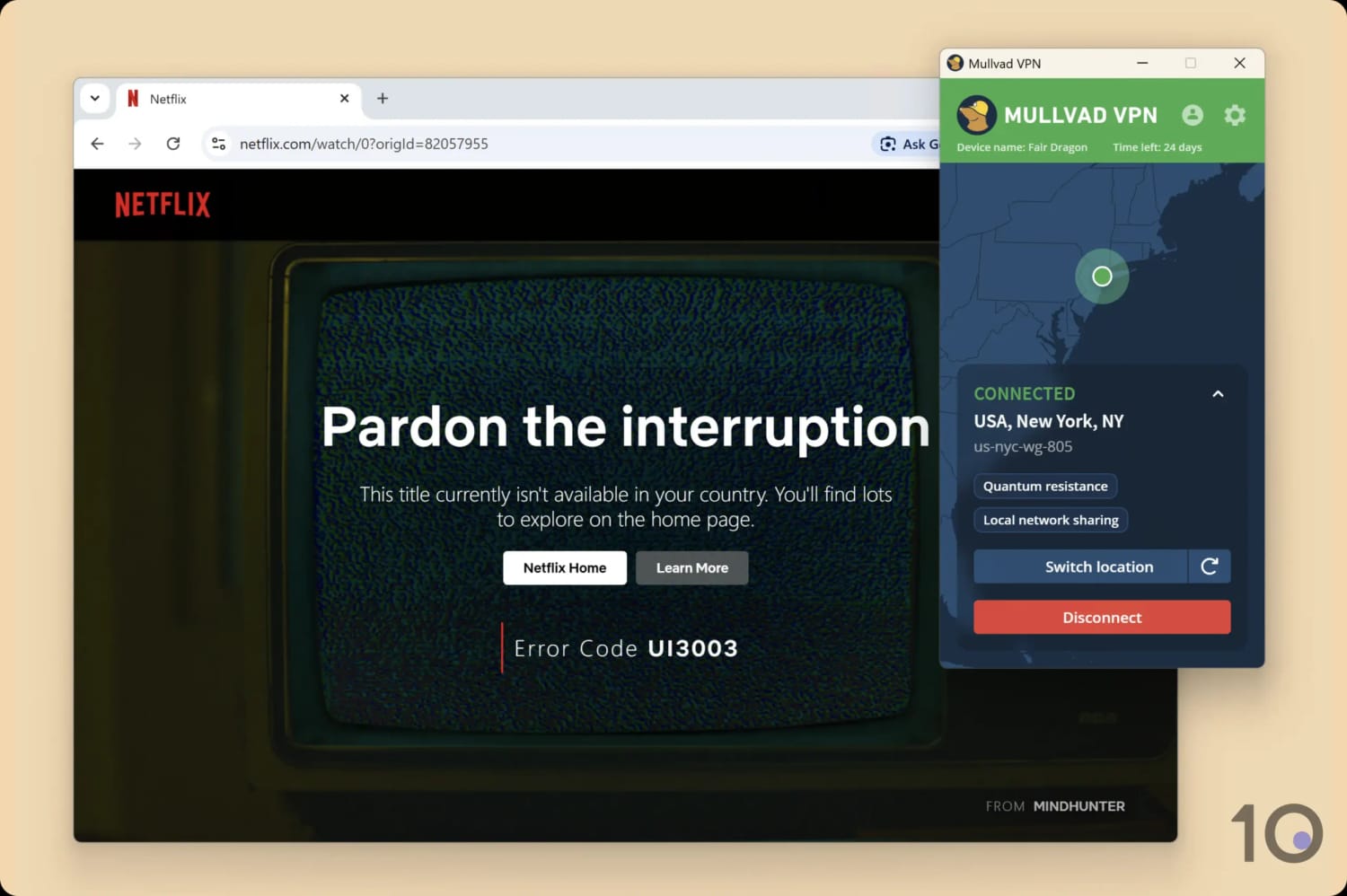
I couldn’t get Mullvad to work with US Netflix despite multiple attempts.
Private Internet Access (PIA)
PIA was once on my shortlist due to its coverage of all 50 US states, cheap subscriptions, and solid US streaming performance.
However, it no longer works with US or UK Netflix, which are two of the largest English-language catalogs.
Combine that with overly complex apps and a Smart DNS tool that fails to unblock any streaming services, and it’s easy to see why it’s fallen out of my rankings.
PIA was detected by Netflix, limiting the catalog strictly to globally available Netflix Originals.
How to Get a US IP Address Using a VPN
Changing your IP address to an American one is very simple, as long as you use a dependable VPN with servers in the United States. The steps below show you how easy the process is.
Launch the app and sign in using your login details.
Go to ‘Settings’ and make sure the kill switch is enabled, to prevent your real IP address from leaking unexpectedly.
Go to the VPN’s server list, and find your preferred US location.
Select and connect to your chosen US location.
When the app shows you’re connected to the server, your device’s IP address will have changed to a US one.
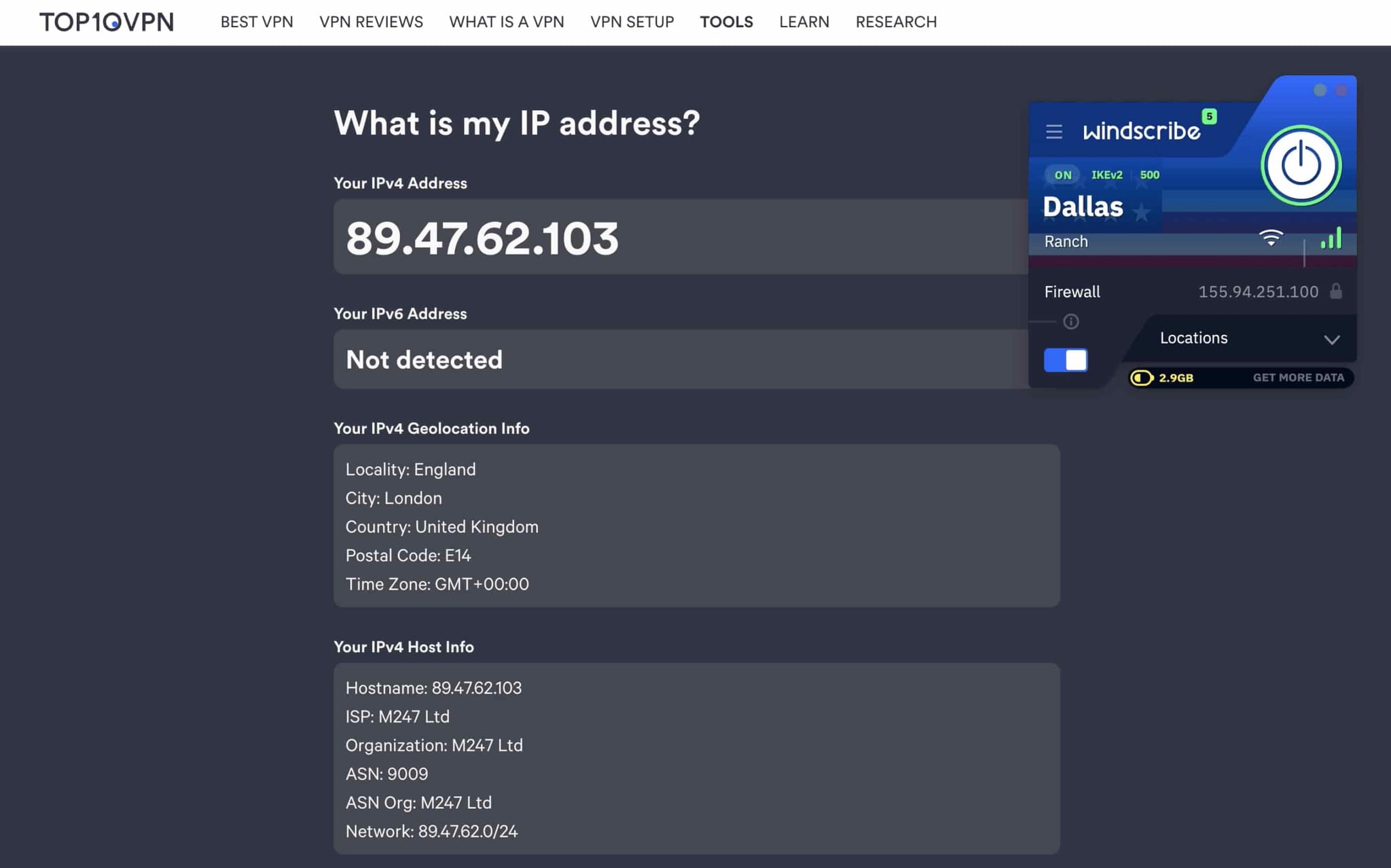
In the video below you can see this simple process in action, using Windscribe to demonstrate it:
I used Windscribe to get a free US IP address.
How to Watch US TV & US Netflix from Abroad
Depending on the VPN you’ve chosen, once you’re using a US IP address you’ll also be able to access American geo-restricted streaming services.
Live TV and on-demand content on Peacock, Hulu, Paramount+, and Pluto TV all played without issue for me on my four paid picks. The one exception I ran into was Peacock with Proton VPN.
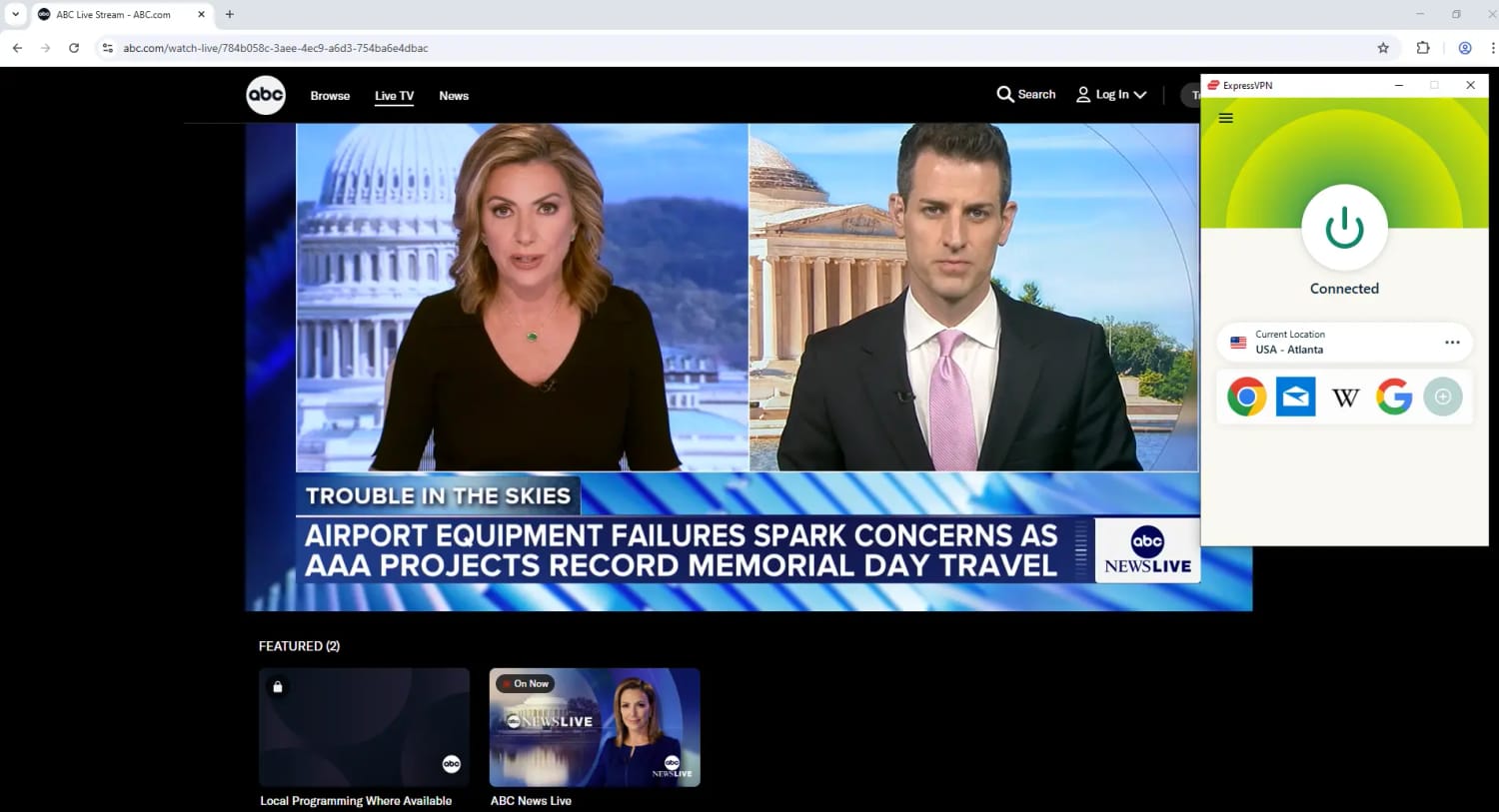
Watching local Live News on ABC with ExpressVPN.
Instructions: How to Watch US TV Abroad
Download one of my chosen US VPNs. If it’s a paid one, subscribe to it.
Install the VPN app on your device.
Open the app and log in using your account credentials.
In the app’s Settings menu, check that the kill switch is activated.
In the VPN’s server menu, pick a US city of your choice.
Tap/click on the location in order to connect to it.
Once you’re connected, open the streaming service’s app or website.
Create an account or log in, if required, and start streaming.
Once you’ve downloaded and installed them, the steps to follow are exactly the same as above.
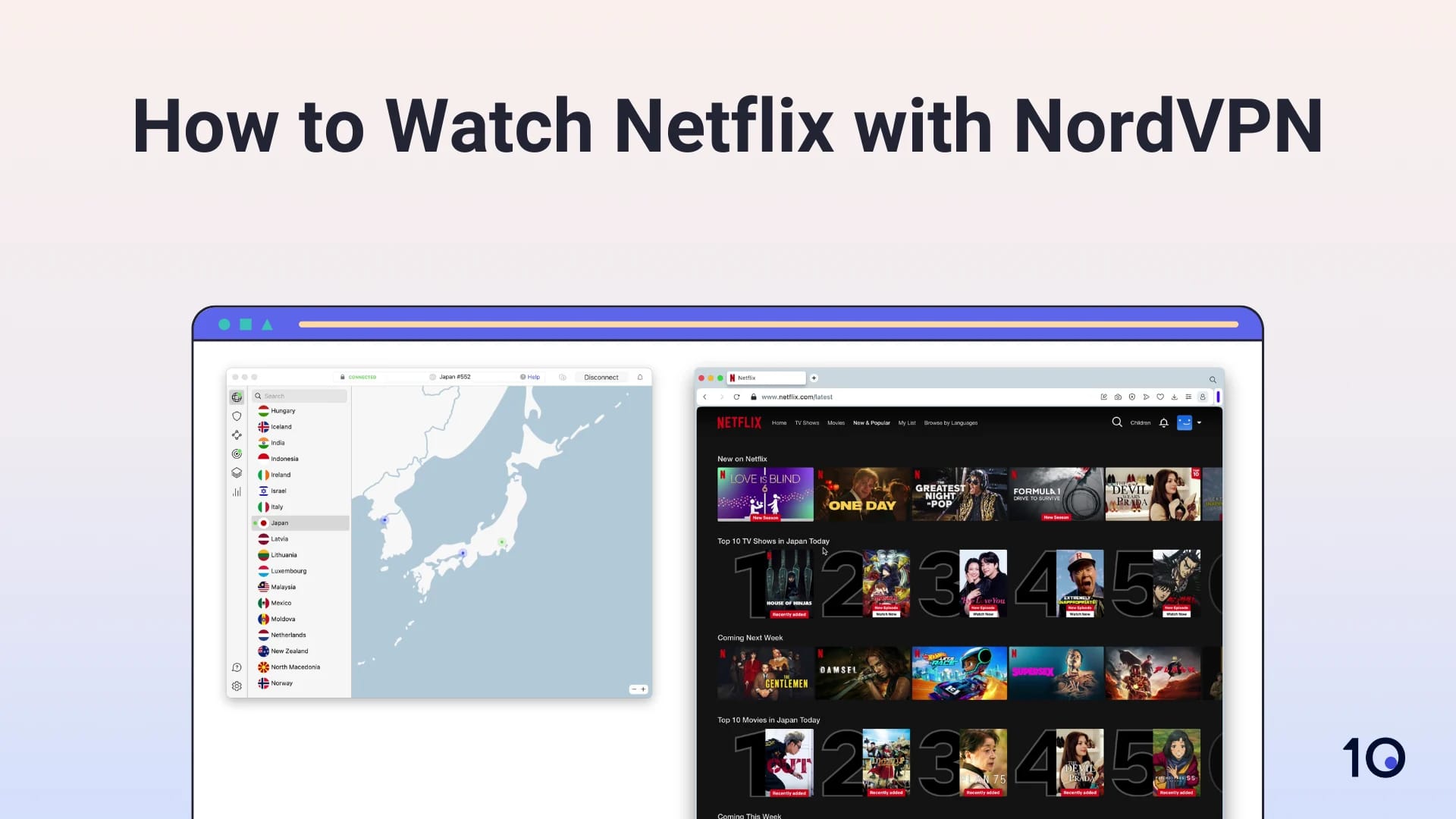
Watch my video tutorial on how to change your Netflix region to America and access its region-locked content titles.
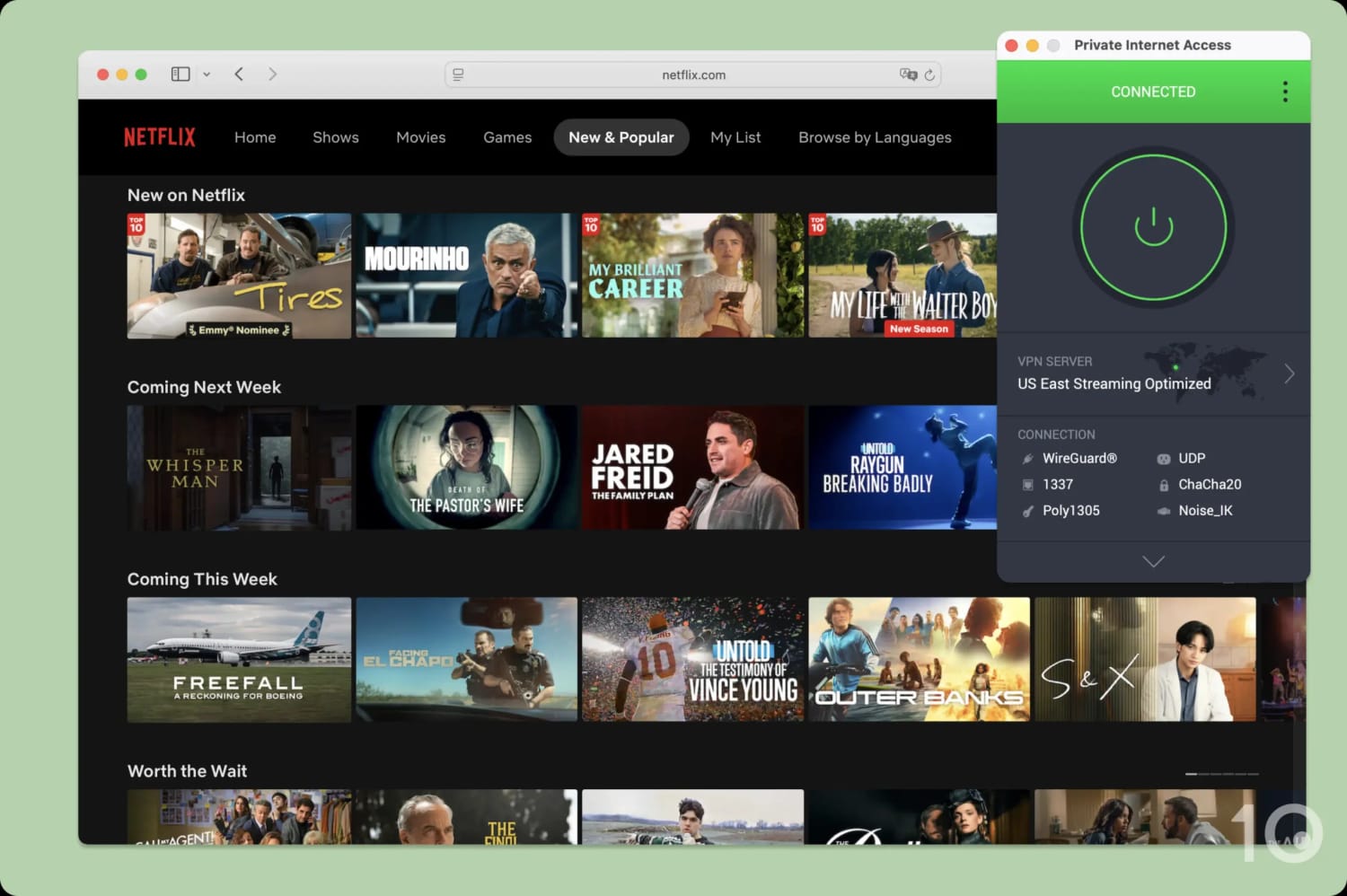
I used NordVPN to stream US Netflix from abroad.
FAQs
Is It Legal to Use a VPN to Get a US IP Address?
You can use a VPN freely in the US, UK, Canada, the EU, and most of the world, with a handful of exceptions like China, Russia, Iran, and North Korea.
However, a VPN doesn’t make illegal activity legal. Unblocking streaming services isn’t illegal though: it may breach the platforms’ terms of service, but not the law.
Will Any VPN Work with US Netflix, Hulu & HBO Max?
Only the best paid VPNs like ExpressVPN and NordVPN reliably unblock all the major US streaming services.
Most free VPNs are hit-and-miss. Only a handful, PrivadoVPN and Windscribe among them, reliably work with US content platforms at all, and even then not with every service: Windscribe’s free servers no longer get into US Netflix.
Will a US VPN Slow Down My Internet?
Any VPN running on your device will impact your internet speed. The highest-rated VPNs will only do so minimally, so little that you’ll barely notice.
Which VPN Has the Most US VPN Servers?
Currently, ExpressVPN has the most US servers: 6,050 located in 56 cities.
Do I Need a US VPN if I'm Already in the US?
Yes, if you want to hide your real IP address or bypass sports blackouts.
Getting a US IP address from another city or state will allow you to conceal your internet activity from your ISP, and get around frustrating out-of-market restrictions.