


FAQs
Can I Use a VPN on Multiple Devices?
Can I Use a VPN on Multiple Devices?
Many VPNs allow a number of simultaneous connections on multiple devices, typically up to 10 at once. Some VPNs even allow unlimited simultaneous connections.
Do I Need to Install a VPN on All My Devices?
Do I Need to Install a VPN on All My Devices?
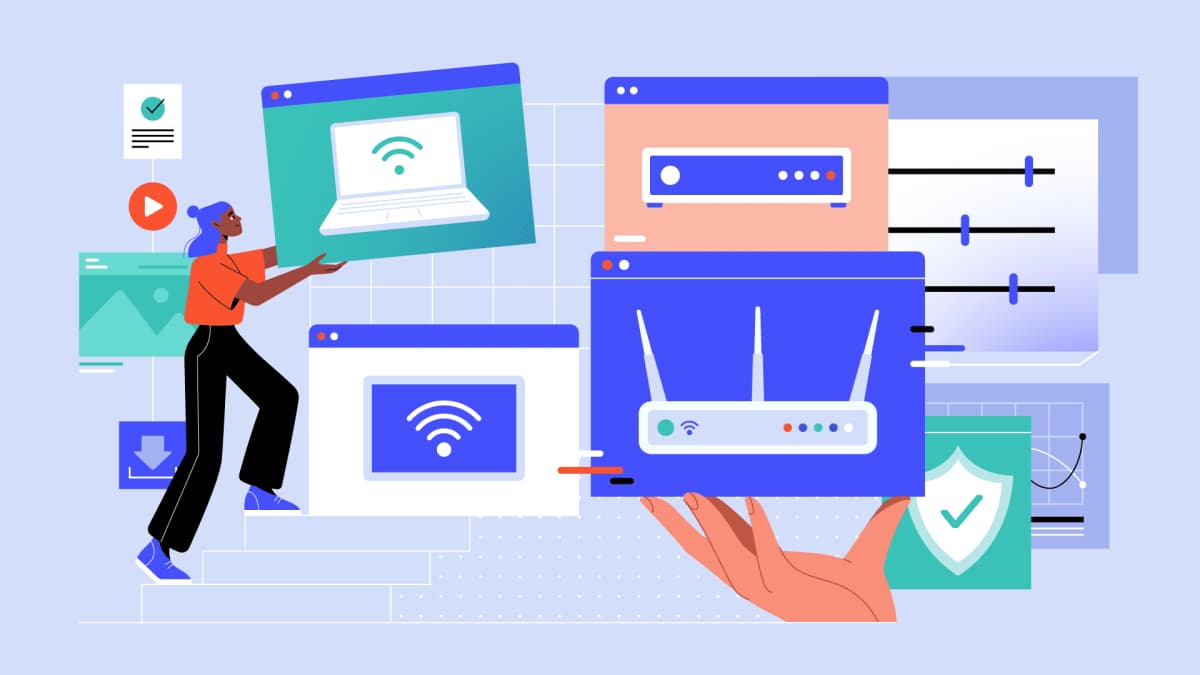
If you’ll be using a VPN to enhance your online privacy and security, you should install it on all the devices you use to browse the internet. Setting up a VPN on your router is a great way to protect all devices on your network.
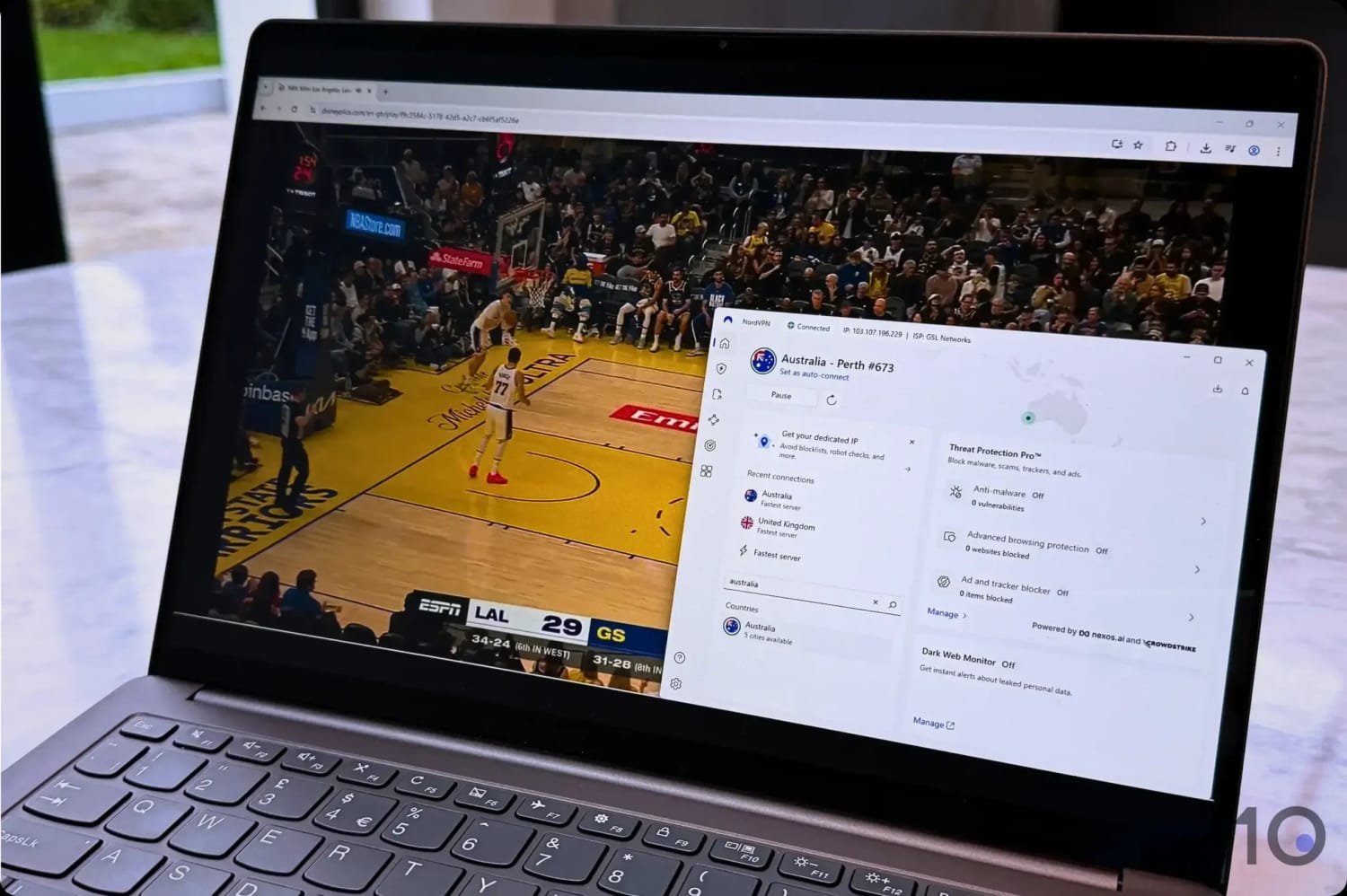
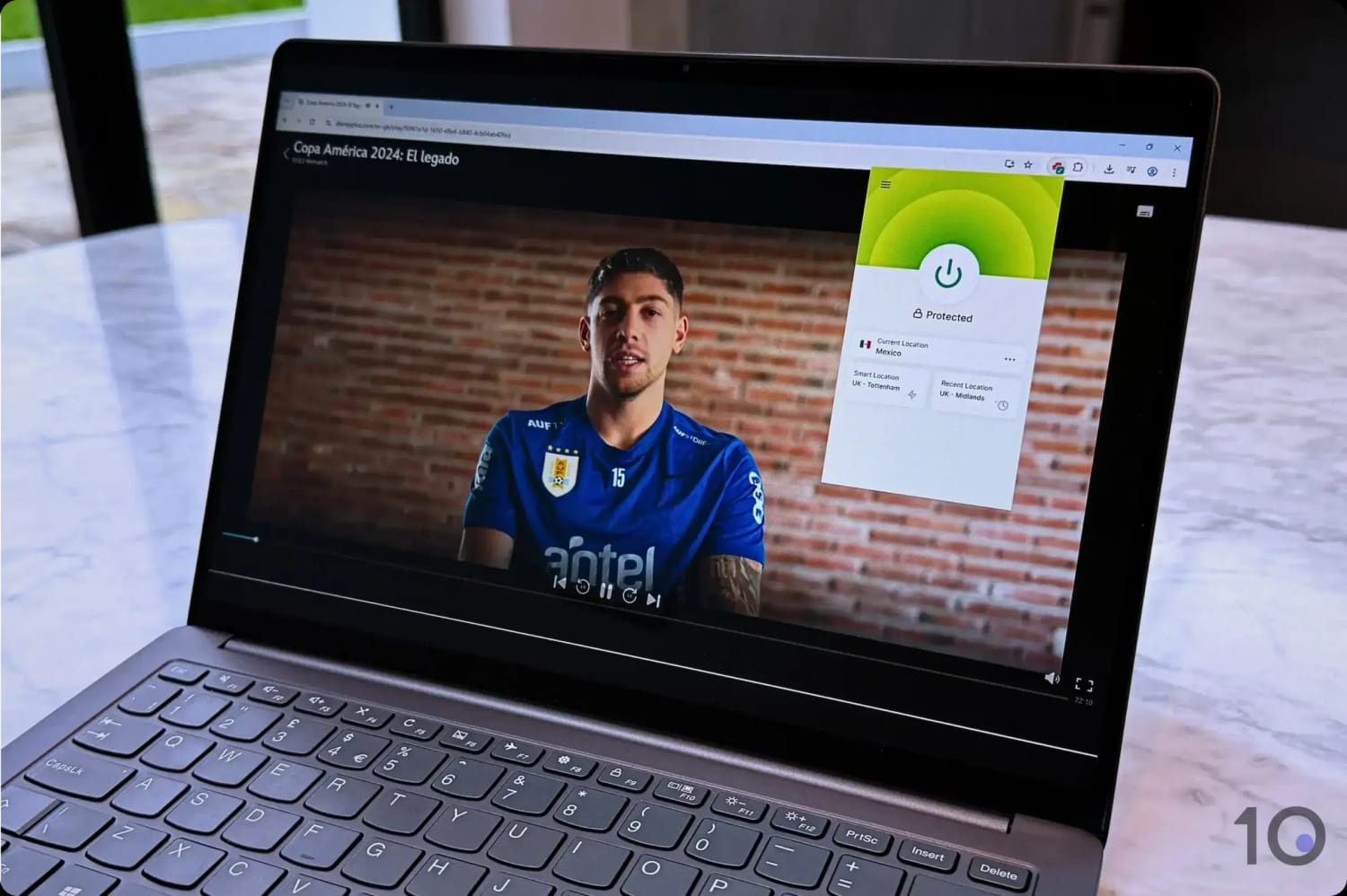
If you’re using a VPN to unblock geo-restricted streaming content, you may just want to set it up on the device(s) you’ll be using to access that content.
Keep in mind your VPN provider’s simultaneous connections policy when using the service on multiple devices.
Do I Have to Set Up My VPN Manually?
Do I Have to Set Up My VPN Manually?
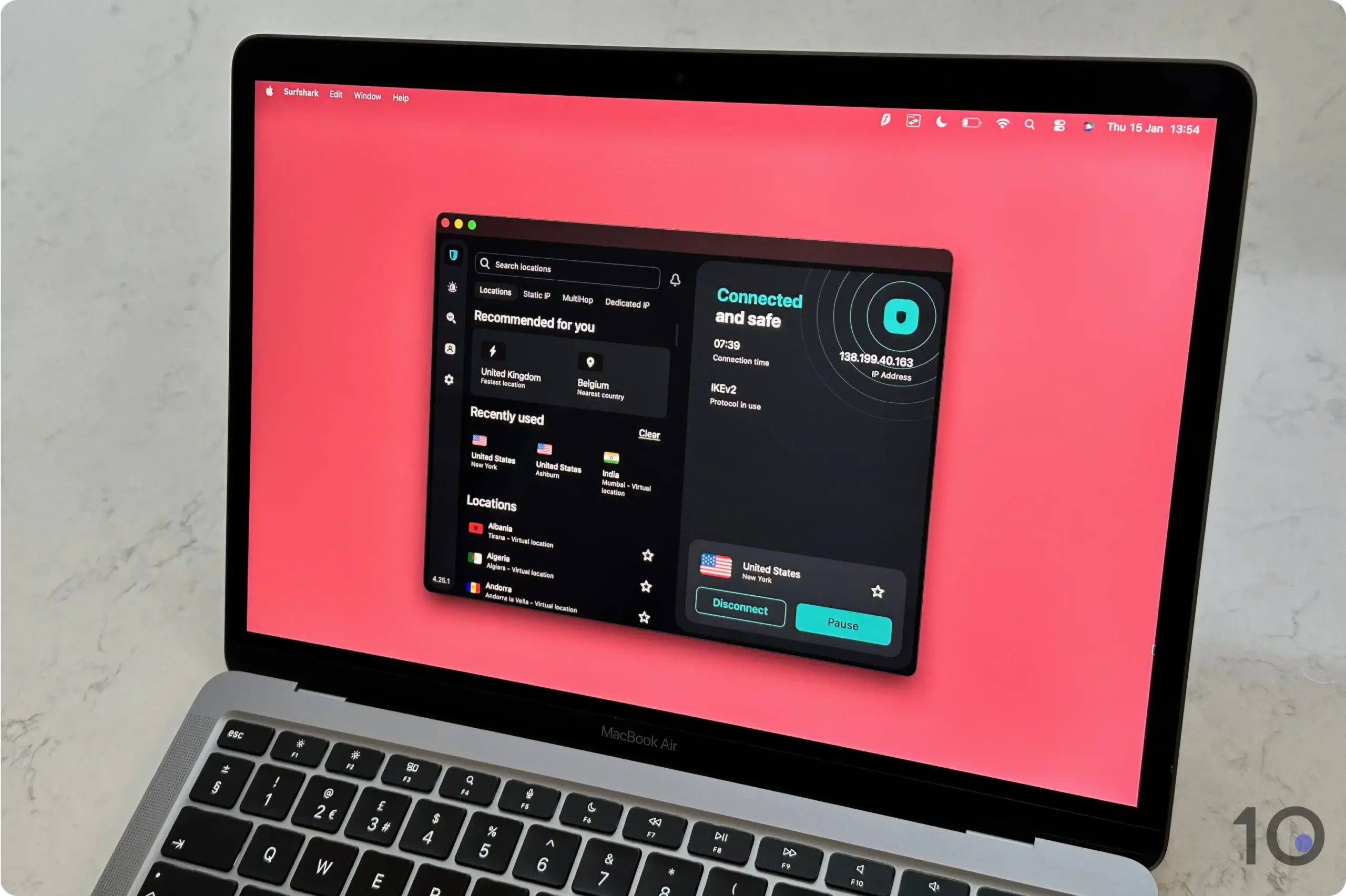
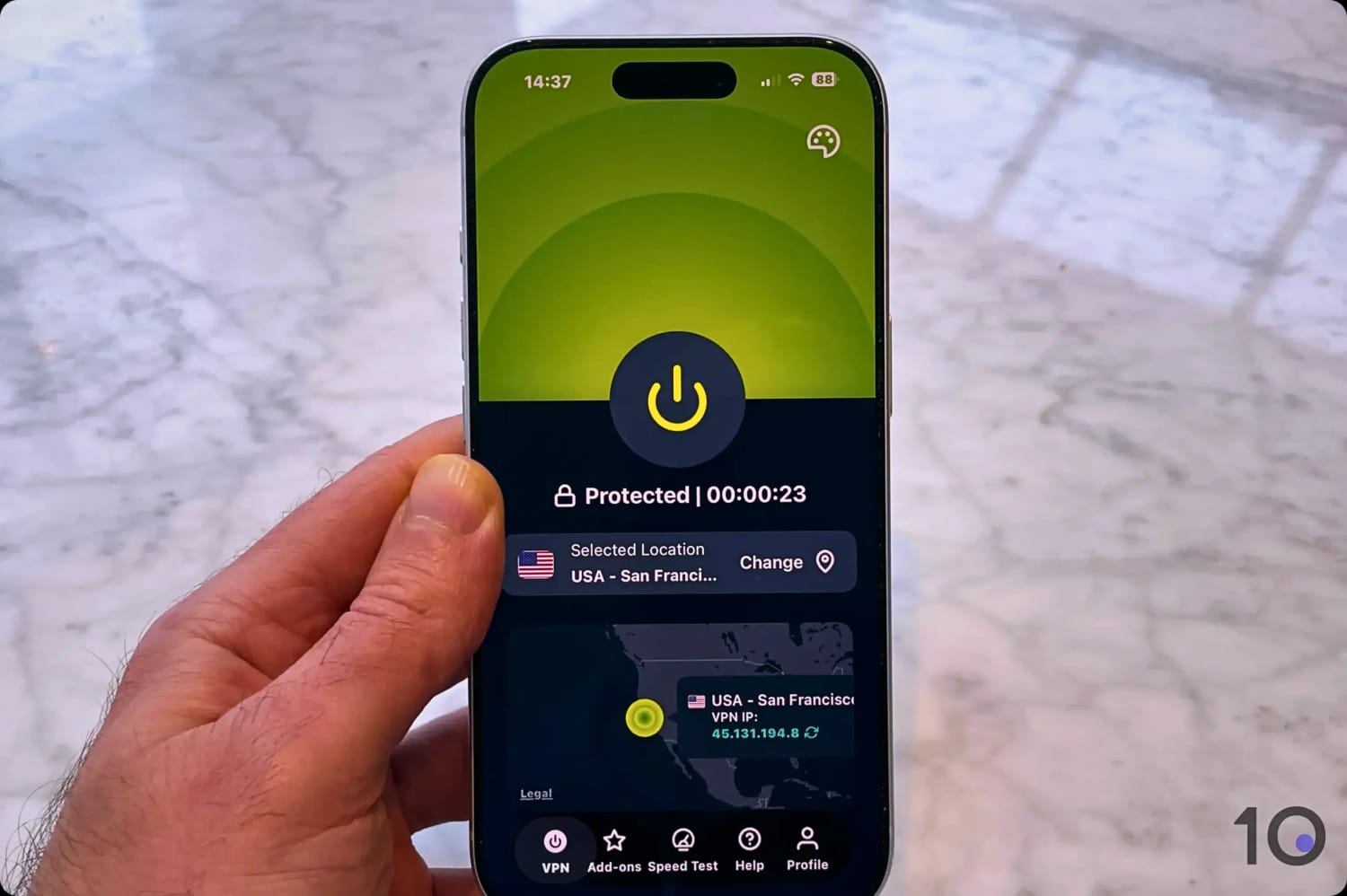
Most of the time, the easiest way to set up a VPN is to install a dedicated VPN app, which doesn’t require manual configuration.
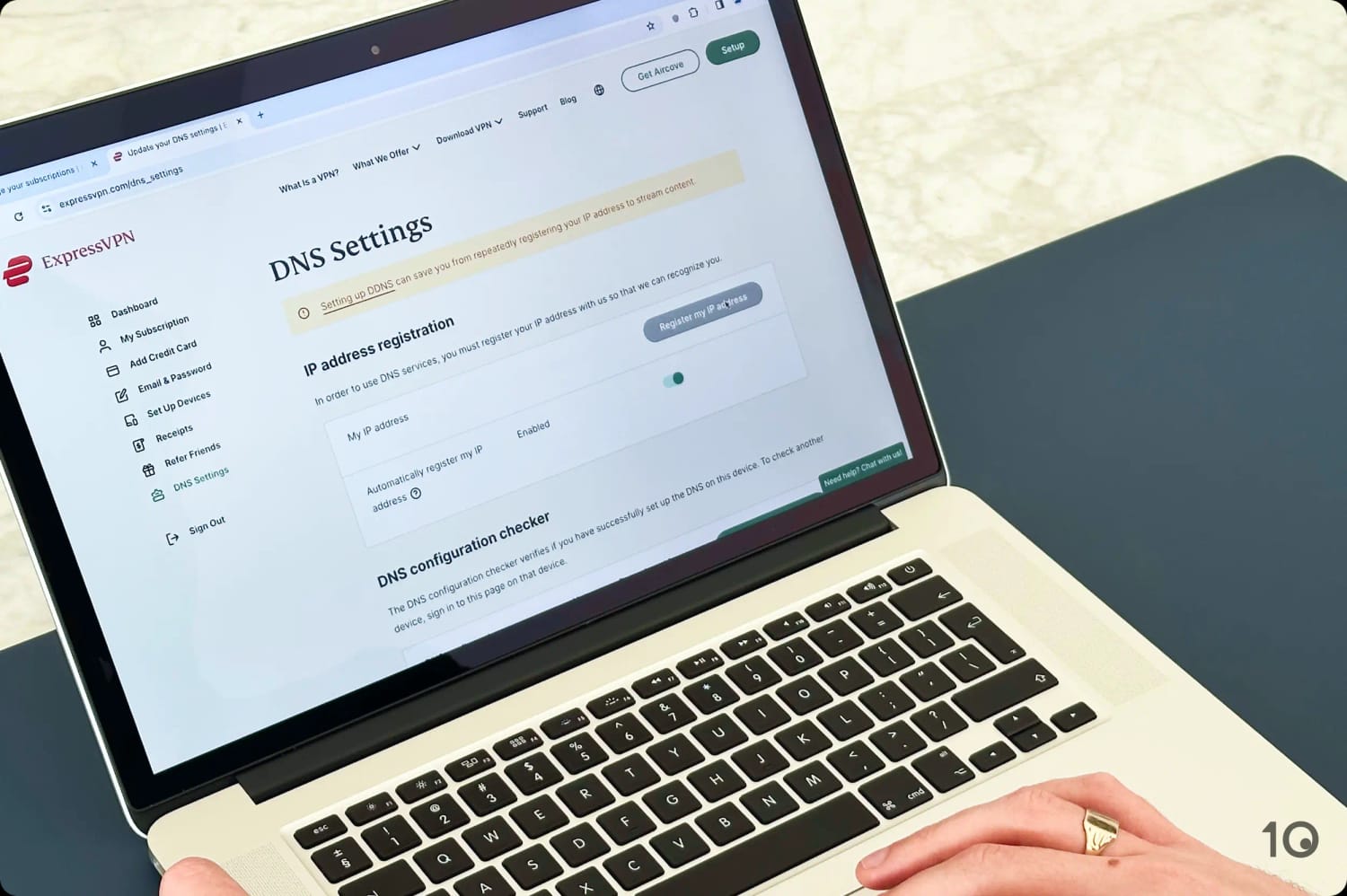
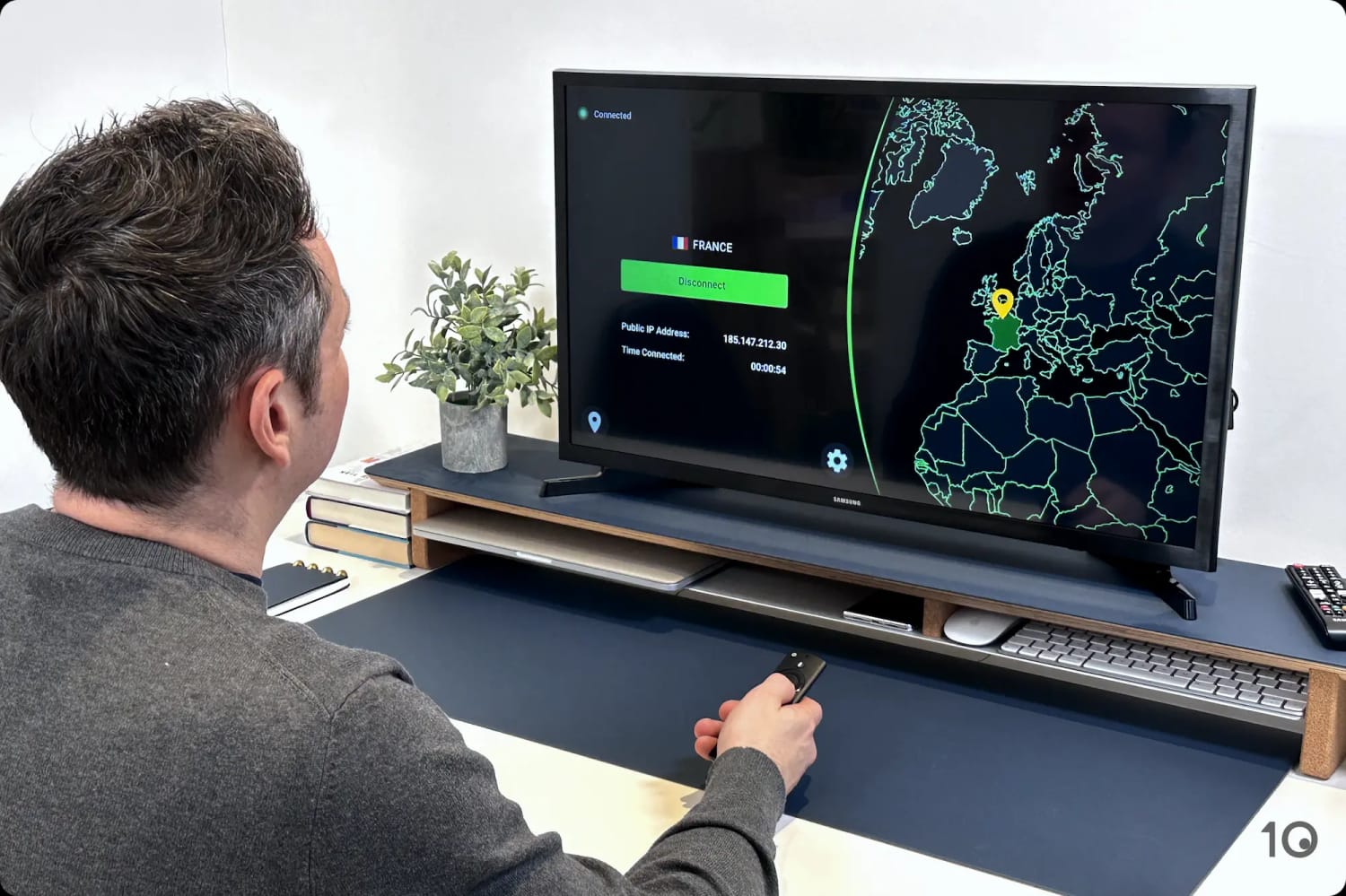
On devices that can’t run VPN apps directly – like game consoles and some smart TVs – you’ll have to use alternative methods to use your VPN on them (as we explained in this guide).
You’ll also need to set up your VPN manually if you don’t have permission to install software on your device.
What Is a VPN Kill Switch & Do I Need It?
What Is a VPN Kill Switch & Do I Need It?
A kill switch automatically cuts your internet connection if the VPN drops unexpectedly, preventing your real IP address from being exposed. It’s a useful safety net that we always recommend enabling.
What's the Safest VPN Protocol to Use?
What's the Safest VPN Protocol to Use?
WireGuard and OpenVPN are both excellent choices. WireGuard is faster; OpenVPN has a longer track record.
How Do I Know If My VPN Is Actually Working?
How Do I Know If My VPN Is Actually Working?
After connecting to a VPN server, go to our What Is My IP tool and check the IP address and location shown. It should match your VPN server’s location, not your real location.
You can also run a DNS leak test to confirm your DNS requests are being routed through the VPN.